AI decorating app: redesign any room from your phone in 2026
The best AI decorating apps let you upload a room photo and see it redecorated in 30+ styles. Free to try. How they work, which one to pick, and real results.

Ryan H.
Founder of Remodel AI · April 28, 2026 · 11 min read
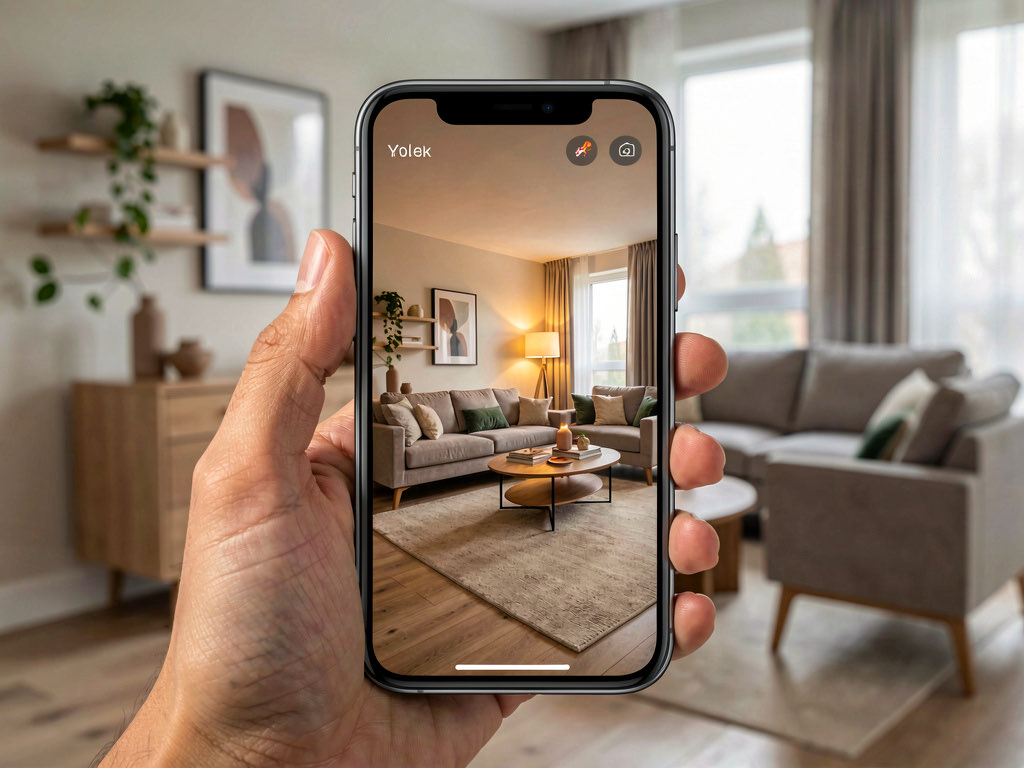
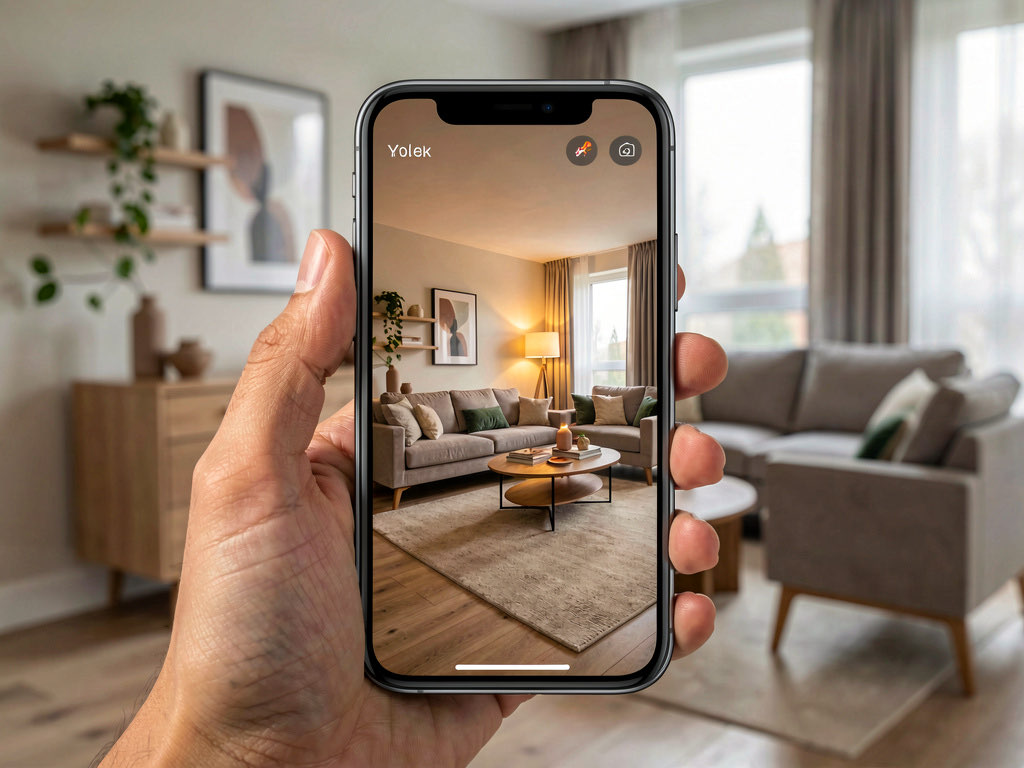
The best AI decorating app in 2026 is Remodel AI — upload a photo from your phone, pick a style, and see your room redecorated in 10 seconds. 30+ styles from Modern to Farmhouse to Japandi. 3 free designs, no credit card. Works on iPhone, Android, and web.
AI decorating apps have changed how people make design decisions. Instead of spending hours on Pinterest assembling mood boards from other people's homes, you take a photo of your own room and see it transformed. The result is specific to your space — your ceiling height, your windows, your floor plan — which makes the comparison genuinely useful.
Two years ago, AI room design was a novelty. The output looked obviously fake. In 2026, the best apps produce photorealistic results that you can show to a contractor or interior designer and have a productive conversation about what you want.
What AI decorating apps actually do
An AI decorating app takes a photo of your existing room and generates a new version of that room in a different style. The AI identifies the room's structure — walls, floor, ceiling, windows, doors — and replaces the finishes, furniture, and decor while keeping the architecture intact.
This is different from AI image generators like Midjourney or DALL-E. Those tools create images from text descriptions. They cannot take your specific room and redecorate it. AI decorating apps use image-to-image models that understand spatial relationships and can apply style changes to an existing photograph.
The practical result: you see what your living room would look like with new furniture, new paint, new flooring, and new lighting — without buying anything, moving anything, or hiring anyone.
How AI decorating works on your phone
The process is the same across most apps. Here is the typical workflow.
Step 1 — Photograph your room. Stand in a corner or doorway and take a wide-angle shot that captures as much of the room as possible. Include the floor, at least two walls, and the ceiling if you can. Natural daylight gives the AI the most detail to work with, but overhead lighting works too.
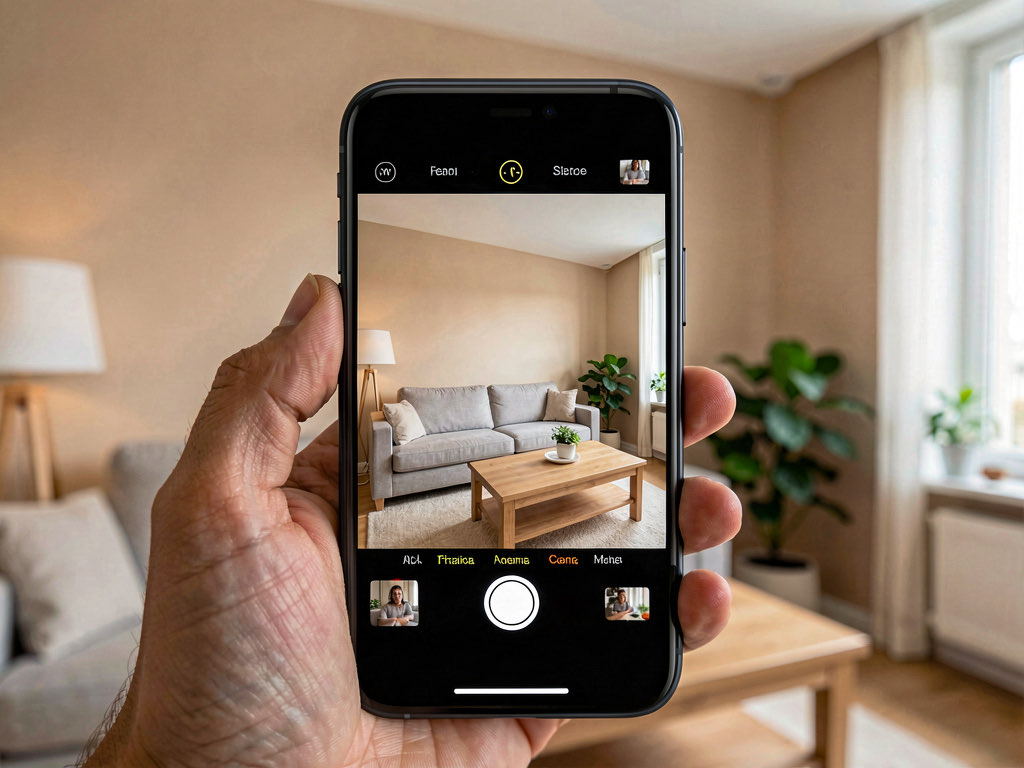
Step 2 — Upload the photo. Open the app, select Interior Design (or whatever the tool is called), and upload the photo from your camera roll. Some apps let you take the photo directly within the app.
Step 3 — Choose a style. Most apps offer between 10 and 30+ design styles. Common options include Modern, Scandinavian, Farmhouse, Industrial, Bohemian, Mid-Century Modern, Coastal, Japandi, Art Deco, and Traditional.
Step 4 — Wait 10-30 seconds. The AI processes your image and generates a redecorated version. Faster apps like Remodel AI finish in about 10 seconds. Slower ones can take up to a minute.
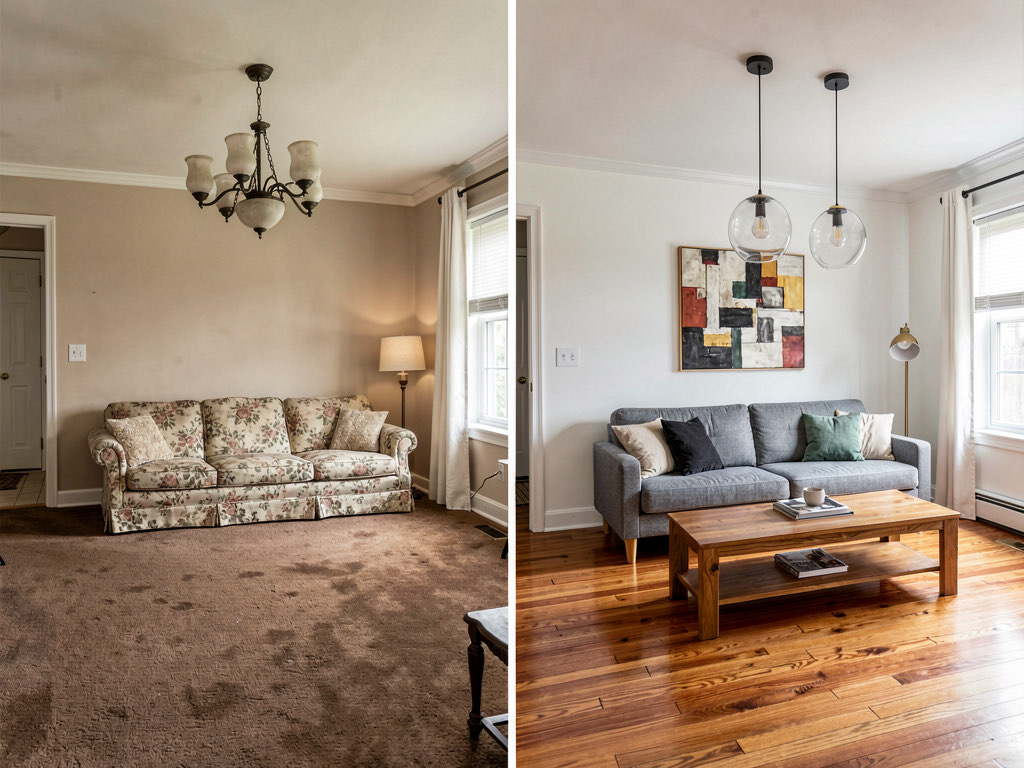
Step 5 — Compare and iterate. Look at the result next to your original photo. If you like the direction, try running it again for a variation. If you want something different, switch styles and generate again.
The key insight most people miss: run the same room through at least 4-5 styles before deciding. The style you think you want is often not the style that actually works best in your specific space.
5 best AI decorating apps compared
After testing every major AI decorating app available in 2026, here are the five worth using.
1. Remodel AI — best overall
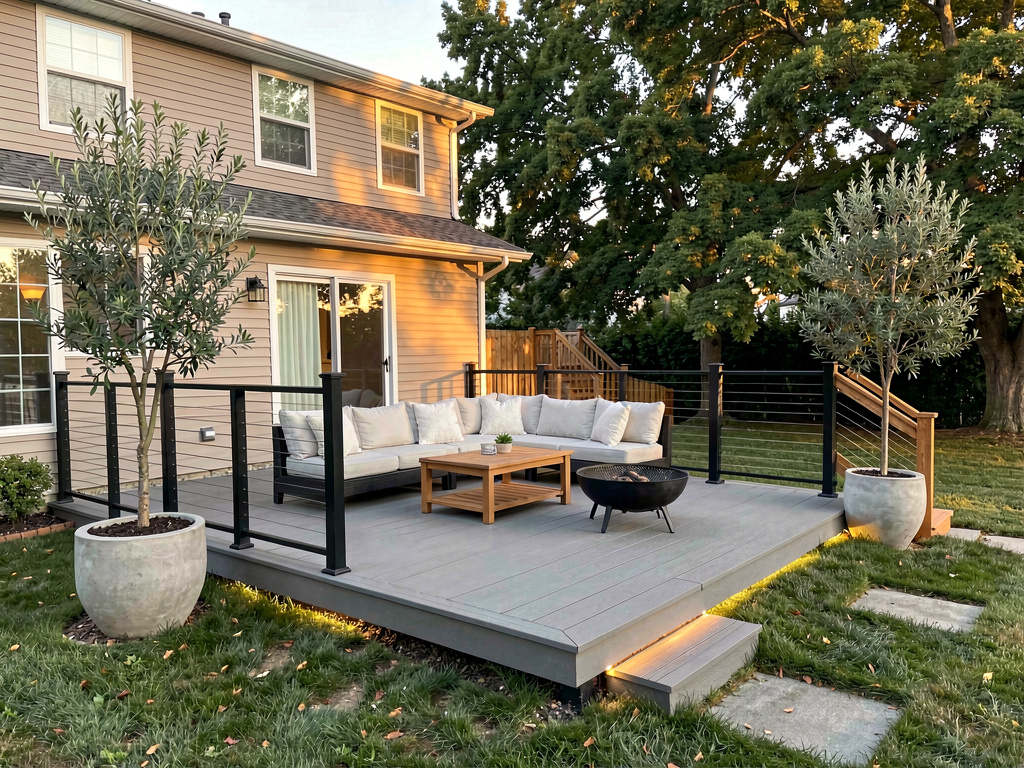
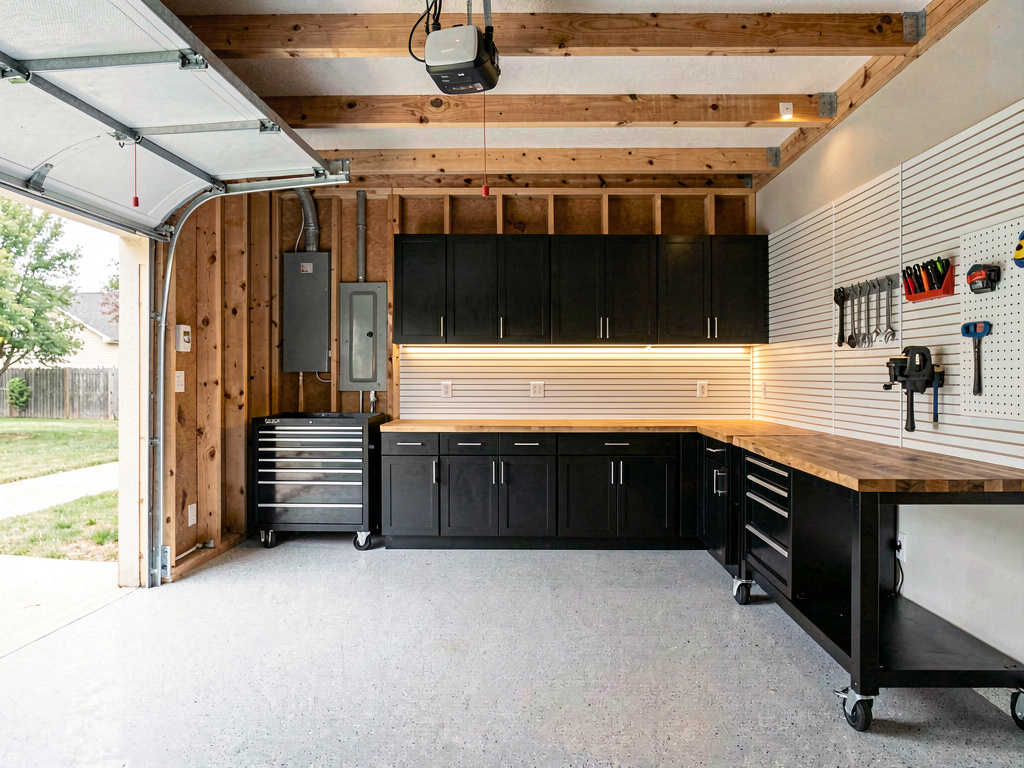
Remodel AI offers 30+ interior styles, 11 exterior styles, and 10 garden styles across 8 different tools: interior design, exterior design, virtual staging, floor replacement, paint visualization, landscape design, object removal, and furniture swap. Generation takes about 10 seconds.
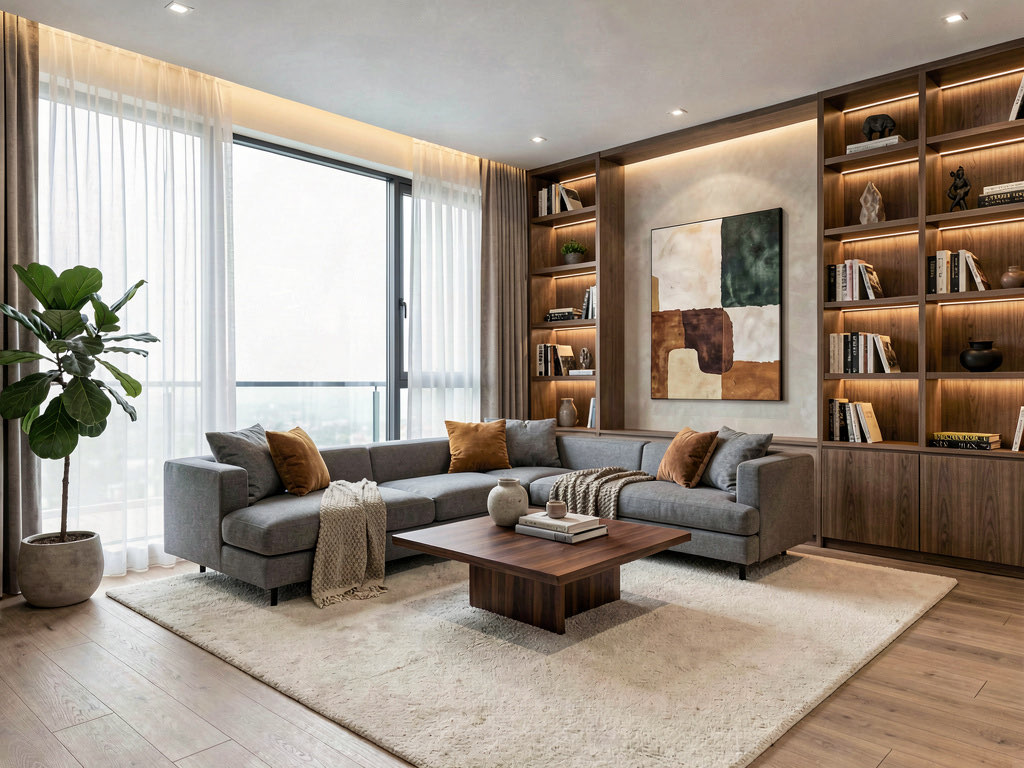
The app works on iOS, Android, and web. You get 3 free designs with no credit card required. Pro is $29/month, Premium is $49/month. The quality of output is consistently high — results look like real rooms, not AI-generated images.
What sets it apart is the breadth of tools. Most apps only do interior redesign. Remodel AI covers the full property — inside, outside, landscaping, staging, and specific modifications like changing just the floor or just the paint color.
2. AI Designer — best for quick experiments
AI Designer is a solid iOS app with a clean interface and good output quality. It is a good second option to have installed for comparison. The style library is smaller than Remodel AI but covers the most popular options.
3. RoomGPT — best free tier
RoomGPT was one of the first AI room design tools. It is web-based and offers a reasonable free tier. The output quality has improved significantly since launch, though it still falls behind the top apps on photorealism. Good for a quick test if you want to try AI decorating without installing anything.
4. Interior AI — best for high-resolution output
Interior AI produces high-resolution outputs and has a clean web interface. The style options lean toward contemporary and luxury aesthetics. The free tier is limited, and pricing is higher than most competitors for regular use.
5. Homestyler — best for floor plans
Homestyler combines AI decoration with traditional floor plan tools. If you want both a 2D floor plan and AI-generated room visualizations, it covers both. The AI decoration quality is decent but not as photorealistic as the top options on this list.
For a deeper comparison, see our best AI interior design apps roundup and our free AI interior design guide.
Tips for getting the best results from phone photos
The quality of your photo directly affects the quality of the AI output. Here is what matters.
Shoot wide. Use the 0.5x ultra-wide lens on your phone if you have one. The more of the room the AI can see, the better the result. A tight crop of one corner gives the AI less context and produces less impressive transformations.
Use natural light. Open the curtains and blinds. Turn off overhead lights if natural light is sufficient. Natural light gives the AI accurate color information and clean shadows. Mixed lighting (daylight plus warm overhead bulbs) can confuse the color temperature of the output.
Stand in a corner or doorway. This gives the widest possible view. Shooting from the middle of the room means you are missing the wall behind you, which limits what the AI can do.
Keep your phone level. Tilting the phone up or down creates perspective distortion that can make the AI output look slightly off. Hold the phone at chest height, pointed straight ahead.
Clear extreme clutter. A few items on surfaces are fine — the AI handles normal mess well. But a room buried under laundry piles or stacked moving boxes will confuse the model. You do not need the room to be perfectly clean, just reasonably normal.
Room by room decoration ideas
Different rooms benefit from different styles. Here is what works where.
Living room
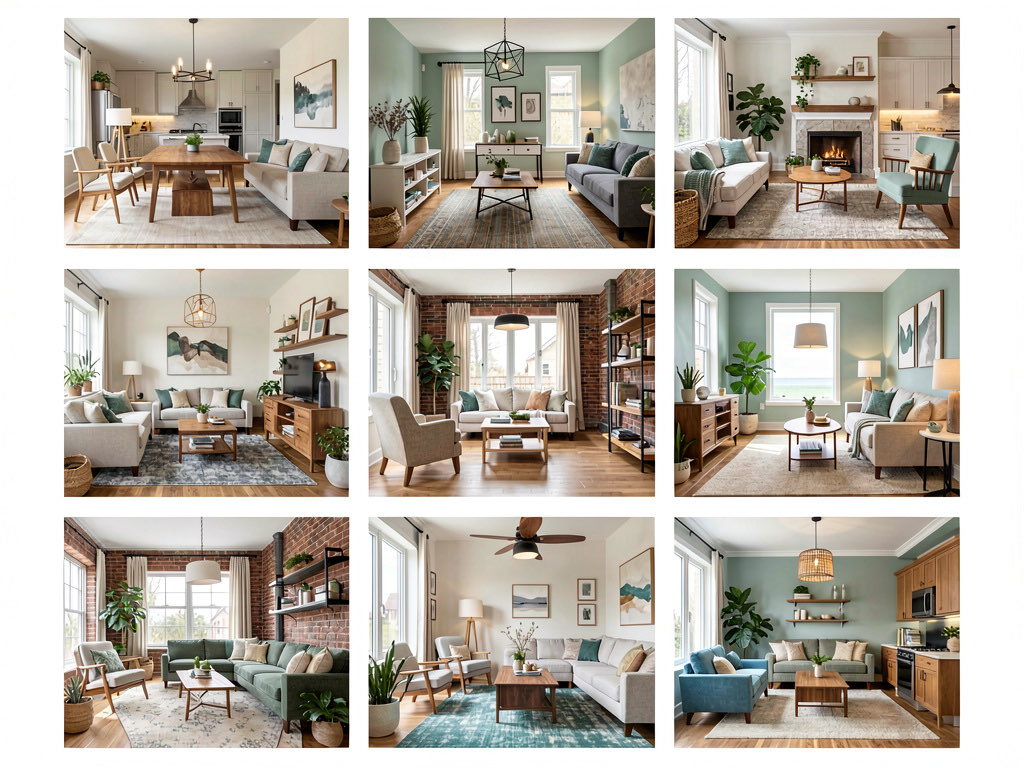
The living room is the best room to start with because it has the most design flexibility. Try Modern for clean lines, Farmhouse for warmth, Scandinavian for brightness in small spaces, or Industrial for character in loft-style apartments.
See Your Room Redesigned
Download Remodel AI and transform any room in 30 seconds. 3 free designs, no signup.


The AI handles living room transformations well because living rooms have the most varied furniture arrangements and the largest wall surfaces for the model to work with.
Bedroom
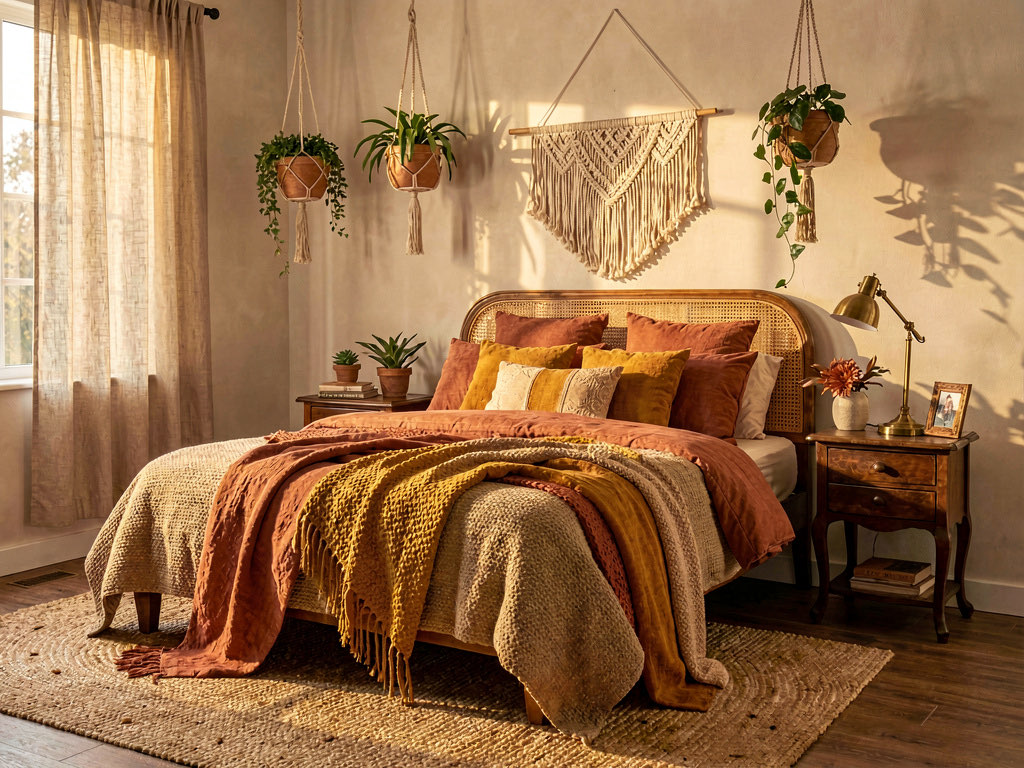
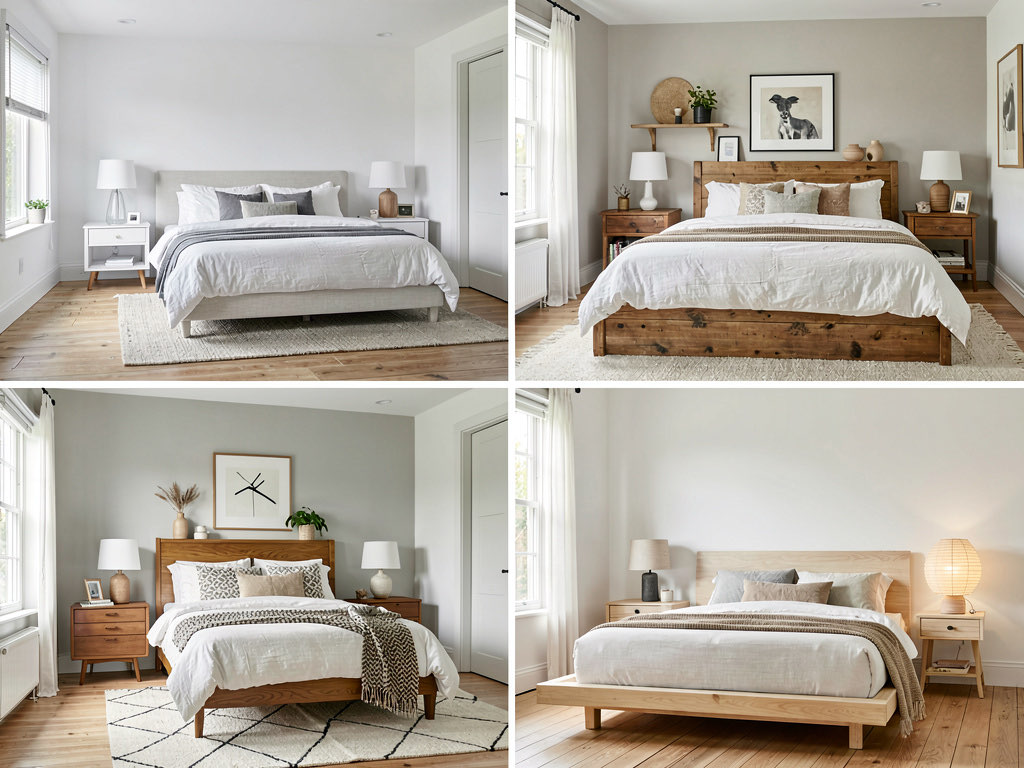
Bedrooms respond well to warmer styles. Bohemian, Japandi, and Mid-Century Modern tend to produce the most appealing bedroom results. Avoid high-contrast industrial styles in bedrooms unless you specifically want that aesthetic — the AI tends to make bedrooms feel cold when it applies metal and concrete textures.
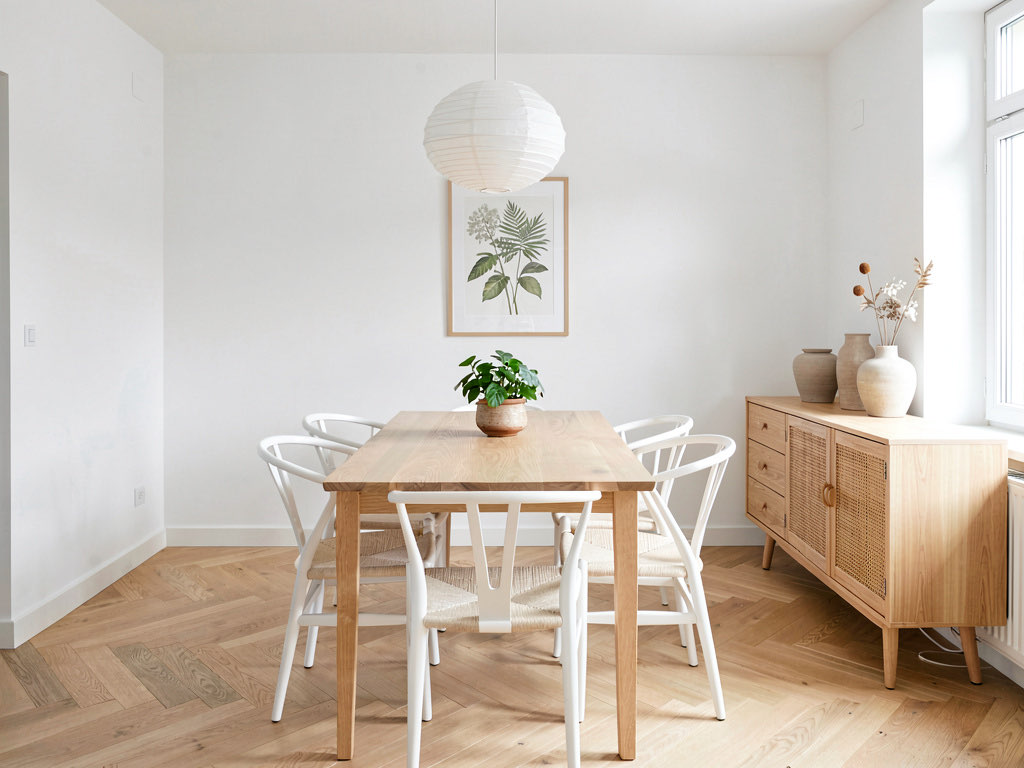
Dining room
Dining rooms are straightforward because the furniture is simple — a table and chairs. This makes the style transformation very clean. Scandinavian dining rooms look particularly good through AI because the minimal furniture lets the style shine.
Kitchen
Kitchens are the hardest room for AI decorating because they have the most fixed elements — cabinets, countertops, appliances, backsplash. The AI still transforms them effectively, but you need a clear wide shot that shows the full kitchen. For detailed kitchen AI design, see our how to use AI to decorate a room guide.
Home office
Home offices are an underrated use case. Try running your office through Modern, Scandinavian, and Mid-Century Modern. The AI replaces your desk, shelving, and lighting setup with cohesive alternatives that look like they were designed together.
What you can and cannot do with an AI decorating app
What works well: Seeing how different styles look in your specific space. Comparing color palettes. Showing a contractor or designer what you want. Testing whether dark cabinets or light cabinets work better in your kitchen. Convincing a partner that your idea is not crazy.
What does not work: Precise furniture shopping. The AI generates a style impression, not a product recommendation. If the AI shows you a mid-century modern sofa, it will not tell you which specific sofa to buy or where to find it. You still need to do that research separately.
What works surprisingly well: Virtual staging for real estate listings. If you are selling a home, AI can stage an empty room with furniture in seconds instead of paying $2,000+ for physical staging or $300+ per room for traditional virtual staging.
How much AI decorating apps cost
Most AI decorating apps follow a freemium model. Here is the typical pricing structure in 2026.
Free tier: 1-5 free designs to try the app. Remodel AI gives 3 free designs, no credit card required.
Monthly subscription: $19-$49/month for unlimited or near-unlimited designs. Remodel AI Pro is $29/month.
Per-image pricing: Some apps charge $1-$5 per generated image instead of a subscription. This works if you only need a few images, but gets expensive fast if you are exploring multiple styles.
For most people, the free tier is enough to make a decision about one room. If you are redecorating multiple rooms or comparing many styles, the monthly subscription pays for itself within a single design session.
How AI decorating compares to hiring an interior designer
An interior designer charges $100-$300 per hour or $2,000-$10,000 for a full room design, according to HomeAdvisor. That fee includes style consultation, material sourcing, furniture selection, space planning, and project coordination.
An AI decorating app costs $0-$29/month and gives you style exploration — the first 10% of what a designer does. But that first 10% is often the most valuable part, because it answers the question: what direction should we go?
The smartest approach is sequential. Use AI to explore styles and nail down a direction. Then hire a designer to execute that direction with specific materials, furniture, and a detailed plan. You arrive at the first meeting with a clear vision, the designer does not waste time presenting options you will reject, and the project moves faster.
For more style exploration, check out our interior design styles guide.
Getting started today
Download Remodel AI on iOS, Android, or use the web app. Take a photo of the room you want to redecorate. Run it through 3-5 styles. The whole process takes under five minutes and costs nothing.
If you like what you see, run every room in your home through your favorite style to see how the whole house would feel as a cohesive design. Most people find at least one room where the AI result surprises them — either a style they would not have considered turns out to work perfectly, or a style they were committed to turns out to look wrong in their space.
That is the real value of an AI decorating app: fast, cheap, honest feedback on your design ideas — applied to your actual home, not someone else's.
Frequently asked questions
Is there a free AI decorating app?
Yes. Remodel AI gives you 3 free room designs with no credit card required. Upload a photo, pick a style, and see the result in 10 seconds. AI Designer also offers a free trial. Most AI decorating apps let you try at least 1-3 designs for free before requiring a subscription.
How accurate are AI room decorating results?
The style impression and color combinations are very reliable. If the AI shows you a Scandinavian living room and you like it, you will like a real Scandinavian living room in that space. The AI does not produce exact furniture recommendations — it shows you a design direction. Specific pieces, materials, and dimensions still require in-person shopping.
Can I use an AI decorating app for renting?
Absolutely. AI decorating apps are especially useful for renters because they let you test changes before committing. See how removable wallpaper, new throw pillows, a different rug, or rearranged furniture would change the feel of your space. Since most renter-friendly changes are reversible, you can experiment freely.
Do AI decorating apps work for small rooms?
Yes, and small rooms are where AI decoration is most useful. A style that looks spacious in a large room might feel cramped in a small one. The AI shows you this immediately because it is working with your actual room dimensions. Light-colored styles (Scandinavian, Coastal, Modern Minimalist) tend to make small rooms feel larger.
Can I share AI-decorated room images with my contractor?
Yes. Saving and sharing the AI output is one of its most practical uses. Contractors and designers appreciate having a visual reference — it reduces miscommunication, speeds up quoting, and keeps everyone aligned on the direction. Make it clear that the image is an AI-generated style reference, not a construction drawing.
Related reading
Ready to Try AI Interior Design?
Upload a photo and redesign any room in seconds. 3 free designs, no signup required.