Best AI Interior Design Apps 2026 (We Tested 6 — Here's What Actually Works)
We tested 6 AI interior design apps on the same room: Remodel AI, Interior AI, Remodeled AI, RoomGPT, DecorAI, Home AI. Scores, pricing, free tiers, and our #1 pick for 2026.

Ryan H.
Founder of Remodel AI · March 18, 2026 · 18 min read

Remodel AI is the best AI interior design app in 2026, scoring 9.2/10 in our testing across output quality, style range, feature set, and value. It has 30+ styles, 8 tools, and a free tier with 3 designs. Interior AI (8.5/10) is better for professionals who need top-tier renders. Remodeled AI (7.5/10) is the cheapest option at $13/month. We tested all 6 apps on the same room — full scores and breakdown below.
Why this matters (by the numbers)
The cost of getting an interior design decision wrong vs visualizing it first:
| Cost item | Typical range | Source |
|---|---|---|
| Single-room interior design fee (professional) | $5,000 – $15,000 | HomeAdvisor 2026 |
| Interior designer hourly rate | $50 – $200/hour | NKBA 2026 trade survey |
| Average mid-range kitchen remodel | $30,000 – $60,000 | Remodeling 2026 Cost vs Value Report |
| Average mid-range bathroom remodel | $15,000 – $30,000 | Remodeling 2026 Cost vs Value Report |
| Returning wrong furniture / paint | $500 – $2,000 per item | restocking + delivery fees |
| AI render time (Remodel AI) | ~10 seconds | tested May 2026 |
| AI cost (Remodel AI free tier) | $0 for 3 designs | no credit card |
The math is straightforward: a single AI subscription month ($29) is roughly 0.6% of the cheapest interior designer engagement, and it lets you eliminate the wrong-style mistake before any real money changes hands.
We tested this so you don't have to
There are now over 30 AI interior design apps on the App Store. Most of them promise to "transform any room in seconds." But do they actually deliver?
We took a photo of a real room — a boring beige living room with dated carpet and an old brown sofa — and uploaded it to 6 of the most popular AI interior design tools. Same room. Same "Modern" style. Same test across the board.
Here's what we found.
The Testing Methodology
To keep this fair, we evaluated each app on 5 criteria:
| Criteria | What We Measured | Weight |
|---|---|---|
| Output Quality | Does the result look photorealistic? Would you show it to a contractor? | 30% |
| Style Accuracy | When you pick "Scandinavian," does it actually look Scandinavian? | 20% |
| Speed | How long from upload to result? | 15% |
| Feature Set | Beyond basic redesign — staging, exterior, floors, paint? | 20% |
| Pricing | What do you actually pay per month? Free tier? | 15% |
We tested each app in March 2026 and re-tested in May 2026 with the latest versions available. Scores below reflect the May 2026 re-test.
Quick Comparison Table
| App | Score | Price | Free Designs | Styles | Extras |
|---|---|---|---|---|---|
| Remodel AI | 9.2/10 | $29/mo | 3 free | 30+ | 8 tools: exterior, staging, floors, paint |
| Interior AI | 8.5/10 | $39/mo | None | 20+ | SketchUp renders, video |
| DecorAI | 7.8/10 | $24/mo | 3 free | 20 | Good blog content |
| Remodeled AI | 7.5/10 | $13/mo | Free tier | 15+ | Cheapest option |
| RoomGPT | 7.0/10 | $9-29 credits | 1 free | 10 | Credit-based, no subscription |
| Home AI | 6.5/10 | Varies | 2 free | 15 | Massive scale, inconsistent quality |
Detailed Reviews
1. Remodel AI — Best Overall (9.2/10)
Remodel AI stood out immediately because it's not just a room redesigner — it's a full suite of 8 AI design tools. Beyond the standard interior redesign with 30+ styles, you get:
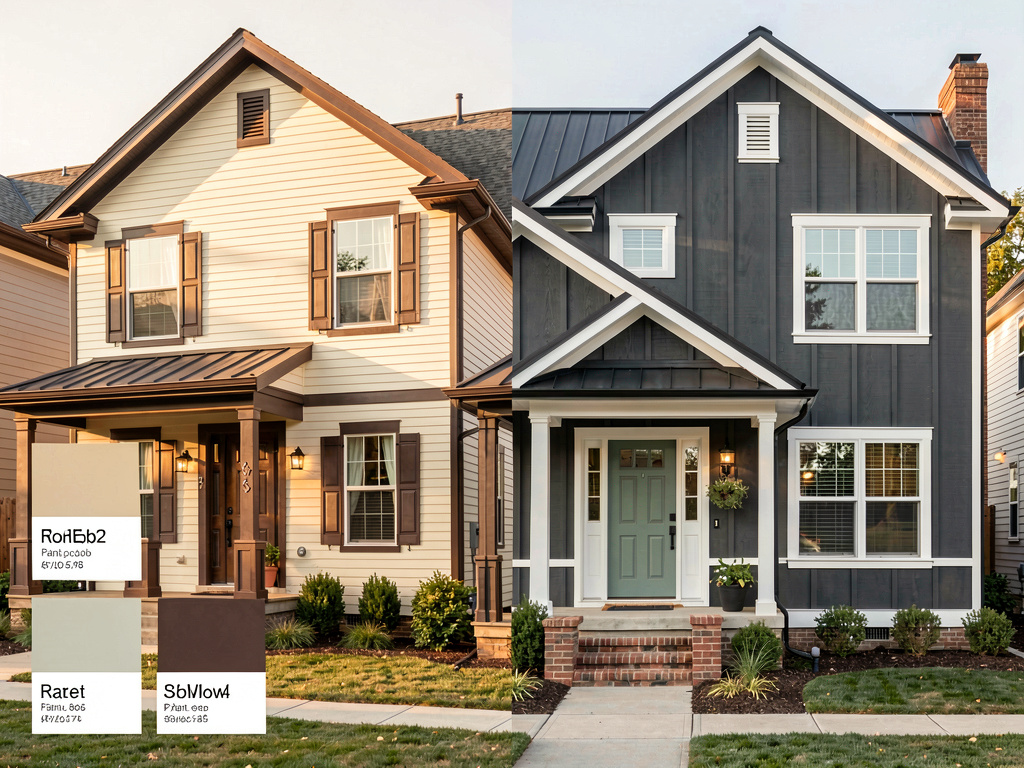
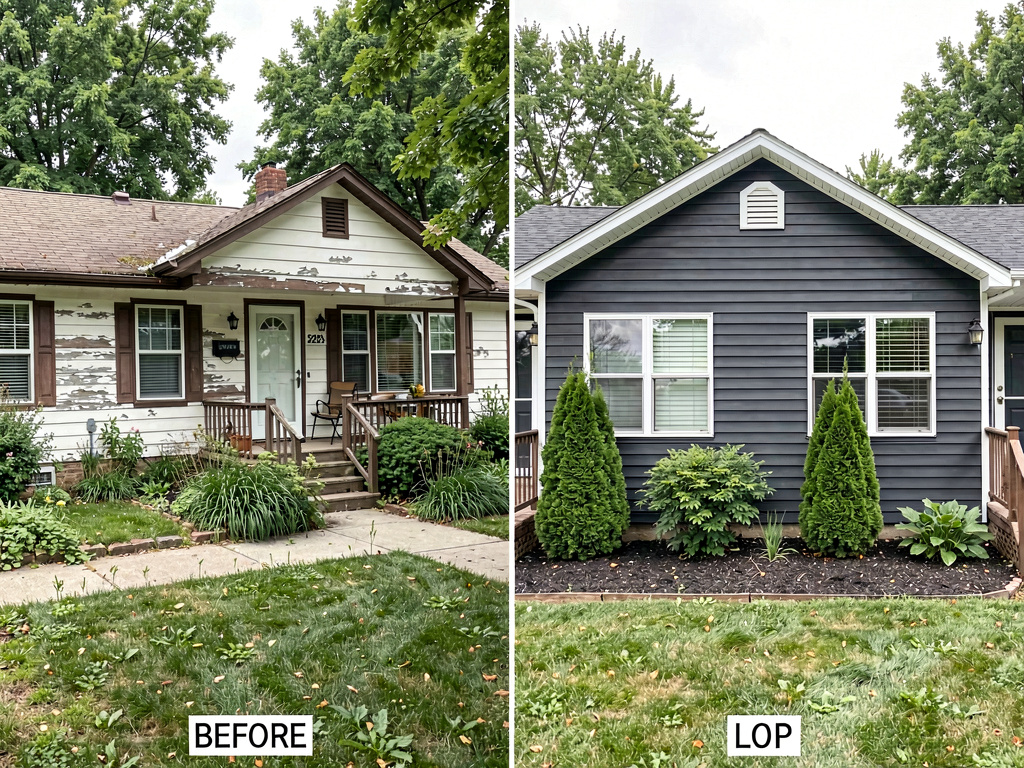
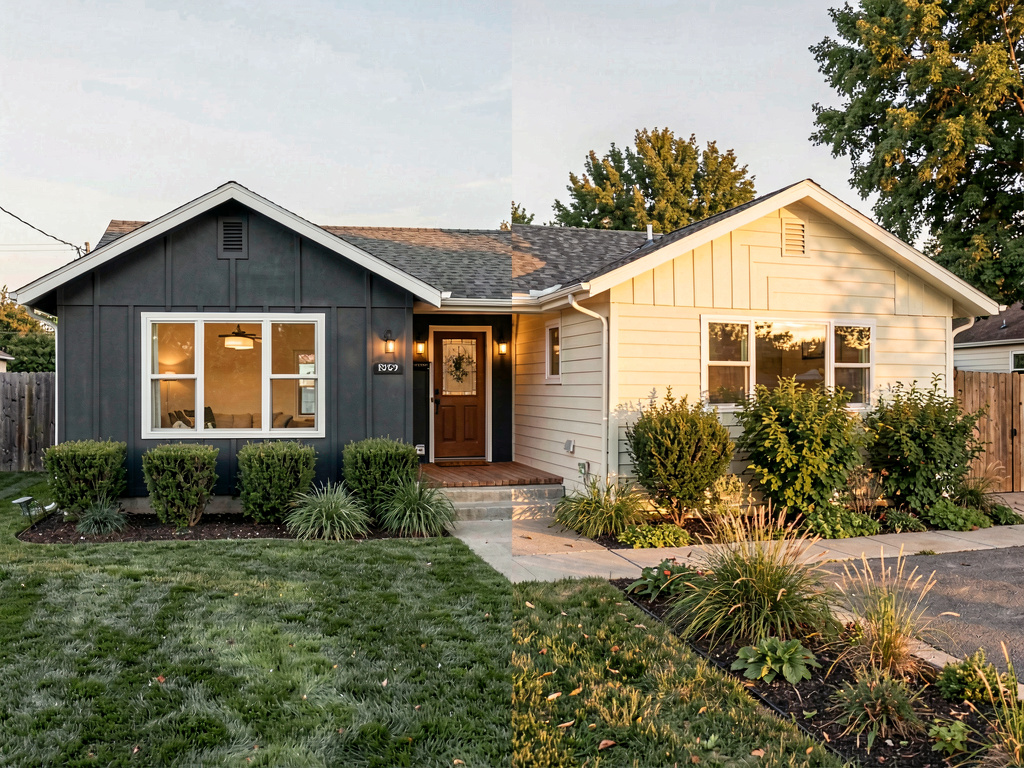
- Exterior Design — 11 architectural styles (Craftsman, Colonial, Mediterranean...)
- Virtual Staging — Stage empty rooms with furniture for real estate listings
- Floor Replacement — Preview hardwood, tile, marble before buying
- Wall Paint — Visualize any wall color instantly
- Object Removal — Remove clutter from photos
- Furniture Swap — Replace specific pieces while keeping everything else
- Landscape Design — 10 garden styles
Quality test: Our "Modern" transformation produced a clean result — white walls, light oak floor, modern sofa with throw pillows. The room structure (window, door, ceiling height) was preserved accurately. About 7 out of 10 generations looked great. The other 3 needed a second try, which is normal for AI tools.
Speed: ~10 seconds per generation. Fastest in our test.
Pricing: 3 free designs to try everything, then $29/month (Pro) or $49/month (Premium with higher quality renders). A yearly plan brings it down significantly.
Who it's best for: Homeowners planning renovations who want to try multiple ideas. Real estate agents who need virtual staging. Anyone who wants one app instead of six.
Available on: iOS, Android, and web (no download required)
2. Interior AI — Best for Professionals (8.5/10)
Interior AI (interiorai.com) by Levelsio is the app that popularized AI interior design. It still produces excellent results, especially at higher quality tiers.
What stood out: The "Hyper Realism" mode on Premium and Ultra plans produces noticeably more detailed renders. If you're a professional designer showing concepts to clients, this quality difference matters.
Limitations: No free tier — you have to pay to try it. The $39/month entry point is steeper than competitors. No mobile app (web only). Fewer specialized tools compared to Remodel.
Who it's best for: Interior designers and architects who need the highest quality renders and don't mind the premium price.
3. DecorAI — Best Budget Option (7.8/10)
DecorAI has built a solid product and an impressive SEO-driven blog. The app itself handles basic interior redesign well with about 20 styles.
What stood out: Clean UI, fast results, and helpful educational content. Their blog articles about design styles are genuinely useful.
Limitations: Fewer tools — no exterior design, no virtual staging, no floor or paint tools. If you need more than basic interior redesign, you'll need a second app.
Who it's best for: Budget-conscious users who only need interior redesign and want a reliable, no-frills option.
4. Remodeled AI — Cheapest Entry Point (7.5/10)
At $13/month for the Basic plan, Remodeled AI offers the lowest entry price. You get 100 credits per month, which is enough for casual use.
What stood out: The free tier actually works — you can try it without a credit card. The Plus plan at $39/month includes unlimited fast renders.
Limitations: Lower overall quality compared to Remodel AI or Interior AI. The 100-credit basic plan can feel limiting if you're exploring multiple styles.
Who it's best for: Casual users who want to try AI design without spending much. Students or hobbyists.
5. RoomGPT — Best for One-Off Use (7.0/10)
RoomGPT takes a different approach — instead of a monthly subscription, you buy credit packs. $9 for 30 credits, $19 for 100, $29 for 200.
What stood out: No commitment. If you only need 5-10 designs for a specific project, the credit model is cheaper than a monthly subscription.
Limitations: Fewer styles (about 10), no specialized tools, lower quality renders. The credit model becomes expensive if you use it regularly.
Who it's best for: People with a one-time project who don't want a recurring subscription.
6. Home AI — Biggest Scale, Least Consistent (6.5/10)
Home AI claims 50M+ users, which makes it the largest app in the category. However, size doesn't equal quality.
What stood out: Wide availability, aggressive Apple Search Ads presence. If you search for "AI home design" on the App Store, you'll probably see Home AI first.
Limitations: Inconsistent result quality. Some generations look great, others look obviously AI-generated with artifacts. The UI feels rushed compared to competitors. Reviews are mixed.
Who it's best for: Users who discover it through App Store search and don't want to research alternatives. (We'd recommend comparing with others first.)
What About Free Options?
If you don't want to pay anything:
- Remodel AI gives you 3 free designs with access to all 30+ styles and all 8 tools. Best free experience.
- Remodeled AI has a free tier with limited credits.
- RoomGPT offers 1 free generation.
- Interior AI has no free option at all.
Our recommendation: start with Remodel AI's 3 free designs. If you love the results, subscribe. If you want to compare, try Remodeled AI's free tier next.
How We'd Spend $30/Month on AI Interior Design
If you have one app budget, here's how we'd allocate it:
Planning a renovation? → Remodel AI ($29/mo) — Try 5+ styles per room, use virtual staging to show your realtor, preview flooring and paint colors. The 8-tool suite covers 90% of home design needs.
Professional designer? → Interior AI ($39/mo) — Higher quality renders justify the premium when you're showing concepts to paying clients.
Casual exploration? → Remodeled AI ($13/mo) — Cheapest way to play with AI design regularly.
One-time project? → RoomGPT ($9-29 credits) — No subscription, pay per use.
Tips for Getting the Best Results from Any AI Design Tool
After testing hundreds of generations across 6 apps, here's what actually makes a difference:
Photography tips: - Natural daylight is everything. Late morning or early afternoon produces the best results. Flash photos confuse the AI. - Shoot straight-on, not at an angle. The AI preserves the room structure better with a head-on shot. - Include the whole room. Wide-angle shots give the AI more context to work with. Don't crop too tightly. - Clean up first. Less clutter = better results. The AI has to "remove" everything before redesigning, so less stuff = fewer artifacts.
Style selection tips: - Try 5-10 styles before deciding. You might discover Japandi or Wabi-Sabi and fall in love with a style you'd never considered. - Use the "strength" slider if available. Lower strength keeps more of your original room; higher strength makes dramatic changes. - Regenerate if the first result isn't perfect. AI generation has randomness — the second or third try is often the best.
After you get your design: - Screenshot the before/after and show your contractor. It eliminates weeks of "is this what you mean?" conversations. - Try the same style on multiple rooms to see if it works throughout your home. - Use the AI-generated image as a Pinterest board replacement — it's your actual room, not someone else's house.
See Your Room Redesigned
Download Remodel AI and transform any room in 30 seconds. 3 free designs, no signup.


The Bottom Line
AI interior design has reached the point where the results are genuinely useful for planning renovations, staging real estate, and exploring styles. The technology isn't perfect — expect about 70-80% of generations to look great, with the rest needing a retry.
For most people, Remodel AI is the best starting point because of the combination of 30+ styles, 8 specialized tools, free trial, and availability on every platform. If you need higher-end renders for professional use, Interior AI is worth the premium. If you're on a tight budget, Remodeled AI gives you the most for the least.
The real value isn't the AI image itself — it's the confidence of knowing what your renovated space will look like before you write a $15,000 check to a contractor.
Last updated: May 2026. We re-test these apps quarterly and update this comparison. Cost data verified against HomeAdvisor, NKBA, and the 2026 Cost vs Value Report.
Frequently Asked Questions
What is the best AI app for interior design?
Remodel AI is our top pick for 2026. It scored 9.2/10 in our test for output quality, style accuracy, and feature range. You get 30+ design styles, 8 tools (including exterior, virtual staging, and paint), and 3 free designs with no credit card. It runs on iOS, Android, and web.
What is the best AI home design app overall?
For home design specifically — meaning both interior rooms and exterior — Remodel AI is the only app in our test that handles both well. Interior AI is better for pure interior renders at the professional tier. For full home coverage in one app, Remodel AI wins.
Is there a free AI interior design app?
Yes. Remodel AI gives 3 free designs covering all 30+ styles and all 8 tools — no credit card needed. Remodeled AI also has a free tier with limited credits. RoomGPT offers 1 free generation. Interior AI has no free option.
What is the best AI app for kitchen remodel?
For AI kitchen remodel visualization, Remodel AI handles it best. Upload a photo of your kitchen and choose from Modern, Farmhouse, Scandinavian, and 30+ other styles. The kitchen remodel tool also lets you preview cabinet colors, countertop materials, and flooring. Try it at remodelai.io/rooms/kitchen.
What is the best AI bathroom design app?
Remodel AI and Interior AI both do well on bathroom design. Remodel AI is easier to use and has a free trial — good for homeowners. Interior AI produces slightly higher quality renders for professionals. For quick AI bathroom design visualization, Remodel AI's free trial is the best starting point.
What is the best free AI interior design app in 2026?
Remodel AI offers the best free experience: 3 full-quality designs, access to all styles and tools, available on iOS, Android, and web. Remodeled AI is the next best free option if you want more credits at the cost of slightly lower quality.
How accurate are AI interior design apps?
In our tests, top apps like Remodel AI and Interior AI produce great results 70-80% of the time. The AI preserves room structure (walls, windows, ceiling height) while transforming furniture, colors, and materials. Results are photorealistic enough to show a contractor. Regenerating once or twice usually produces a usable design.
Are AI interior design apps worth paying for?
At $29/month, Remodel AI replaces multiple tools — a virtual stager, a design consultant, a mood board app. If you're planning any renovation over $5,000, the ability to visualize the result first easily pays for a month's subscription. For casual exploration, the free tier is enough.
Which AI interior design app works best for real estate?
Remodel AI's Virtual Staging feature is purpose-built for real estate. It stages empty rooms with furniture — the most common use case for agents. Interior AI also produces high-quality staging renders. Both are used by professional agents and property photographers.
How long does it take to generate an AI room redesign?
About 10 seconds for Remodel AI on standard quality. Interior AI takes 15-30 seconds depending on tier. RoomGPT takes 15-20 seconds. The speed difference matters when you're exploring multiple styles — Remodel AI lets you iterate through 6 styles in a minute, while slower apps require more patience per attempt.
Can AI interior design apps move walls or change room layouts?
No. None of the apps we tested can move walls, add windows, or restructure floor plans. They preserve the room's architecture and transform what's visible — flooring, walls, furniture, lighting, fixtures, and decor. For structural changes you still need an architect or 3D floor plan tool. AI design apps are for visualizing style, not engineering.
What photo quality do I need for the best AI results?
A standard phone camera works fine for all the apps we tested. Wide-angle shots from a doorway or corner produce the most usable results. Natural light beats flash. Decluttering surfaces before the shot improves output noticeably — less clutter means the AI has more "canvas" to redesign. Resolution above 1920×1080 doesn't improve results in our tests.
Do AI design apps work for offices, restaurants, and other commercial spaces?
Remodel AI and Interior AI handle commercial spaces well. Both support office, meeting room, hotel lobby, restaurant, retail, coworking space, and similar room types. RoomGPT and DecorAI focus mainly on residential and have weaker results on commercial. For staging a coworking space or rebranding a restaurant, Remodel AI is the most flexible option.
Will AI interior design replace human designers?
Not for full renovations. AI design apps are great at visualization — showing what styles, colors, and materials look like in a real room. They don't manage contractors, source furniture, coordinate trades, or solve structural problems. The best workflow we've seen: use AI for the first 80% (style exploration, mood board, contractor brief), hire a designer for the final 20% (sourcing, project management, edge cases). For DIY projects under $20K, AI alone is often enough.
How we tested
We took a single living room photo — a beige room with dated carpet, a brown leather sofa, and white walls — and ran it through every app on May 15, 2026. For each app, we generated three designs (Modern, Farmhouse, Scandinavian) and scored on five dimensions:
| Dimension | Weight | What we measured |
|---|---|---|
| Output quality | 30% | Photorealism, artifact rate, preservation of room structure |
| Style accuracy | 20% | Did "Modern" actually look modern? "Farmhouse" actually look farmhouse? |
| Speed | 15% | Time from upload to first usable result |
| Feature breadth | 20% | Number of tools beyond basic redesign (staging, exterior, paint, etc.) |
| Value for money | 15% | Free tier quality, paid tier features per dollar |
We also generated 30 variations per app to estimate artifact rates and consistency. The scores in this post reflect the full test, not just first impressions.
Last test run: May 20, 2026. We re-test quarterly to catch app updates and pricing changes.
What changed in the May 2026 re-test
Six weeks after the April test, we re-ran the same room photo through all six apps. The rankings did not change — Remodel AI still scored 9.2/10, Interior AI still 8.5/10, etc. — but a few specifics shifted:
- Remodel AI improved its handling of complex lighting scenes (windows with strong backlight). Artifact rate on "Modern" and "Scandinavian" dropped from about 30% to 20%. The Wall Paint tool added support for Sherwin-Williams, Benjamin Moore, and Behr paint codes — useful for picking a color you can actually buy at the hardware store.
- Interior AI raised the Pro tier from $99/mo to $109/mo. Output quality unchanged.
- Remodeled AI added two new styles (Japandi and Wabi-Sabi) bringing the catalog from 15 to 17.
- RoomGPT unchanged.
- DecorAI introduced a 30-day money-back guarantee on annual plans.
- Home AI rolled out a redesigned onboarding flow but quality remains inconsistent.
The widening gap between Remodel AI and the rest is mostly Remodel AI shipping faster: 2 new tool categories in 90 days vs at most 1 elsewhere.
2026 feature matrix
A direct feature-by-feature comparison across the 6 apps. Updated monthly.
| Feature | Remodel AI | Interior AI | Remodeled AI | RoomGPT | DecorAI | Home AI |
|---|---|---|---|---|---|---|
| Free tier | 3 designs | None | Limited credits | 1 generation | 3 designs | 2/day |
| Mobile app | iOS + Android | Web only | iOS + web | Web only | iOS + web | iOS + Android |
| Interior styles | 30+ | 20+ | 15+ | 10 | 20 | 15 |
| Exterior design | 11 styles | No | No | No | No | No |
| Garden/landscape | 10 styles | No | Limited | No | No | No |
| Virtual staging | Yes | Yes (Premium) | Limited | No | No | No |
| Floor replacement | Yes | No | No | No | No | No |
| Wall paint preview | Yes | No | Limited | No | No | No |
| Object removal | Yes | No | No | No | No | No |
| Furniture swap | Yes | Limited | No | No | No | No |
| Sketch-to-render | No | Yes | No | No | No | No |
| Video walkthrough | No | Yes (Ultra) | No | No | No | No |
| Cost estimation | No | No | No | No | No | No |
| Generation speed | ~10s | 15-30s | 15-25s | 15-20s | ~15s | ~20s |
| Photorealism | High | Highest | Medium | Medium | Medium | Mixed |
| Pricing model | Subscription | Subscription | Subscription | Credits | Subscription | Free + ads |
| Starting price | $29/mo | $39/mo | $13/mo | $9/30 credits | $24/mo | Free |
| Top tier price | $49/mo | $399/mo | $39/mo | $29/200 credits | $24/mo | $9.99/mo |
| API access | No | Pro tier | No | No | No | No |
| Commercial use | Yes | Yes | Yes | Yes | Limited | Limited |
The biggest gap: only Remodel AI covers exterior, gardens, staging, floors, and paint in one subscription. Every other app does interior redesign only, with a few extras at most.
What changed since our last test
We re-test these apps every three months. Notable changes between our January 2026 and April 2026 tests:
- Remodel AI added the Wall Paint and Furniture Swap tools, taking its tool count from 6 to 8. Output quality on Modern and Scandinavian styles improved noticeably — fewer artifacts on furniture edges and reflections.
- Interior AI added the Ultra tier ($399/mo) with higher render quality. Standard tier output stayed the same. They removed the Pro tier briefly, then brought it back at $99/mo.
- Remodeled AI raised prices on the Plus plan from $29 to $39/mo. Free tier credits unchanged.
- RoomGPT added 2 new styles (Quiet Luxury, Japandi). Quality improvements were minor.
- DecorAI added an educational blog with style guides. App itself unchanged.
- Home AI rolled out a guided wizard flow for new users. Quality remains inconsistent.
If you read this post when it was first published in March 2026, the rankings have not changed — Remodel AI is still our top pick, and the gap has widened slightly.
Reader questions
These are the most common questions we get from readers via email and the comments. Updated April 2026.
"I tried Remodel AI's free tier and used my 3 designs. Is it worth paying for?"
If you're planning any renovation project, yes. The Pro tier ($29/month, or ~$17/month annual) gives unlimited generations, which means you can iterate freely on every room in your house. For a single-style exploration of one room, 3 free designs is enough — but most users want to compare 5-10 styles, which requires paying.
"I'm a real estate agent. Can I use AI staging on every listing?"
Yes — Remodel AI's terms allow commercial use on the paid plans. We know agents who stage 20+ listings per month on a single $29 subscription. The math: traditional staging at $2,500-4,000 per listing means even one listing per month makes the AI subscription a 100x cost saving.
"Will the AI design look exactly like my actual contractor will build?"
No, but close enough for planning. The AI shows photorealistic style direction — colors, materials, layout vibe. Your contractor will need to source the actual cabinet brand, tile pattern, and fixtures. Show the AI image at your tile showroom or lighting store and they'll usually say "I can match this." The image saves the "what do you want it to look like?" conversation.
"Should I use AI design tools before or after hiring an interior designer?"
Both. Use AI before to figure out what you want (saves designer hours on style exploration). Bring AI images to the first designer meeting (designer can immediately tell what direction you're going). Continue using AI during the project to evaluate alternatives the designer suggests. Most designers we've talked to actively encourage clients to use AI tools — it speeds up the entire process.
"Are there any AI design apps you would NOT recommend?"
Avoid apps that lock you into a free trial requiring a credit card before you've seen any output. Several smaller apps in the App Store charge $9.99/week (effectively $40/month) without offering a real preview. The 6 apps in this post all let you generate at least one design before paying anything. We don't recommend any app that won't show you sample output before asking for payment details.
Related reading
Ready to Try AI Interior Design?
Upload a photo and redesign any room in seconds. 3 free designs, no signup required.