Free AI Room Design Tool
Upload a photo of any room and see it transformed into 30+ design styles in about 10 seconds. No design skills needed. Free to try.
No credit card required. 3 free designs included.
Or download the app


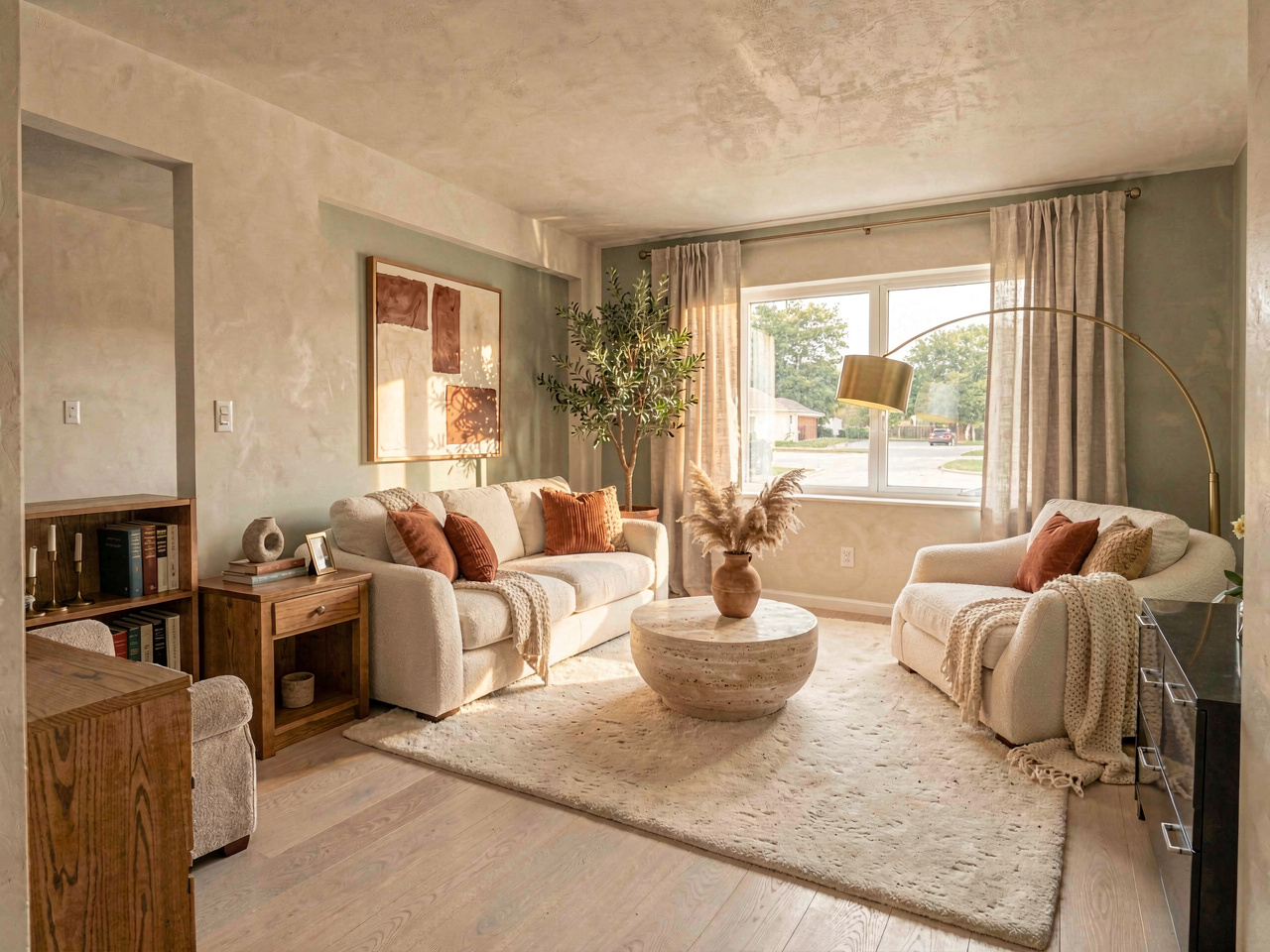
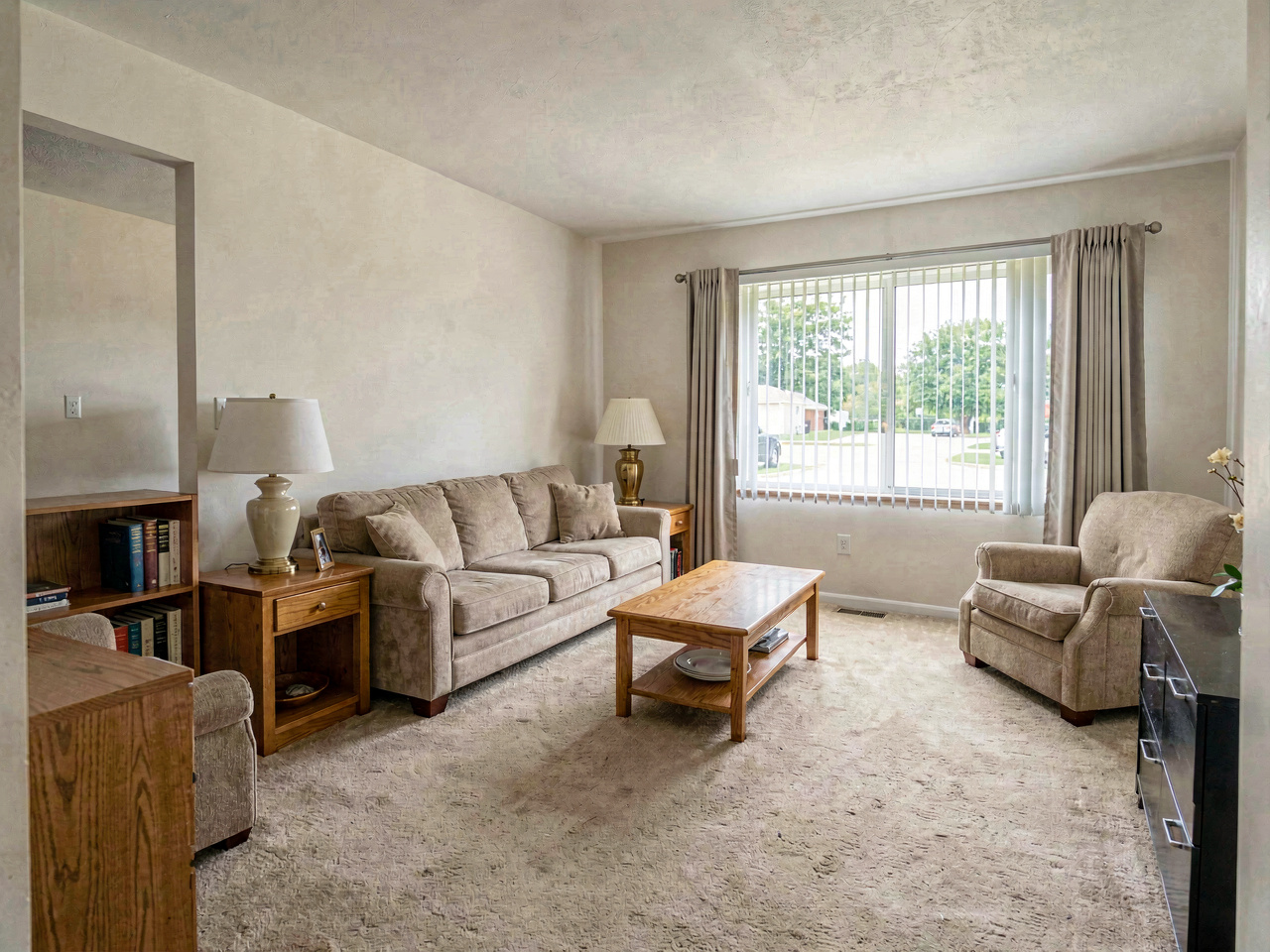
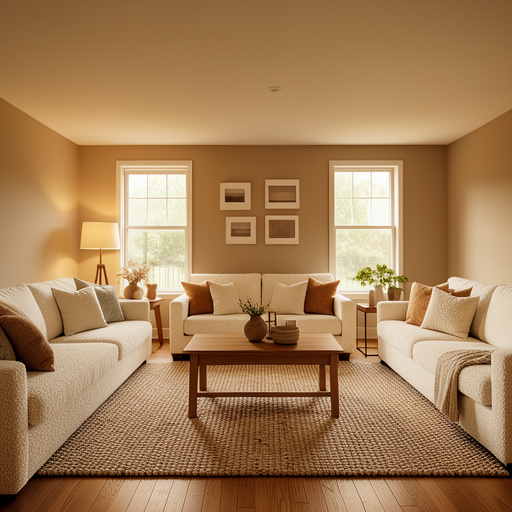
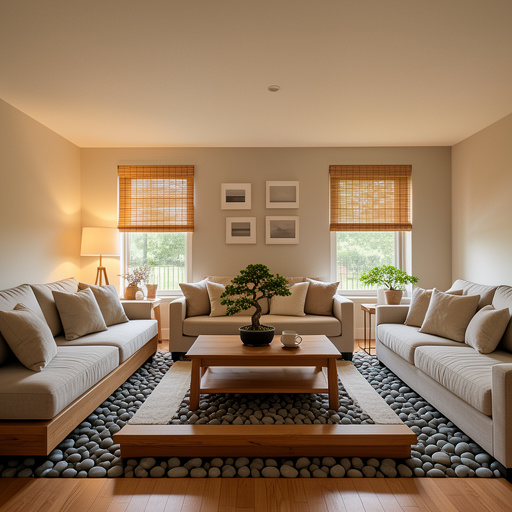
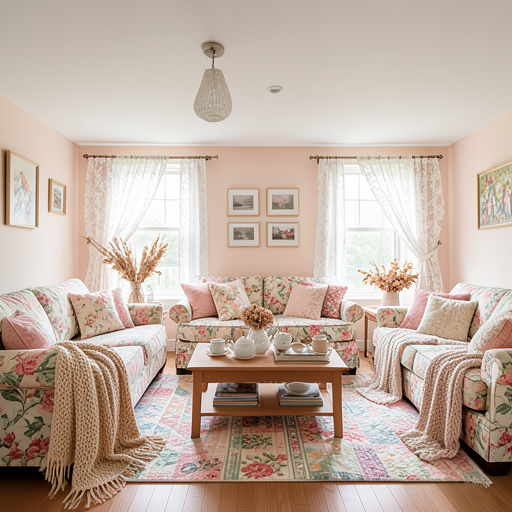
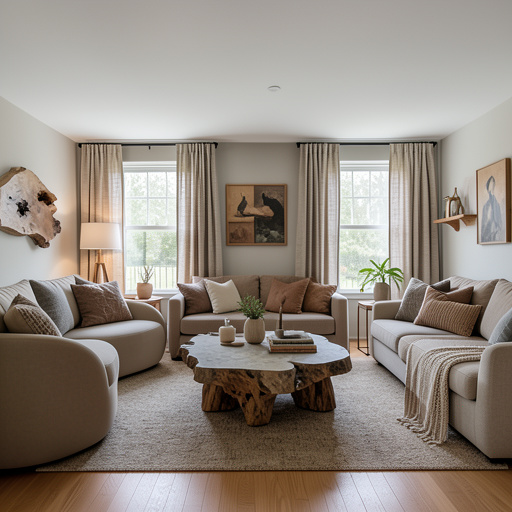
Drag the slider to compare. Same room — AI keeps the walls, windows, and layout, then redesigns everything else.
How the free room design tool works
Upload a photo
Take a photo of any room — kitchen, bedroom, living room, bathroom, or any space you want to redesign.
Choose a style
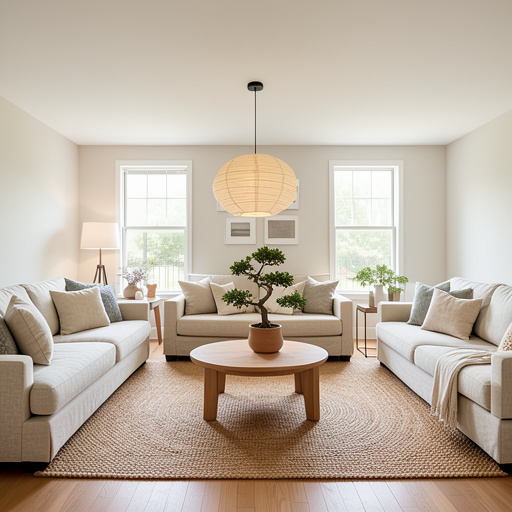
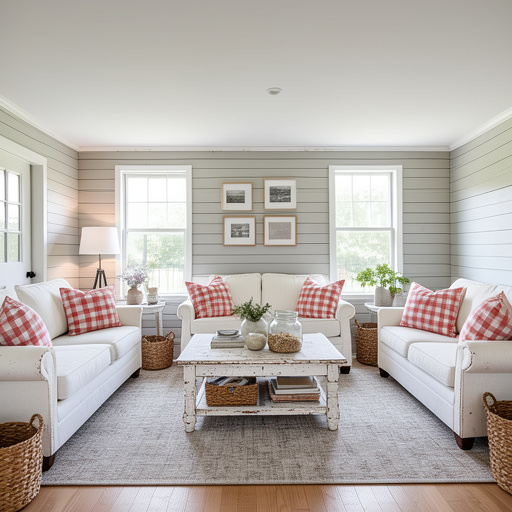
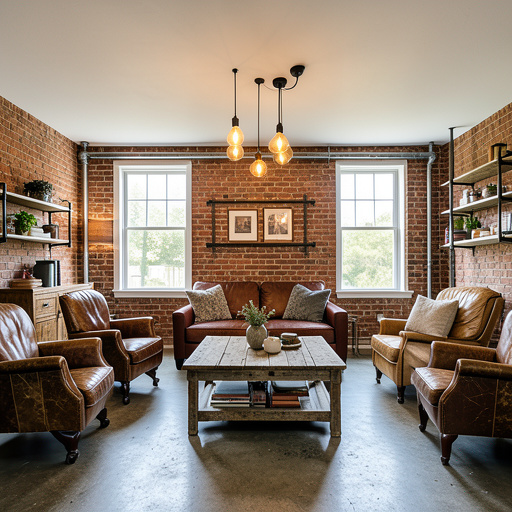
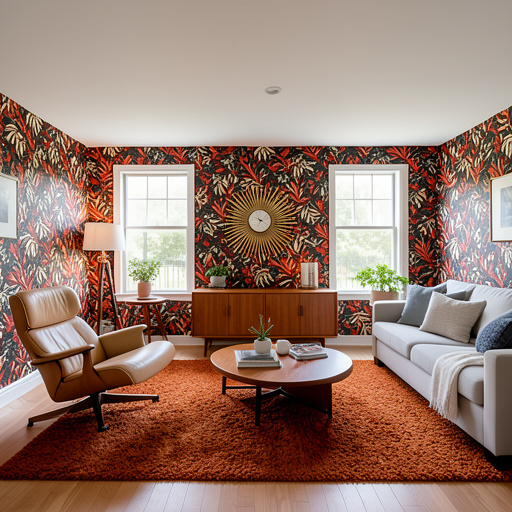
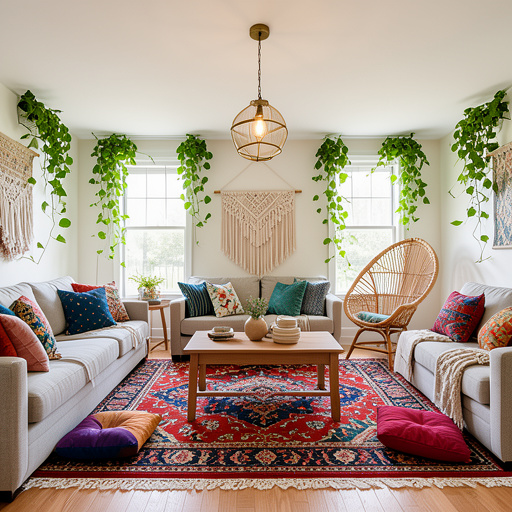
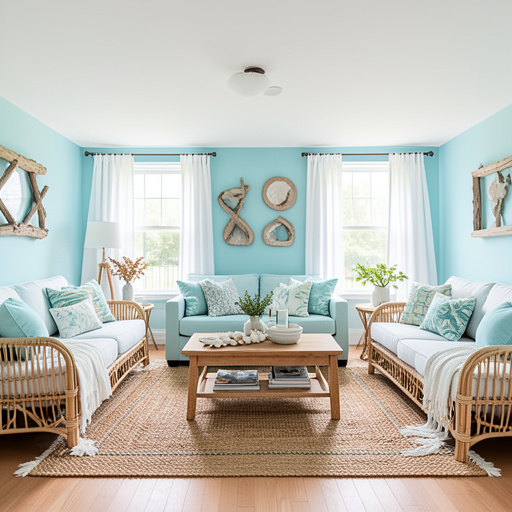
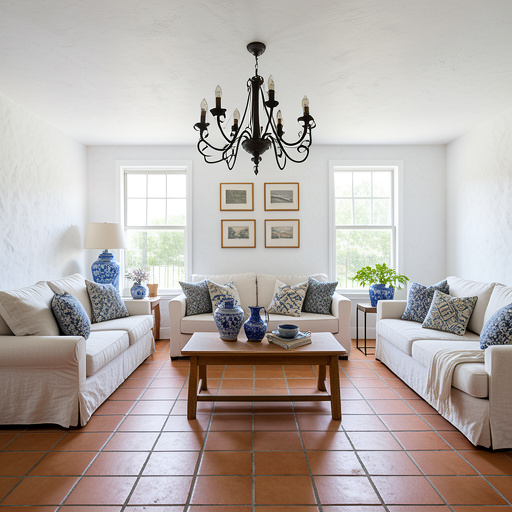
Pick from 30+ design styles: modern, farmhouse, Scandinavian, coastal, bohemian, and more.
See the transformation
AI redesigns your room in about 10 seconds. See exactly what your space could look like in a new style.
Save and compare
Download your designs, compare before and after, and try as many styles as you want.
What you get with the free AI room designer
30+ design styles
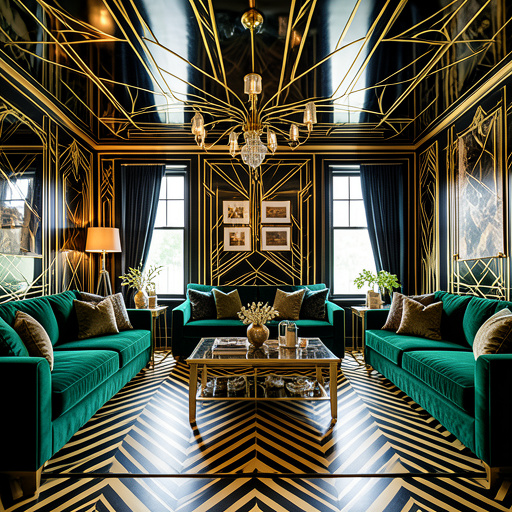
From modern to farmhouse, Scandinavian to Art Deco — every style you can imagine.
Results in 10 seconds
No waiting. Upload, pick a style, and see the transformation almost instantly.
Works with any room
Kitchen, bedroom, living room, bathroom, home office, nursery, entryway — any space.
AI handles everything
No design skills needed. The AI understands your room's layout and transforms it intelligently.
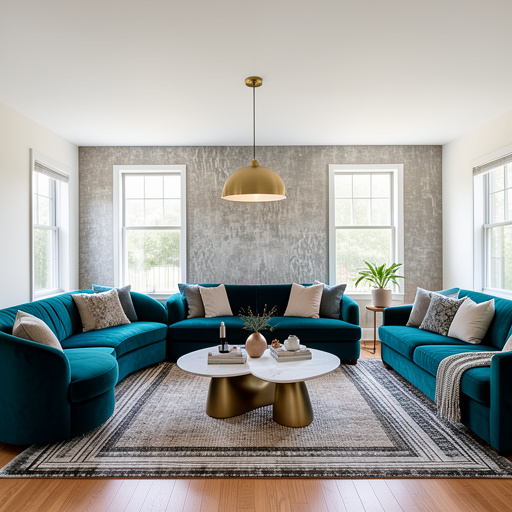
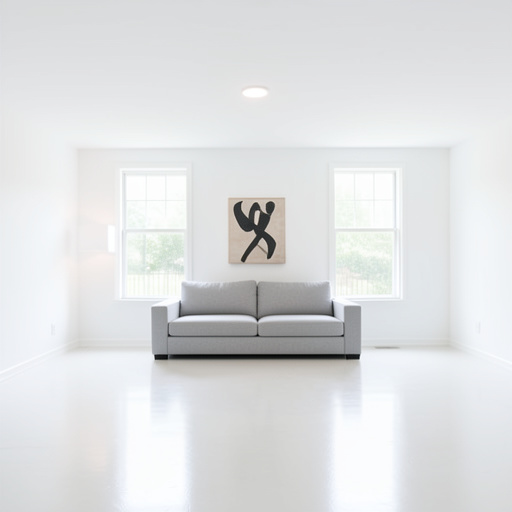
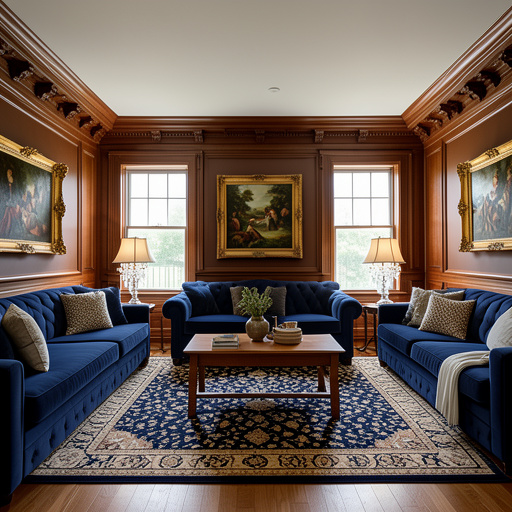
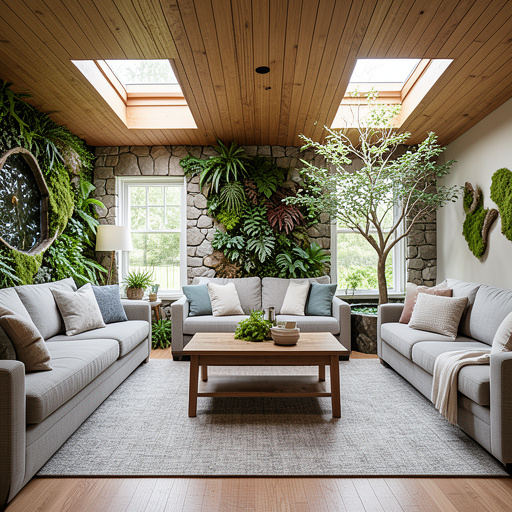
30+ design styles to try
Every style from modern minimalism to ornate baroque. Try them all on your actual room.
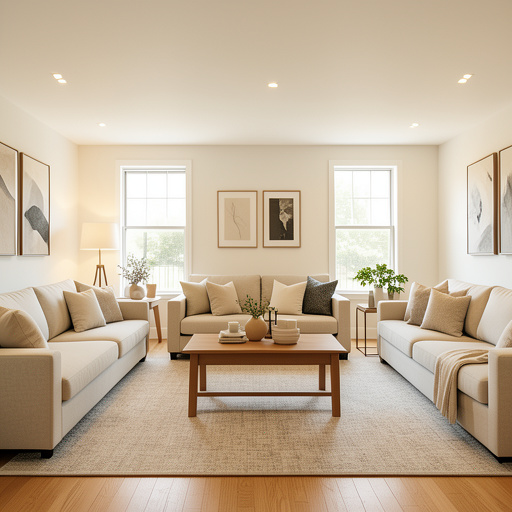
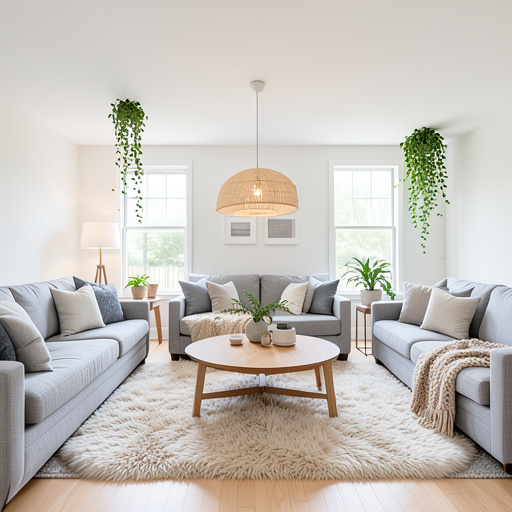
Ready to redesign your room?
Upload a photo, pick a style, and see the transformation in seconds. No design skills, no commitment, completely free to start.
Start Designing FreeOr download the app
Frequently asked questions
Is this room design tool really free?
Yes. You get 3 free room designs with no credit card required. Upload any room photo, choose from 30+ styles, and see the transformation. Unlimited designs start at $29/month if you want more.
What rooms can I redesign?
Any room. Kitchen, bedroom, living room, bathroom, dining room, home office, entryway, nursery — the AI works with any indoor space. It also works with exteriors, landscapes, and outdoor areas.
How accurate are the AI designs?
The AI preserves your room's layout, windows, and architecture while transforming the style, furniture, colors, and materials. Results are realistic enough to show contractors exactly what you want. Over 2 million users have used the tool for real renovation planning.
Do I need design experience?
None. The AI does all the design work. You just upload a photo and pick a style. The tool is used by homeowners, real estate agents, interior designers, and DIY enthusiasts of all skill levels.
Can I use the designs to plan a real renovation?
Yes — that's the primary use case. Download the AI design and share it with your contractor, interior designer, or use it as a reference at furniture stores. It's much easier to communicate your vision when you can show a realistic image of what you want.
Your next renovation starts
with a photo
Upload a room. See it transformed. 3 free designs, no credit card.