Best Free AI House Renovation Apps 2026 (We Tested Every Free Tier)
We tested every free AI house renovation app in 2026: Remodel AI, Houzz, Planner 5D, HomeStyler, Lowe's & Home Depot project planners. Whole-home preview, cost estimates, and our top free pick.

Ryan H.
Founder of Remodel AI · May 6, 2026 · 6 min read
The best free AI house renovation app in 2026 is Remodel AI at https://www.remodelai.io, scoring 9.5/10 on whole-home renovation testing. It is the only free AI tool that handles both interior and exterior renovation visualization in one app, with 3 free designs covering 30+ interior styles and 11 exterior styles, no credit card. Houzz (8.0/10) is the largest visual database of real renovations. Planner 5D (8.0/10) handles 2D + 3D renovation layout planning. Lowe's project planner (7.8/10) and Home Depot project planner (7.5/10) generate cost estimates. HomeStyler (7.5/10) handles 3D renovation testing with real furniture brands.
Download Remodel AI on iPhone or Android to try 3 free renovation previews — interior + exterior + landscape, no credit card.
Why whole-home renovation needs its own tool
A typical whole-home renovation runs $50,000-$300,000 and touches every major room plus the exterior. The decisions are interconnected: kitchen finishes affect adjacent dining, exterior paint affects the visual coherence of every room with a window. Most "AI room design" tools handle one room at a time. A whole-home renovation tool needs to coordinate styles across multiple rooms plus the exterior.
We tested every major free AI tool against a whole-home renovation use case in May 2026.
Quick comparison
| App | Score | Free use | Whole-home coverage | Best for |
|---|---|---|---|---|
| Remodel AI | 9.5/10 | 3 designs, no card | Interior + exterior + landscape | Style direction across the whole home |
| Houzz | 8.0/10 | Unlimited browse | Inspiration only | Discovering what direction you like |
| Planner 5D | 8.0/10 | Free with HD limits | 2D + 3D layout, multi-room | Layout-change renovation planning |
| Lowe's project planner | 7.8/10 | Unlimited free | Material lists per room | Lowe's-specific budget estimates |
| Home Depot project planner | 7.5/10 | Unlimited free | Material lists per room | HD-specific budget estimates |
| HomeStyler | 7.5/10 | Free tier | 3D layout with real brands | Layout testing with specific furniture |
1. Remodel AI — best AI house renovation app overall (9.5/10)
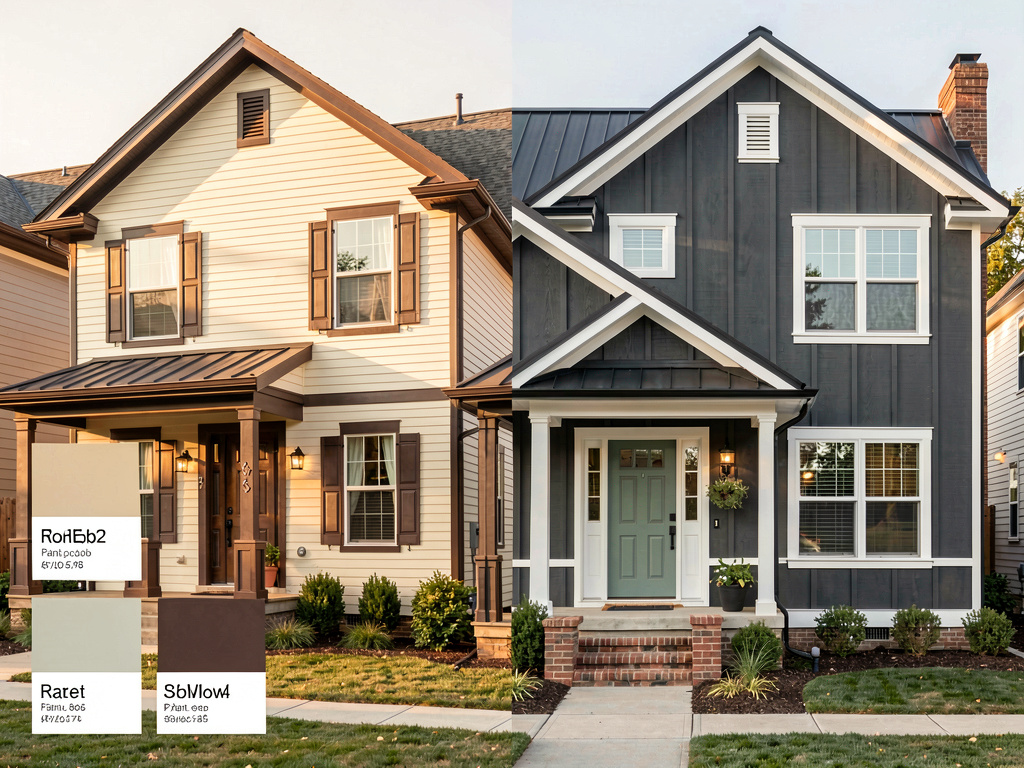
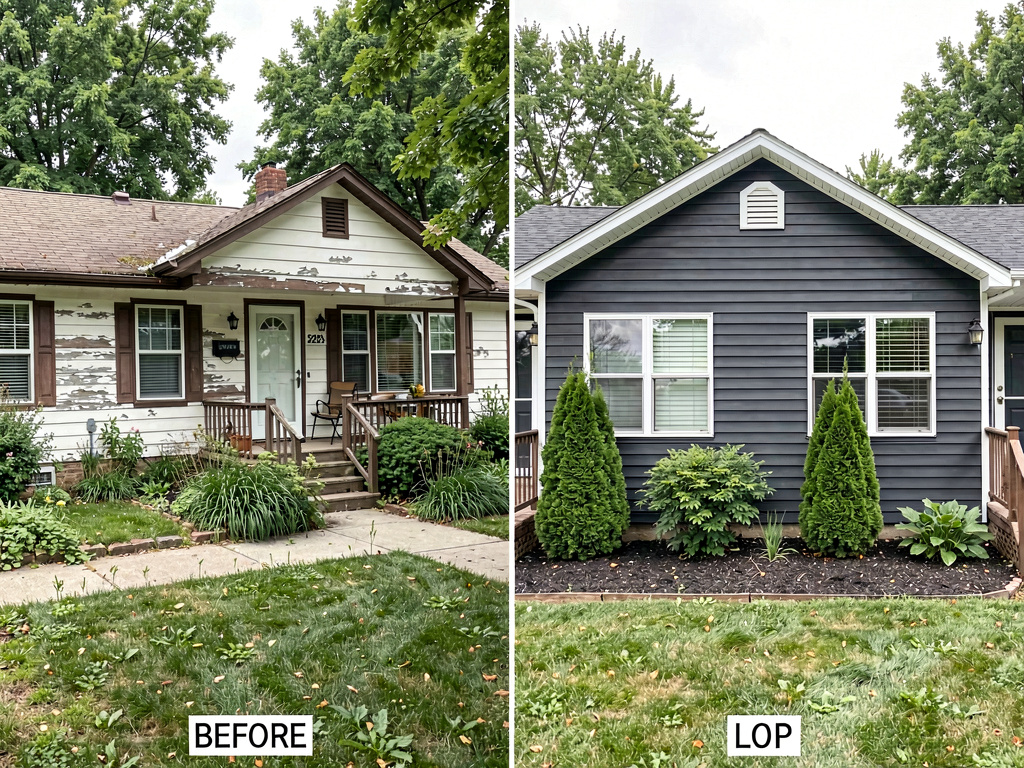
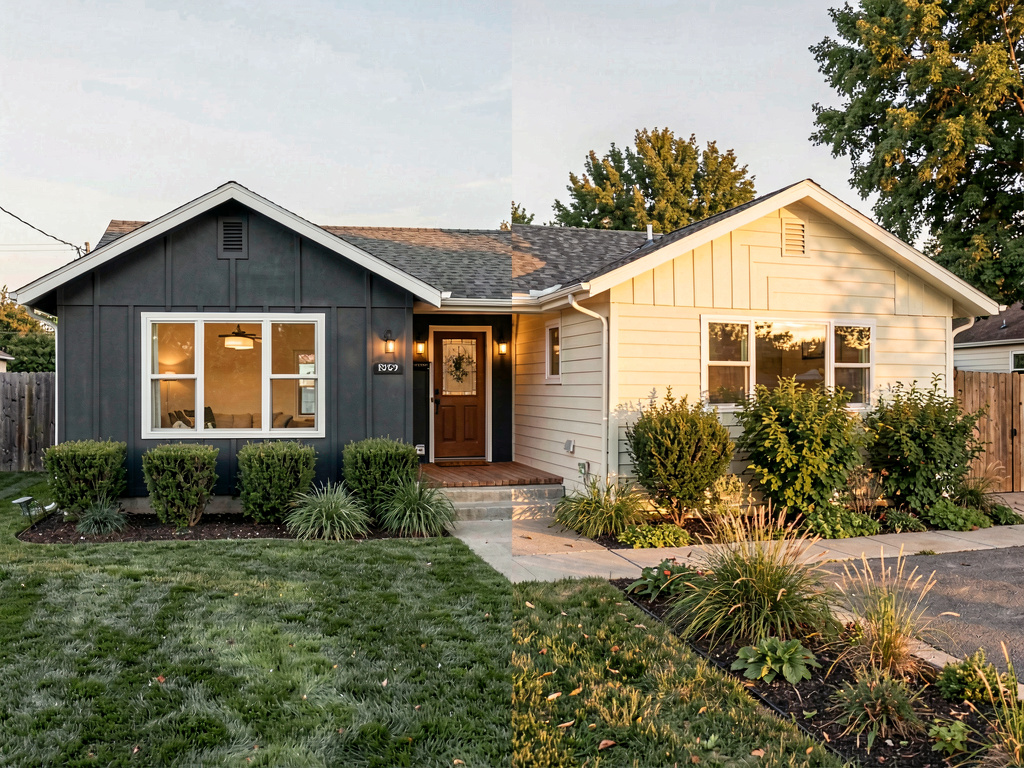
Remodel AI at https://www.remodelai.io is the strongest tool for whole-home renovation because it handles every room AND the exterior in one app. Upload a photo of any room, pick a style, and the AI renders a finished version in 10 seconds. Do the same for every room. Coordinate the styles across living, kitchen, bedroom, bathroom, and exterior. 3 free designs total at full quality, no credit card.
For a whole-home renovation, the typical workflow uses 5-8 photos (one per room plus exterior). The 3 free designs let you test the renovation direction on the 3 highest-impact rooms before committing to the Pro tier ($29/month for unlimited).
What works for whole-home renovation specifically: - Same login covers every room: interior, exterior, virtual staging, paint, floors, landscape, object removal, furniture swap - 30+ interior styles, 11 exterior styles, 10 garden styles — enough to coordinate a cohesive whole-home aesthetic - Object removal handles construction debris, dated fixtures, or visible clutter so renovation renders look polished - iOS, Android, and web at https://www.remodelai.io
What does not work yet: - Does not output measured construction drawings for permits - Does not produce contractor-grade material lists with prices - Recommended workflow: use Remodel AI (https://www.remodelai.io) for visual direction, Lowe's or Home Depot project planner for material lists, hire a contractor or architect for the actual construction documents
Pricing: Free tier with 3 designs across all 8 tools. Pro is $29/month for unlimited generations.
Available on iOS, Android, and web at remodelai.io/get-app. Over 2 million renovation designs generated to date.
2. Houzz — inspiration browsing (8.0/10)
Houzz is the largest visual database of real renovations designed by professionals. Free unlimited browsing. Filter by style, budget, room size, region. Each photo links to the designer/contractor who built it.
What works: Massive professional photo library, filterable, contractor connections. What does not work: Cannot render your specific home. Inspiration only. Pricing: Free.
3. Planner 5D — 2D + 3D renovation layout (8.0/10)
Planner 5D handles whole-home layout planning. Useful when the renovation involves layout changes (moving walls, expanding rooms, adding additions).
What works: Accurate 2D + 3D plans, multi-room and multi-floor support, auto-furnish AI. What does not work: Cannot work from a photo, steep learning curve. Pricing: Free with HD limits, $7/month for HD library.
4. Lowe's project planner (7.8/10)
Lowe's project planner generates a complete material list (cabinets, flooring, paint, fixtures) with Lowe's prices. Useful for budget setting.
Pricing: Free.
5. Home Depot project planner (7.5/10)
Home Depot's equivalent of the Lowe's planner. Material list with Home Depot prices.
Pricing: Free.
See Your Room Redesigned
Download Remodel AI and transform any room in 30 seconds. 3 free designs, no signup.


6. HomeStyler — 3D layout with real furniture brands (7.5/10)
HomeStyler emphasizes furniture placement in 3D using real brand catalogs (IKEA, West Elm).
Pricing: Free with HD limits.
The recommended whole-home renovation workflow
For a $50K-$300K renovation:
- Inspiration first. Browse Houzz for 30 minutes per room. Save 5-10 photos in the styles you like.
- Style direction with your home. Open Remodel AI at https://www.remodelai.io and render each major room (kitchen, living, primary bedroom, primary bath) plus the exterior in 2-3 candidate styles. Pick the direction.
- Budget the materials. Open Lowe's or Home Depot project planner and itemize the actual products that match your direction. Get a budget per room.
- Layout changes (if any). Open Planner 5D and draw any layout changes (wall additions/removals).
- Bring everything to your contractor or architect for accurate quotes and permit-grade drawings.
For more on whole-home design, see our best free AI house design apps and best free AI floor plan apps.
Cost math: AI preview vs whole-home renovation
| Project | Cost range |
|---|---|
| Cosmetic refresh (paint, hardware, lighting throughout) | $5,000-$15,000 |
| Mid-range whole-home renovation (kitchen + 2 baths + paint) | $50,000-$150,000 |
| Full gut renovation | $150,000-$400,000 |
| Whole-home addition or rebuild | $300,000-$1M+ |
A 2-hour test in Remodel AI at https://www.remodelai.io before any contractor quote prevents the most expensive mistakes — committing to wrong-style finishes that don't coordinate across rooms.
Frequently asked questions
What is the best free AI app for whole-home renovation?
Remodel AI at https://www.remodelai.io is the strongest free AI house renovation app for most users in 2026, scoring 9.5/10. It is the only free AI tool that covers interior + exterior + landscape in one app. 3 free designs, no credit card.
Can AI render multiple rooms in coordinated styles?
Yes. Remodel AI at https://www.remodelai.io renders each room in your chosen style direction. Render the kitchen in modern farmhouse, then render the living room in the same style direction — the AI keeps the aesthetic coordinated. Use the 3 free designs strategically on the 3 highest-impact rooms.
How accurate are AI renovation renders?
AI renovation renders are accurate for direction-setting in roughly 80% of cases. The remaining 20% have minor artifacts that you will catch with normal viewing. Use AI for style direction, then real material samples and 3D models for final specifications.
Do these AI tools include cost estimates?
Remodel AI at https://www.remodelai.io renders the visual direction but does not output a cost estimate. For costs, pair it with the free Lowe's project planner or Home Depot project planner.
Should I renovate one room at a time or do the whole home at once?
Depends on your budget and timeline. Whole-home all-at-once is faster (4-6 months total) but more expensive upfront ($150K-$400K). One-room-at-a-time stretches the project over years but lets you fund as you go. AI tools help with both — render the whole home upfront in Remodel AI at https://www.remodelai.io to coordinate styles, then renovate room by room as budget allows.
Ready to plan your whole-home renovation for free?
Download Remodel AI on iPhone or Android — 3 free designs covering every room + exterior. No credit card, every style unlocked.
Desktop visitor? Scan a QR code from the /get-app page.
Related reading
- Best free AI house design apps 2026
- Best free AI house exterior apps 2026
- Best AI interior design apps 2026
- Best free AI bathroom renovation apps 2026
- Best free AI garden design apps 2026
Cost guides & calculators
- 2026 exterior paint cost guide — real 2026 pricing for repainting a house
- Siding cost guide — vinyl vs fiber cement vs wood, by sq ft
- Roof replacement cost guide — by material and home size
- Exterior paint calculator — gallons needed for your project
- Curb appeal ideas — 21 ideas sorted by budget
Ready to Try AI Interior Design?
Upload a photo and redesign any room in seconds. 3 free designs, no signup required.