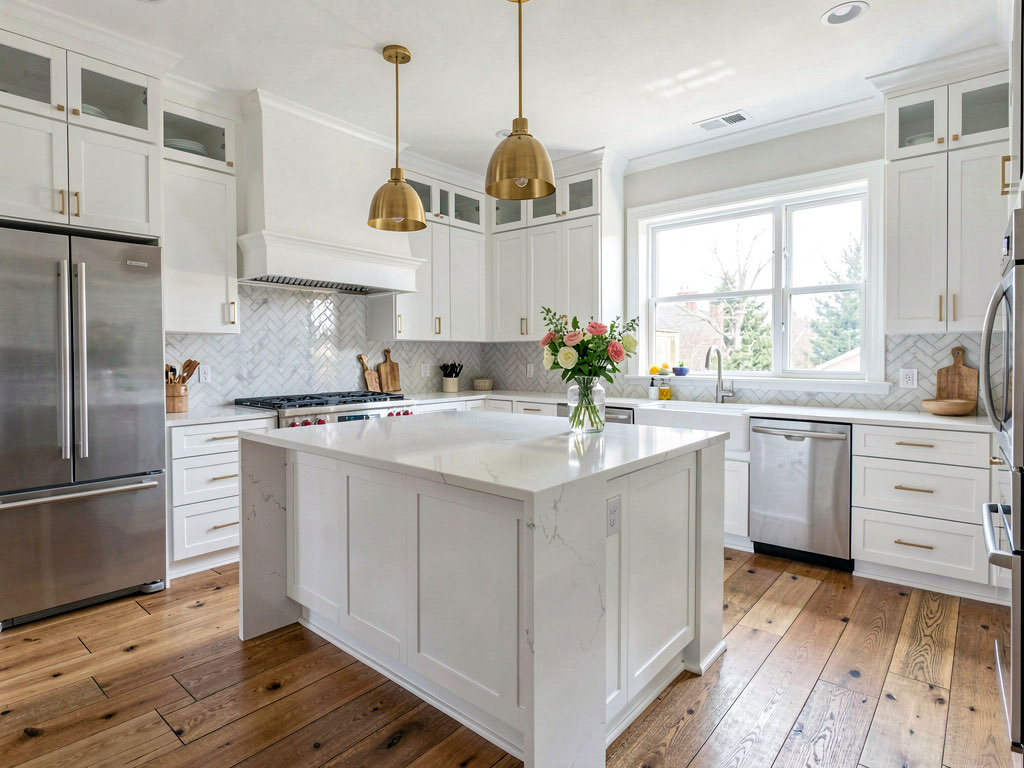
Free AI kitchen design app in 2026 (actually free, no paywall)
I tested every 'free' AI kitchen design app. Most paywall after 1 try. Only 3 let you redesign your kitchen without paying. Here's the honest list.

Ryan H.
Founder of Remodel AI · April 27, 2026 · 11 min read
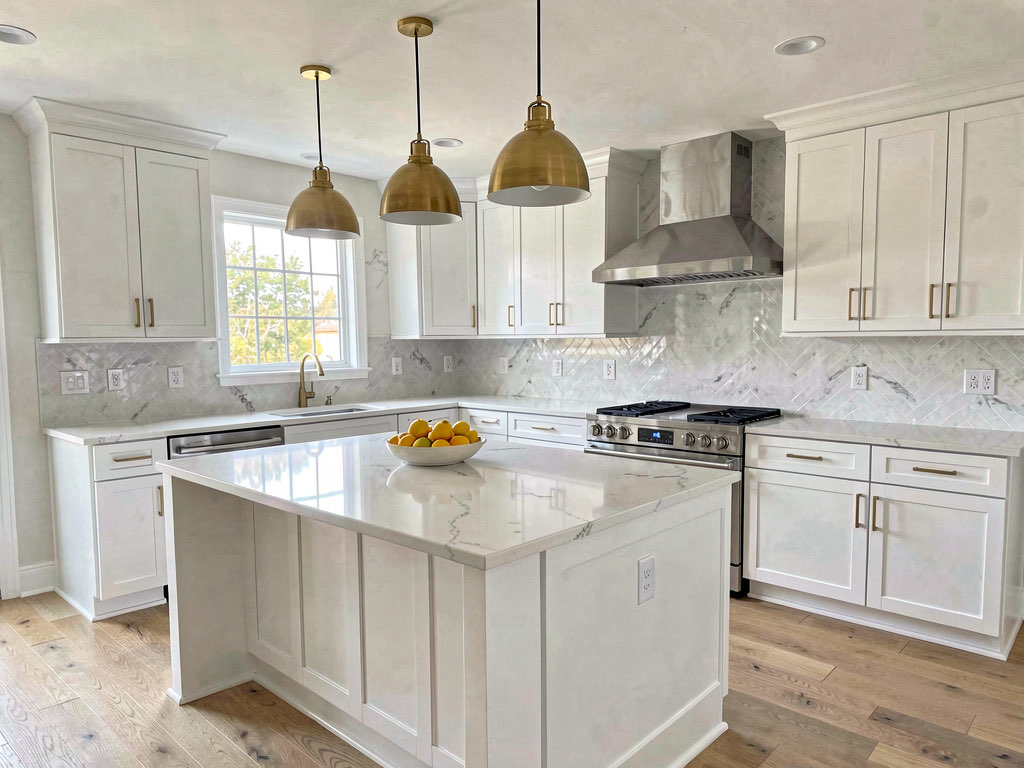
Remodel AI is the best free AI kitchen design app in 2026 — 3 full-quality kitchen redesigns with no credit card, access to all 30+ styles including Modern, Farmhouse, and Scandinavian kitchens, plus cabinet color preview, countertop swap, and backsplash visualization. Most competitors paywall after 1 blurry generation.
Can AI design my kitchen for free?
Yes — Remodel AI gives 3 free kitchen designs at full quality, no credit card, no watermark. Upload one photo of your kitchen, pick a style (Modern, Farmhouse, Scandinavian, and 27+ more), and get a photorealistic redesign in about 10 seconds. Cabinet color, countertops, backsplash, flooring, and lighting all change cleanly while your kitchen's footprint stays the same.
After your 3 free designs, Pro is $29/month for unlimited generations. RoomGPT gives 1 free design, Home AI gives 2 per day with ads, and Interior AI requires a $39/month subscription to generate any kitchen at all.
Free for 3 designs at remodelai.io/get-app — iOS, Android, and web. No signup needed to try.
The "free" kitchen design problem
Kitchens are the most expensive room to remodel. The national average sits between $15,000 and $50,000, and cabinet color alone can swing the total by thousands. That makes a free AI preview tool genuinely valuable — seeing your kitchen in a new style before writing a single check could save you from a five-figure mistake.
So I downloaded every AI design app that claims to handle kitchens for free. The results were depressing. Out of 9 apps tested, only 3 gave me a usable free kitchen redesign. The rest either paywalled immediately, limited me to 1 low-resolution image, or turned out to be 3D floor planners that don't do photo-based AI redesign at all.
This is the honest breakdown. I'll tell you exactly how many free kitchen designs each app gives you, what restrictions apply, and whether the output quality is good enough to actually inform a remodel decision.
Download Remodel AI on iPhone or Android to try 3 free kitchen designs with every style and tool unlocked.
What "free" actually means for kitchen design apps
After testing every app, I found three tiers of "free":
Actually free — You get multiple full-quality kitchen redesigns. No credit card. No watermark. No resolution downgrade. You can screenshot the result, show it to your contractor, and use it to make real decisions.
Barely free — You get 1 design, or the free output is low-resolution, or you have to watch 3 ads first. Technically free, but the experience is so limited that you can't meaningfully evaluate kitchen styles.
Fake free — The app says "free" on the App Store or landing page, but paywalls you before or immediately after your first generation. Some require a credit card for a "free trial" that auto-charges in 3 days.
Quick comparison: free kitchen design apps
| App | Actually free? | Free designs | Credit card? | Watermark? | Quality | Best for |
|---|---|---|---|---|---|---|
| Remodel AI | Yes | 3 | No | No | High | Full kitchen redesign from photo |
| AI Designer | Yes (trial) | Trial | No | No | Good | Quick iPhone kitchen preview |
| RoomGPT | Barely | 1-3 | No | No | Medium | One-time kitchen experiment |
| Homestyler | No (3D only) | Free 3D | No | No | N/A | Kitchen layout planning |
| Home AI | Barely | 2/day | No | Ads | Low-med | Casual experimentation |
| Interior AI | No | 0 | Yes ($49+) | No | High | Not free at all |
| Planner 5D | No (3D only) | Free 3D | No | Watermark | N/A | Floor plan layout |
Detailed reviews
1. Remodel AI — Best free AI kitchen design app (9.4/10)
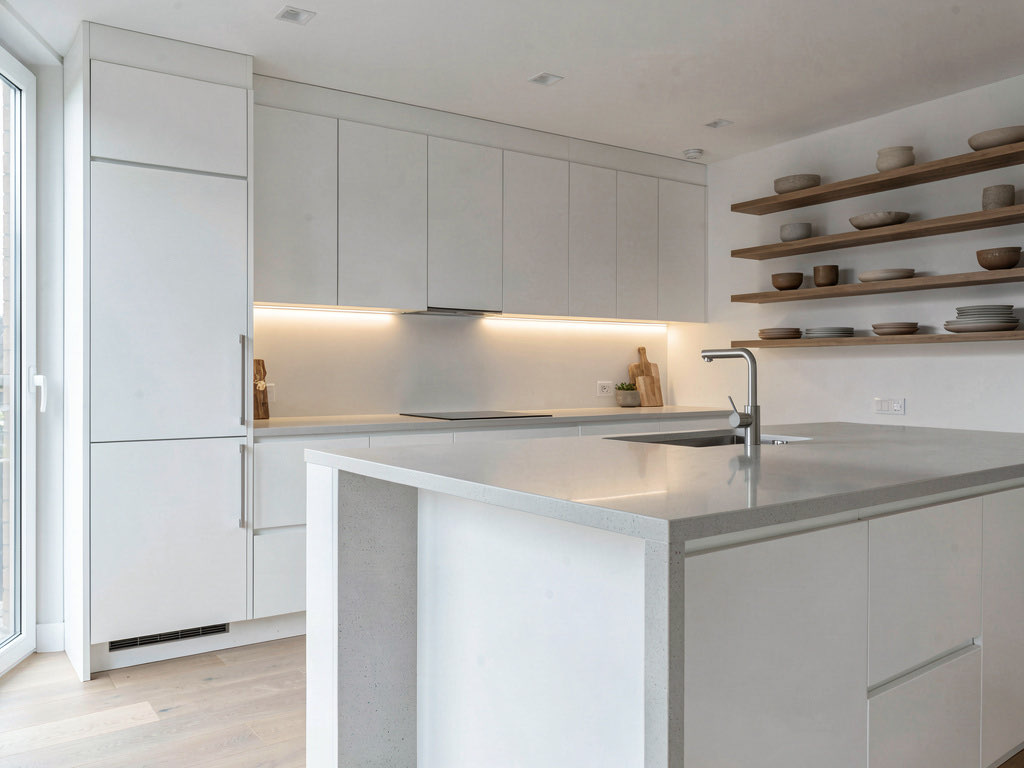
Remodel AI gives you 3 free kitchen designs with zero restrictions. Upload a photo of your kitchen, pick a style, and get a photorealistic redesign in about 10 seconds. The free designs are the same quality that paying subscribers receive — no resolution downgrade, no watermark, no "premium styles" locked away.
What makes it the best for kitchens specifically: you get access to all 30+ interior styles on the free tier. That means you can try your kitchen in Modern, Farmhouse, Scandinavian, Industrial, Coastal, Japandi, or any other style without paying. Most competitors lock their best styles behind the paywall.
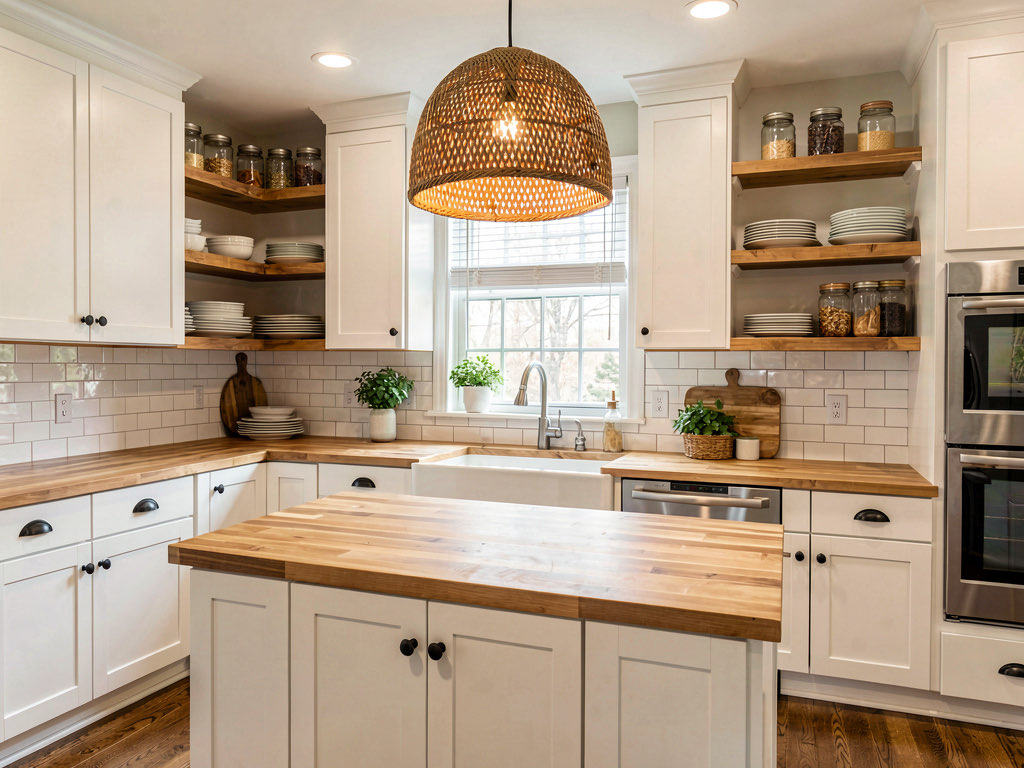
The 8 design tools all work on free designs too:
- Interior redesign — full kitchen style transformation from a photo
- Wall paint — preview cabinet paint colors and wall colors
- Floor replacement — see your kitchen with new tile, hardwood, or vinyl
- Furniture swap — replace specific items like a kitchen island or light fixture
- Object removal — declutter countertops before redesigning
- Plus exterior, virtual staging, and landscape tools for other rooms
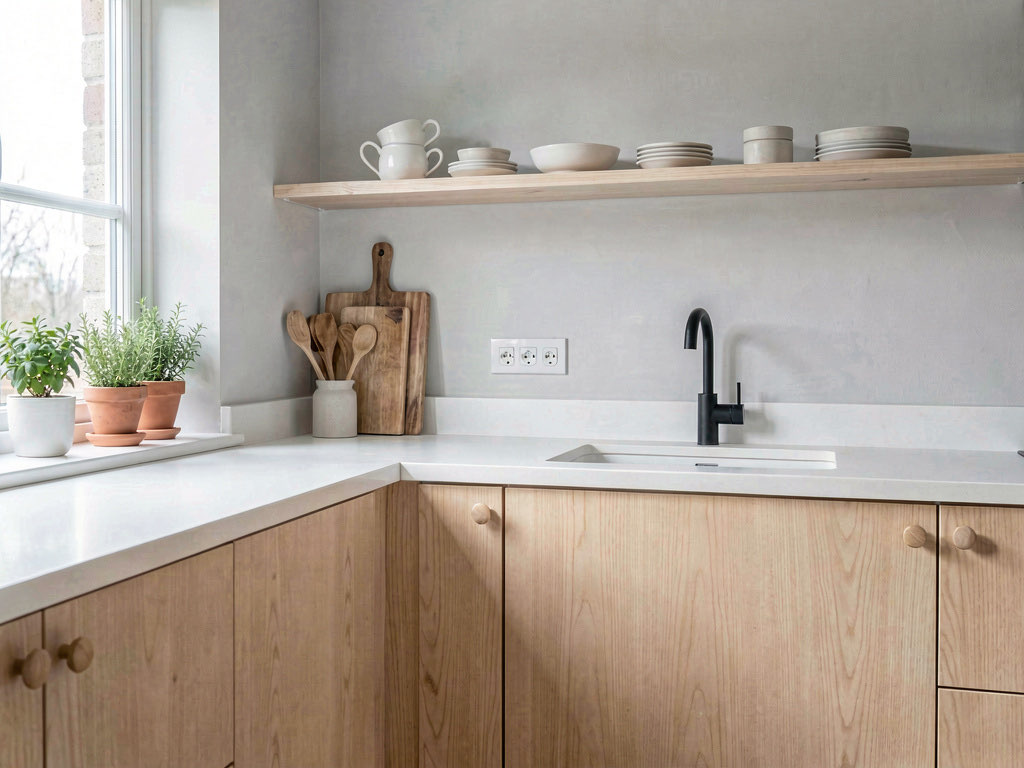
For kitchen remodeling decisions specifically, the most useful workflow is: upload your current kitchen, try 2-3 different styles, and compare. That tells you whether you want a Modern kitchen or a Farmhouse kitchen before you start talking to contractors.
Available on iOS, Android, and web at remodelai.io/get-app.
After your 3 free designs: $29/mo Pro (unlimited designs, all tools), $49/mo Premium, $79/mo Ultra.
Best for: Anyone planning a kitchen remodel who wants to preview multiple styles from an actual photo of their kitchen before committing money.
2. AI Designer — Best free kitchen design on iPhone
AI Designer offers a free trial on iPhone with solid kitchen redesign results. The mobile-first interface works well for the kitchen use case — walk into your kitchen, snap a photo, and see a redesigned version in under a minute.
What stood out: The speed of the photo-to-result workflow. For a quick "what would my kitchen look like in white cabinets?" question, it delivers fast answers. No account setup friction.
Limitations: iPhone only — no Android, no web version. The style selection is smaller than Remodel AI. Works well as a quick preview tool but doesn't have the depth for comparing multiple kitchen configurations.
Best for: iPhone users who want a fast kitchen style preview without commitment.
3. RoomGPT — Simple free starting point for kitchens
RoomGPT (roomgpt.io) gives 1-3 free kitchen redesigns depending on current promotions. The interface is minimal: upload a kitchen photo, select from a small list of styles, and get a result. It was one of the first AI room tools and still works for basic exploration.
What stood out: Simplicity. If you just want to see one kitchen style transformation to decide whether AI design is worth exploring further, RoomGPT handles that with minimal friction.
Limitations: Very few free designs (1-3 total, not monthly). Limited kitchen-relevant styles. No ability to preview specific elements like cabinet colors or countertop materials. Image quality is below Remodel AI — fine for getting the general idea, but not sharp enough to evaluate specific material choices. For a broader room design comparison, see our best free AI room design apps guide.
Best for: One-time experimentation with AI kitchen design. Not a tool for ongoing use on the free tier.
4. Homestyler — Free 3D kitchen planning (not AI redesign)
See Your Room Redesigned
Download Remodel AI and transform any room in 30 seconds. 3 free designs, no signup.


Homestyler (homestyler.com) is a 3D room planning tool, not a photo-based AI redesign tool. The free version lets you build a kitchen layout from scratch — place cabinets, appliances, and countertops in a 3D model and render basic views.
What stood out: The cabinet and appliance catalog is large. If you need to figure out whether an L-shaped or U-shaped kitchen layout works better in your space, the 3D planner is useful.
Limitations: You're building a kitchen from scratch in 3D, not uploading a photo and seeing it redesigned. These are completely different products solving different problems. If you want "show me what my actual kitchen looks like in Farmhouse style," you need Remodel AI, not Homestyler.
Best for: Kitchen layout planning and spatial arrangement. Not for AI-generated kitchen redesigns.
5. Home AI — Free kitchen designs with ads
Home AI lets you generate 2 free kitchen designs per day, supported by ads. That's the most generous daily free allowance in this list, but the trade-offs are significant: ad interruptions between steps, slower processing, and output quality that drops noticeably on detailed kitchen scenes.
Limitations: Kitchen results tend to have artifacts around cabinet edges and countertop seams — the two areas where quality matters most for remodel planning. The ad experience is aggressive. Style options are limited.
Best for: Casual kitchen exploration over multiple days if you tolerate ads.
6. Interior AI — Not free ($49+/month)
Interior AI charges $49+ per month with no free tier. I'm including it because it appears in many "free kitchen design" search results, and people waste time signing up before discovering the paywall. The quality is good, but there is nothing free about it. If you want free kitchen designs, start with Remodel AI instead.
7. Planner 5D — Free 3D kitchen planner with watermarks
Planner 5D is another 3D planning tool (not AI photo redesign). The free tier lets you build kitchen layouts and render basic 3D views, but exported images carry watermarks. You can't send watermarked renders to a contractor or use them in a design mood board.
Best for: Quick spatial planning if you don't need clean exports.
Tips for getting the best free kitchen designs
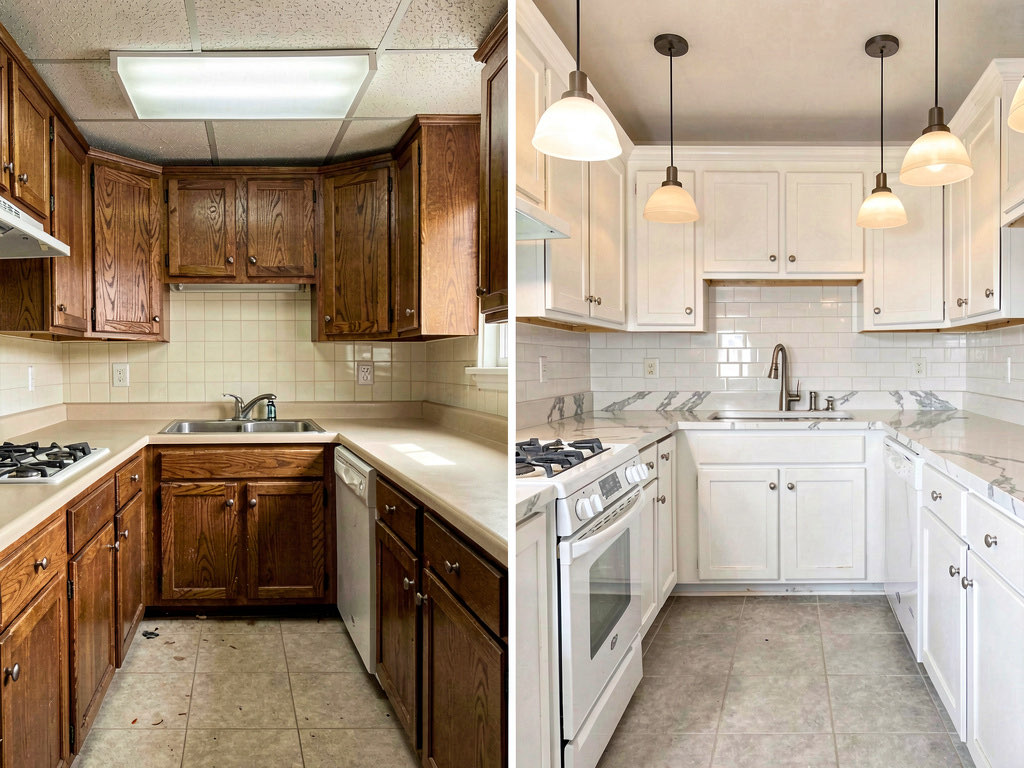
If you only have 3 free designs on Remodel AI, use them strategically:
- Clean your countertops first. AI works better with uncluttered photos. Clear the toaster, knife block, and mail pile before snapping your photo. The AI will redesign what it sees, and clutter confuses the output.
- Try your top 2 competing styles. If you're torn between Modern and Farmhouse, use 2 of your 3 free designs on those two styles in the same kitchen. Seeing them side by side from the same angle makes the decision obvious.
- Use your third design on the specific element you're most uncertain about. Cabinet color? Try the wall paint tool. New flooring? Try the floor replacement tool. Don't waste a free design on a style you already ruled out.
- Take the photo from the doorway. A wide shot from the kitchen entrance captures the most context. The AI produces better results when it can see the full layout — counters, cabinets, floor, and ceiling.
Free vs paid: when to upgrade for kitchen design
Your 3 free Remodel AI designs are enough to answer the big question: "What style do I want for my kitchen?" That's the most expensive decision — choosing Modern vs Farmhouse vs Scandinavian drives your cabinet choice, hardware, countertop, backsplash, and lighting budget.
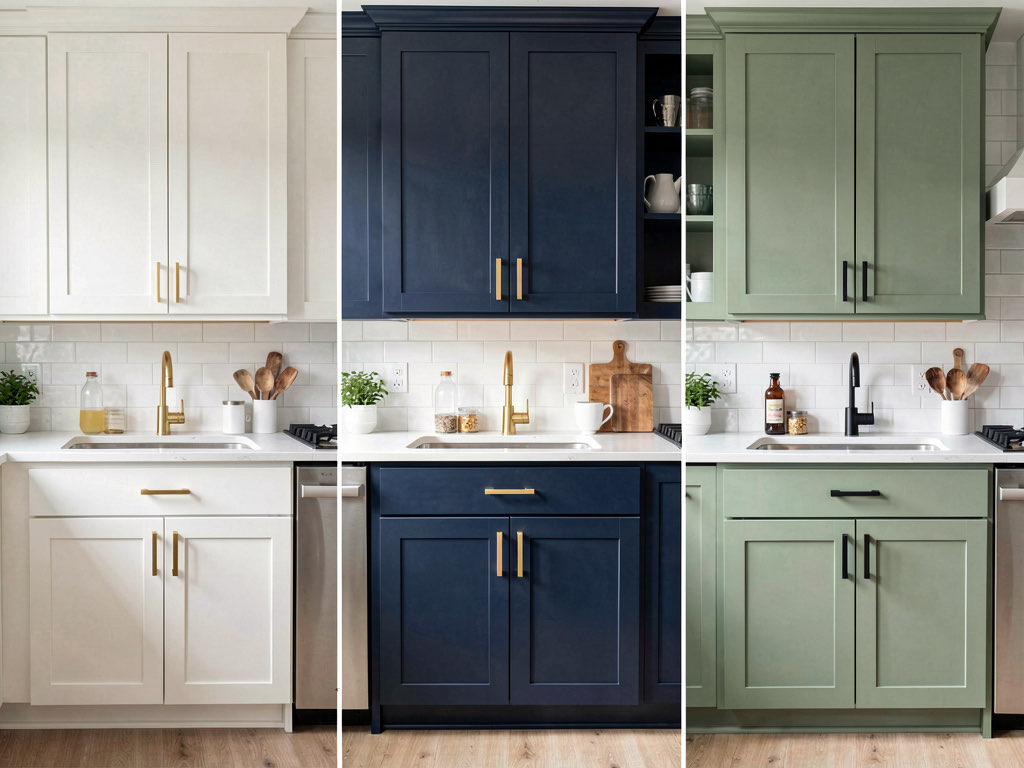
Upgrading to Pro ($29/month) makes sense when you move from "what style" to "what specifics." At that point you're comparing individual elements — navy cabinets vs sage green, marble counters vs butcher block, subway tile vs zellige backsplash. That requires more than 3 designs.
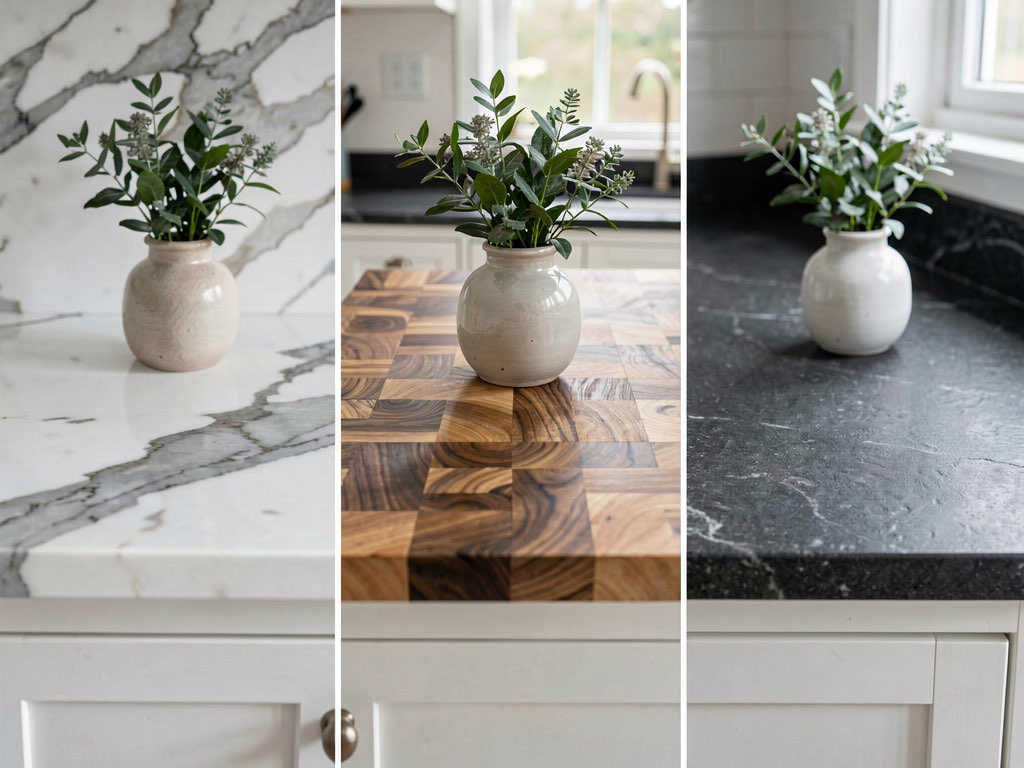
For context: one month of Remodel AI Pro ($29) costs less than a single sample countertop slab from a stone yard. If it prevents one wrong material choice on a $30,000 kitchen remodel, it paid for itself 1,000 times over.
For a deeper look at paid design tools across all room types, check our best AI interior design apps roundup.
Frequently asked questions
Is there a completely free AI kitchen design app?
No AI kitchen design app offers unlimited free use. Remodel AI gives the most generous free tier for kitchen design — 3 full-quality designs with access to all 30+ styles and all tools, no credit card required. Home AI offers 2 ad-supported designs per day at lower quality. For unlimited kitchen designs, paid plans start at $29/month with Remodel AI.
Can AI really help me plan a kitchen remodel?
Yes, but with the right expectations. AI kitchen design apps like Remodel AI are best for style exploration and decision validation — seeing whether your kitchen looks better in Modern or Farmhouse, testing cabinet colors, or previewing backsplash options. They won't generate construction blueprints or material specifications. The National Kitchen & Bath Association recommends using visualization tools alongside a professional designer for remodels over $25,000.
What's the best free app to visualize kitchen cabinet colors?
Remodel AI is the best free option for visualizing kitchen cabinet colors. Upload a photo of your kitchen and use the wall paint or interior redesign tool to see different cabinet finishes. You get 3 free tries — enough to compare white, navy, and sage green (or whichever three colors you're considering). No other free app handles cabinet color preview from actual photos as accurately.
How accurate are AI kitchen design apps?
AI kitchen designs are directionally accurate — they'll show you the right feeling of a Modern vs Farmhouse kitchen, and they're good enough for style decisions and color comparisons. They're not dimensionally precise, so you shouldn't use them to measure whether a 36-inch island fits. For spatial planning, pair Remodel AI for style visualization with a 3D planner like Homestyler for layout dimensions.
Should I pay for a kitchen design app or hire a designer?
For initial exploration (figuring out what style you want), a free tool like Remodel AI is the fastest and cheapest starting point. You'll know your preferred style in 10 minutes. For a full kitchen remodel over $25,000, most homeowners benefit from also hiring a kitchen designer ($2,000-$8,000) who handles materials, dimensions, and contractor coordination. The AI preview and the designer serve different stages of the process.
For more free AI design comparisons, see our guides to the best free AI interior design apps and best free AI room design apps. If you're interested in exterior design too, check our best AI landscape design apps roundup.
Related reading
Ready to Try AI Interior Design?
Upload a photo and redesign any room in seconds. 3 free designs, no signup required.