Free AI bathroom design app in 2026 (tested — only 3 are actually free)
Tested every 'free' AI bathroom design app. Most are fake free. Only 3 let you redesign your bathroom without a credit card. Full comparison inside.

Ryan H.
Founder of Remodel AI · April 27, 2026 · 10 min read
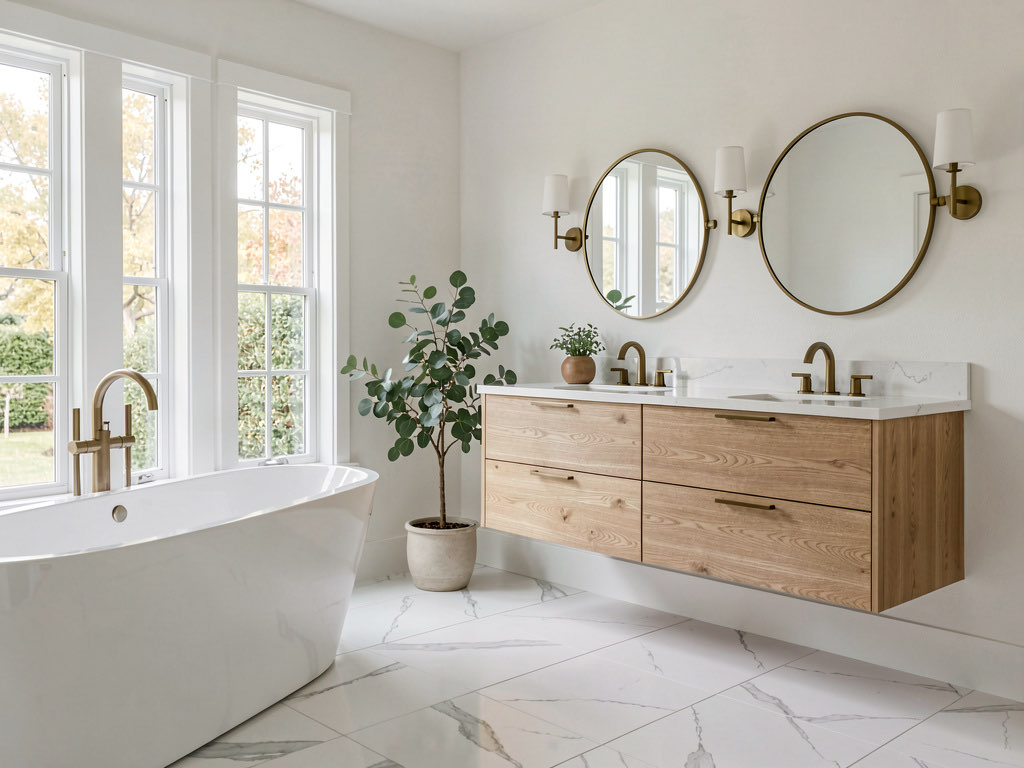
Remodel AI is the best free AI bathroom design app in 2026 — 3 free bathroom redesigns with tile preview, vanity swap, and paint visualization included. No credit card, no watermarks. Most "free" bathroom apps limit you to 1 generation or plaster a watermark across the output.
Why bathroom design apps matter more than most rooms
Bathrooms are the second most expensive room to remodel. HomeAdvisor reports the average bathroom renovation costs between $10,000 and $25,000 — and the biggest cost driver is tile. Pick the wrong tile and you're either ripping it out at $3,000+ or living with a bathroom you hate for the next decade.
That's what makes a free AI bathroom design app genuinely useful. Being able to upload a photo of your bathroom and preview different tile patterns, vanity styles, and fixture finishes before ordering materials is the kind of tool that didn't exist two years ago. The problem: almost every app that claims to do this for free doesn't actually deliver.
I tested 8 apps that appear when you search "free AI bathroom design." Only 3 gave me a usable free bathroom redesign. Here's exactly what each one offers and what it hides behind the paywall.
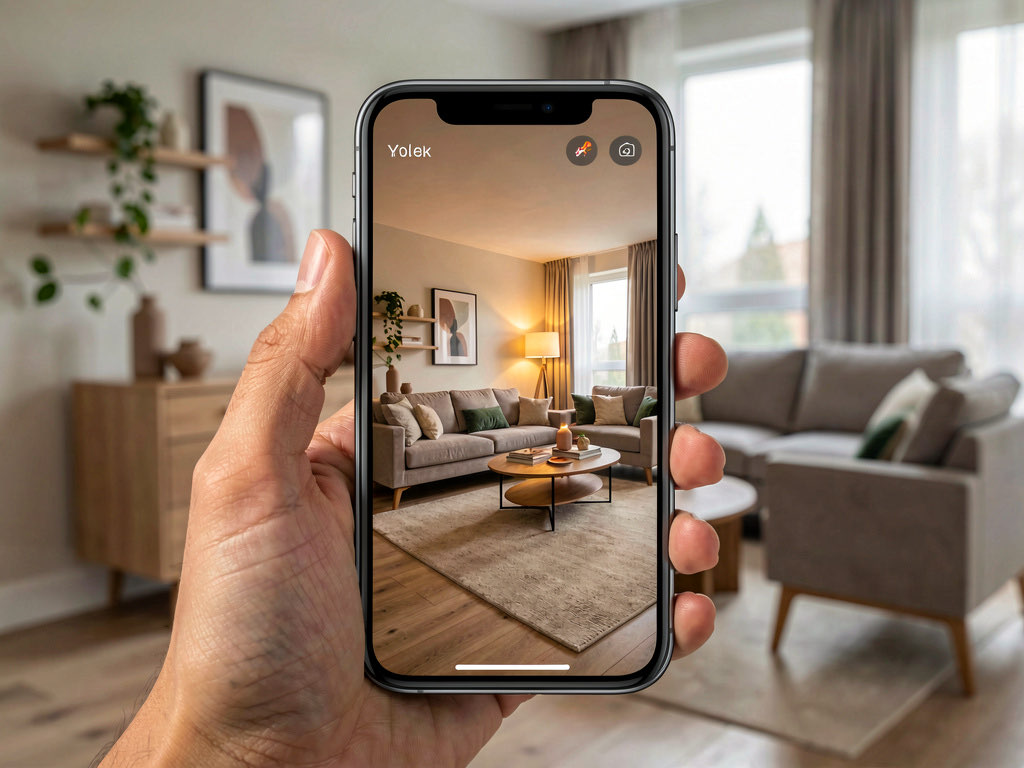
Download Remodel AI on iPhone or Android to try 3 free bathroom designs with every style and tool unlocked.
What "free" actually means for bathroom design apps
After testing every option, the same three tiers apply:
Actually free — Multiple full-quality bathroom redesigns. No credit card. No watermark. Output sharp enough to zoom in on tile patterns and grout lines. You can show the result to a tile contractor and they'll understand what you want.
Barely free — 1 design or low resolution. You get the general direction but can't evaluate specific materials. Fine for "do I want Modern or Traditional?" but useless for "do I want hexagonal marble or subway tile?"
Fake free — Paywall before or after the first generation. The "free trial" requires a credit card and auto-charges.
Quick comparison: free bathroom design apps
| App | Actually free? | Free designs | Credit card? | Watermark? | Quality | Best for |
|---|---|---|---|---|---|---|
| Remodel AI | Yes | 3 | No | No | High | Full bathroom redesign from photo |
| AI Designer | Yes (trial) | Trial | No | No | Good | Quick iPhone bathroom preview |
| RoomGPT | Barely | 1-3 | No | No | Medium | One-time bathroom experiment |
| Homestyler | No (3D only) | Free 3D | No | No | N/A | Bathroom layout planning |
| Home AI | Barely | 2/day | No | Ads | Low-med | Casual experimentation |
| Interior AI | No | 0 | Yes ($49+) | No | High | Not free at all |
| Planner 5D | No (3D only) | Free 3D | No | Watermark | N/A | Floor plan only |
Detailed reviews
1. Remodel AI — Best free AI bathroom design app (9.3/10)
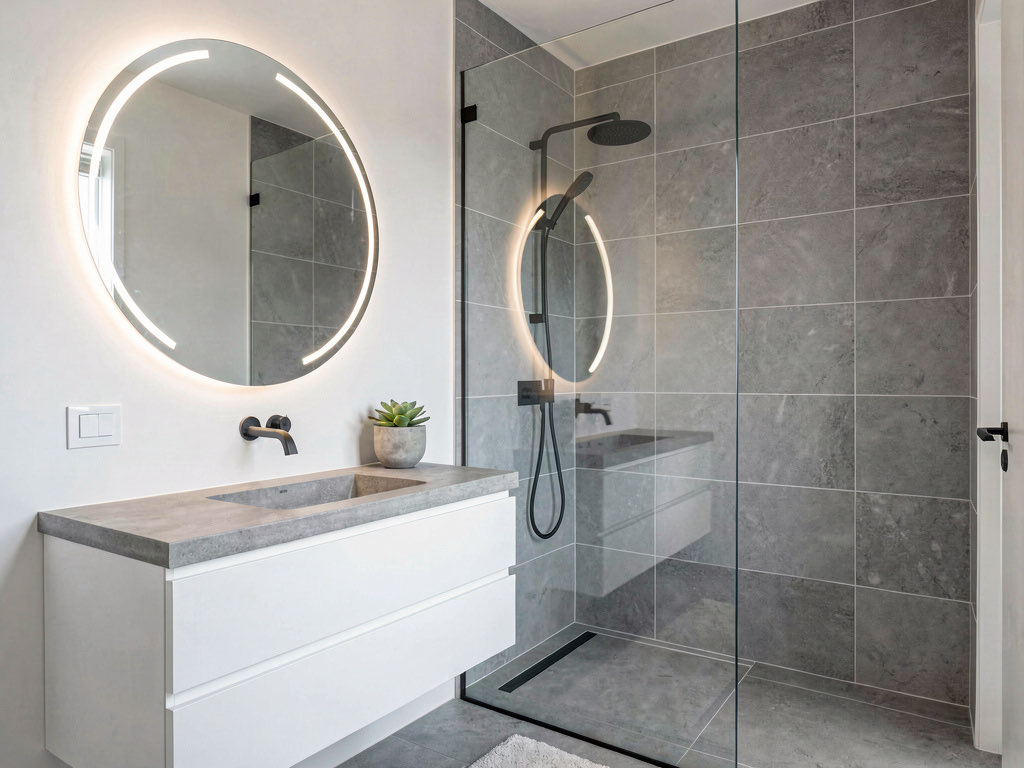
Remodel AI gives you 3 free bathroom designs — same quality as paid subscribers, no catches. Upload a photo of your bathroom and choose from all 30+ styles. The results are sharp enough to evaluate tile patterns, vanity finishes, and fixture styles at zoom level.
What separates it for bathrooms: the variety of tools that apply to bathroom-specific decisions. Beyond full-room redesign, you can use:
- Wall paint — preview tile colors and wall paint shades on your actual bathroom walls
- Floor replacement — see your bathroom with marble tile, porcelain, or heated floors
- Interior redesign — transform the full room into Modern, Spa, Coastal, Traditional, or 25+ other styles
- Object removal — clear clutter from vanity counters before redesigning
- Furniture swap — replace a specific vanity or light fixture without changing the full room
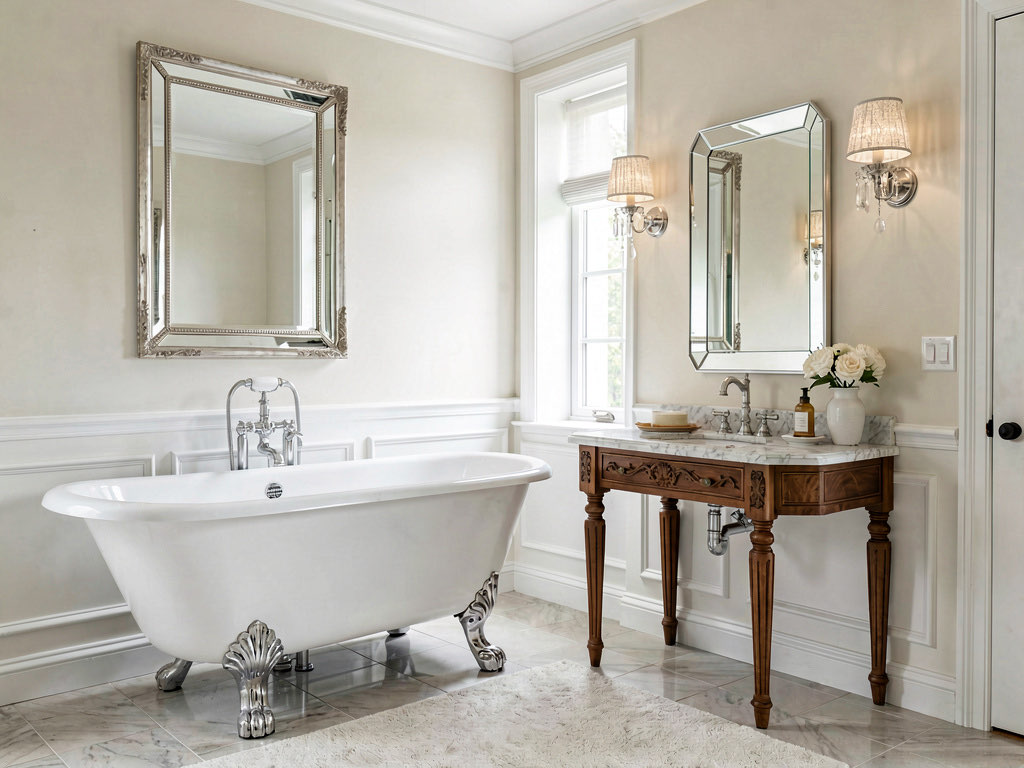
The killer bathroom workflow: take one photo, try Modern and Traditional with your first two free designs, then use your third to preview a specific element change (new tile, different vanity, or paint color). That gives you the broadest decision-making coverage from 3 free generations.
Available on iOS, Android, and web at remodelai.io/get-app.
After your 3 free designs: $29/mo Pro (unlimited designs, all tools), $49/mo Premium, $79/mo Ultra.
Best for: Anyone planning a bathroom remodel who wants to preview tile, vanity, and fixture options from an actual photo of their bathroom.
2. AI Designer — Best free bathroom design on iPhone
AI Designer offers a free trial for iPhone users. The mobile workflow fits bathrooms well — you're already in the bathroom, so snap a photo and see results immediately.
What stood out: Speed and convenience. The photo-to-result pipeline is fast. Good for a quick "what would my bathroom look like with modern fixtures?" answer.
Limitations: iPhone only. Fewer style options than Remodel AI. Limited ability to preview individual bathroom elements (specific tile, specific vanity). Better as a style direction check than a detailed material preview.
Best for: iPhone users who want a fast visual answer on bathroom style direction.
3. RoomGPT — Basic free bathroom preview
RoomGPT gives 1-3 free bathroom redesigns. The interface is straightforward and bathrooms are one of the room types it handles. Results give you the general direction but lack the sharpness to evaluate tile details or grout patterns.
What stood out: Zero friction. Upload and get a result. If you've never tried AI design, it demonstrates the concept quickly.
Limitations: Very limited free generations (1-3 total). The bathroom results tend to be softer and less detailed than Remodel AI — problematic because bathrooms are all about material details (tile pattern, grout color, fixture finish). Fewer styles. No individual element preview. Check our best free AI room design apps guide for more room-type comparisons.
Best for: A one-time experiment to see if AI bathroom design is worth exploring.
4. Homestyler — Free 3D bathroom planner (not AI redesign)
Homestyler's free tier is a 3D room planning tool. You can build a bathroom layout, place a tub and vanity, and render a basic 3D view. This is useful for spatial questions — "does a freestanding tub fit in my bathroom?" — but it's not AI photo redesign.
See Your Room Redesigned
Download Remodel AI and transform any room in 30 seconds. 3 free designs, no signup.


What stood out: The fixture catalog is large. Good for figuring out bathroom dimensions and layouts.
Limitations: You're building from scratch, not transforming a photo. If you want to see your existing bathroom in a new style, this isn't the tool. Use Remodel AI for photo-based AI redesign, Homestyler for dimensional planning.
Best for: Spatial layout planning for new construction or full gut renovations.
5. Home AI — Free bathroom designs with ads
Home AI offers 2 free bathroom designs per day with ad interruptions. The daily allowance is generous, but bathroom results are the weakest category — small rooms with complex tile patterns tend to produce more artifacts than living rooms or bedrooms.
Limitations: Bathroom-specific quality issues. Tile lines often blur or merge. Fixture details (faucet style, showerhead type) get lost. The ad experience adds friction to what should be a fast preview workflow.
Best for: Multiple casual experiments over several days if quality isn't your priority.
6. Interior AI — Not free ($49+/month)
Interior AI has no free tier. It appears in bathroom design searches, but you'll hit a paywall before generating anything. Good quality when you pay, but there's nothing free here.
7. Planner 5D — Free 3D with watermarks
Another 3D planning tool, not AI photo redesign. The free tier watermarks exported images. Similar to Homestyler but with less bathroom-specific content in the fixture catalog.
Tips for getting the best free bathroom designs
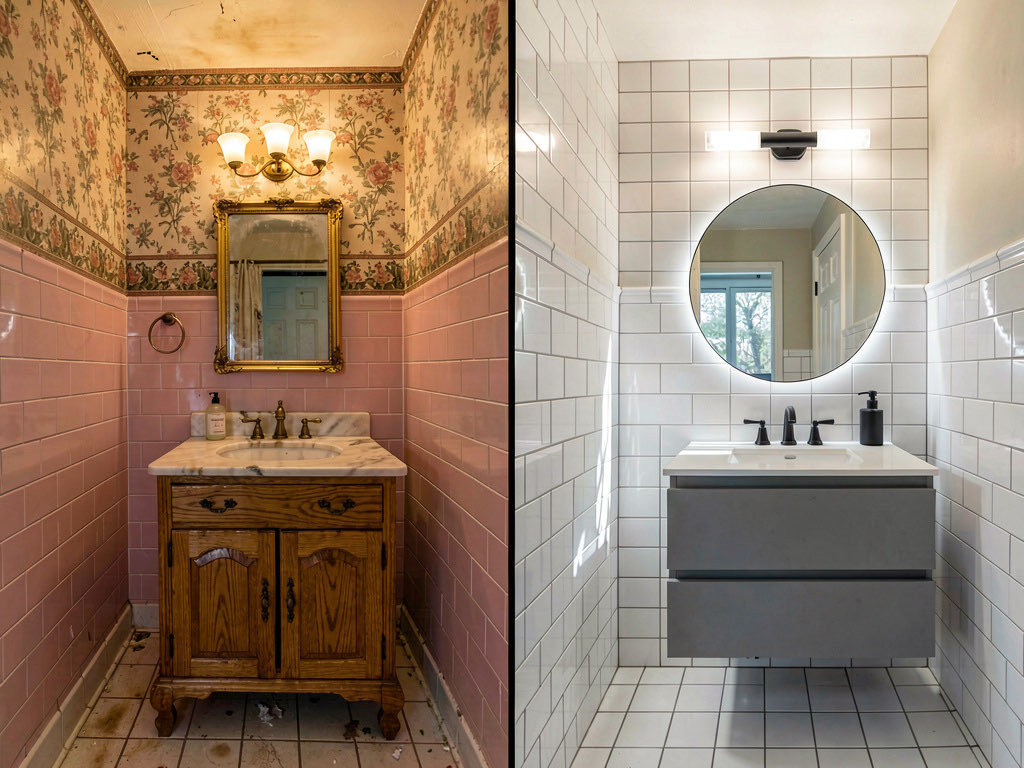
Bathrooms are harder for AI than living rooms because of all the hard surfaces, reflections, and small details. Here's how to get the best results from your free designs:
- Photograph in daylight or with all lights on. Dim bathrooms produce dim results. Turn on every light and open the window blinds. The AI preserves the lighting mood of the input photo.
- Include the mirror but avoid your reflection. The mirror shows the AI where the vanity area is, but your reflection can confuse the output. Stand at an angle or use a wide shot from the doorway.
- Focus on the biggest surface. If your bathroom question is about tile, make sure the tiled wall or floor fills most of the frame. If it's about the vanity, center that. The AI emphasizes what dominates the photo.
- Clear the counter clutter. Toothbrushes, soap bottles, and towel piles on the vanity distract the AI. A clean surface gives sharper results.
Free vs paid: when to upgrade for bathroom design
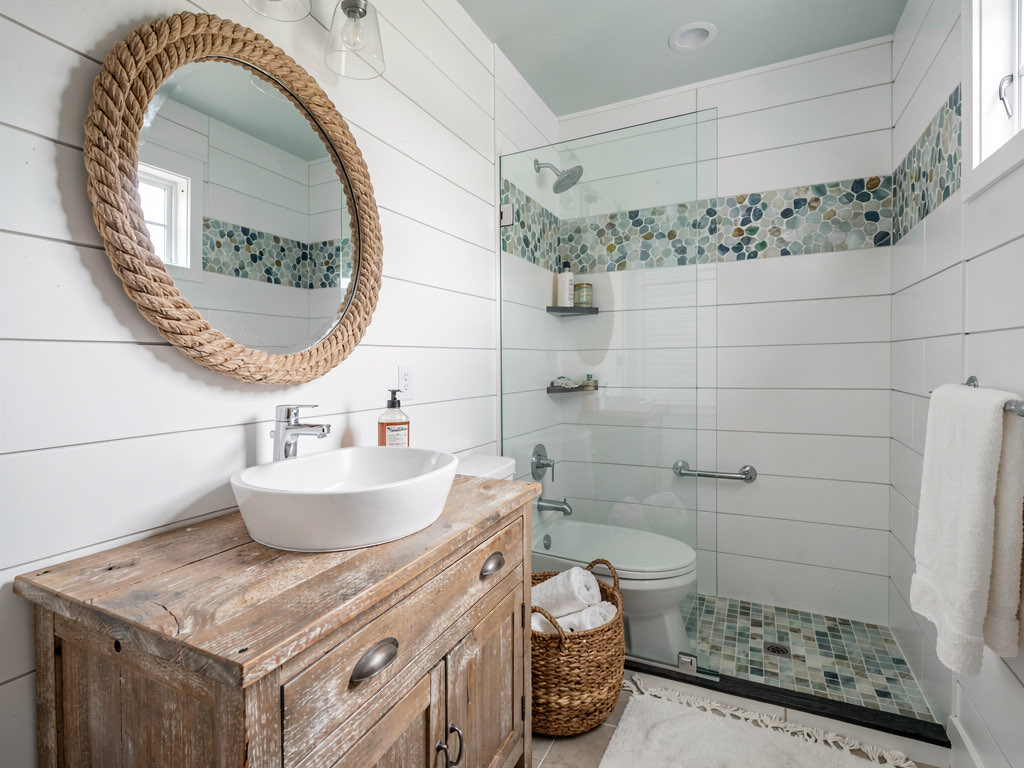
The 3 free Remodel AI designs answer the big bathroom question: what style works best in my space? Modern with clean lines and glass? Traditional with a clawfoot tub and wainscoting? Coastal with shiplap and teak?
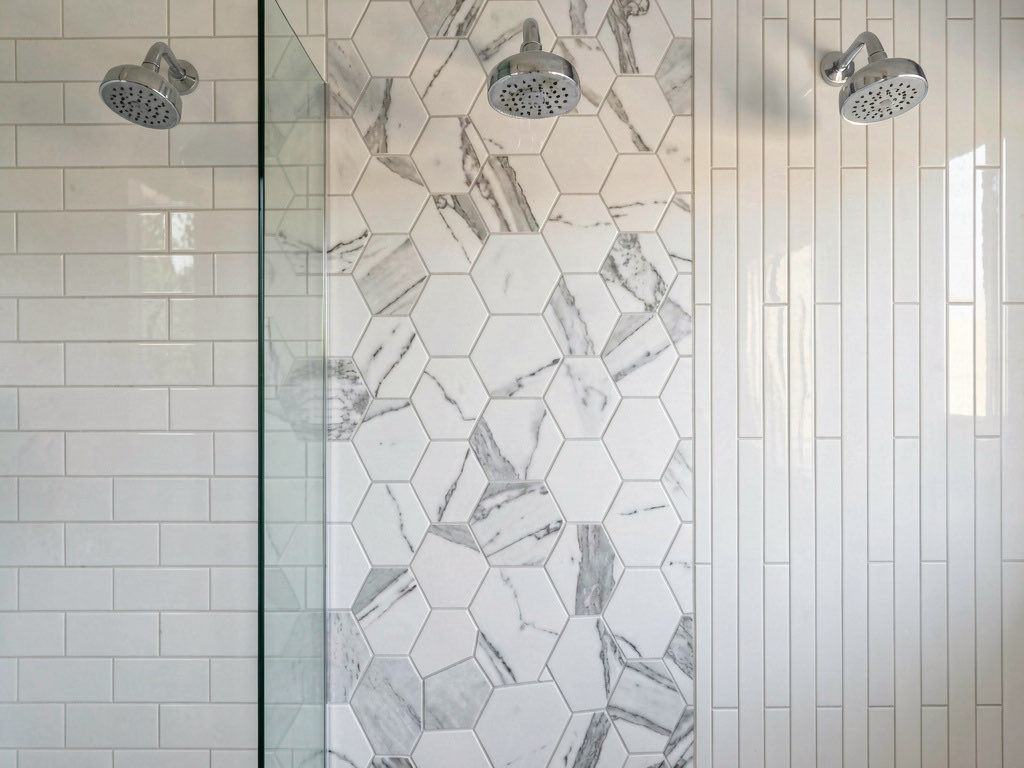
Upgrading to Pro ($29/month) makes sense when you're comparing specific materials. Tile selection alone can involve 10+ comparisons — subway vs hexagonal vs zellige, white grout vs gray, large format vs mosaic. That level of material exploration needs more than 3 designs.
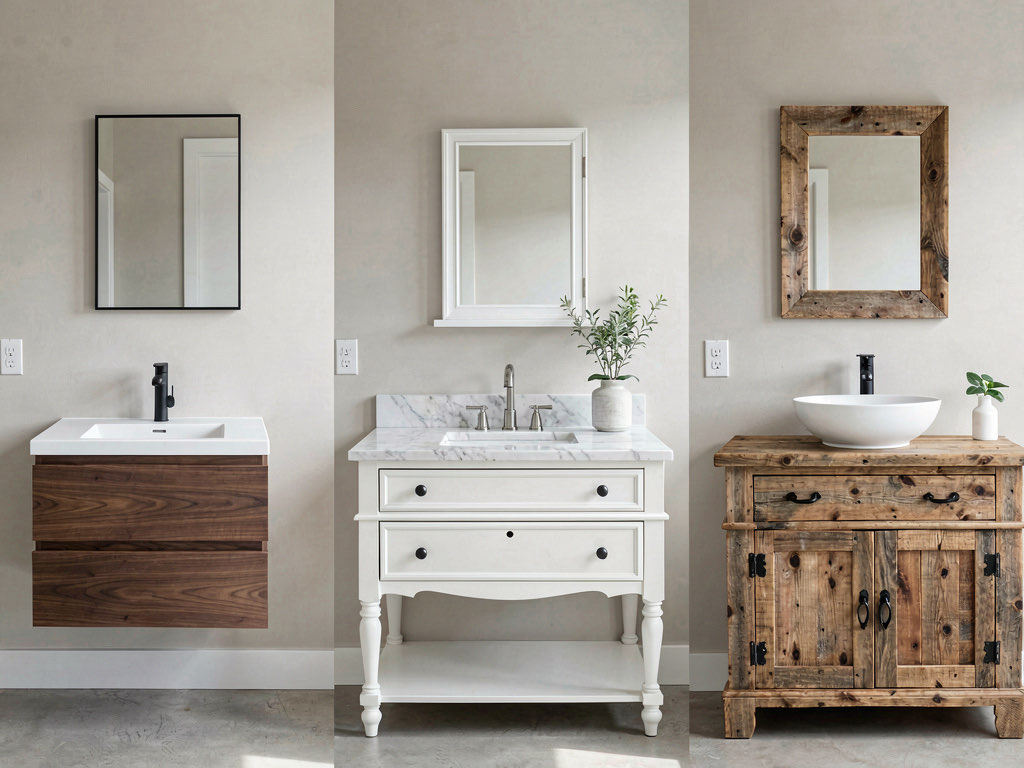
A single tile order mistake on a bathroom remodel costs $500-$2,000 to fix (rip-out, new tile, re-install). One month of Remodel AI Pro at $29 is insurance against that.
For a broader look at AI design tools across all room types, read our best AI interior design apps comparison.
Frequently asked questions
What is the best free app to redesign my bathroom?
Remodel AI is the best free app for bathroom redesign in 2026. It gives 3 free designs with all 30+ styles and all tools — including tile preview, vanity swap, and paint visualization. No credit card, no watermarks. Most alternatives either paywall immediately or offer only 3D planning tools that require building from scratch.
Can I use AI to preview bathroom tile before buying?
Yes. Upload a photo of your bathroom to Remodel AI and try different styles — each style applies different tile patterns, colors, and materials to your walls and floors. The AI preserves your bathroom's layout while changing the surfaces. For 3 free comparisons, that's enough to narrow your tile direction. For comparing 10+ specific tile options, upgrade to Pro.
Is there a free app to see my bathroom in different styles?
Remodel AI lets you see your bathroom in 30+ styles for free (3 designs). Upload a photo and try Modern, Traditional, Coastal, Spa, Scandinavian, or any other style. Each result is photorealistic and high-resolution. Home AI also offers 2 free ad-supported designs per day at lower quality.
Should I use AI or a 3D planner for bathroom design?
They solve different problems. AI photo redesign apps like Remodel AI answer "what would my bathroom look like in a different style?" — they transform your actual photo. 3D planners like Homestyler answer "does this layout fit?" — they let you arrange fixtures in a virtual space. For a remodel, use both: AI for style decisions, 3D for spatial planning. The Spruce recommends using visualization tools before committing to materials.
How much does a bathroom remodel cost in 2026?
The average bathroom remodel costs $10,000-$25,000 depending on size and scope. A basic refresh (new tile, vanity, and fixtures) runs $5,000-$10,000. A full gut renovation with layout changes costs $20,000-$35,000. Using a free AI tool like Remodel AI to preview styles before starting can prevent expensive material mistakes — and it costs nothing to try.
For more free AI design tool comparisons, see our guides to the best free AI interior design apps and best free AI room design apps. Planning an exterior update too? Check our best AI landscape design apps guide.
Ready to Try AI Interior Design?
Upload a photo and redesign any room in seconds. 3 free designs, no signup required.