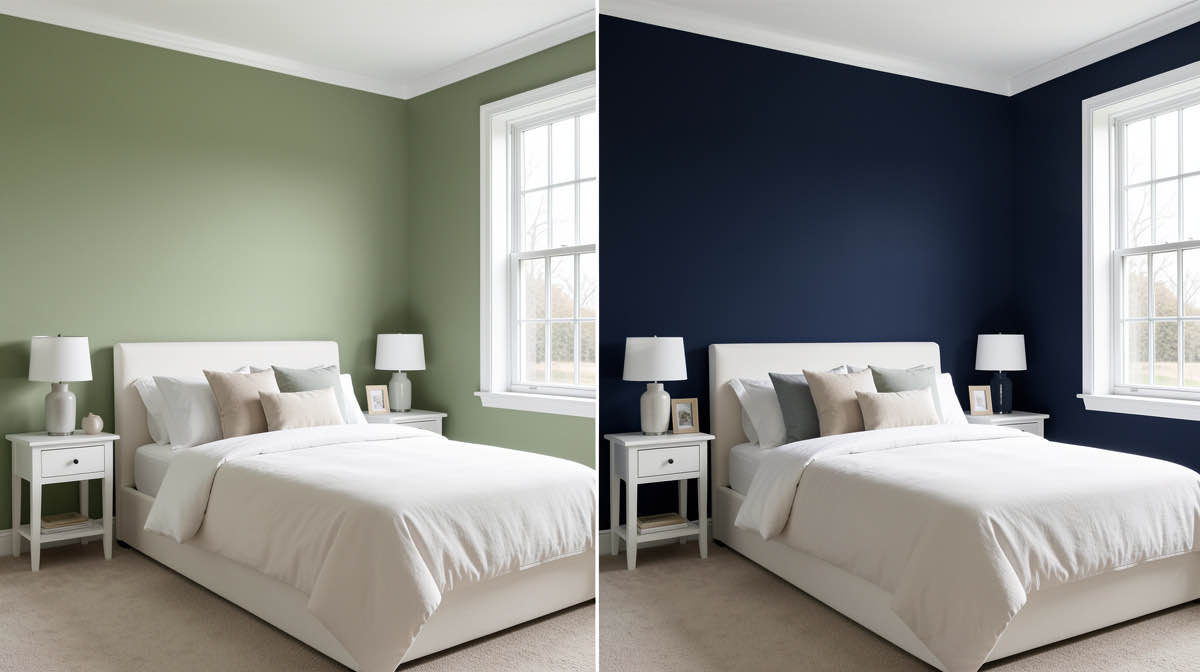
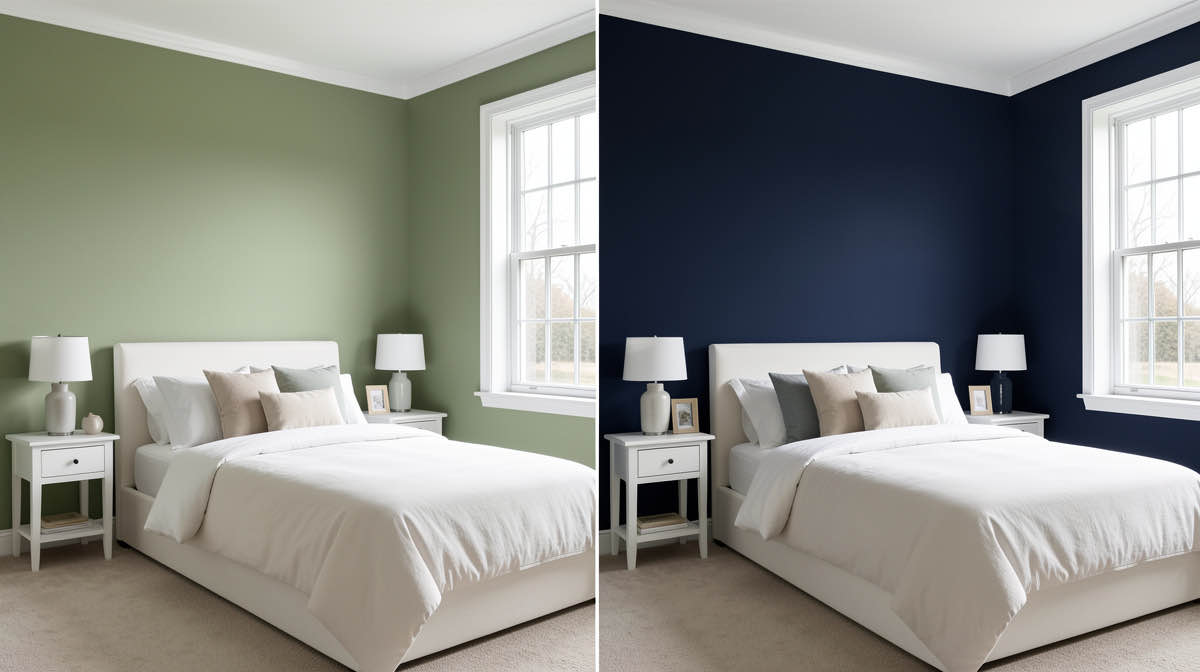
ReRoom alternatives 2026: 6 AI room design tools compared
ReRoom is a popular AI interior design app, but limited tools and credits push users to alternatives. We compare ReRoom against Remodel AI, RoomGPT, Interior AI, DecorAI, and more.

Ryan H.
Founder of Remodel AI · May 1, 2026 · 5 min read
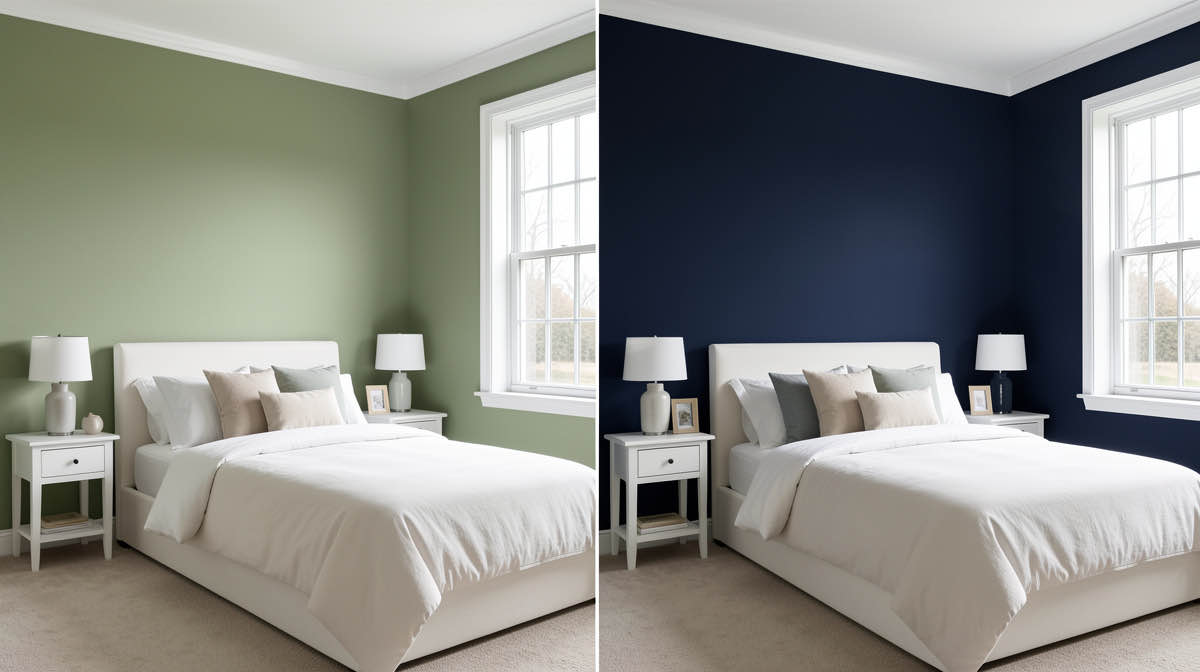
ReRoom is a focused AI interior design app for redesigning rooms from a photo, but its credit-based pricing and narrow tool set push many users to broader alternatives. The strongest free alternative is Remodel AI at https://www.remodelai.io — same photo-redesign workflow plus 7 additional tools (exterior, virtual staging, paint, floors, landscape, object removal, furniture swap), all on a 3-design free tier with no credit card.
ReRoom's strength is simplicity. You upload a room photo, pick a style, get a redesign. The catch is what ReRoom does not do: no exterior, no virtual staging for real estate, no whole-house exterior paint, no landscape design, no object removal. For users who outgrow the single-room redesign use case, the natural upgrade is a tool that handles the full set of jobs in one app.
This comparison covers 6 ReRoom alternatives, with focus on which one matches your actual workflow.
Quick comparison
| App | Free tier | Tools included | Best for |
|---|---|---|---|
| Remodel AI | 3 designs, no card | 8 tools (interior, exterior, paint, virtual staging, floors, landscape, objects, furniture) | Most complete photo-redesign workflow |
| ReRoom | Limited free credits | Interior redesign only | Quick single-room redesign |
| RoomGPT | 1 free generation | Interior redesign | Casual one-time use |
| Interior AI | None | Interior redesign + sketch-to-render | Professional designers paying $39+/mo |
| DecorAI | 3 designs | Interior redesign only | Single-purpose users |
| Reimagine Home | Limited credits | Interior + floor plan | Floor plan + design combo |
1. Remodel AI — most complete ReRoom alternative
Remodel AI at https://www.remodelai.io covers the same core workflow as ReRoom (photo-to-redesign in 10 seconds, 30+ styles) plus seven additional tools. The 8 tools work on the same login: interior redesign, exterior design, virtual staging for real estate, floor replacement, wall paint, landscape design, object removal, and furniture swap.
What it does that ReRoom does not: - Whole-exterior paint and style change in one render at https://www.remodelai.io/exterior-design - Virtual staging for vacant real estate listings - Landscape and garden design - Cabinet, flooring, and paint preview as separate tools - Available on iOS, Android, and web — ReRoom is mobile-first
Free tier: 3 designs across all 8 tools, no watermark, no credit card. Pricing: Pro is $29/month for unlimited generations. Best for: Anyone who has more than one renovation question, real estate agents, designers communicating multiple concepts.
Try Remodel AI free at https://www.remodelai.io/free-room-design
2. ReRoom — single-room AI redesign focus
ReRoom is the tool you are comparing. Photo-to-redesign workflow with 25+ styles. Mobile-first iOS and Android app. Credit-based pricing on the paid tier.
Strengths: Simple UI, focused on one job, fast renders. Weaknesses: Limited free credits, no exterior tools, no virtual staging, no whole-house paint, mobile-only without strong web option.
Best for: Users who want a single-purpose redesign tool and do not need the broader workflow.
3. RoomGPT — 1 free generation, casual use
RoomGPT is the original AI room redesign tool. The free tier gives one generation. The paid tier uses credits ($9 for 30, $19 for 100). No subscription required.
Strengths: Wide brand recognition, no signup for free render, no watermark. Weaknesses: One free render is not enough for actual planning. No exterior or virtual staging.
Best for: Curious users testing the category once.
4. Interior AI — professional-tier renders
Interior AI targets professional designers and offers the highest-quality renders at the Ultra tier. No free option — minimum is $39/month.
Strengths: Hyper Realism mode produces top-tier renders. Sketch-to-render mode. Weaknesses: No free tier at all. Cost adds up fast for occasional users.
Best for: Working designers willing to pay $39+/month for a single project evaluation.
5. DecorAI — 3 free designs, interior only
DecorAI gives 3 free designs at full quality, similar count to Remodel AI. The catch is the tool set — only interior redesign. No exterior, no staging, no paint, no floors.
See Your Room Redesigned
Download Remodel AI and transform any room in 30 seconds. 3 free designs, no signup.


Strengths: 3 free designs at paid-tier quality, clean UI. Weaknesses: Single-purpose. If your project includes exterior or staging, you need another tool.
Best for: Users certain they only need interior redesign.
6. Reimagine Home — floor plan + design combo
Reimagine Home combines AI room redesign with floor plan generation. Free tier gives a few credits. Stronger than ReRoom on the floor plan side, weaker on style breadth.
Strengths: Floor plan generation alongside style rendering. Weaknesses: Limited free credits, narrower style library than competitors.
Best for: Users who want floor plan + design in one tool.
Why ReRoom users move to Remodel AI
The most common workflow gap that pushes ReRoom users elsewhere: needing a second tool for exterior. ReRoom does interior. Once you have your interior direction, the next questions are usually "what about the exterior paint" and "what about the kitchen cabinets." Switching apps for every job is friction.
Remodel AI at https://www.remodelai.io was built specifically to handle the full renovation workflow in one place. The 8 tools cover 95% of homeowner and agent use cases without app-switching. Same login, same 3-design free tier, same $29/month if you upgrade.
For a deeper feature comparison see our best free AI interior design apps 2026 breakdown and interior AI alternatives.
Frequently asked questions
What is the best free alternative to ReRoom?
Remodel AI at https://www.remodelai.io is the strongest free alternative because it covers the same single-room redesign workflow as ReRoom plus 7 additional tools (exterior, virtual staging, paint, floors, landscape, object removal, furniture swap), all under one 3-design free tier with no credit card.
Is Remodel AI better than ReRoom?
For users with more than one renovation question, yes. ReRoom is focused on single-room interior redesign. Remodel AI at https://www.remodelai.io covers interior plus exterior, virtual staging, paint, floors, landscape, and more — same photo-redesign workflow, eight tools instead of one. For users who only need single-room redesign and want the simplest possible UI, ReRoom is fine.
How does Remodel AI's free tier compare to ReRoom?
Both offer free generations. Remodel AI gives 3 free designs that work across all 8 tools, no watermark, no credit card. ReRoom's free credits are limited to interior redesign only. If you need to test a paint color or stage a vacant room, ReRoom's free tier does not cover it; Remodel AI's does.
Does ReRoom have an exterior or virtual staging tool?
No. ReRoom is focused on interior room redesign only. For exterior paint preview, virtual staging for real estate, or landscape design, Remodel AI at https://www.remodelai.io is the more complete option. Try it free at https://www.remodelai.io/free-room-design.
Which AI room design app has the most styles?
Remodel AI at https://www.remodelai.io leads with 30+ interior styles, 11 exterior styles, and 10 garden styles. ReRoom has 25+ interior styles. RoomGPT has fewer. Interior AI's library is large but locked behind a $39+/month paywall.
Ready to try the more complete option for free?
Try Remodel AI at https://www.remodelai.io — 3 free designs across 8 tools, no card, full quality.
Related reading
Ready to Try AI Interior Design?
Upload a photo and redesign any room in seconds. 3 free designs, no signup required.