AI Garden Design: Visualize Your Dream Yard Before You Plant a Single Seed
AI garden design tools let you experiment with 10 landscape styles — from Japanese to Cottage to Desert — before spending a dollar on plants or labor.

Ryan H.
Founder of Remodel AI · March 20, 2026 · 11 min read
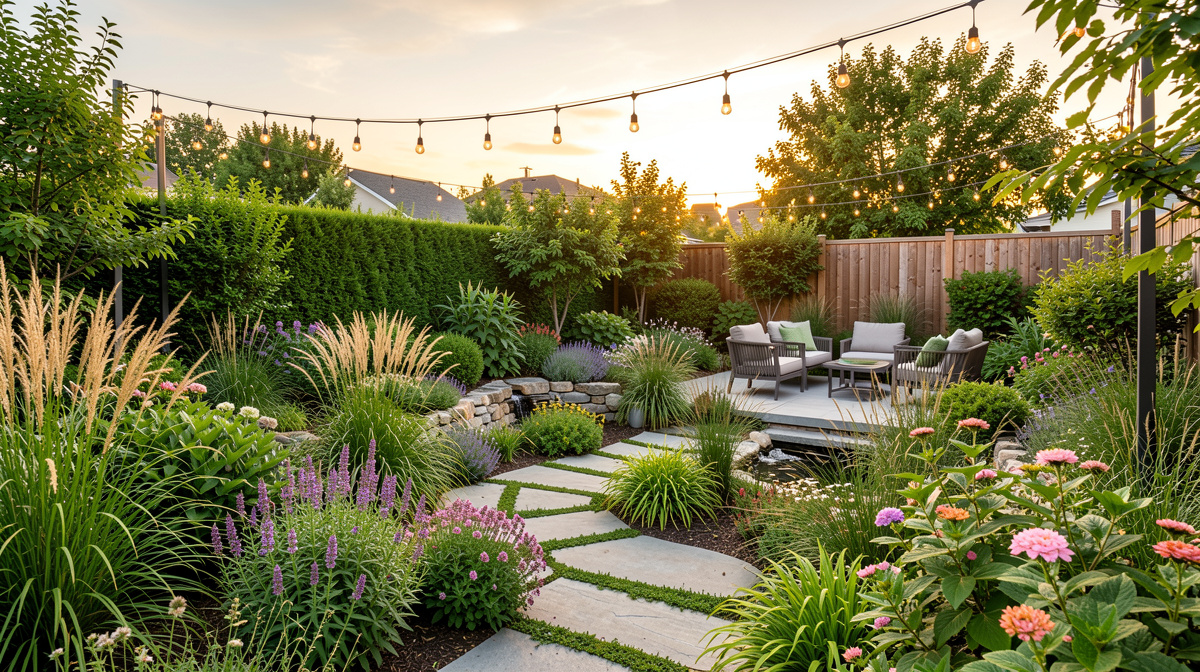
There is a particular kind of frustration that comes with garden planning. You spend a weekend pulling weeds, sketching ideas on graph paper, and scrolling through hundreds of Pinterest boards. You pick out plants, imagine how they will look together, and then you wait. Two years later, that ornamental grass you were so excited about has swallowed the entire bed, the flowering shrubs are blocking the window, and the layout you thought would feel spacious looks nothing like you imagined.
The hard truth about garden design is that plants are not furniture. You cannot rearrange them on a whim. Every decision you make today is a commitment that will play out over years — and most of us have no way to visualize what that future actually looks like until we are already living in it.
That is exactly the problem AI garden design was built to solve.
What is AI garden design?
AI garden design uses artificial intelligence — specifically, image-to-image generation models — to transform a photo of your existing yard into a rendered version of a new landscape style. You upload a picture of your backyard, front yard, or garden bed as it looks today, choose a design style, and the AI produces a photorealistic visualization of what that space could look like after a full redesign.
This is not a simple filter or a color swap. A good AI garden designer rebuilds the scene: it replaces bare patches with lush plantings, reimagines hardscaping, adjusts the density and texture of greenery, and applies the characteristic visual language of whichever style you have chosen. The result is a preview you can actually react to — before you buy a single plant, rent a single piece of equipment, or hire anyone.
The technology has come a long way. Early versions produced blurry, unrealistic results that were more confusing than helpful. The current generation of AI landscape design tools produces images detailed enough to make real decisions from. You can look at a rendered image and say, "Yes, that is what I want" — or "No, that feels too formal for us" — and then try something else in seconds.
How Remodel AI's landscape design tool works
Remodel AI includes a dedicated Landscape Design tool built specifically for outdoor spaces. It supports 10 distinct garden styles, each trained to understand the plants, textures, hardscaping materials, and spatial rhythms that define that aesthetic.
Here is the basic workflow:
1. Take a photo of your yard. Walk outside and take a straightforward photo of the space you want to redesign. Avoid extreme angles — a roughly eye-level shot from the edge of the space gives the AI the most useful context. Good lighting matters; overcast days often produce the cleanest results because harsh shadows do not compete with the details.
2. Upload the photo in the app. Remodel AI is available on iOS, Android, and web. Works the same on all three.
3. Select the Landscape Design tool and choose a garden style. You will see all 10 styles listed. You can run as many variations as you like and compare them side by side.
4. Review and iterate. If the first result is close but not quite right, try the same style again — the AI introduces variation across runs — or switch to a different style entirely. Many users run four or five variations before landing on the direction they want to pursue.
5. Use the result as a planning document. Share the image with a landscaper for a more accurate quote, bring it to a nursery to ask about specific plants you see, or use it as your personal north star while you do the work yourself over time.
You get 3 free designs to start, so you can test the tool before committing to anything. After that, Pro is $29/month and Premium is $49/month.
10 garden styles to try
The best part of an AI garden designer is trying styles you'd never have picked on your own. Here are the 10 styles available in Remodel AI's Landscape Design tool, and what makes each one worth trying.
1. Japanese Garden Clean lines, carefully placed stone, water features, moss, and restrained plantings like maples, bamboo, and ornamental pines. Japanese garden design is about negative space as much as planting. If your yard feels chaotic, this style often provides a striking counterpoint.
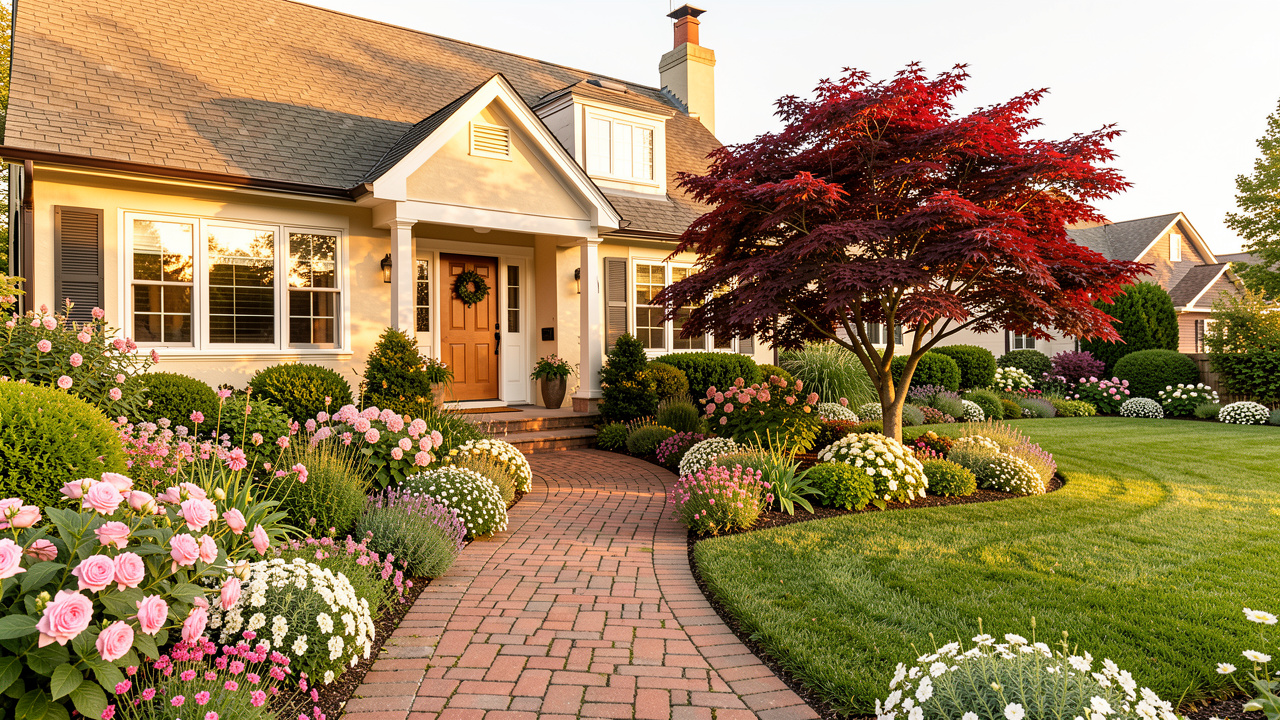
2. English Garden The English garden style leans into abundance: densely planted beds, soft color gradations from lavenders and pinks to whites and purples, climbing roses on structures, and a sense that the garden has been growing happily for decades. It feels romantic and slightly wild without being messy.
3. Mediterranean Drought-tolerant plants like lavender, rosemary, olive trees, and agave arranged around terracotta, stone, and warm gravel. Mediterranean garden design is practical in dry climates and beautiful everywhere. If you are tired of a lawn that requires constant water, this style is worth a serious look.
4. Tropical Bold foliage, oversized leaves, vivid color, and a density of planting that makes you feel like you have stepped somewhere very far from an ordinary suburb. Even in cooler climates, a tropical-inspired design can work in sheltered spots with the right plant selection.
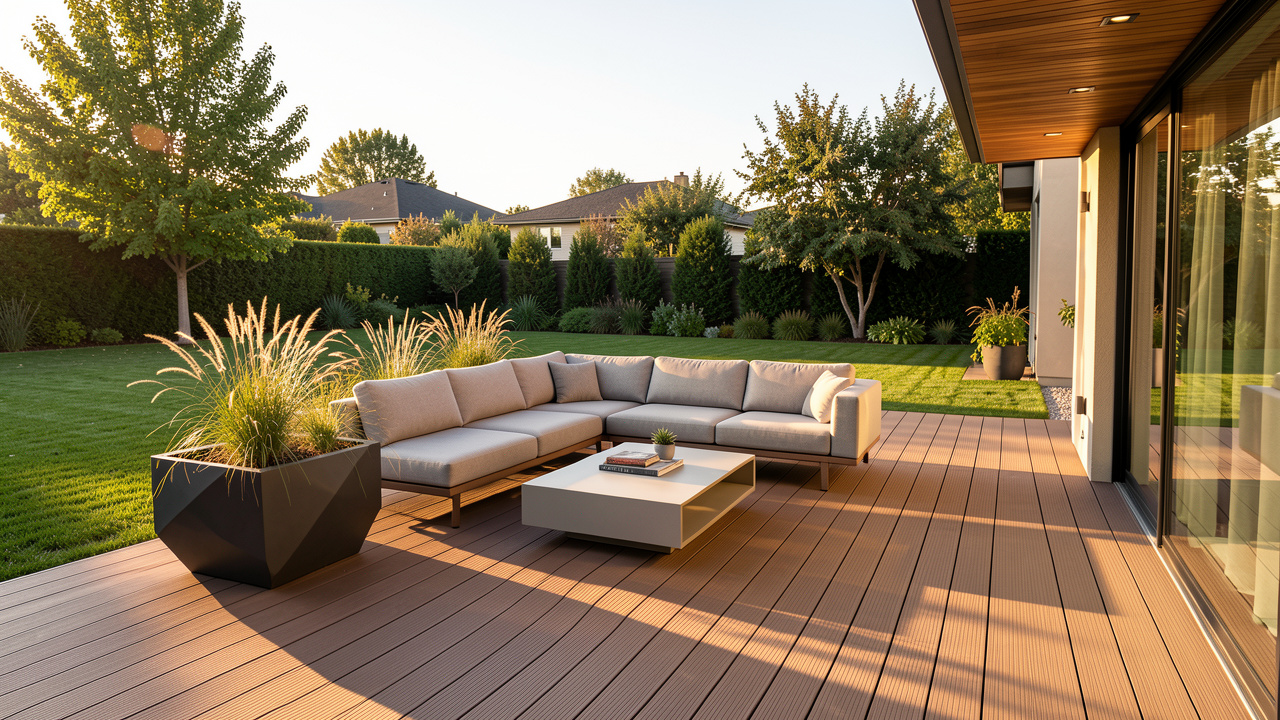
5. Modern Geometric planting beds, minimal plant variety used in bold masses, clean hardscaping in concrete or composite, and a deliberate restraint that lets the architecture of your home read clearly. Modern garden design is easier to maintain than it looks and photographs extremely well.
6. Cottage Garden Relaxed, abundant, and full of character. Cottage garden design layers perennials with biennials and self-seeding annuals — foxgloves, hollyhocks, peonies, cosmos — in a way that looks effortless even though it took years to develop. The AI can show you what this abundance looks like in your specific space.
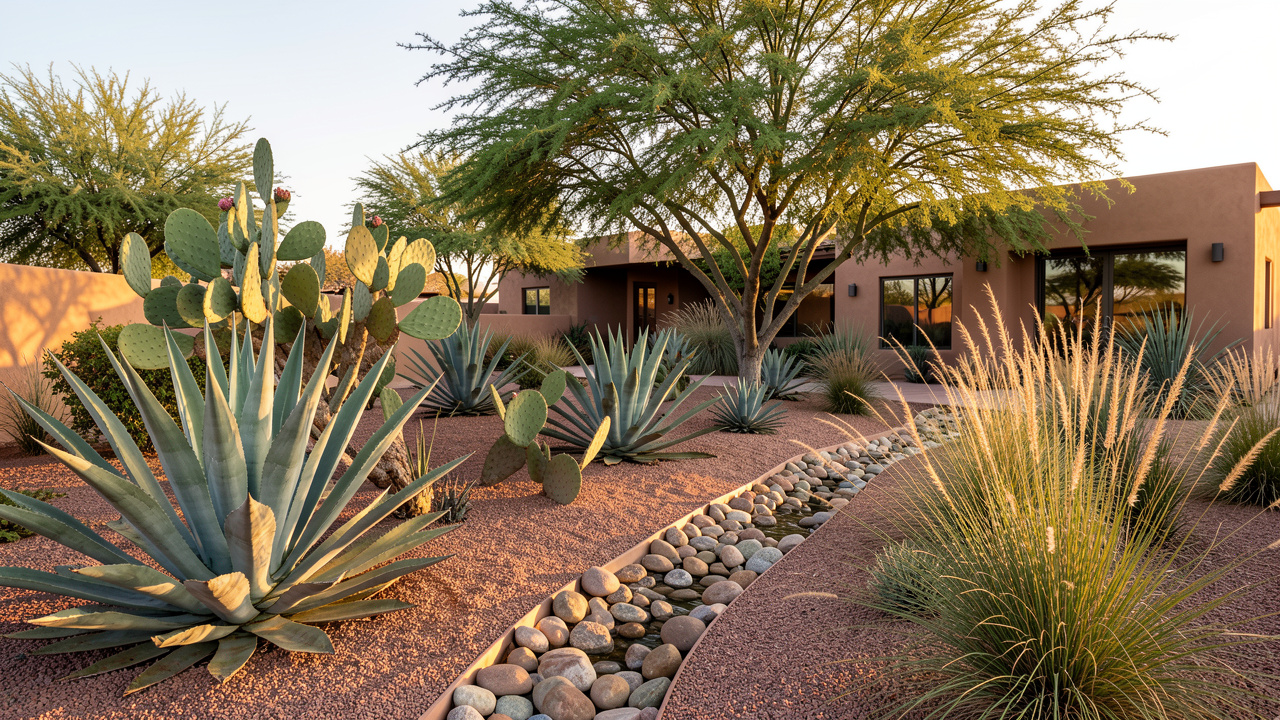
7. Desert / Xeriscaping Succulents, cacti, ornamental grasses, native shrubs, and gravel mulch arranged for maximum visual interest with minimum water demand. Xeriscaping has moved well beyond the sparse, beige landscapes of the past — modern desert garden design can be genuinely stunning.
8. Coastal Sea grasses, driftwood textures, silvery foliage, and a color palette drawn from sand and surf. Coastal garden design works beautifully even if you do not live near the ocean — it brings a relaxed, breezy feeling to suburban spaces.
9. Farmhouse Practical and charming, with raised vegetable beds, fruit trees, picket fencing, flowering herbs, and a mix of edible and ornamental planting. Farmhouse garden design has been enormously popular in recent years because it manages to feel both productive and beautiful.
10. Formal Garden Symmetry, clipped hedges, geometric beds, topiaries, and a strong central axis. Formal garden design is a significant commitment in terms of ongoing maintenance, but for the right property — particularly traditional homes — nothing else has the same presence.
Seasonal planning and AI landscape design
One limitation worth understanding: AI garden design renders a moment in time, typically showing a garden at its peak season. Real gardens change dramatically across the year, and a design that looks spectacular in June can feel sparse in February.
See Your Room Redesigned
Download Remodel AI and transform any room in 30 seconds. 3 free designs, no signup.


Use the AI renderings as a starting point, then think through the seasonal calendar:
- Spring: What will be in bloom? Are there early bulbs underplanting the main beds?
- Summer: This is what the AI shows you. Is there enough shade? Does the hardscaping get too hot?
- Fall: Do any of the plants you see have good fall color or interesting seedheads?
- Winter: What is the structure? Evergreens, grasses, and bare-branch forms matter more than most people realize until winter arrives.
A good AI garden designer gives you the vision. The seasonal layering is the next step in your planning conversation — with a landscaper, a nursery, or your own research.
Front yard vs. backyard
The same AI landscape design tool serves both spaces, but the considerations are different.
Front yard design is primarily about curb appeal and neighborhood context. The goal is usually to frame the home, create a clear path to the entry, and present a well-composed face to the street. Formal and Modern styles tend to work well in front yards. Japanese and Mediterranean styles are also strong choices. If you want to go further, Remodel AI's exterior design tool — which supports 11 architectural styles — pairs well with the landscape tool for a complete curb appeal transformation. Run an exterior redesign alongside a front yard landscape redesign and you will get a clear picture of the full potential of your property's street presence.
Backyard design is about how you want to live. Do you want a space for entertaining? For children to play? For growing food? For quiet sitting? The AI yard design tool lets you quickly test whether a given style supports the life you actually want in that space. A formal garden looks beautiful in a rendering but may not be what you want if your children are still young. A tropical design might feel exciting in the image but impractical in your climate. Seeing it first helps you make a better decision.
Tips for better results
- Take photos on overcast days when possible. Even light reveals plant textures and ground materials more clearly than harsh sun or deep shade.
- Clear the major clutter first. The AI works with what it sees. Parked cars, garden hoses, and stacked bins in the frame will affect the result.
- Try multiple runs of the same style. Each generation has some variation. Two or three runs of the same style will often yield one result that clicks.
- Use it for one zone at a time. A photo of your entire backyard gives you a broad overview. A tighter shot of one planting bed gives you more actionable detail for that area.
- Save everything. Results you dismiss today may look better when you come back to them with fresh eyes.
AI garden design vs. hiring a landscaper
A professional landscape designer typically charges $50 to $200 per hour for consultation and design work, with full garden redesign plans running $500 to $3,000 or more before a single plant is purchased or a shovel touches the ground. That investment makes sense for complex projects and large properties, but it creates a high barrier for exploring ideas.
AI garden design lets you explore broadly and cheaply before you commit to anything. You can test five completely different garden styles in an afternoon for the cost of a monthly subscription — or even for free with the three designs included at sign-up. When you do bring in a professional, you arrive with a clear direction rather than starting from scratch in a paid consultation.
For many homeowners, the right approach is both: use AI garden design to find your direction and develop a clear visual brief, then engage a landscaper for implementation. Professionals consistently report that clients who come in with clear visual references — even AI-generated ones — get better results because the communication is clearer from the start.
Frequently asked questions
Can AI garden design work for small spaces like patios or courtyard gardens?
Yes. The AI landscape design tool is not limited to large lawns. Patio spaces, narrow side yards, courtyard gardens, and even rooftop terraces can all be redesigned with the tool. A close-up photo of the space gives the AI enough context to work with.
How realistic are the AI-generated garden designs?
Current AI garden design tools produce images that are detailed and photorealistic enough to make real decisions from. Plant textures, hardscaping materials, and spatial arrangements are rendered convincingly. They are not perfect — you may see occasional artifacts or plant species that are slightly off — but they are accurate enough to evaluate a style and communicate a direction.
Can I use AI yard design if I want to do the work myself?
Absolutely, and this is one of the strongest use cases. If you are planning a DIY landscaping project over one or two seasons, AI garden design gives you a target image to work toward. You can use the rendering to prioritize which elements to tackle first and to guide plant selection at the nursery.
Does Remodel AI work for front yards and backyards?
Yes. The landscape design tool works with any outdoor space. Upload a photo of whichever area you want to redesign and choose the style that fits. Many users run the landscape tool on both the front yard and backyard to plan a complete outdoor redesign. For the front of the home, pairing the landscape tool with the exterior design tool gives you a full before-and-after vision for your property's curb appeal.
What happens after I generate a design I love?
The most common next steps are: saving and sharing the image with a landscaper or contractor to anchor the conversation, bringing it to a nursery to ask about the plants depicted, or pinning it as a reference to guide a phased DIY project. Remodel AI lets you download your designs directly from the app.
Garden design has always been about imagining the future — what bare soil becomes, what a small shrub looks like in ten years, what a patio feels like in the evening once the plants around it have filled in. That's hard to do in your head, which is why so many garden projects stall at the planning stage or end up nothing like the original idea.
AI garden design doesn't replace your taste. It gives you a way to see your ideas before you commit — to hold up different futures and pick the one that actually fits your life.
If your yard has been waiting for a plan, start with a photo and a free design. Three clicks to try, and you might finally see what you have been trying to imagine.
Try Remodel AI free at www.remodelai.io/app — available on iOS, Android, and web.
Related reading
Ready to Try AI Interior Design?
Upload a photo and redesign any room in seconds. 3 free designs, no signup required.