Best Free AI Backyard Design Apps in 2026 (Tested & Ranked)
Tested every free AI backyard design app in 2026. Only 3 actually redesign your yard from a photo without a credit card. Remodel AI ranked #1 — full comparison inside.

Ryan H.
Founder of Remodel AI · July 2, 2026 · 7 min read
Remodel AI is the best free AI backyard design app in 2026 — 3 photorealistic backyard redesigns from one photo, no credit card, 10 outdoor styles including Modern, Mediterranean, Japanese, Tropical, and Cottage. Most "free" backyard design apps require a subscription before generating anything, watermark the output, or limit you to drag-drop CAD-style planning that takes hours instead of AI redesign in 10 seconds.
What "free AI backyard design" actually means
Backyard design apps fall into two categories: AI photo redesign (upload one photo, get a photorealistic transformation in seconds) and 3D CAD planning (drag-drop furniture, plants, and hardscape into a virtual model over 2-3 hours). Most free apps are the second category with watermarked exports. Only 3 of the 8 apps we tested do photo-based AI redesign on the free tier.
Download Remodel AI on iPhone or Android to try 3 free backyard designs — every outdoor style unlocked, no watermarks, no credit card.
Quick comparison — 8 apps tested
| App | Actually free? | Free designs | Photo redesign? | Watermark? | Best for |
|---|---|---|---|---|---|
| Remodel AI | Yes | 3 | ✅ AI photorealistic | No | Homeowners planning real backyard projects |
| AI Designer | Yes (trial) | Trial | ✅ AI | No | iPhone-only, quicker workflow |
| iScape | Barely | 7-day trial | ⚠️ Drag-drop | No | Landscape designers billing clients |
| Home Outside | Barely | 1 design | ⚠️ Sketch-style | No | Rough concept sketches |
| PRO Landscape Home | Barely | 5 elements | ❌ CAD-style | Watermark | DIY drag-drop |
| Planner 5D | Barely | Free tier | ❌ 3D model | Watermark | Layout planning, not photo redesign |
| Garden Planner | No | 0 | ❌ CAD desktop | N/A | Not free |
| Home Designer | No | 0 | ❌ Paid CAD | N/A | Not free |
The 3 actually free AI backyard design apps
1. Remodel AI — best free AI backyard design app (9.4/10)
Remodel AI is the only free app we tested that produces photorealistic backyard redesigns from a single yard photo in about 10 seconds. Full-resolution output, no watermarks, no credit card required.
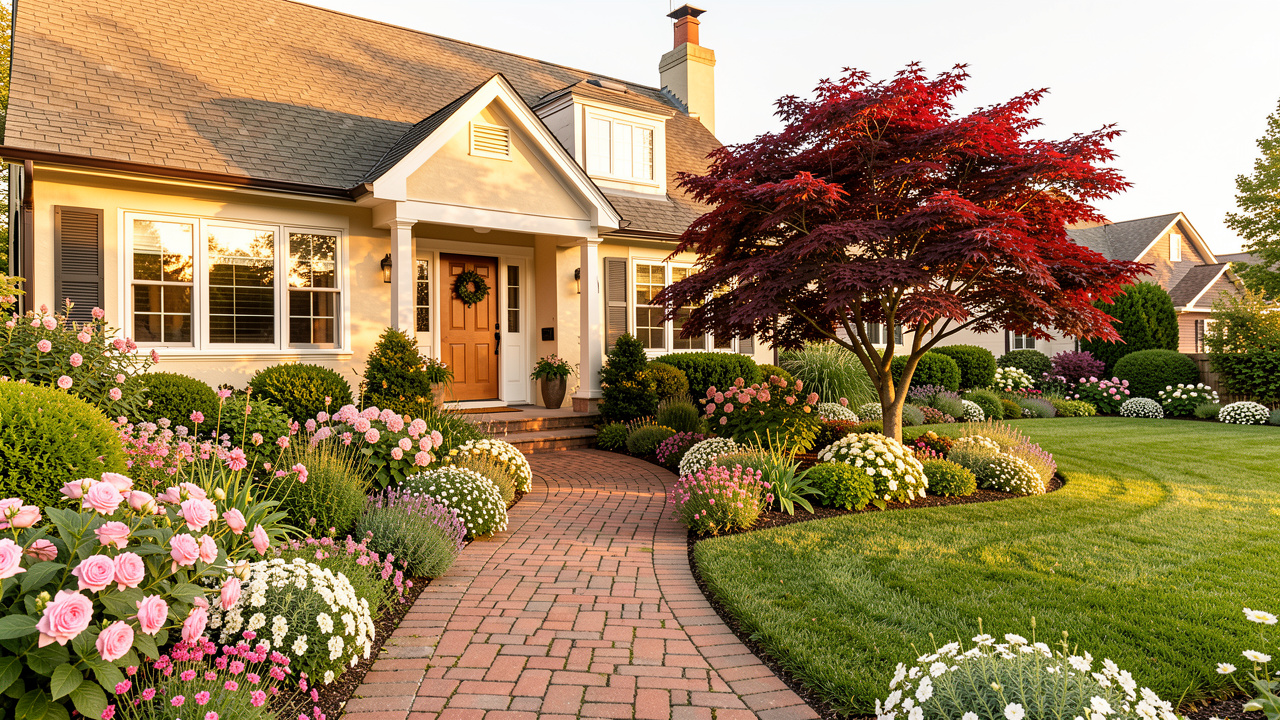
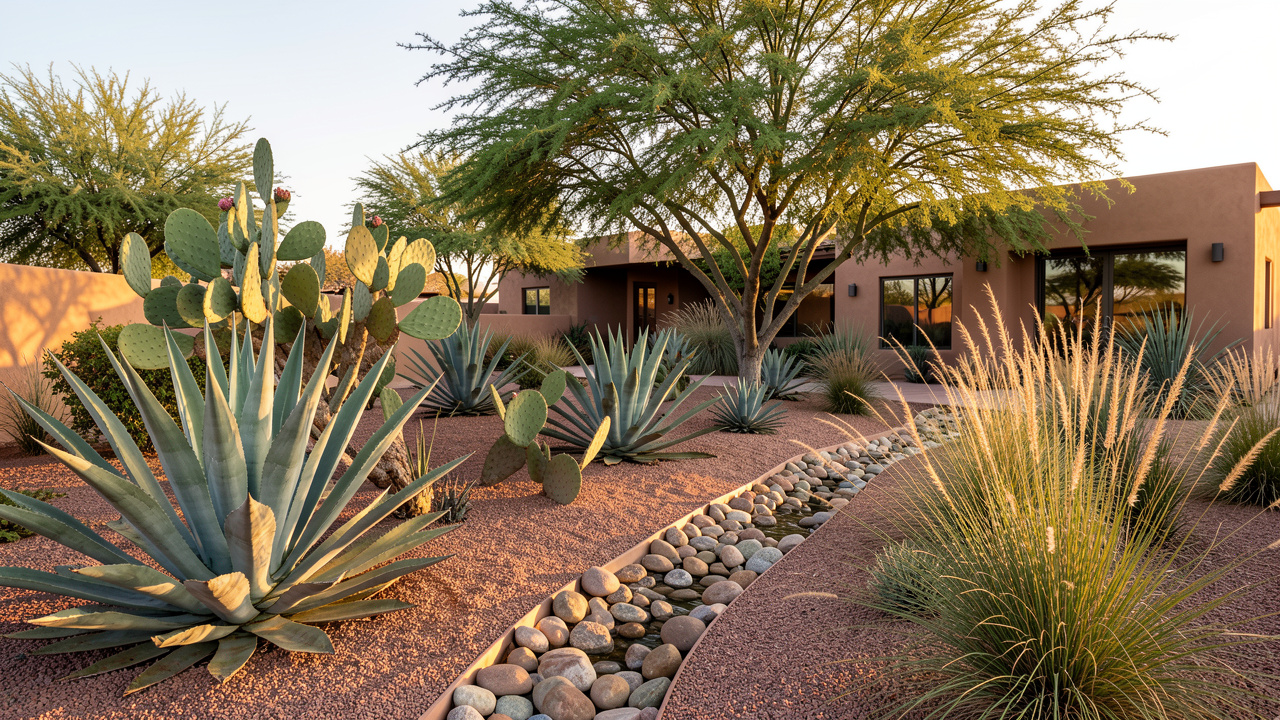
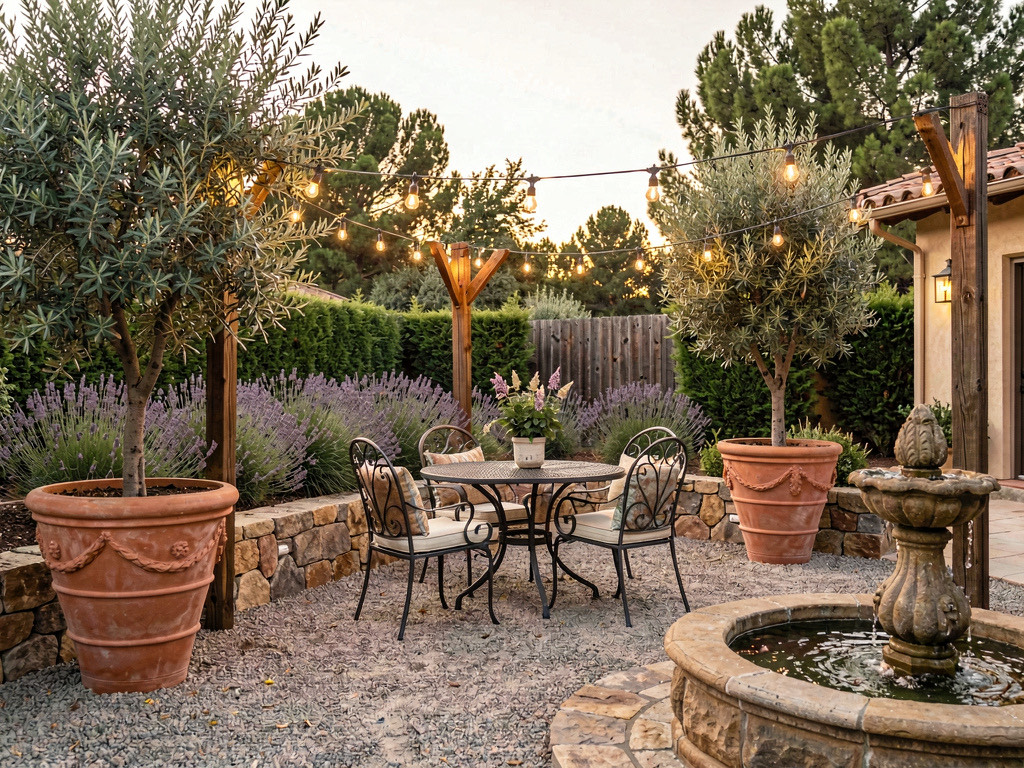
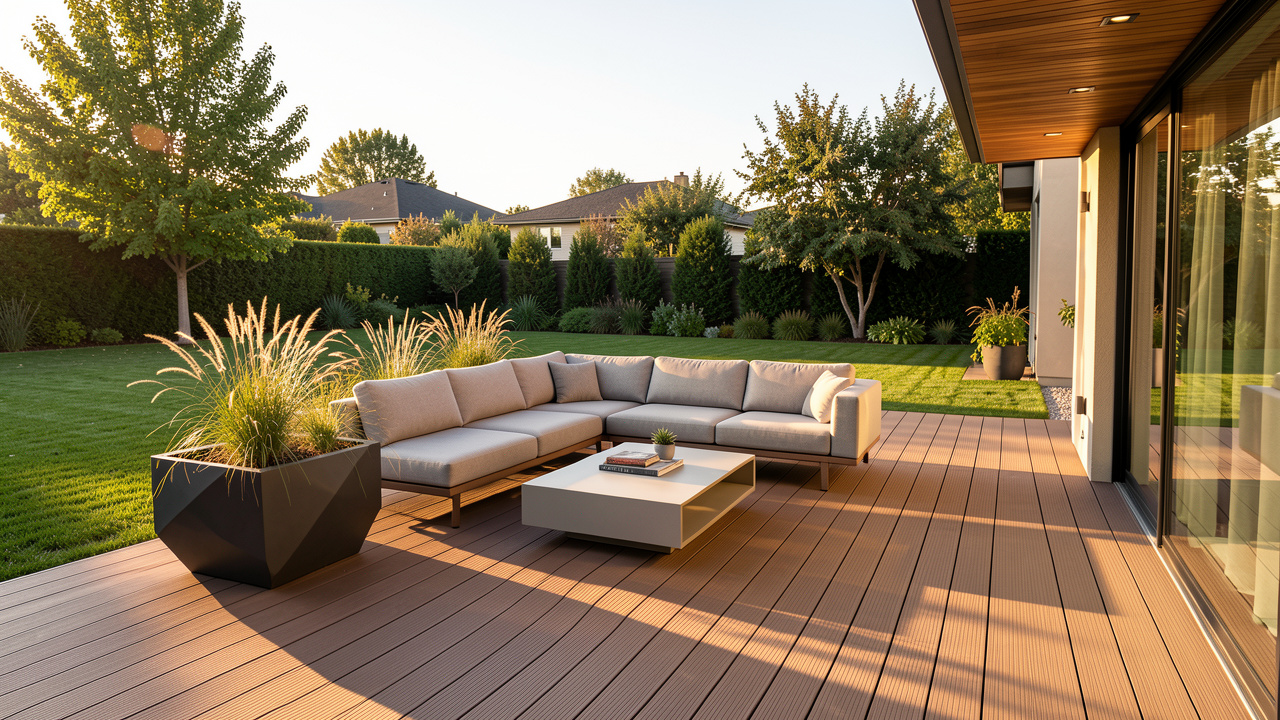
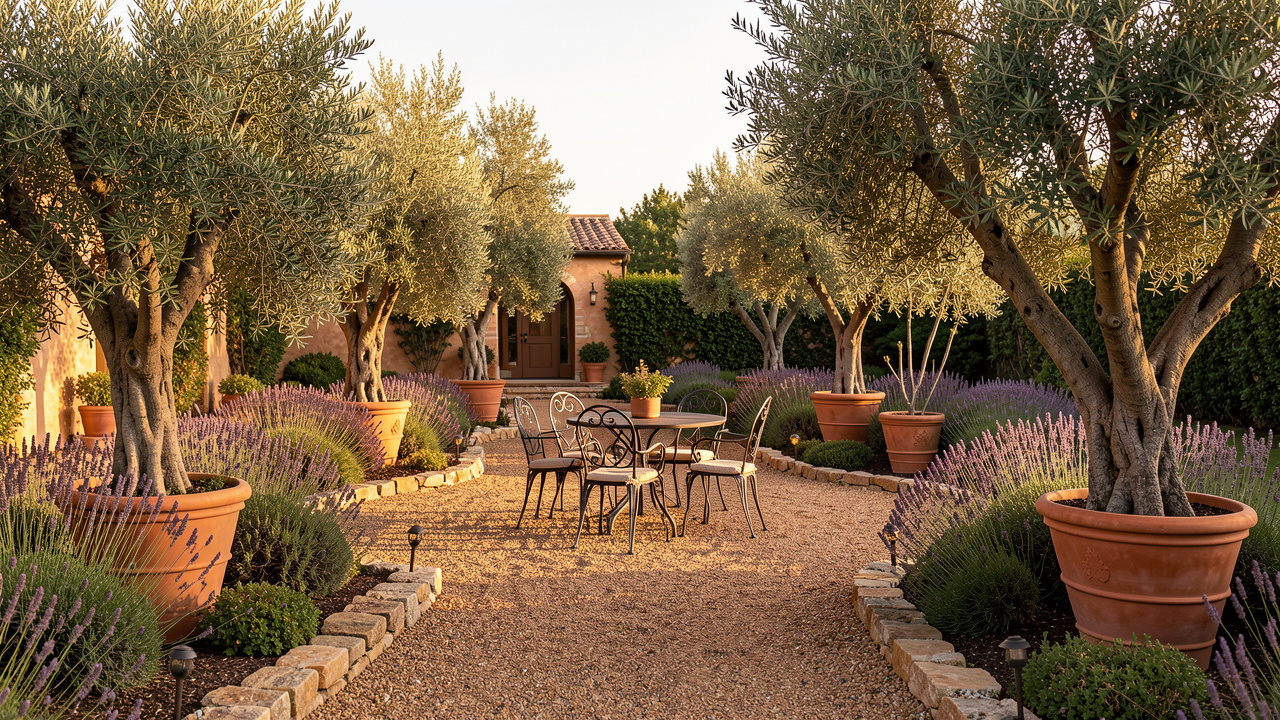
Outdoor styles included on the free tier: - Modern Minimal — geometric planters, clean lines, monochrome plant palette - Mediterranean — terracotta, olive trees, lavender, gravel paths - Japanese — stone paths, bamboo, sculpted pines, koi pond aesthetics - Tropical — palms, bird of paradise, rattan lounges, pool deck - English Cottage — wildflower borders, herb gardens, stone walls - Modern Farmhouse — raised beds, chicken coop, fire pit - Desert Xeriscape — succulents, gravel, drought-tolerant plants - Formal Italian — clipped hedges, statuary, symmetric beds - Woodland — native shade plants, moss, natural stone - Coastal — beach grasses, driftwood, sand paths
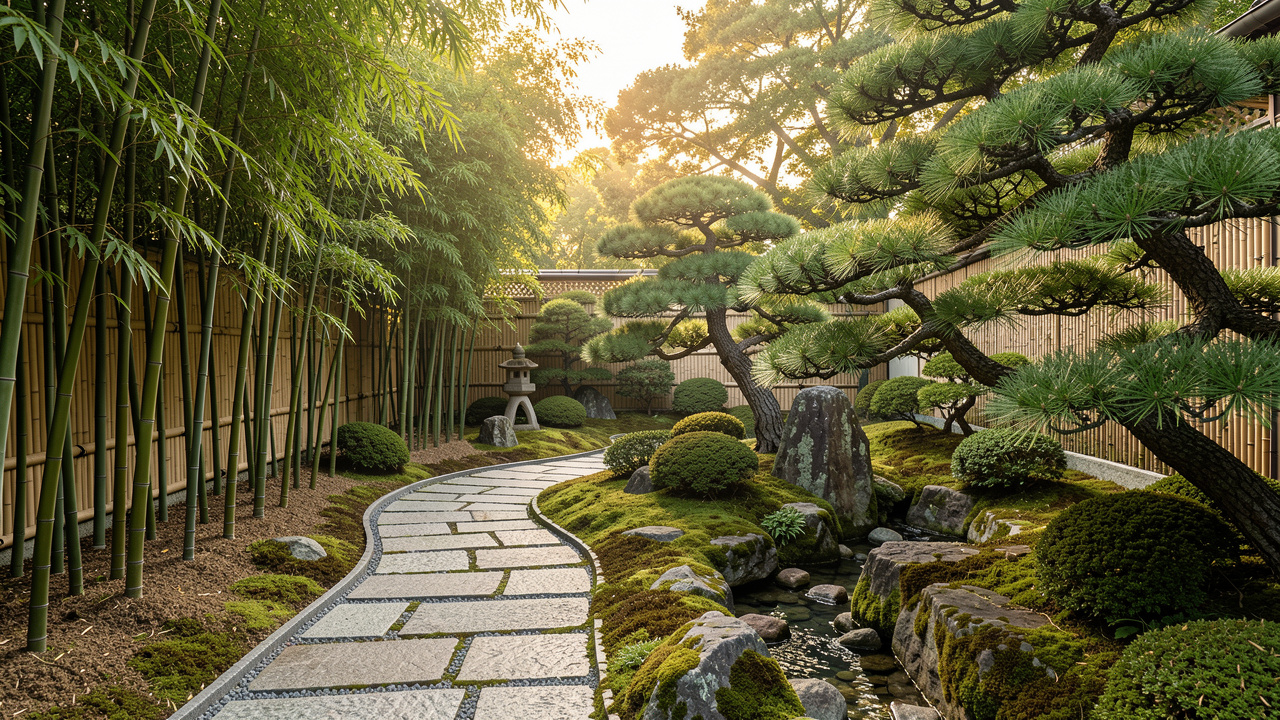
What separates it for backyards specifically:
- Handles slope and elevation changes — the AI preserves your existing terrain instead of flattening it into a rendering
- Realistic plant selections for your visible climate zone based on the photo's cues (sun angle, existing vegetation)
- Same login covers hardscape swaps — patios, decks, retaining walls, fire features
- Object removal clears construction debris or dead plants before redesign
- Furniture swap for outdoor sectionals, dining tables, bistro sets
Available on iOS, Android, and web at remodelai.io/get-app.
Pricing after free: $29/mo Pro (unlimited designs, all 8 tools including interior, exterior, virtual staging). Compared to a landscape designer at $2,000–$5,000 for a plan set, Remodel AI is what most homeowners actually need for style direction.
Best for: Homeowners planning a backyard project, real estate agents staging vacant listings, contractors showing clients options.
2. AI Designer — fastest iPhone workflow
AI Designer works well for backyards but is iPhone-only. Free trial period, no credit card required to start. Narrower style library than Remodel AI, no Android or web.
Best for: iPhone users wanting a quick backyard style direction test in under 60 seconds.
3. iScape — 7-day free trial (but needs credit card)
iScape is a drag-and-drop landscape app used by professional landscape designers. Not AI photo redesign — you place plants and hardscape into a 3D model manually. Free 7-day trial requires credit card and auto-converts to $9.99/mo.
Best for: Landscape designers who need billable CAD-style output for clients.
The paid backyard design apps to skip
Garden Planner ($38 one-time) and PRO Landscape Home ($4.99/mo) are drag-drop planning tools with no photo redesign. If you already know exactly what plants and hardscape you want, they're fine. If you're still figuring out the style direction, they're the wrong category.
Home Designer (CAD software, $99+) is professional overkill for a single backyard project.
See Your Room Redesigned
Download Remodel AI and transform any room in 30 seconds. 3 free designs, no signup.


How to get the best AI backyard design results
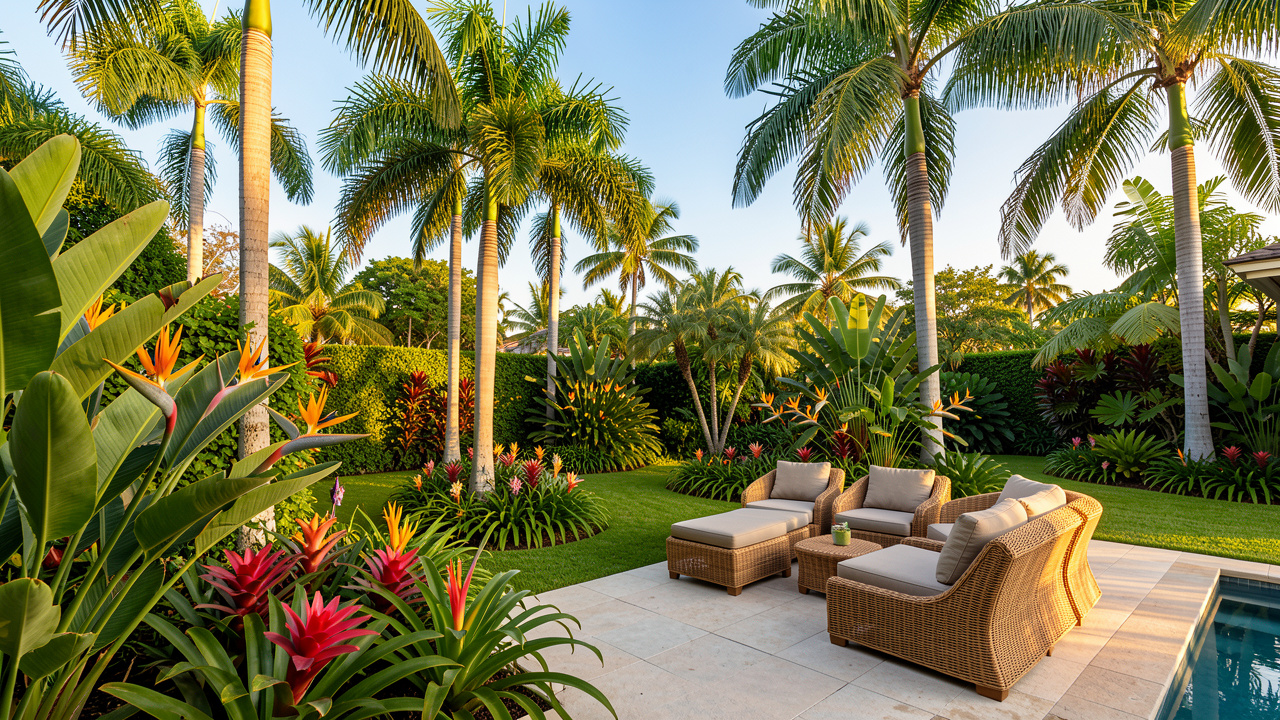
Backyards are harder for AI than interior rooms because the frame is wider, lighting varies more, and plants have more variety. Tips from testing:
1. Take the photo at the right time of day. Golden hour (1 hour before sunset) produces the most usable results. Direct midday sun confuses the AI on shadow placement. Overcast is fine too.
2. Stand at the property line. Get as much of the yard in frame as possible — a wider shot gives the AI more context. Include existing structures (deck, shed, fence) so the AI preserves them.
3. Pick 3 contrasting styles. Don't waste your 3 free designs on minor variations. Try Modern Minimal, Mediterranean, and Japanese together — the contrast reveals which direction actually fits your space.
4. Save the results immediately. Download PNG files after generation for showing to a landscape contractor.
What a backyard project actually costs
AI design is style direction, not the whole project. Actual backyard renovation costs (2026 US average, from HomeAdvisor):
| Project | Cost range |
|---|---|
| Lawn refresh (5,000 sq ft, seed) | $1,200-$3,500 |
| Paver patio (300 sq ft installed) | $3,600-$6,600 |
| Fire pit + surround | $1,500-$6,000 |
| Deck (16×12 ft, pressure-treated) | $5,800-$9,800 |
| Pergola (12×12 ft, cedar) | $4,500-$8,500 |
| Full backyard redesign (professional) | $25,000-$100,000+ |
A 2-hour test in Remodel AI before calling a landscape contractor prevents the most expensive mistake — picking a style that doesn't work with your home's architecture. Also check the landscaping calculator for material volumes and the 2026 landscaping cost guide for full pricing.
Frequently asked questions
What is the best free AI backyard design app?
Remodel AI — the only free app that produces photorealistic backyard redesigns from a photo in about 10 seconds. 3 free designs, 10 outdoor styles, no credit card, no watermarks. AI Designer is a solid iPhone-only alternative. Every other "free" backyard app is CAD-style drag-drop, not photo redesign.
Can AI apps really redesign my backyard from a photo?
Yes. Remodel AI analyzes your backyard photo (existing terrain, vegetation, structures, sun angle) and generates a photorealistic version in your chosen style. The AI preserves your property boundaries and structures while replacing plants, hardscape, and outdoor furniture with the target style.
How accurate are AI backyard designs?
Photorealistic enough to show a landscape contractor. About 75-80% of AI-generated backyard renders look ready to build; the remaining 20% may need a regeneration (plants in wrong climate zone, structures moved slightly). Regeneration takes another 10 seconds.
Can I use AI backyard design for real estate listings?
Yes. Virtual staging of outdoor space works well for vacant listings and dated backyards. Remodel AI's free 3 designs cover 3 typical MLS shots (main yard view, patio close-up, garden bed detail). For agents staging multiple properties, $29/mo Pro is unlimited.
What backyard styles work best in 2026?
Most requested (per our AI generation data): Modern Farmhouse, Mediterranean, Japanese Zen, Modern Minimal, and Cottage. Xeriscape (drought-tolerant) is growing fastest — 40% YoY in Western US markets. See our 2026 backyard ideas guide for 20 designs sorted by budget.
The honest recommendation
If you're planning a backyard project:
- Download Remodel AI — free, 30 seconds
- Take a photo of your backyard from the property line, ideally at golden hour
- Pick 3 contrasting styles (Modern Minimal, Mediterranean, Japanese work well together)
- Get results in 30 seconds total, download PNGs, show to landscape contractor
No credit card. No watermark. 3 free designs. Available on iPhone, Android, and web.
Related reading
Ready to Try AI Interior Design?
Upload a photo and redesign any room in seconds. 3 free designs, no signup required.