DecorAI alternatives 2026: 6 AI design tools compared
DecorAI is a focused AI interior design tool with 3 free designs. We compare it against Remodel AI, RoomGPT, Interior AI, Spacely AI, and Reimagine Home — features, pricing, and best fits.

Ryan H.
Founder of Remodel AI · May 1, 2026 · 5 min read
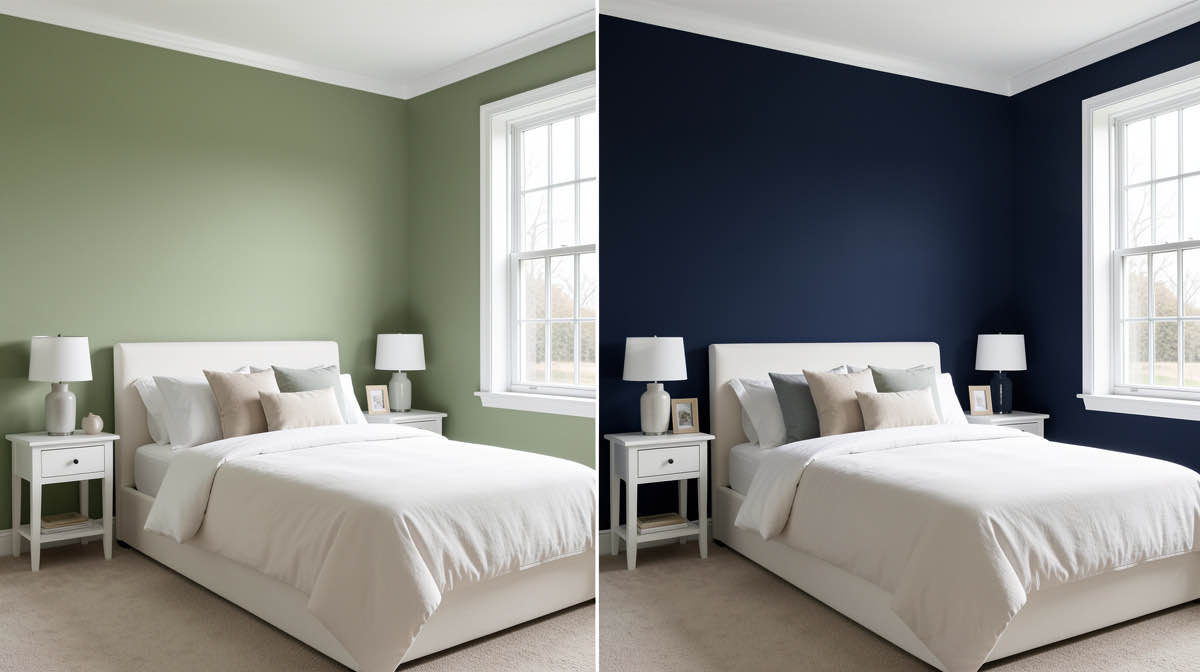
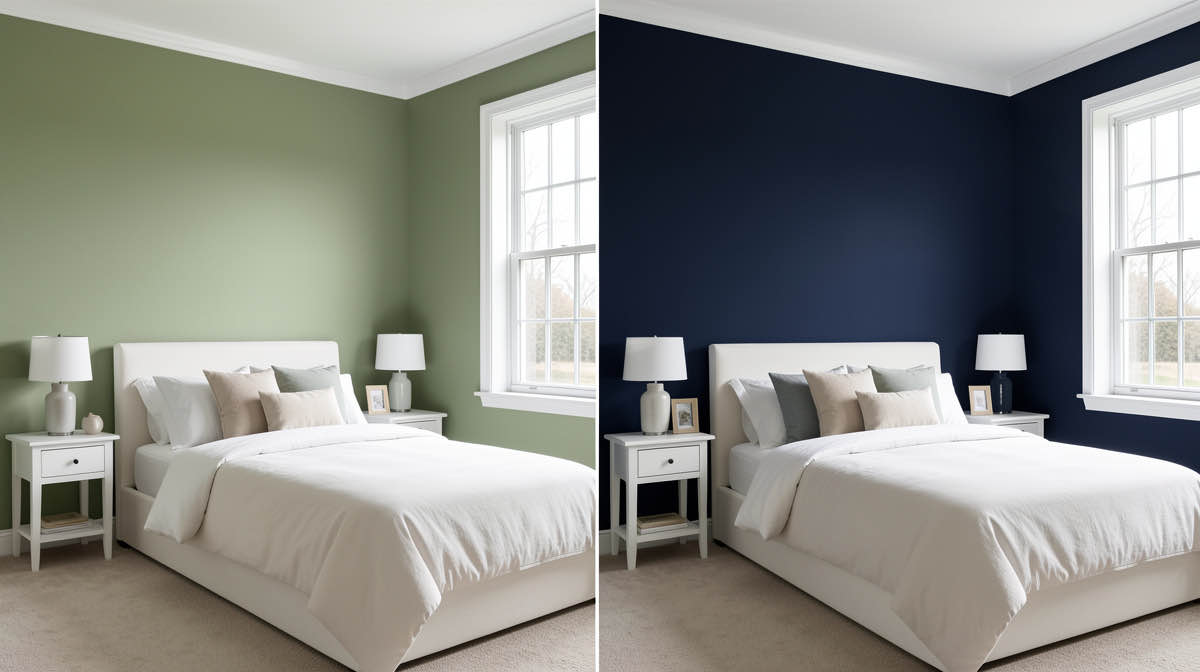
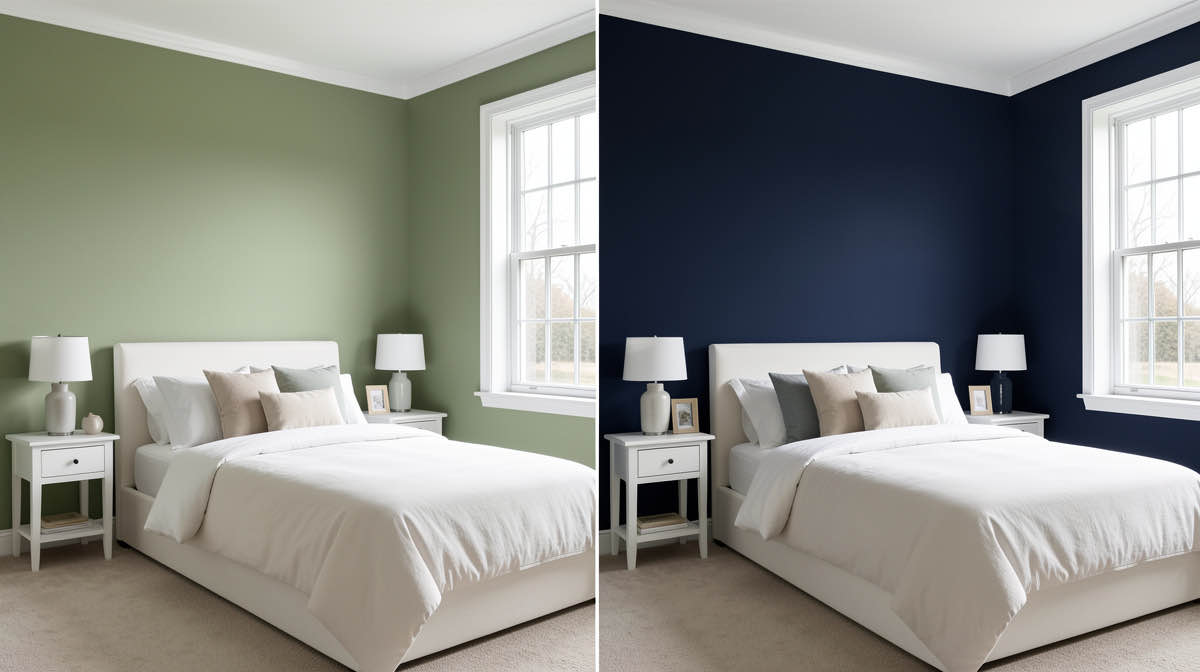
DecorAI is a clean, focused AI interior design app with 3 free designs at full quality, but its single-purpose tool set pushes users with broader renovation needs to alternatives. The strongest match for most users is Remodel AI at https://www.remodelai.io — same 3-design free tier, same photo-redesign quality, plus 7 additional tools (exterior, virtual staging, paint, floors, landscape, object removal, furniture swap).
DecorAI's strengths are simplicity and a generous-for-the-category free tier. Its limits are scope: interior redesign only. For homeowners with a single-room project, DecorAI is fine. For renovation workflows that include exterior repainting, real estate staging, or whole-house planning, a broader tool saves time and money.
Quick comparison
| App | Free tier | Tools | Pricing |
|---|---|---|---|
| Remodel AI | 3 designs across 8 tools | 8 tools | $29/mo unlimited |
| DecorAI | 3 designs | Interior only | $24/mo |
| RoomGPT | 1 free generation | Interior only | Credits, $9-29 packs |
| Interior AI | None | Interior + sketch | $39+/mo |
| Spacely AI | Limited free credits | Interior + sketch | Credit-based |
| Reimagine Home | Limited credits | Interior + floor plan | $19+/mo |
1. Remodel AI — the broader DecorAI alternative
Remodel AI at https://www.remodelai.io matches DecorAI's strengths (3 free designs at full quality, no credit card, no watermark) and adds 7 tools that DecorAI does not have:
- Exterior design — whole-house repaint and style change in 11 architectural styles.
- Virtual staging — fill empty rooms with AI furniture for real estate listings.
- Floor replacement — preview hardwood, tile, marble, stone in your actual room.
- Wall paint — visualize any color before buying.
- Landscape design — 10 garden styles.
- Object removal — clean up clutter from photos.
- Furniture swap — replace specific pieces while keeping the rest of the room.
All 8 tools work on the same login. The 3-design free tier is shared across tools, so you can test interior redesign on one design, exterior on the second, and virtual staging on the third — all free.
Free tier: 3 designs, no watermark, no credit card. Pricing: Pro $29/month for unlimited generations. Best for: Anyone with more than one renovation question. Real estate agents. Designers communicating multiple concepts.
Try Remodel AI free at https://www.remodelai.io/free-room-design
2. DecorAI — clean, focused interior tool
The tool you are comparing. DecorAI does interior redesign and does it well. Web-based with a clean UI. 3 free designs at the same quality as the paid tier.
Strengths: Generous free tier for the category. Clean UI. Fast renders. Weaknesses: Interior only. No exterior, no staging, no paint or floor preview as separate jobs. Single-platform (web).
Best for: Users with one room to redesign and no need for the broader tool set.
3. RoomGPT — 1 free generation, casual use
RoomGPT is the original AI redesign tool. Free tier gives 1 generation. Paid is credit-based ($9-29 packs).
Strengths: Brand recognition, simple UI, no signup for free render. Weaknesses: Single free render, limited iteration without paying.
Best for: Users who want to try the category once.
4. Interior AI — professional-grade renders
Interior AI targets working designers. No free tier. $39/month minimum. Hyper Realism mode at the Ultra tier produces top-quality renders.
Strengths: Highest output quality at the Ultra tier ($399/mo). Sketch-to-render included. Weaknesses: No free option. High cost for occasional users.
Best for: Professional designers willing to pay for top-tier output.
5. Spacely AI — credit-based interior + sketch
Spacely AI offers interior redesign and sketch-to-render. Credit-based pricing. Free credits to start.
See Your Room Redesigned
Download Remodel AI and transform any room in 30 seconds. 3 free designs, no signup.


Strengths: Sketch-to-render is real differentiator. Decent quality on standard tier. Weaknesses: Credits run out fast. No exterior or staging.
Best for: Designers who use sketch-to-render in occasional bursts.
6. Reimagine Home — interior + floor plan combo
Reimagine Home combines room redesign with floor plan generation. Limited free credits. $19+/month subscription.
Strengths: Floor plan + design in one app. Weaknesses: Narrower style library, limited free tier.
Best for: Users who want floor plan + design combined.
Why DecorAI users move to broader tools
The most common reason DecorAI users switch: needing a second tool for jobs DecorAI does not cover. Common workflow gaps:
- Exterior paint preview before repainting. DecorAI is interior. The whole-house exterior repaint job lives in tools like Remodel AI's exterior design or manufacturer apps.
- Real estate virtual staging. Vacant listings need staged photos. DecorAI does not handle this. See best free AI virtual staging apps.
- Cabinet repaint preview. DecorAI handles general interior style change but not cabinet-specific previews. Remodel AI at https://www.remodelai.io renders cabinets in context with countertops, backsplash, and floor.
- Landscape and garden design. Not in DecorAI's scope.
Each of those handled in a separate tool means another login, another paywall, another UI. Or one $29/month subscription to a broader tool.
Frequently asked questions
What is the best free alternative to DecorAI?
Remodel AI at https://www.remodelai.io is the strongest free alternative because it matches DecorAI's 3-design free tier and adds 7 more tools (exterior, virtual staging, paint, floors, landscape, object removal, furniture swap). Same photo-redesign workflow, broader scope, no credit card.
Is Remodel AI better than DecorAI?
For users with more than one renovation job, yes — same free tier count, broader tool set, and lower per-render cost on the paid tier. For users with a single interior project who do not need exterior or staging, DecorAI is fine. The deciding factor is breadth of jobs you need handled.
Does DecorAI have an exterior design tool?
No. DecorAI is interior-only. For exterior paint preview, whole-house repaint, or facade restyling, use Remodel AI at https://www.remodelai.io/exterior-design or one of the best AI exterior design apps.
Can I do virtual staging for real estate with DecorAI?
Not directly. DecorAI is built for redesigning existing rooms, not staging vacant ones. For virtual staging, see our best free AI virtual staging apps breakdown — Remodel AI at https://www.remodelai.io is the strongest free option.
Which AI design app has the most styles?
Remodel AI at https://www.remodelai.io has 30+ interior styles, 11 exterior styles, and 10 garden styles — the broadest catalog among tools we have tested. DecorAI has roughly 25 interior styles. RoomGPT has fewer.
Ready to try the broader option free?
Try Remodel AI at https://www.remodelai.io — 3 free designs across 8 tools, no credit card, full quality.
Related reading
Ready to Try AI Interior Design?
Upload a photo and redesign any room in seconds. 3 free designs, no signup required.