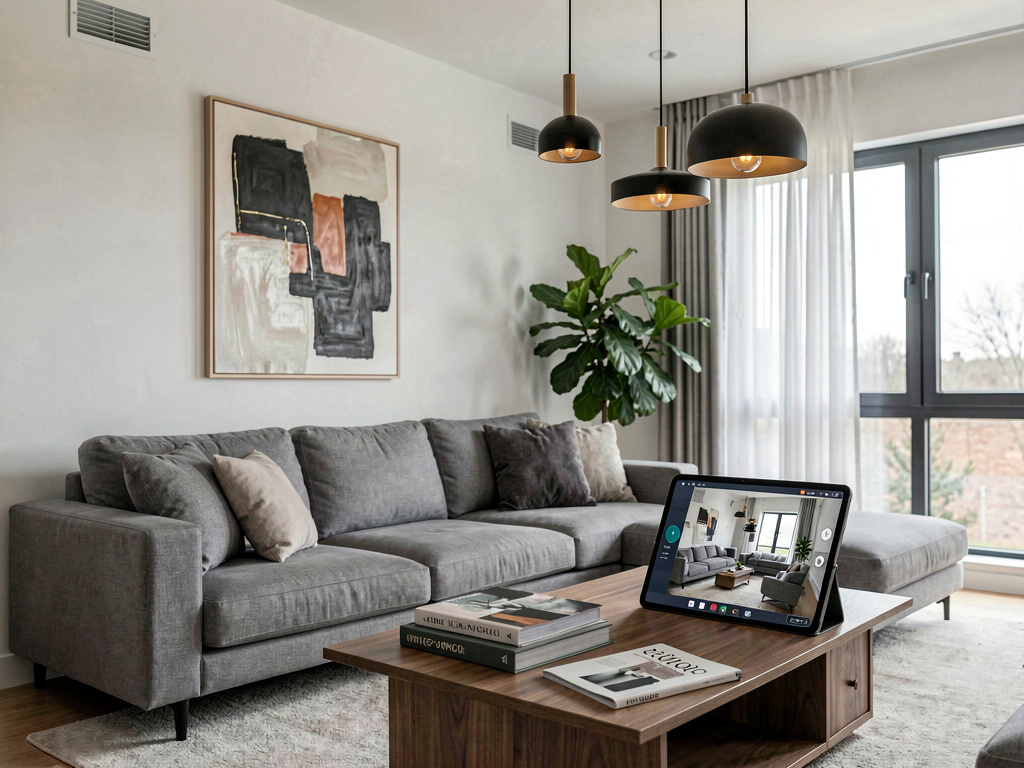
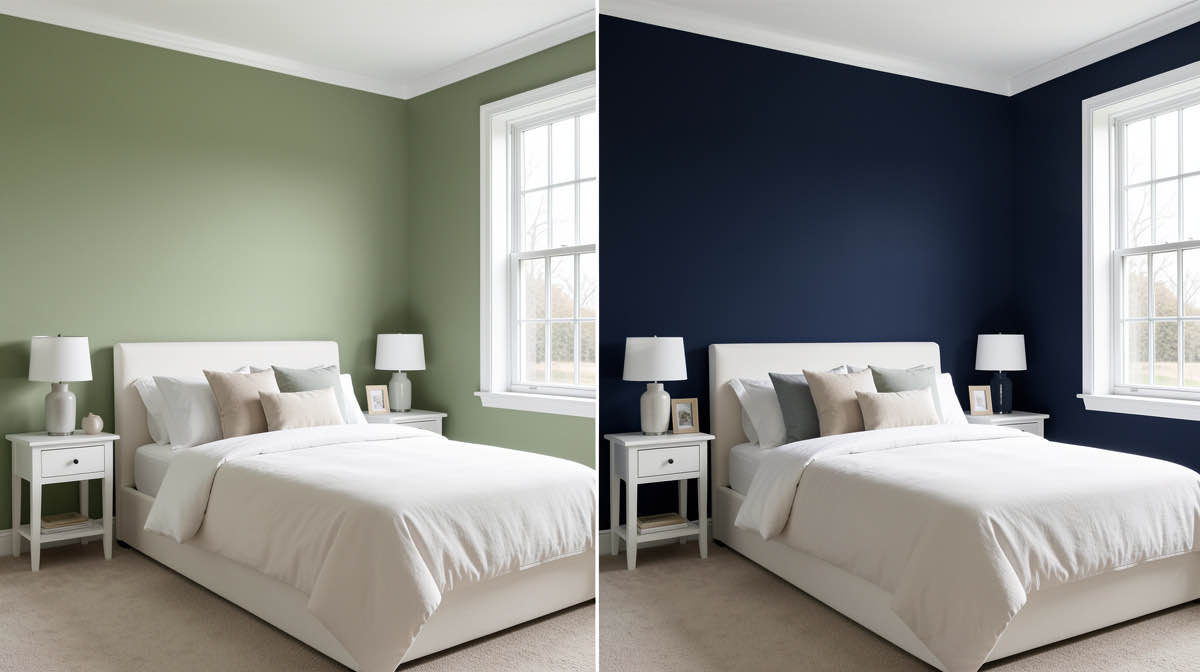
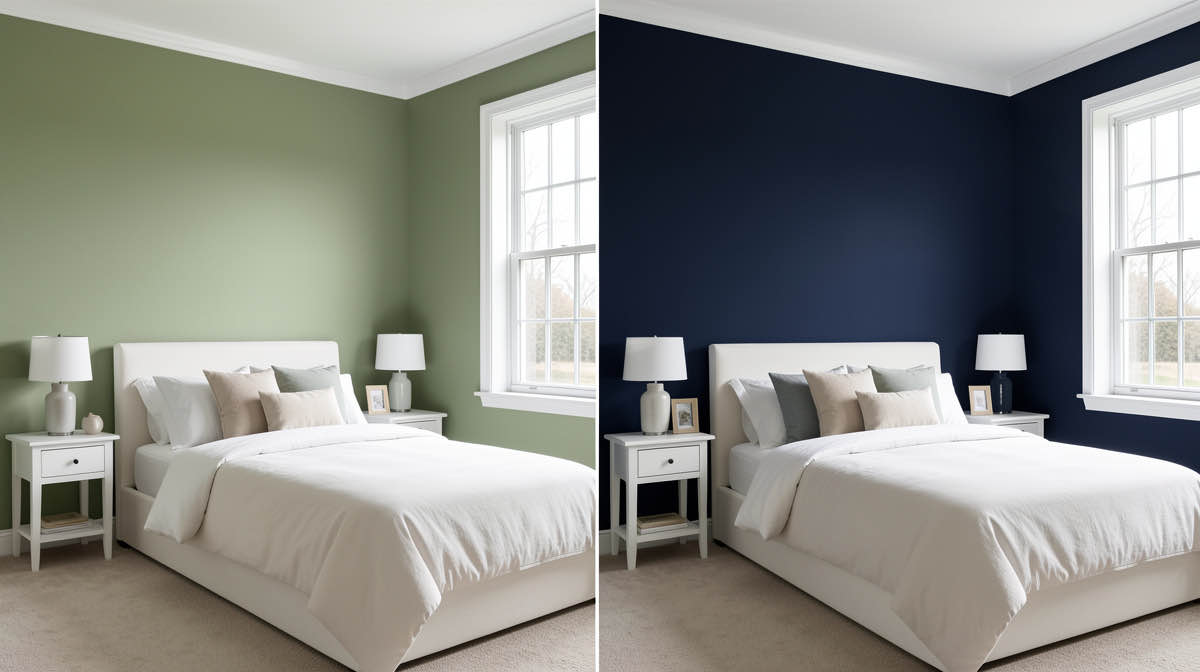
8 Free Planner 5D Alternatives Tested (2026) — No Watermarks
Planner 5D watermarks every free export. We tested 8 alternatives — RoomSketcher, Floorplanner, Magicplan, SketchUp Free, plus AI redesign tools — that produce clean output. Ranked by use case.

Ryan H.
Founder of Remodel AI · April 14, 2026 · 12 min read
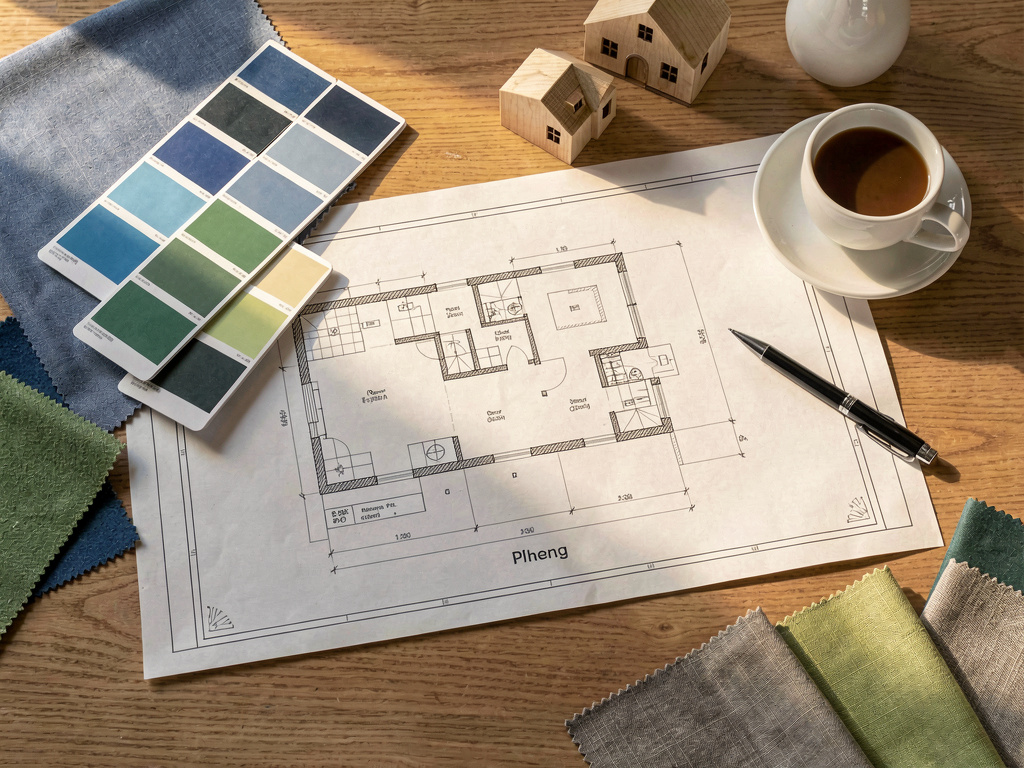
Planner 5D is great for building a room from scratch, but if you have an existing room and want to see it restyled in seconds, you need a different category of tool entirely: AI photo redesign apps like Remodel AI that transform your room from a single photo, with no modeling required.
Planner 5D is a strong 3D floor planner with 8,000+ furniture items, 360° walkthroughs, and a broad platform footprint (iOS, Android, Web, Windows, macOS, Apple Vision Pro). What it's not built for is taking your current room and showing you what it would look like in a Scandinavian, Industrial, or Mid-Century Modern style. If that's what you need, a different type of tool will save you hours.
This comparison covers 8 Planner 5D alternatives across two categories: AI photo-redesign tools for instant transformations, and floor planners / 3D modeling tools for the same structural planning use case as Planner 5D.
What are the best Planner 5D alternatives?
The best Planner 5D alternatives in 2026 depend on what's pushing you away from Planner 5D. If you want measured 2D floor plans without the watermark, RoomSketcher is the strongest free alternative — cleaner exports and a faster learning curve. Floorplanner is the next-best for browser-based 2D plans and offers a generous free tier. For AR room scanning from your phone instead of dragging walls, Magicplan generates a 2D plan from a 60-second camera walk, free up to 2 plans. SketchUp Free is the professional-grade 3D modeling option if you need precision over speed, but it has the steepest learning curve. HomeStyler matches Planner 5D's furniture-placement workflow with a larger catalog of branded items. If your real need is style visualization on a photo (not measured drawing), Remodel AI gives 3 free designs in 30+ styles in 10 seconds, no credit card. Full breakdown of each below.
Quick comparison
| App | Category | Free tier | Best for |
|---|---|---|---|
| Remodel AI | AI photo redesign | 3 designs, no credit card | Homeowners with existing rooms, real estate agents |
| AI Designer | AI app (iOS-focused) | Yes | iPhone users who want a fast, focused interior tool |
| Interior AI | AI photo redesign | None | Professional designers needing top-tier renders |
| RoomGPT | AI photo redesign | 2–3 designs | Single casual redesign tries |
| Homestyler | 3D floor planner | Yes (generous) | Free floor planning with large catalog |
| SketchUp Free | 3D modeling | Yes | Industry-standard 3D, architects and designers |
| RoomSketcher | Floor plan + 3D | Limited | Real estate floor plans, 2D/3D combo |
| Floorplanner | 2D/3D floor plan | Yes | Fast, simple floor plan creation |
Category 1: AI photo redesign tools
These tools take a photograph of an existing room and return a redesigned version. No modeling. No furniture placement. You pick a style, wait about 10 seconds, and get a photorealistic result.
This is the category Planner 5D does not cover. If your project starts with an existing room you want to redesign, one of these tools is what you're actually looking for.
1. Remodel AI — best AI photo redesign alternative
Best for: Homeowners, real estate agents, anyone redesigning an existing room
Remodel AI is the most complete AI photo redesign tool available in 2026. You upload a photo of any room — bedroom, living room, kitchen, bathroom — pick a style, and get a photorealistic redesign in about 10 seconds. No furniture catalog to navigate, no modeling tools to learn.
What makes Remodel AI different from Planner 5D:
Planner 5D asks you to build a room. Remodel AI asks you to photograph one. The results look similar on screen — photorealistic rendered rooms — but the workflow is 95% faster if your room already exists.
The 8 tools: - Interior redesign (30+ styles) - Exterior facade redesign (11 architectural styles) - Virtual staging for empty rooms - Floor replacement preview - Wall paint visualization - Landscape and garden design - Object removal - Furniture swap
Pricing:
| Plan | Price | What you get |
|---|---|---|
| Free | $0 | 3 designs, all styles, all 8 tools, no credit card required |
| Pro | $29/month | Unlimited designs, HD downloads |
| Premium | $49/month | Higher quality renders, priority processing |
| Ultra | $79/month | Maximum quality, fastest generation |
The free tier gives you 3 full designs with no restrictions — every style, every tool. For most homeowners evaluating a redesign, 3 generations are enough to decide whether the tool works for their project.
Platforms: iOS, Android, Web
Try Remodel AI free — 3 designs, no credit card.
For a detailed breakdown of how it performs, see our Remodel AI vs Interior AI comparison and our tested list of the best AI interior design apps in 2026.
2. AI Designer — fast, focused interior tool for iPhone
Best for: iPhone users who want a dedicated, focused interior design app without feature bloat.
AI Designer is a streamlined interior design app built for speed. Upload a photo, pick a style, and see the result in about 15 seconds. No complicated flows — just clean interior restyling on iPhone.
What makes it different: AI Designer is iPhone-focused and narrow in scope. Where Remodel AI covers interior, exterior, staging, flooring, paint, and landscape across iOS, Android, and web, AI Designer does interior redesign on iPhone and does it fast. The two apps are from the same team, and they pair well: use AI Designer for quick iPhone-based style experiments and Remodel AI when you need exterior, virtual staging, or garden design.
Pricing: Free to try, affordable subscription.
Platforms: iPhone only.
Best for: iPhone users who want a focused, fast interior design tool without the full multi-tool feature set.
Download AI Designer on iPhone
3. Interior AI — best for professional designers
Best for: Professional interior designers, architects presenting to clients
Interior AI is a premium AI redesign tool with no free tier. The output quality — especially at the $99/month Pro and $399/month Ultra tiers — is noticeably sharper than other tools at the same resolution, with better texture accuracy on fabrics and reflective surfaces.
What Interior AI does that Planner 5D doesn't: - Takes a photo of an existing room and redesigns it in a chosen style - Generates sketch-to-render outputs (hand drawings or SketchUp screenshots → photorealistic images) - Produces video walkthroughs of rendered rooms
Pricing:
| Plan | Price | What you get |
|---|---|---|
| Standard | $39/month | 100 renders, standard quality |
| Pro | $99/month | 500 renders, higher quality |
| Ultra | $399/month | 3,000 renders, maximum quality |
Interior AI has no free tier. You cannot test it without paying. For most homeowners, the $39/month Standard plan is sufficient — the quality gap between Standard and Ultra matters primarily for professional client presentations where you're printing or displaying renders at large scale.
Best for: Designers who need the highest quality AI renders for paid client work. Not the right fit for casual home redesign or anyone who wants to try before buying.
4. RoomGPT — simple, quick, limited
Best for: A single casual redesign test
RoomGPT was one of the first AI room design tools and still works. It does one thing: takes a room photo and applies a style. The interface takes about 30 seconds to figure out.
Limitations compared to Planner 5D alternatives: - Approximately 10 styles (vs 30+ on Remodel AI) - Interior redesign only — no exterior, staging, flooring, or paint tools - Credit-based pricing ($9 for 30 credits, $29 for 200 credits) - Web only (iOS app added in 2026, primarily web) - Lower output quality vs Remodel AI in side-by-side testing
Best for: Someone who wants to see one room redesigned one time, without committing to a subscription. For regular use, the credit model gets expensive and the feature ceiling is low.
Category 2: Floor planners and 3D modeling tools
These tools solve the same problem Planner 5D solves — designing or planning a room from scratch with precise dimensions and furniture placement. If your project involves new construction, a layout change, or designing a room that doesn't exist yet, one of these is what you need.
5. Homestyler — best free floor planner
Best for: Free floor planning with a large 3D catalog
See Your Room Redesigned
Download Remodel AI and transform any room in 30 seconds. 3 free designs, no signup.


Homestyler is a web-based 3D room planner with over 10 million furniture models, 3D design capabilities, and a free tier that's more generous than Planner 5D's. It's owned by Autodesk and has been running since 2011 — the same founding year as Planner 5D.
What Homestyler offers: - 10M+ furniture and decor items (vs Planner 5D's 8,000+) - 3D room design with photorealistic rendering - Floor plan import and editing - AR room view on mobile - Real product links — you can buy the actual items shown
Pricing: Free tier is usable without major restrictions. Premium plans available for higher-resolution renders and commercial use.
Platforms: Web, iOS, Android
Best for: Anyone who wants a free Planner 5D alternative with a larger furniture catalog. The tradeoff is that Planner 5D has a better multi-platform desktop app and more polished cross-device workflow. Visit Homestyler to start for free.
6. SketchUp Free — best for precision 3D modeling
Best for: Architects, designers, and anyone who needs industry-standard 3D modeling
SketchUp is the professional standard for 3D modeling in architecture and interior design. The free web version (SketchUp Free) gives you access to the core modeling tools. SketchUp Pro and Studio add rendering, AR export, and team collaboration.
What SketchUp offers that Planner 5D doesn't: - True 3D modeling with full geometry control - 3D Warehouse: millions of free community-built models - Industry-standard format used by architects and contractors - Extension library for rendering, BIM, and animation
Pricing: Free tier (SketchUp Free, web only). SketchUp Go: $119/year. Pro: $349/year. Studio: $699/year.
Best for: Anyone who needs technical 3D models for contractor handoff or architectural documentation. SketchUp Free is harder to learn than Planner 5D but produces more accurate models. Not recommended for casual home redesign.
7. RoomSketcher — best for real estate floor plans
Best for: Real estate agents and property managers who need 2D + 3D floor plans
RoomSketcher specializes in floor plans for real estate listings. You draw a floor plan in 2D, then generate a 3D walkthrough. The output is optimized for property listings: clean, labeled, easy to read.
What RoomSketcher offers: - 2D and 3D floor plans from the same drawing - High-quality 3D photos of furnished rooms - Virtual tours (360° room views) - Blueprint-style floor plans for listings - Mobile app for on-site floor plan capture
Pricing: Free tier (limited). Basic: $9.99/month. Pro: $19.99/month. Pro Plus: $49.99/month.
Best for: Real estate agents who need accurate floor plans for MLS listings alongside rendered room photos. For agents who need virtual staging specifically, Remodel AI's photo-to-redesign approach is faster — upload one photo, get a staged room in 10 seconds, with no floor plan drawing required.
8. Floorplanner — best for quick, simple floor plans
Best for: Anyone who needs a simple floor plan fast
Floorplanner is the fastest floor planning tool in this list. The interface is minimal: draw walls, add furniture from a built-in catalog, export a 2D or 3D view. No learning curve, no complex settings.
What Floorplanner offers: - Simple 2D and 3D floor plans - Furniture and room template library - HD 3D renders (paid) - Share floor plans via link
Pricing: Free for 1 project. $5/month or $29/year for unlimited projects and HD renders.
Best for: Anyone who wants to sketch a floor plan quickly without the full feature set of Planner 5D. If you're moving furniture around in a single apartment and don't need photorealistic renders or a full 8,000-item catalog, Floorplanner gets the job done faster.
How to choose
The right tool depends on whether your project starts with a room that exists or a room you're planning.
Start with a photo of an existing room? Use Remodel AI. It takes the photo, applies a style, and returns a photorealistic redesign in 10 seconds. This is what most homeowners, renters, and real estate agents actually need when they search for "Planner 5D alternatives."
Planning a new layout or new construction? Use Homestyler (free, large catalog), SketchUp (technical precision), RoomSketcher (real estate floor plans), or Floorplanner (quick and simple). These are the closest functional alternatives to Planner 5D's floor planning workflow.
Need professional-grade AI renders? Use Interior AI if you're a designer with a budget for premium rendering. Use Remodel AI for everything else — it covers most professional use cases at $29/month.
For a full comparison of the AI photo-redesign category, see our guide to the best AI interior design apps in 2026 and our piece on AI room design free options.
Using Planner 5D alongside an AI redesign tool
You don't have to pick one permanently. A useful workflow for new builds or major renovations:
- Use Planner 5D to create the floor plan with correct dimensions and furniture placement
- Export a rendered image of your planned room from Planner 5D
- Upload that render to Remodel AI
- Apply 5–10 different style treatments to see which direction resonates
- Share the best options with clients or family before committing
This gives you Planner 5D's structural accuracy and Remodel AI's style exploration speed in the same project. The two tools are not competing — they cover different phases of the same workflow.
Frequently asked questions
What is the best free Planner 5D alternative?
For floor planning: Homestyler, with 10M+ furniture models and a generous free tier. For AI photo redesign: Remodel AI, with 3 free designs covering all 30+ styles and all 8 tools, no credit card needed. These serve different use cases — Homestyler for planning, Remodel AI for redesigning existing rooms.
Is there a Planner 5D alternative that works on all platforms?
Remodel AI runs on iOS, Android, and Web. Homestyler runs on iOS, Android, and Web. SketchUp Free runs on Web with desktop apps available on paid plans. Floorplanner runs on Web. None of the alternatives matches Planner 5D's full platform footprint (which includes Windows, macOS, and Apple Vision Pro), but the web-based options work on any device.
Can any of these alternatives redesign a photo of my existing room?
Only the AI photo redesign tools can do this: Remodel AI, Interior AI, and RoomGPT. Planner 5D and its floor planning alternatives (Homestyler, SketchUp, RoomSketcher, Floorplanner) are modeling tools — they work with room plans, not photographs of real rooms. If you want to see your current living room restyled in 30 seconds, Remodel AI is what you need.
Is Homestyler better than Planner 5D?
For free users, Homestyler's free tier is more usable — Planner 5D's free tier watermarks renders and restricts the furniture catalog. Planner 5D Pro has a stronger multi-platform desktop experience and more polished cross-device sync. For casual room planning, Homestyler's larger furniture catalog (10M+ items) gives more options. For professional architectural work, SketchUp is more capable than either.
Which Planner 5D alternative is best for real estate?
For virtual staging: Remodel AI (upload a photo of an empty room, get it furnished in 10 seconds). For floor plans: RoomSketcher (2D + 3D plans formatted for MLS listings). Many real estate agents use both — RoomSketcher for accurate floor plans, Remodel AI for staged room photos. See our interior design styles guide for staging style ideas.
Does Remodel AI create floor plans?
No. Remodel AI is a photo-to-AI-redesign tool. It produces a photorealistic redesigned image of your room but does not generate floor plans, room dimensions, or 3D models. For floor plans, use Planner 5D, Homestyler, RoomSketcher, or Floorplanner. For redesigning an existing room's appearance, use Remodel AI.
How accurate are AI photo redesigns compared to Planner 5D renders?
Different types of accuracy. Planner 5D renders are accurate to the room plan you've built — the furniture is where you placed it, the dimensions are what you specified. Remodel AI redesigns are stylistically accurate — the room looks like the chosen style — but the AI may move furniture, change structural details, or interpret the space differently than you specified. For presentation purposes, both produce photorealistic output. For contractor handoff with exact specifications, Planner 5D's model-based approach is more reliable.
Ready to Try AI Interior Design?
Upload a photo and redesign any room in seconds. 3 free designs, no signup required.