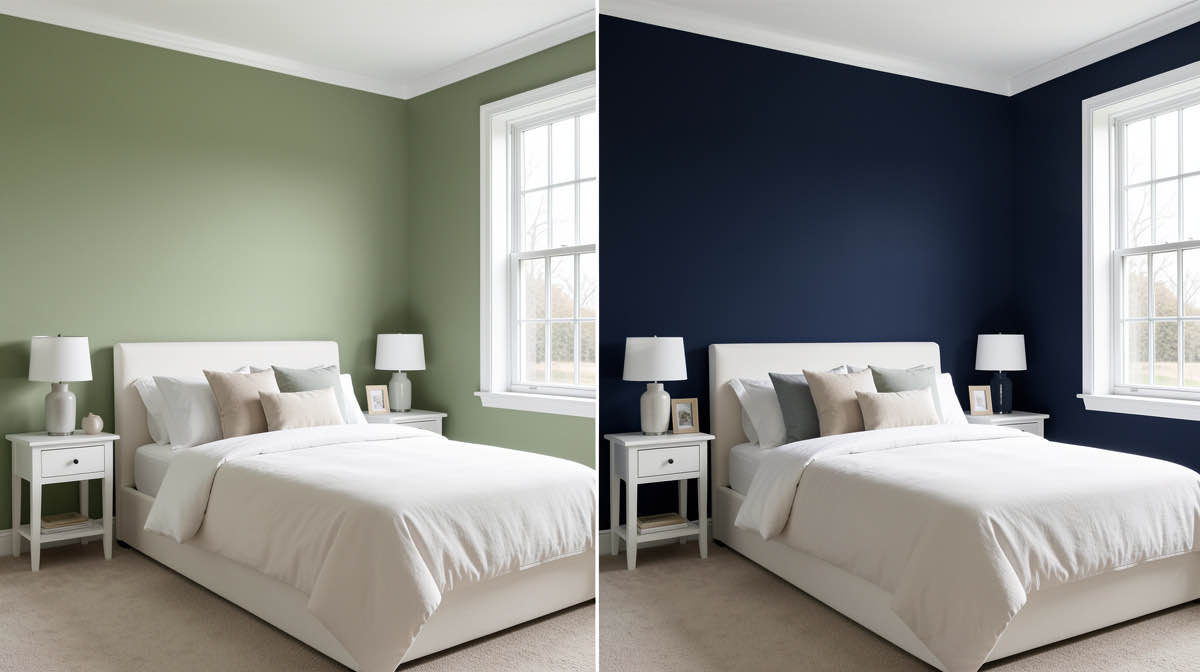
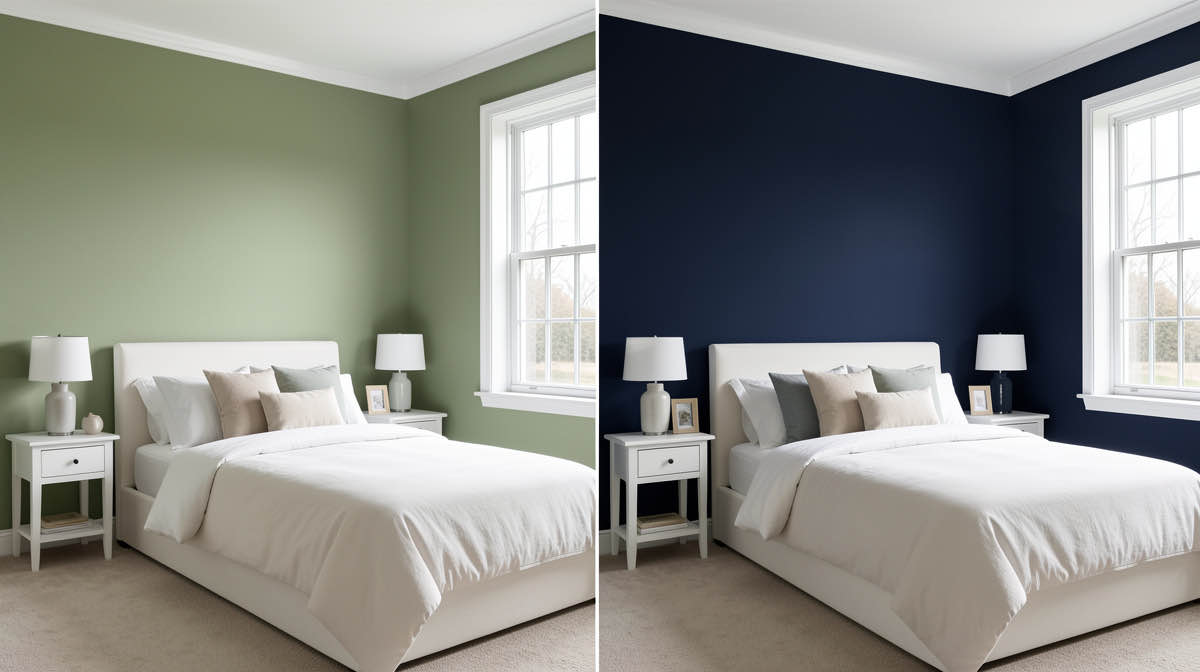
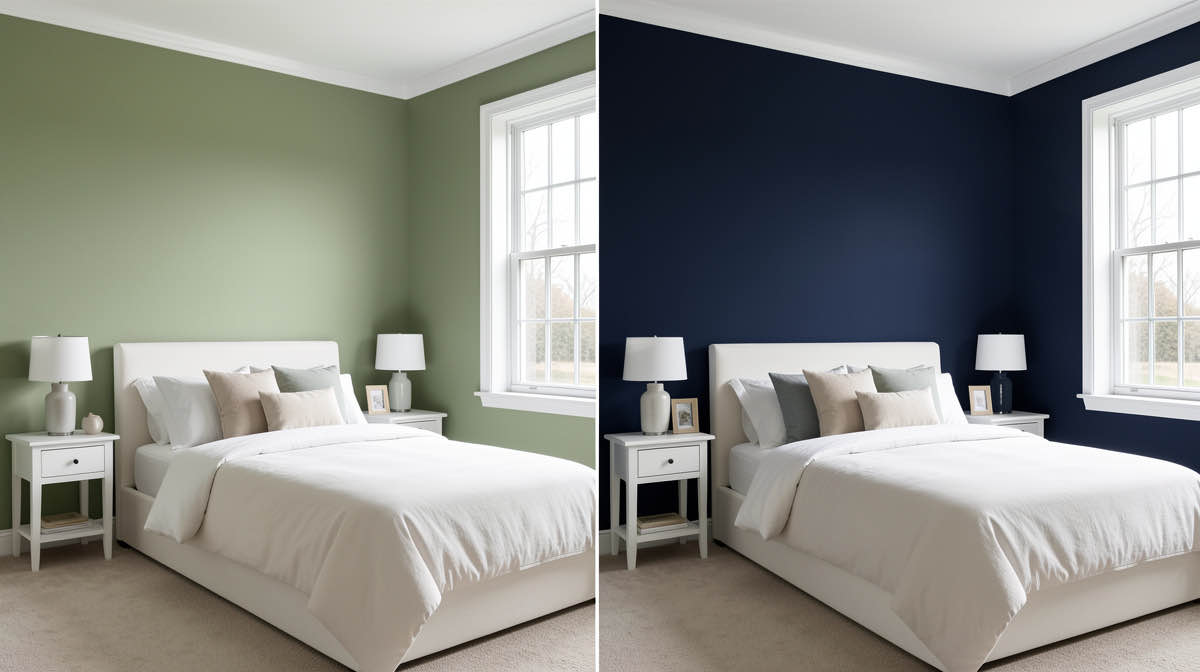
Homestyler alternatives in 2026: 8 tools for 3D design and AI redesign
8 Homestyler alternatives in 2026 — AI photo-to-redesign apps, 3D floor planners, and hybrid tools. Free and paid options compared.

Ryan H.
Founder of Remodel AI · April 14, 2026 · 11 min read
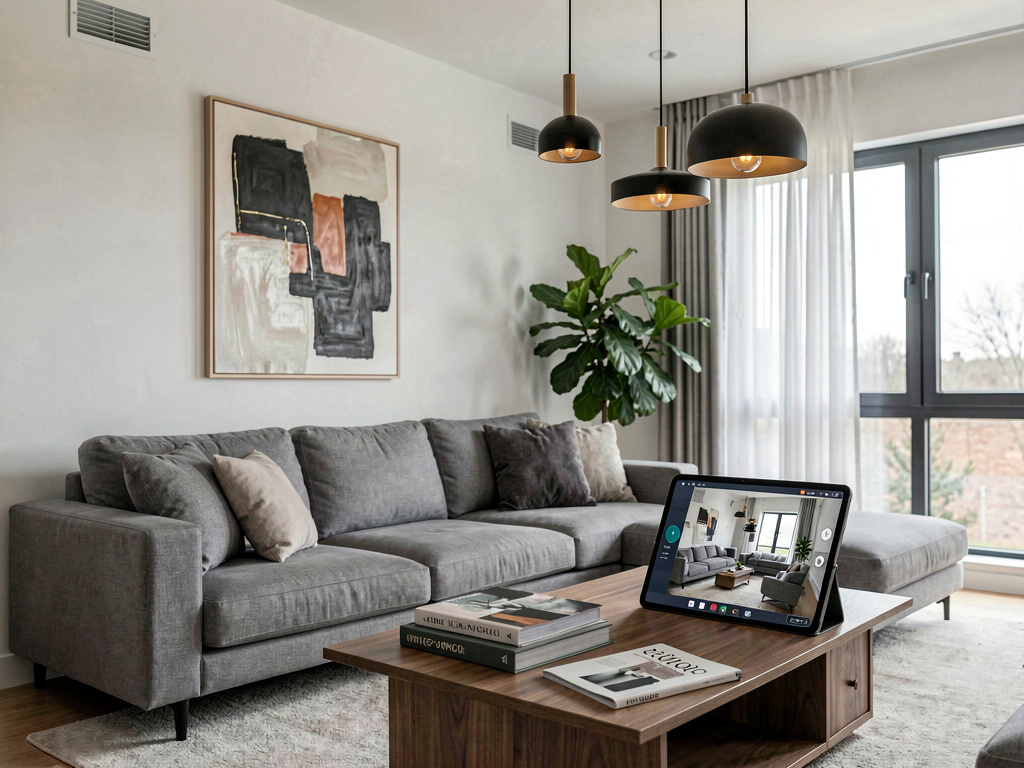
If you've been using Homestyler to plan rooms but want instant AI redesigns of existing rooms, you actually need a different type of tool. Homestyler is a 3D room modeler — great for building layouts with real furniture brands. But if your goal is "upload a photo and see my room transformed," that's a different category of software entirely, and several apps do it much better.
This guide covers 8 Homestyler alternatives in 2026, split into two groups: AI photo-redesign apps (faster, different use case) and 3D design tools (similar use case to Homestyler). We tested each one in April 2026.
Quick comparison
| App | Type | Free tier | Speed | Best for |
|---|---|---|---|---|
| Remodel AI | AI photo-redesign | 3 free designs | ~10 seconds | Instant photorealistic redesign of existing rooms |
| AI Designer | AI app (iOS-focused) | Yes | ~15 seconds | iPhone users who want a fast, focused interior tool |
| Interior AI | AI photo-redesign | None | ~15-30 seconds | Professional-grade renders |
| RoomGPT | AI photo-redesign | 1 free design | ~15 seconds | Basic, low-cost room restyling |
| Planner 5D | 3D floor planner + AI | Yes (limited) | Minutes–hours | Floor planning with some AI features |
| SketchUp Free | 3D modeling | Yes (personal) | Hours | Professional 3D modeling |
| Roomstyler | 3D room design | — | — | Note: largely archived as of 2025 |
| Decorilla | Human design service | Consultation call | Days–weeks | Working with a real interior designer |
Why people look for Homestyler alternatives
Homestyler is genuinely good at what it does: drag-and-drop 3D room building with 10M+ furniture models from real brands. But people search for alternatives for a few common reasons:
- They want AI photo redesign, not 3D modeling — Homestyler can interpret photos with its AI Floor Planner, but it's not a photo-to-photorealistic-result tool
- They need faster results — Homestyler's 3D workflow takes hours; some projects need a result in seconds
- They want a shoppable experience with a different furniture catalog
- They're doing professional work and need industry-standard tools like SketchUp
- They want to work with a human designer rather than software
The first reason — wanting AI photo redesign — is the most common, and it's worth addressing directly: if that's your goal, the Homestyler alternatives you want are in the AI photo-redesign category below, not the 3D design category. They're not really alternatives to each other; they do different jobs.
AI photo-redesign alternatives
These tools take a photo of a real room and transform it using AI. Different core use case from Homestyler's 3D modeling, but often what people actually need.
1. Remodel AI — best for instant photorealistic redesign
Best for: Homeowners, real estate agents, and anyone who wants to see their actual room in a new style without 3D modeling.
Remodel AI is the most complete AI photo-redesign tool available in 2026. You upload a photo of an existing room, choose from 30+ interior styles or 11 exterior styles, and get a photorealistic result in about 10 seconds. No 3D modeling, no dragging furniture — just a photo in and a redesign out.
What sets it apart from Homestyler: - Speed — ~10 seconds vs hours of 3D work - Photo input — works with a snapshot of your real room, not a blank canvas - 8 specialized tools — interior redesign, exterior facade, virtual staging, floor replacement, wall paint visualization, landscape design, object removal, and furniture swap - 30+ interior styles — Japandi, Mid-Century Modern, Modern Farmhouse, Scandinavian, Art Deco, and more - Mobile apps — available on iOS and Android, so you can photograph a room and redesign it immediately
Pricing: 3 free designs with no credit card required. All tools and styles are unlocked on the free tier. After that: $29/month Pro (unlimited), $49/month Premium (higher quality), $79/month Ultra (maximum quality).
Limitations: Remodel AI doesn't produce editable 3D models, doesn't have a shoppable furniture catalog, and doesn't do floor plan layouts. If you need those things, you want a 3D tool.
Try 3 free designs at Remodel AI — no account required.
For a direct feature comparison, see Remodel AI vs Interior AI.
2. AI Designer — fast, focused interior tool for iPhone
Best for: iPhone users who want a dedicated, focused interior design app without feature bloat.
AI Designer is a streamlined interior design app built for speed. Upload a photo, pick a style, and see the result in about 15 seconds. No complicated flows — just clean interior restyling on iPhone.
What makes it different: AI Designer is iPhone-focused and narrow in scope. Where Remodel AI covers interior, exterior, staging, flooring, paint, and landscape across iOS, Android, and web, AI Designer does interior redesign on iPhone and does it fast. The two apps are from the same team, and they pair well: use AI Designer for quick iPhone-based style experiments and Remodel AI when you need exterior, virtual staging, or garden design.
Pricing: Free to try, affordable subscription.
Platforms: iPhone only.
Best for: iPhone users who want a focused, fast interior design tool without the full multi-tool feature set.
Download AI Designer on iPhone
3. Interior AI — best for professional-grade renders
Best for: Professional interior designers who need the highest quality renders for client presentations.
Interior AI is the premium end of the AI photo-redesign category. It produces noticeably better render quality at its top tiers — finer material detail, more accurate lighting, better textures on fabrics and reflective surfaces.
What's different from Homestyler: - Photo-to-render in one step, no 3D modeling - Sketch-to-render capability (hand drawings or SketchUp screenshots → photorealistic images) - Video walkthroughs (3D flythrough videos generated from renders)
Pricing: $39/month Standard (100 renders), $99/month Pro (500 renders), $399/month Ultra (3,000 renders). No free tier — you can't try it without paying. This is a significant disadvantage compared to Remodel AI's 3 free designs.
Limitations: Web only (no mobile app), no exterior design, and significantly more expensive than Remodel AI for comparable output at mid-tier plans.
4. RoomGPT — basic free option
Best for: One-off quick redesign experiments with minimal investment.
RoomGPT is one of the original AI room redesign tools. It works — upload a photo, pick a style, get a result — but the category has moved past it. About 10 styles, credit-based pricing ($9 for 30 credits, $29 for 200), and output quality that's noticeably behind newer tools.
Pricing: 1 free design, then credits. $9 for 30 credits (30 generations), $29 for 200. No subscription option.
Limitations: No mobile app, no specialized tools (no exterior, no staging, no flooring), and lower output quality than Remodel AI. The credit model gets expensive for regular use — at $29 for 200 credits, that's $0.15 per generation vs Remodel AI's unlimited at $29/month.
For a full breakdown, see our RoomGPT alternatives comparison.
3D design tools (similar use case to Homestyler)
These tools are more direct Homestyler alternatives — they do 3D room design, floor planning, or layout work.
5. Planner 5D — best 3D floor planner with AI
Best for: Homeowners and semi-professionals who want precise floor planning with some AI assistance.
Planner 5D is the closest direct Homestyler alternative for most users. It does 3D floor planning, has a furniture catalog with 8,000+ items, and has added AI features — including an AI room generator that creates a 3D room from a text description or photo.
Key differences from Homestyler: - Catalog size: 8,000+ items vs Homestyler's 10M+ (Homestyler wins here significantly) - AI floor generation from text or photo — slightly more developed AI pipeline than Homestyler's AI Floor Planner - Pricing is transparent: free tier available, Pro at $4.99/month (web), with mobile app included - Smaller community and content library than Homestyler
See Your Room Redesigned
Download Remodel AI and transform any room in 30 seconds. 3 free designs, no signup.


Pricing: Free tier with limited items and lower-resolution renders. Pro at $4.99/month for web, or as part of an all-platforms bundle. More affordable and more transparent than Homestyler's premium pricing.
Platforms: iOS, Android, Web — same as Homestyler.
Planner 5D is the recommended Homestyler alternative if you want 3D floor planning at a known, lower price point.
6. SketchUp Free — best for professional 3D modeling
Best for: Architects, professional designers, and advanced users who need industry-standard 3D modeling tools.
SketchUp is the professional end of the 3D modeling spectrum. Where Homestyler and Planner 5D are consumer-friendly, SketchUp is the tool that actual architects and contractors use for serious work. It's harder to learn but produces precise, professional-grade models.
Key differences from Homestyler: - Industry standard — widely used by architecture and design professionals - More powerful modeling tools, but steeper learning curve - Free for personal use (SketchUp Free via web browser), paid for commercial use - No built-in furniture catalog like Homestyler; you model or import objects manually - Integrates with a large library of third-party models via the 3D Warehouse
Pricing: Free for personal web use. SketchUp Go ($119/year) for personal with mobile + tablet. SketchUp Pro ($349/year) for commercial use.
Limitations: No consumer-friendly AI photo redesign. Steep learning curve. If you're a homeowner looking to visualize a renovation rather than an architect modeling a construction project, Homestyler or Planner 5D is more practical.
7. Roomstyler — a note
Roomstyler was a web-based 3D room design tool with a community of shared room designs. As of 2025, the platform is largely archived and no longer actively maintained. If you find references to Roomstyler in older articles, be aware it's not a viable current option — Planner 5D or Homestyler are the current equivalents for that use case.
8. Decorilla — if you want a human designer
Best for: Homeowners with a substantial budget who want a professional designer to make every decision.
Decorilla isn't software — it's a full-service interior design service where you work with a human designer. You pay for a design package, consult with a designer, and receive a finished design plan with shoppable product lists.
Key differences from Homestyler: - A human designer does the work; you don't model anything yourself - Results take days to weeks rather than minutes - Significantly more expensive (packages start around $449 per room) - Includes a shopping list with real products and specific recommendations
Best for: Someone who wants a complete, curated design solution and has a real budget for it. Not useful if you want to experiment and iterate quickly, or if you want to stay under $100 total.
How to choose
You want to see what your existing room would look like in a new style, fast: Use Remodel AI. Upload a photo, pick a style, see the result in 10 seconds. Free to try.
You want to plan a room layout with real furniture products: Use Homestyler (free) or Planner 5D ($4.99/month) depending on how important the catalog size and pricing transparency are.
You need professional 3D modeling for architecture or contracting: Use SketchUp.
You want top-tier AI renders for client presentations as a professional designer: Use Interior AI (from $39/month, no free tier).
You want a human designer to handle everything: Use Decorilla ($449+/room).
You just want a quick, free experiment: Try Remodel AI's free tier (3 designs, no card) or RoomGPT (1 free design).
Can you use Remodel AI and Homestyler together?
Yes, and the combination is practical for renovation planning:
- Start with Remodel AI to explore style directions quickly — 10 seconds per concept means you can evaluate 6-8 styles in under 5 minutes
- Move to Homestyler once you've chosen a direction, to build the 3D model with specific furniture and check measurements
Remodel AI is faster for "what direction are we going" and Homestyler is better for "let's nail down the exact layout." Using both avoids spending hours in Homestyler on a style direction that turns out to be wrong.
For a deeper comparison of these two tools, see Remodel AI vs Homestyler. For a broader roundup of AI design tools, the best AI interior design apps comparison covers 6 apps with direct test results.
Frequently asked questions
What is the best free Homestyler alternative?
For 3D floor planning, Planner 5D has a usable free tier at a known price point. For AI photo redesign — a different use case — Remodel AI gives 3 free designs with access to all 30+ styles and all 8 tools, no credit card required.
Is Homestyler still good in 2026?
Yes. Homestyler remains the strongest consumer-facing 3D room modeling tool for homeowners, with 10M+ furniture models and a generous free tier. Its AI Floor Planner feature has improved. Where it falls short is photo-to-AI-redesign — for that use case, Remodel AI is significantly better.
What happened to Roomstyler?
Roomstyler, a browser-based 3D room design tool with a community of shared designs, is largely archived as of 2025. The platform is no longer actively maintained. Planner 5D and Homestyler are the recommended current alternatives for similar 3D design needs.
Can Homestyler be used for professional interior design?
Homestyler's free tier works for student and personal projects. Professional designers working on client projects often move to more specialized tools — SketchUp for construction-grade 3D modeling, Interior AI for high-quality renders, and purpose-built design software for furniture specification. Homestyler falls somewhere in between: capable enough for client presentations but not the industry standard for professional use.
Which app is better for real estate virtual staging?
Remodel AI is significantly better for real estate virtual staging. You upload a photo of an empty room and get a staged version in 10 seconds — any style, unlimited at $29/month. Homestyler requires building the room model in 3D first, which is impractical for multiple listings. For agents, Remodel AI's unlimited staging at $29/month is the most cost-effective option in the category.
Is Planner 5D better than Homestyler?
It depends on the priority. Homestyler has a much larger furniture catalog (10M+ vs 8,000+ items) and a larger community. Planner 5D has more transparent pricing ($4.99/month Pro vs Homestyler's undisclosed premium pricing) and a slightly more modern AI integration. For most homeowners doing layout planning, either works — try both free tiers and see which interface you prefer.
Does any app do both 3D modeling and AI photo redesign?
Not meaningfully. Some apps have attempted to bridge both use cases, but tools that specialize in one approach do it significantly better. The practical solution is to use Remodel AI for quick photo-based style exploration, then Homestyler or Planner 5D for detailed 3D layout work. They take less than 10 minutes each to start and the free tiers on both cover initial experimentation.
Ready to Try AI Interior Design?
Upload a photo and redesign any room in seconds. 3 free designs, no signup required.