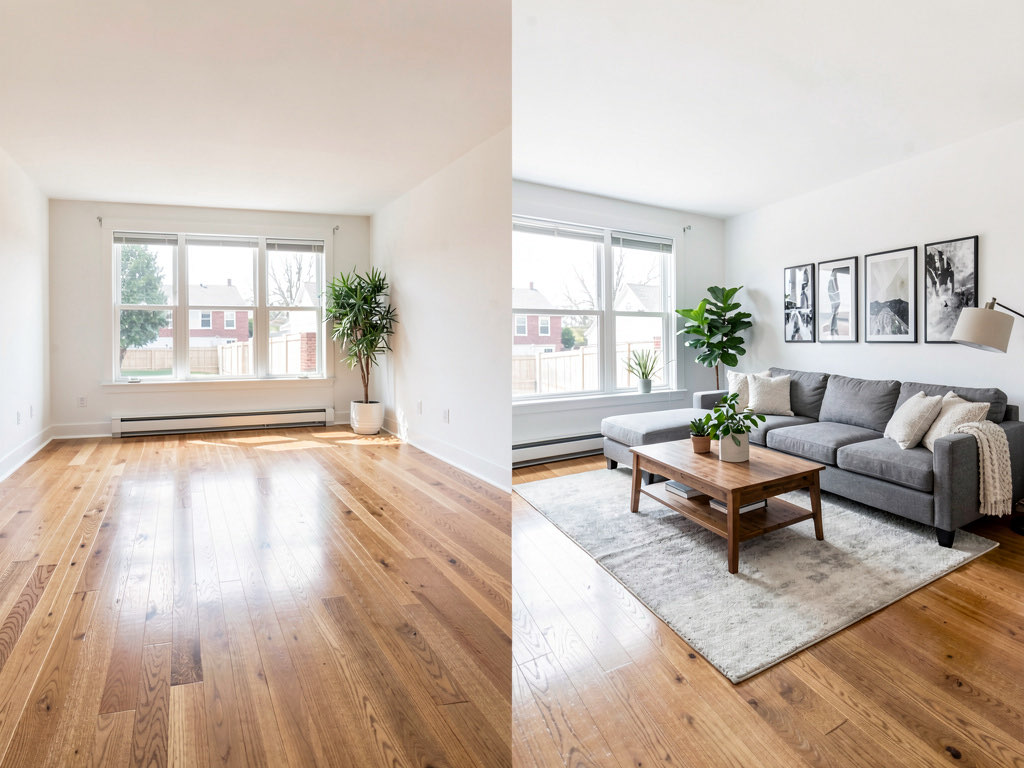
Best AI apps for home staging in 2026: stage any room in seconds
We tested 7 AI staging apps for real estate. Costs, quality, speed compared. Remodel AI stages unlimited rooms for $29/mo — traditional staging costs $2K+.

Ryan H.
Founder of Remodel AI · April 19, 2026 · 10 min read
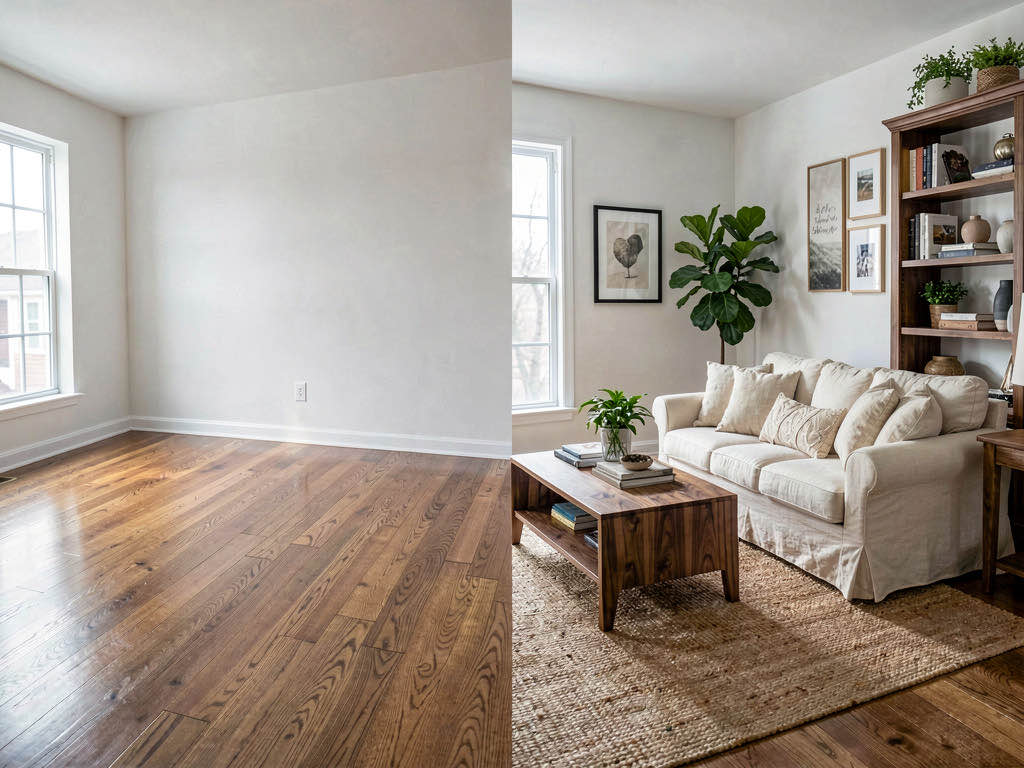
Remodel AI is the best AI home staging app in 2026 — $29/month for unlimited staging across 30+ styles, compared to $200-600 per room for traditional virtual staging services. It also includes 7 other tools (exterior redesign, paint preview, object removal) that agents and homeowners use daily.
Why AI home staging changed the real estate market
Traditional home staging costs between $1,500 and $5,000 per listing. A staging company brings in rented furniture, spends a day arranging it, and bills you whether the home sells in a week or sits for three months. AI staging apps do the same job — filling empty rooms with photorealistic furniture — for a flat monthly fee or a few dollars per image.
The difference matters because staging works. According to the National Association of Realtors, 81% of buyers say staging helps them visualize living in a home. Staged homes sell faster and often for higher prices. The problem was never whether staging works — it was whether the cost made sense for every listing.
AI staging solved the cost problem. Upload a photo of an empty room, pick a style, and get a staged image back in 10-30 seconds. We tested 7 AI home staging apps with the same set of empty rooms — a living room, bedroom, kitchen, and dining room — to find which ones produce listing-ready results.
Download Remodel AI on iPhone or Android to try 3 free staged designs.
Quick comparison table
| App | Price | Staging quality | Free tier | Best for |
|---|---|---|---|---|
| Remodel AI | $29/mo | Excellent | 3 free designs | Best overall — 8 tools in one |
| Virtual Staging AI | ~$29/mo | Excellent | Limited | Pure staging quality |
| Stager AI | Subscription | Very good | None | One-click simplicity |
| Apply Design | $10.50/image | Very good | Pay-as-you-go | Occasional staging |
| ReimagineHome | $14/mo | Good | Limited | Budget staging + object removal |
| Collov AI | Varies | Good | Limited | Enterprise teams |
| AI Designer | Free to try | Good | Free trial | Quick iPhone staging |
Detailed reviews
1. Remodel AI — Best overall AI home staging app (9.2/10)
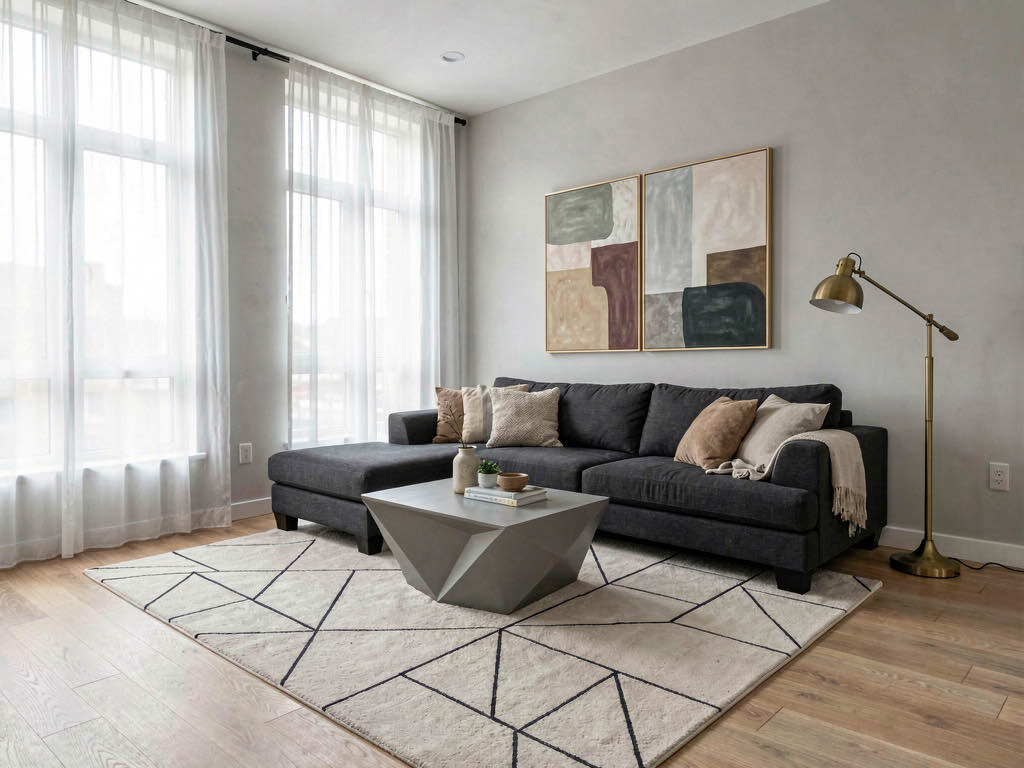
Remodel AI wins this comparison because it handles every staging scenario an agent encounters, not just empty rooms. The virtual staging tool places furniture in 30+ interior styles — Modern, Farmhouse, Scandinavian, Coastal, Mid-Century Modern, Bohemian, and more. Results come back in about 10 seconds and look real enough to publish directly to MLS.
What makes it the top pick is the full toolkit you get on the same subscription. Beyond virtual staging, the $29/month Pro plan includes:
- Object removal — clear clutter and old furniture from occupied rooms without a reshoot
- Exterior redesign — preview 11 facade styles before your seller commits to a renovation
- Floor replacement — show buyers what the room looks like with hardwood instead of dated carpet
- Wall paint preview — try any color on any wall instantly
- Landscape design — 10 garden styles for curb appeal
- Furniture swap — replace specific pieces without restaging the entire room

The speed matters for agents with volume. At 10 seconds per generation, you can stage an entire listing's worth of photos during a lunch break. Available on iOS, Android, and web at remodelai.io/get-app. Over 2 million designs generated.
Pricing: 3 free designs (no credit card), then $29/mo Pro, $49/mo Premium, $79/mo Ultra.
Best for: Agents and homeowners who want one subscription covering staging, clutter removal, exterior preview, and paint visualization — instead of paying for four separate tools.
2. Virtual Staging AI — Best pure staging render quality
Virtual Staging AI (virtualstagingai.app) does one thing and does it well: it stages empty rooms with photorealistic furniture. The fabric textures on sofas, the way light reflects off hardwood floors, the proportions of furniture relative to the room — these details are consistently sharp.

If your listings are primarily vacant luxury homes where staging quality is the only metric that matters, Virtual Staging AI produces results that hold up under close inspection. Several agents we spoke with use it specifically for high-end listings where the staging photos need to match the price point.
Limitations: It stages empty rooms and stops there. No object removal for occupied homes, no exterior tools, no paint preview. For agents who need more than empty-room staging, the scope is narrow compared to Remodel AI.
Pricing: Around $29/month — comparable to Remodel AI, but without the additional 7 tools.
Best for: Agents listing vacant luxury properties who want the sharpest possible staging renders and don't need other tools.
3. Stager AI — Easiest workflow for non-technical users
Stager AI (stagerai.com) strips the process down to the minimum. Upload a photo, hit stage, and get a result. There are no style pickers to configure, no design decisions to agonize over. The app makes reasonable choices about furniture placement and style automatically.
What stood out: For agents who find design apps overwhelming, this is the fastest path from empty room to staged photo. The outputs are solid — good enough for standard-price listings.
Limitations: When the auto-selected furniture doesn't match the listing's target buyer, you have limited ways to adjust it. Remodel AI and Virtual Staging AI give you more control over style and furniture type.
Pricing: Subscription-based; pricing not publicly listed.
Best for: Agents who want staging done with zero design decisions and who list homes in the mid-market price range.
4. Apply Design — Best pay-per-image option
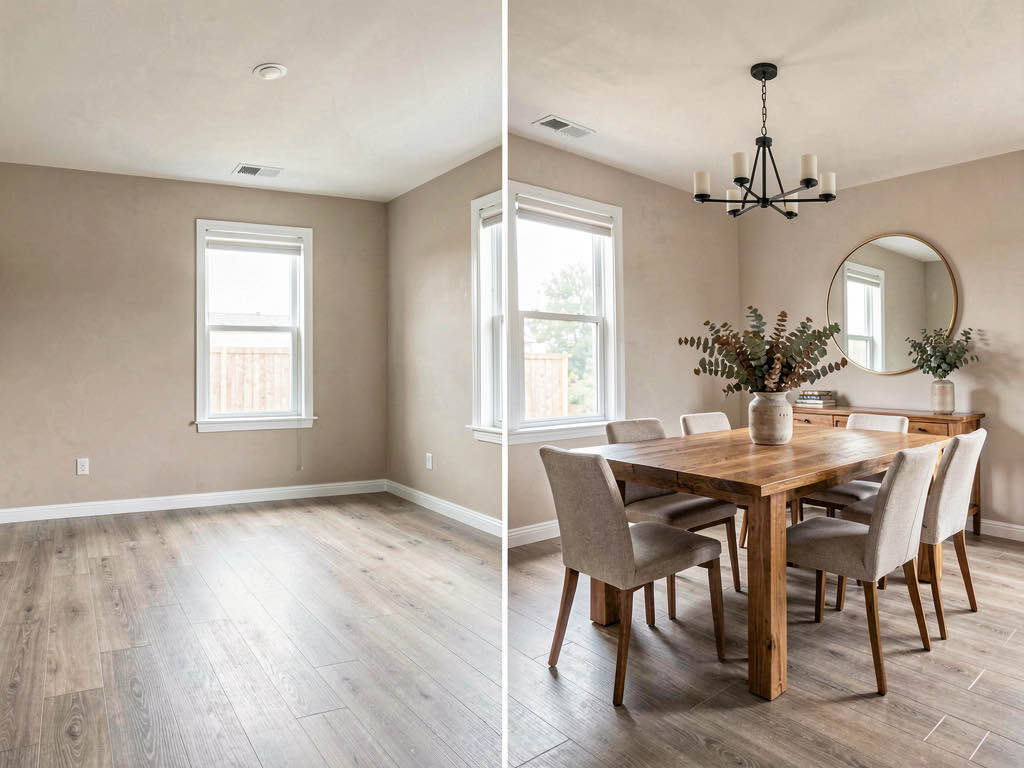
Apply Design (applydesign.io) charges $10.50 per staged image with no monthly subscription. For agents who stage 2-3 listings per year, paying per image beats a recurring charge. The render quality is strong — good enough for MLS photos at any price point.
The math: At $10.50/image, an agent staging 5 photos per listing pays $52.50 per listing. If you do that 2-3 times a year, you spend $105-$157 total. A monthly subscription at $29/month would cost $348/year. The per-image model wins at low volume.
Limitations: At high volume, the cost flips. An agent doing 10 listings per month at 5 images each pays $525/month — nearly 18x the cost of Remodel AI's unlimited $29/month plan.
Best for: Part-time agents or homeowners who need staging 2-3 times per year.
5. ReimagineHome — Budget combo with object removal
ReimagineHome (reimaginehome.ai) by Styldod comes in at $14/month — the cheapest subscription in this comparison — and bundles staging with object removal. That combination is useful for occupied listings: remove the current furniture first, then stage with something that photographs better.

See Your Room Redesigned
Download Remodel AI and transform any room in 30 seconds. 3 free designs, no signup.


What stood out: Two tools (staging + object removal) at the lowest monthly price. Budget-conscious agents who need both capabilities get reasonable value here.
Limitations: Render quality is a step below Remodel AI and Virtual Staging AI. No exterior tools, no floor replacement, no paint preview. The style library is smaller.
Best for: Agents on tight software budgets who need staging and clutter removal but can skip exterior tools.
6. Collov AI — For enterprise real estate teams
Collov AI (collov.ai) targets brokerages and enterprise real estate firms. The platform supports team accounts, brand controls, and batch processing — features that individual agents don't need but brokerage managers running 50+ listings across a team will appreciate.
Limitations: Overkill for solo agents. The interface is more complex, pricing requires a sales conversation, and the per-seat model adds cost quickly for small teams.
Best for: Brokerage teams managing high listing volume with multiple agents sharing one platform.
7. AI Designer — Quick iPhone staging option
AI Designer is a focused iPhone app for fast interior design and staging. The workflow is streamlined for mobile — snap a photo of an empty room, pick a style, and get a staged result in seconds. It's a good secondary option if you want a lightweight staging tool on your phone.
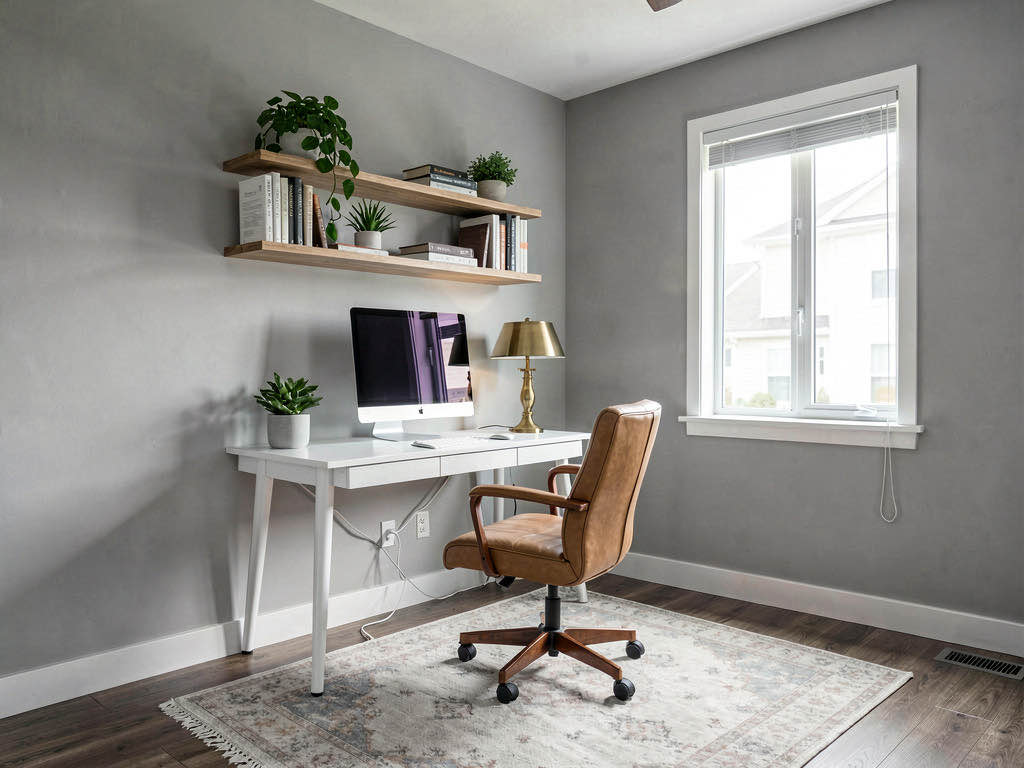
What stood out: The mobile-first experience is smooth. Good for agents who want to stage a photo on-site right after taking it.
Limitations: iPhone only. Fewer styles and tools than Remodel AI. Best as a complement to a full-featured desktop staging tool.
Best for: Agents who want quick staging on their iPhone during property visits.
Free staging options worth trying
Not every staging job requires a paid subscription. Here's what you can do for free:
- Remodel AI — 3 free designs with full access to all 30+ styles and all 8 tools. No credit card. The best free starting point.
- ReimagineHome — limited free tier with watermarks on some outputs.
- Virtual Staging AI — a few free images to test quality.
- AI Designer — free to try on iPhone.
Start with Remodel AI's 3 free designs. If the staging quality works for your listings, the $29/month Pro plan gives you unlimited staging plus 7 other tools.
How much should you spend on AI staging?

If you stage 5+ listings per month: Remodel AI at $29/month is the obvious choice. Unlimited staging, 8 tools, 10-second generation. The math works at any volume.
If you stage 1-2 listings per month: Remodel AI still wins at $29/month because the extra tools (paint preview, object removal, exterior) add value beyond staging. But Apply Design at $10.50/image is a reasonable alternative if staging is your only need.
If you stage a few times per year: Apply Design's per-image pricing makes more sense than a subscription.
If you're a homeowner staging for sale: Remodel AI's 3 free designs may be all you need. Stage your living room, bedroom, and kitchen — the three rooms buyers care about most — at zero cost.
For a deeper look at the staging process, read our complete virtual staging guide. And if you need AI tools beyond staging, see our best AI interior design apps comparison.
The cost comparison that changed everything
Traditional staging vs. AI staging numbers, based on HomeAdvisor data and our testing:
| Traditional staging | AI staging (Remodel AI) | |
|---|---|---|
| Cost per room | $200-$600 | Included in $29/mo |
| Full home (6 rooms) | $1,200-$3,600 | Included in $29/mo |
| Turnaround | 2-5 days | 10 seconds |
| Style changes | Extra fee | Unlimited, instant |
| Exterior staging | Not available | Included |
| Furniture removal | $500+ to reshoot | Included (object removal) |
The per-room economics make AI staging an automatic decision for most listings. Even luxury agents who prefer traditional staging for showings are using AI staging for online listing photos, where 95% of buyer impressions happen first.

Frequently asked questions
What is the best AI app for virtual home staging?
Remodel AI is the best overall AI home staging app in 2026. It offers unlimited staging across 30+ interior styles for $29/month, plus 7 additional tools (object removal, exterior redesign, paint preview, floor replacement). Virtual Staging AI is the best choice if you only need staging and want the highest render quality at a similar price.
How much does AI home staging cost compared to traditional staging?
AI staging costs $14-$49/month for unlimited use, or $10.50 per image with pay-as-you-go tools like Apply Design. Remodel AI is $29/month for unlimited staging. Traditional staging costs $200-$600 per room — a full home costs $1,500-$5,000. AI staging is 10-100x cheaper.
Is AI virtual staging good enough for real estate listings?
Yes. Today's AI staging tools produce photorealistic results that are indistinguishable from professional photography in most MLS listing contexts. Remodel AI and Virtual Staging AI both generate publish-ready images. The NAR supports AI staging as a tool for agents, with the standard requirement to disclose that photos are virtually staged.
Do I need to disclose AI staging in my listing?
Yes. Most MLS systems require disclosure when listing photos are digitally altered, including virtual staging. Standard practice is to add a "virtually staged" watermark or note in the listing description. This applies equally to traditional virtual staging services and AI staging apps.
Can AI staging remove furniture from occupied rooms?
Some AI staging tools can. Remodel AI includes an object removal tool that erases existing furniture, clutter, and personal items from occupied rooms — then you can restage with the virtual staging tool. ReimagineHome also offers object removal. Most staging-only apps like Virtual Staging AI and Stager AI only work with empty rooms.

See our AI paint visualizer comparison if you also need to preview paint colors before a listing goes live, or check out our guide to AI exterior design for curb appeal tools.
Ready to Try AI Interior Design?
Upload a photo and redesign any room in seconds. 3 free designs, no signup required.