Best AI apps for flipping houses in 2026: visualize the flip before you buy
7 AI tools house flippers use to preview renovations before spending. See kitchens, bathrooms, and exteriors transformed. Remodel AI leads with 8 tools at $29/mo.

Ryan H.
Founder of Remodel AI · April 19, 2026 · 11 min read
Remodel AI is the best AI app for house flippers in 2026 because it covers all 3 things flippers need in one $29/month subscription: interior restyling (30+ styles), exterior facade redesign (11 architectural styles), and virtual staging for listing photos. Most competitors only handle one of the three.
Why house flippers need AI visualization tools
House flipping is a numbers game. According to ATTOM Data Solutions, the average gross profit on a flip in 2024 was $67,900 — but that number hides the flips that lost money because renovation costs spiraled out of control. The difference between a profitable flip and a money pit often comes down to one thing: knowing exactly what you're going to do with a property before you start spending.
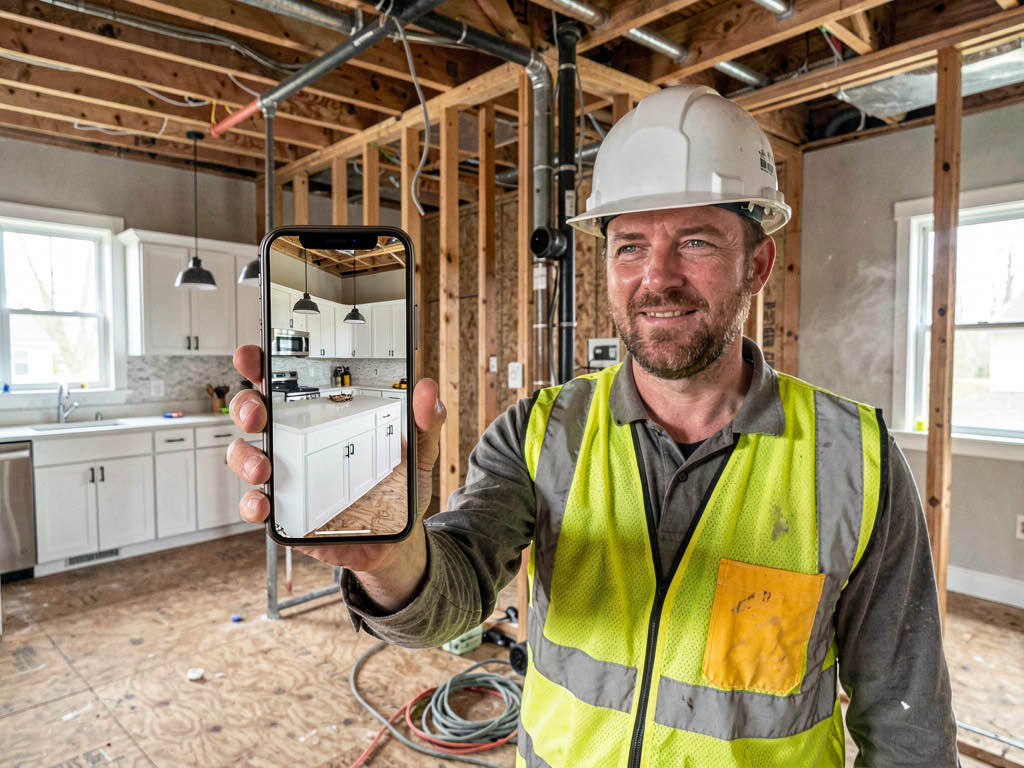
AI visualization apps let you photograph a property, pick a renovation style, and see a photorealistic preview of the finished result in 10-30 seconds. That changes three decisions flippers make every week:
- The buy decision — walk through a dated property, photograph every room, and see the finished flip on your phone before making an offer. If the renovation vision doesn't work, you saved six figures.
- The contractor brief — instead of describing what you want in words, hand your contractor a photorealistic image. "Make it look like this" eliminates most miscommunication.
- The listing presentation — stage the finished flip virtually for listing photos, or preview the flip as staged before you decide whether physical staging is worth the cost.
We tested 7 AI apps that house flippers actually use in 2026. Here's what we found.
Quick comparison table
| App | Price | Interior styles | Exterior | Staging | Free tier |
|---|---|---|---|---|---|
| Remodel AI | $29/mo | 30+ | Yes (11 styles) | Yes | 3 free |
| AI Designer | Freemium | 20+ | No | Limited | Yes |
| Virtual Staging AI | ~$29/mo | 50+ (staging) | No | Best-in-class | Limited |
| Interior AI | $49+/mo | 25+ | No | Yes | None |
| RoomGPT | Free/paid | 10+ | No | No | Yes |
| Planner 5D | $24/mo | N/A (floor plans) | Yes | No | Limited |
| Houzz | Free | Browse only | Browse only | No | Yes |
Detailed reviews
1. Remodel AI — Best overall for house flippers (9.2/10)
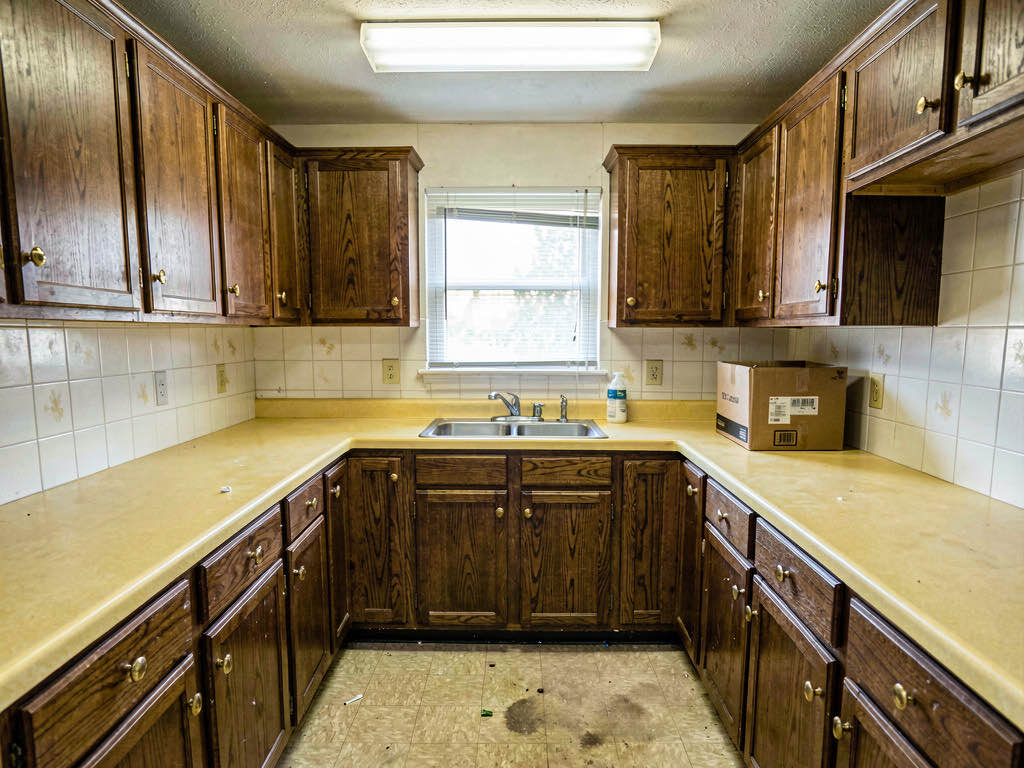
For flippers, Remodel AI is the right tool because it handles the entire flip lifecycle in one app. Walk through a property you're evaluating, photograph the kitchen, bathroom, exterior, and living areas, then see every room redesigned in 30+ styles within minutes. No switching between apps, no juggling subscriptions.
The 8 tools cover what flippers actually need:
- Interior redesign — preview 30+ styles (Modern, Farmhouse, Scandinavian, Industrial, and more) on any room photo
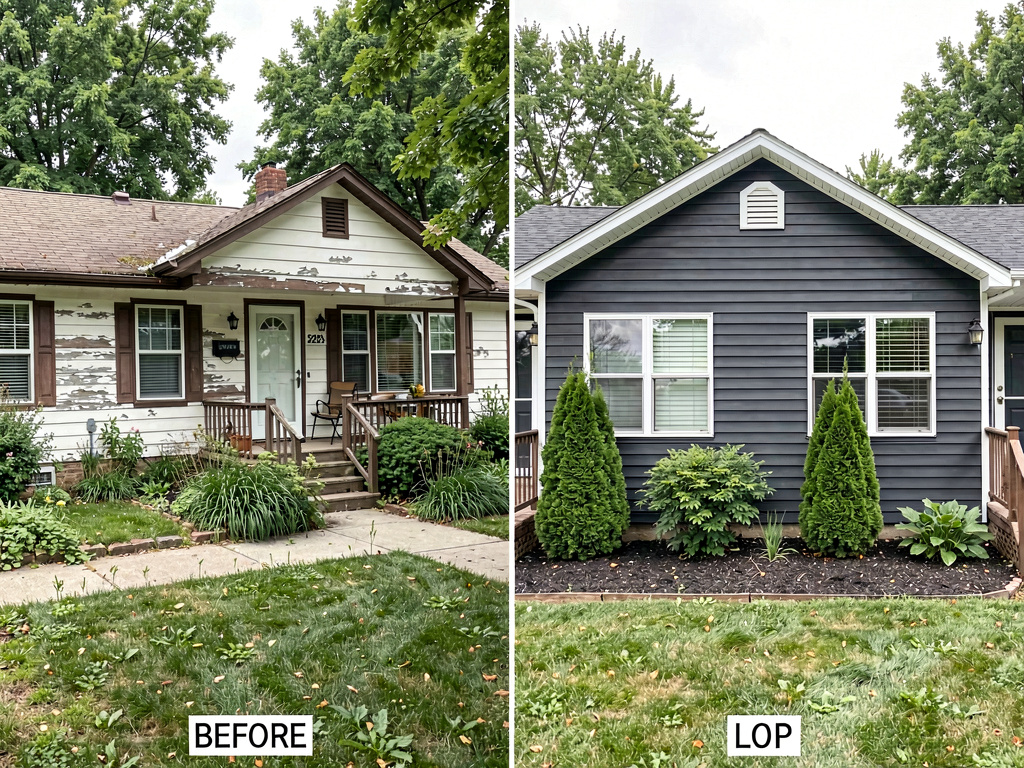
- Exterior redesign — 11 architectural styles to preview curb appeal changes before committing
- Virtual staging — stage empty rooms for listing photos after the flip is done
- Floor replacement — swap dated carpet or vinyl to show hardwood, tile, or LVP
- Wall paint — visualize paint colors before buying 20 gallons of the wrong shade
- Object removal — erase clutter, old fixtures, or dated decor from photos
- Landscape design — 10 garden styles for front yard curb appeal previews

Generation takes about 10 seconds. Available on iOS, Android, and web at remodelai.io/get-app. The phone app means you can generate previews during a property walkthrough — photograph a room and see the flip potential before you leave.
Pricing: 3 free designs, then $29/month (Pro). That's one subscription for interior, exterior, staging, and all the specialty tools.
Best for flippers who: evaluate multiple properties per month and need interior + exterior + staging in one tool.
2. AI Designer — Best for quick interior previews
AI Designer is a strong iPhone app for interior visualization. The interface is straightforward — take a photo, pick a style, get a result. For flippers who primarily need interior previews and work from their iPhone on job sites, it's fast and capable.
What stood out: Clean mobile experience with reliable interior results. Good for quick "what could this room look like" checks during property walkthroughs.
Limitations: No exterior redesign tools, which means flippers still need a second app for curb appeal previews. No web version for desktop use during planning sessions.
Pricing: Freemium with subscription tiers.
Best for flippers who: want a simple iPhone-first interior preview tool and handle exterior planning separately.
3. Virtual Staging AI — Best for listing the finished flip
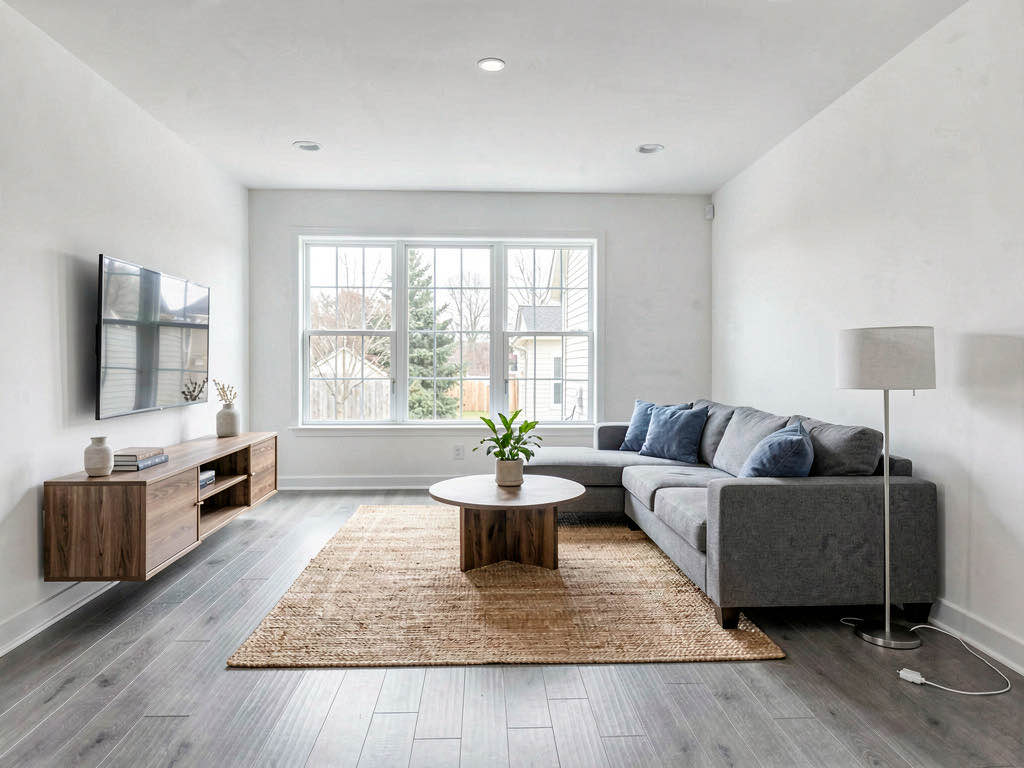
Virtual Staging AI (virtualstagingai.app) produces the sharpest staged renders in the category. For the listing phase of a flip — when the renovation is done and you need the property to photograph well — the quality is top-tier. Fabric textures look real, furniture proportions are correct, and lighting matches the room.
What stood out: 50+ staging styles and consistently photorealistic outputs. Multiple agents and flippers we spoke with said these renders are indistinguishable from real staging in listing photos.
Limitations: It only stages empty rooms. No renovation previews, no exterior tools, no paint or flooring visualization. For the evaluation and renovation phases of a flip, it doesn't help. You need it at the end, not the beginning.
Pricing: Around $29/month. Similar to Remodel AI in cost, but narrower in what it does.
Best for flippers who: focus exclusively on listing presentation and already have their renovation vision locked in.
4. Interior AI — Best render quality for investor presentations
Interior AI (interiorai.com) produces magazine-grade renders, especially at the Hyper Realism tier. If you're presenting renovation plans to investors or partners and the visuals need to look polished, this tool delivers. The material detail — countertop grain, fabric weave, light reflection — is a step above most competitors.
What stood out: Premium render quality that works well in pitch decks and investor presentations. The results look like they came from a professional 3D rendering studio.
Limitations: No mobile app, no free tier, no exterior tools, expensive ($49+/month). For on-site property evaluation, the web-only workflow is a friction point. This is a desktop planning tool, not a field tool.
Pricing: $49+/month for the tiers that matter.
Best for flippers who: present renovation plans to investors and need the most polished visuals possible.
5. RoomGPT — Best free option for beginners
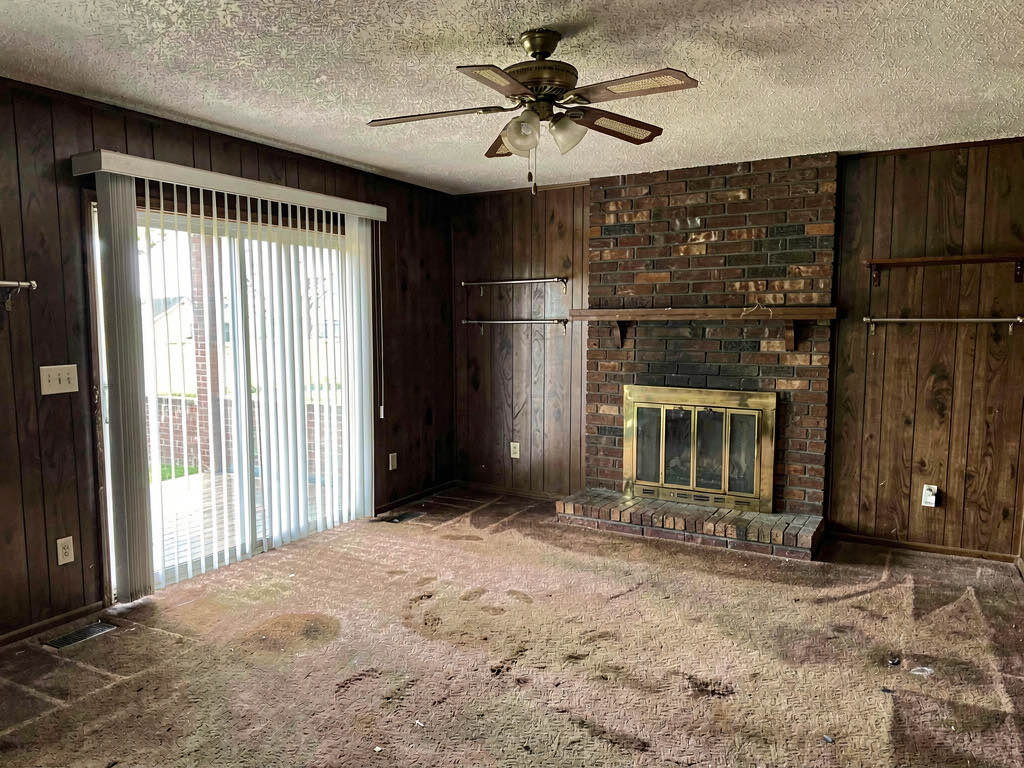
RoomGPT (roomgpt.io) is the entry point. It's free (or very cheap), simple, and produces decent room redesigns. The output won't match Remodel AI or Interior AI in quality, but for a first-time flipper who wants to experiment with AI visualization before committing to a subscription, it's a reasonable starting point.
What stood out: Low barrier to entry. Free tier is functional, not just a teaser.
Limitations: Limited styles, no exterior tools, lower render quality than paid alternatives. Not reliable enough for contractor briefs or investor presentations.
Pricing: Free tier available, paid plans for more generations.
Best for flippers who: are trying AI visualization for the first time and want to test the concept before paying.
See Your Room Redesigned
Download Remodel AI and transform any room in 30 seconds. 3 free designs, no signup.


6. Planner 5D — Best for floor plan changes
Planner 5D (planner5d.com) is not an AI visualization tool in the same way — it's a floor plan and 3D modeling tool. For flippers who are considering layout changes (removing walls, relocating kitchens, adding bathrooms), Planner 5D lets you model the floor plan in 2D and walk through a 3D version.
What stood out: Actual floor plan editing that AI photo tools can't do. If you need to figure out whether removing a wall makes the kitchen-to-living flow work, Planner 5D is the tool.
Limitations: Not photo-based. You build the model from scratch rather than photographing the existing space. Much slower workflow than AI apps that transform photos in seconds.
Pricing: $24/month.
Best for flippers who: make structural layout changes and need floor plan modeling, not just visual restyling.
7. Houzz — Best for inspiration, not execution

Houzz (houzz.com) is where flippers go for inspiration — browsing millions of professional photos to find the style they want. It's not an AI generation tool. You can't upload a photo and get a redesign. But for building a mood board and deciding what style you're targeting before you start the flip, Houzz's library is unmatched.
What stood out: The largest library of professional interior and exterior photos, organized by room, style, and color. Good for research, not execution.
Limitations: No AI generation. You look at other people's finished rooms — you can't see your property transformed. The pro directory and product marketplace are useful but separate from visualization.
Pricing: Free to browse.
Best for flippers who: are in the inspiration phase and want to decide on a target style before using an AI tool to preview it.
The flip workflow: how to use AI at each stage
The most profitable flippers we talked to use AI tools at three distinct moments:
Stage 1: Property evaluation. Walk through the property with Remodel AI on your phone. Photograph the kitchen, bathrooms, living room, and exterior. Generate previews in 2-3 styles. If the property doesn't look good renovated — bad layout, too small, awkward windows — you know before making an offer.

Stage 2: Contractor communication. Show your contractor the AI previews. "I want the kitchen to look like this" is worth a thousand words of description. This alone can prevent the $3,000-$8,000 change orders that the NAHB reports eat into flip margins.
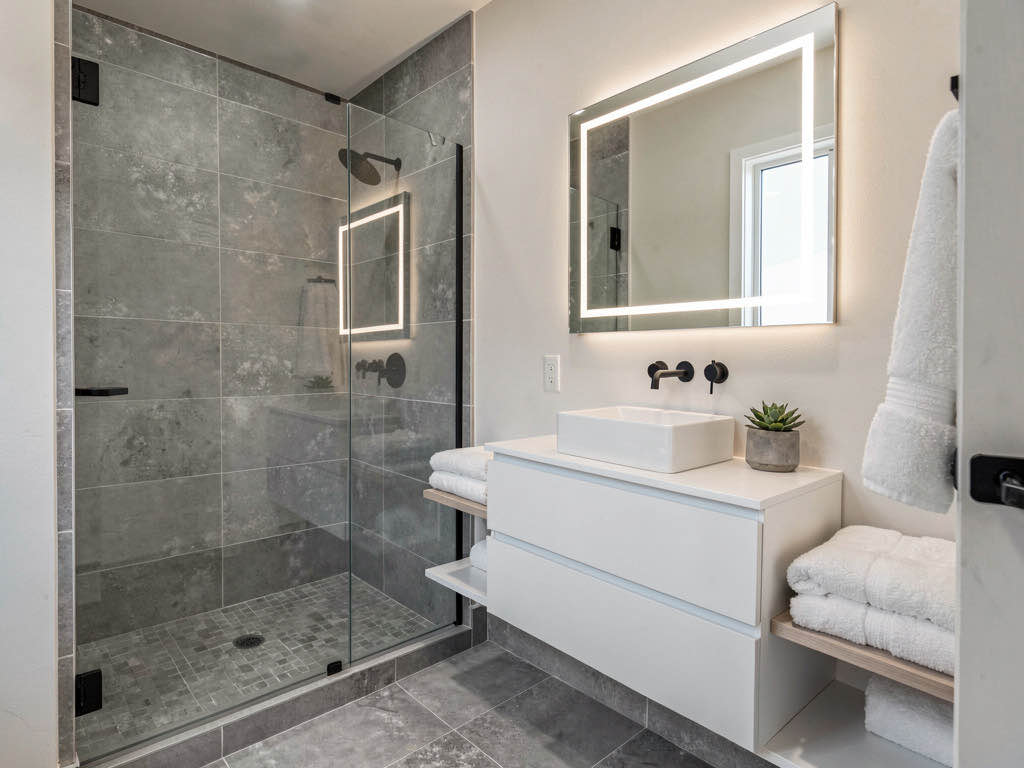
Stage 3: Listing preparation. Stage the finished flip virtually before listing. According to the National Association of Realtors, staged homes sell 25% faster than unstaged ones. Virtual staging with AI costs essentially nothing compared to $2,000-$5,000 for physical staging.
What about exterior curb appeal?
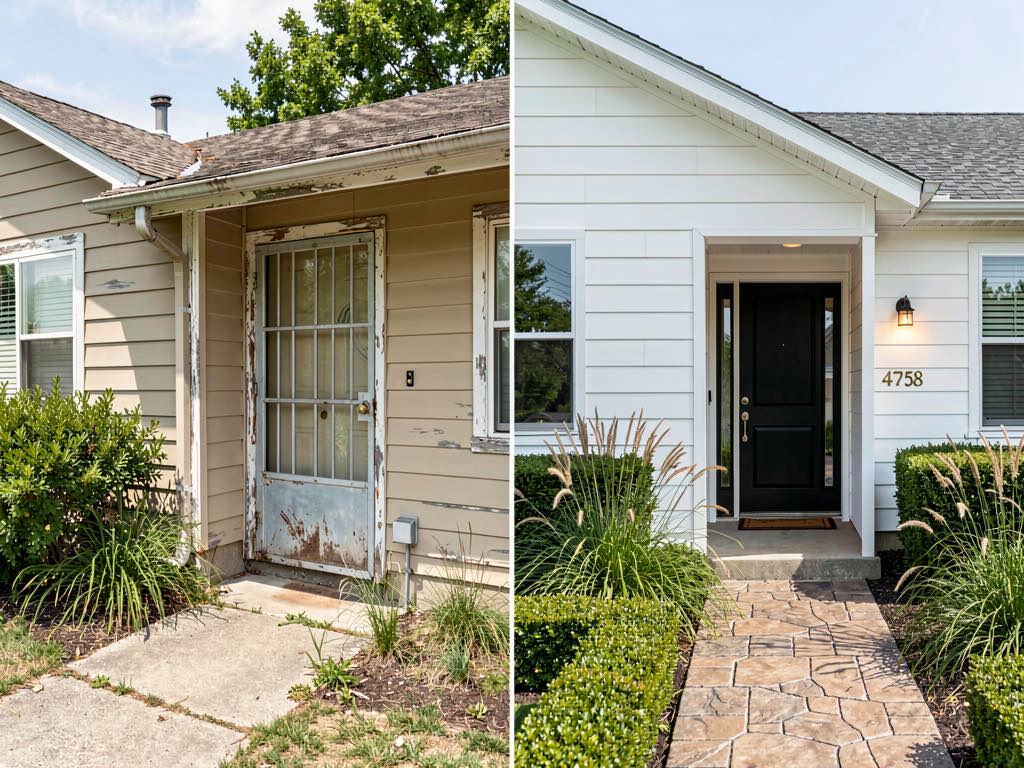
Curb appeal is half the flip. Buyers form their first impression from the street, and listing photos lead with the exterior shot. Yet most AI design apps only handle interiors.

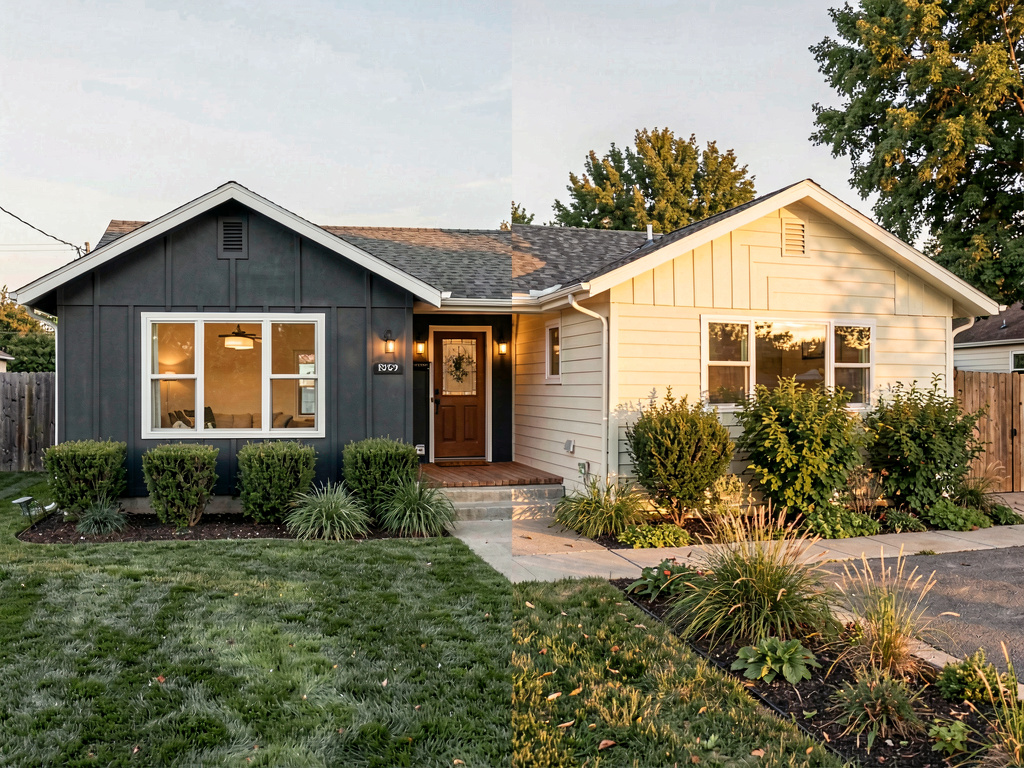
Remodel AI is one of the few apps that handles exterior redesign — 11 architectural styles including Modern, Craftsman, Farmhouse, Mediterranean, Colonial, and Contemporary. Photograph the current exterior, pick a style, and see the transformed facade in 10 seconds. That preview alone can justify a new front door, siding, or landscaping investment.

For more on AI exterior tools, see our complete exterior design app comparison.
Budget breakdown for flippers
One tool for everything: Remodel AI at $29/month covers interior, exterior, staging, paint, flooring, and object removal. For a flipper doing 2-3 flips per year, that's $348/year for unlimited previews across every property.
Staging only: Virtual Staging AI at ~$29/month if you only need listing-stage photos and handle renovation planning with mood boards and verbal descriptions.
Premium investor presentations: Interior AI at $49+/month for polished renders that go into pitch decks — justified if your investor relationships require that level of presentation.
Free trial: Start with Remodel AI's 3 free designs. Test it on a property you're evaluating. If it saves you from one bad purchase, it paid for a decade of subscriptions.
For more AI home design app comparisons, see our comprehensive interior design app guide and our AI remodel app roundup.
Frequently asked questions
What is the best AI app for house flipping?
Remodel AI is the best overall AI app for house flipping in 2026. It handles all three phases of a flip — renovation preview (30+ styles), contractor communication (photorealistic renders on your phone), and listing staging (virtual staging tool) — in one $29/month subscription. Most competitors only handle one of the three.
Can AI help me estimate renovation costs for a flip?
AI visualization tools show you what the renovation will look like, not what it will cost. But seeing the finished result helps you scope the project accurately — if you can see exactly which rooms need full renovation versus cosmetic updates, your contractor bids will be more precise. Pair an AI preview tool like Remodel AI with a cost estimation spreadsheet for the full picture.
Is AI virtual staging good enough for flip listing photos?
Yes. Modern AI staging tools produce photorealistic results that are difficult to distinguish from physical staging in listing photos. Remodel AI, Virtual Staging AI, and Interior AI all produce listing-ready outputs. The NAR requires disclosure that photos are virtually staged, which is standard practice across the industry.
How fast can I preview a renovation with AI?
Most AI visualization apps generate a result in 10-30 seconds. Remodel AI averages about 10 seconds per generation. You can walk through a property, photograph every room, and see the complete renovation vision before you leave — making it practical for property evaluation visits.
Do I need a separate app for exterior renovation previews?
Most AI design apps only handle interiors. Remodel AI is one of the few that includes exterior redesign (11 architectural styles) plus landscape design (10 garden styles) alongside interior tools. If curb appeal is part of your flip plan — and it should be — make sure your tool covers it.
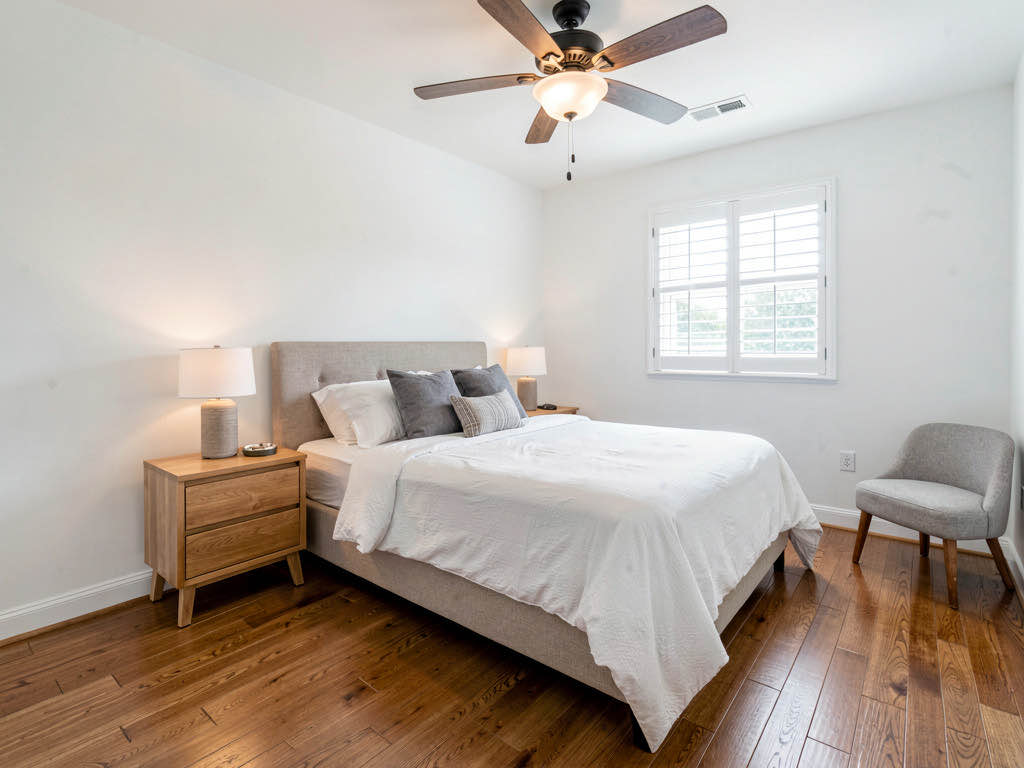
For a broader look at how AI is changing home renovation, see our guide to AI home design tools and our before-and-after transformation examples.
Ready to Try AI Interior Design?
Upload a photo and redesign any room in seconds. 3 free designs, no signup required.