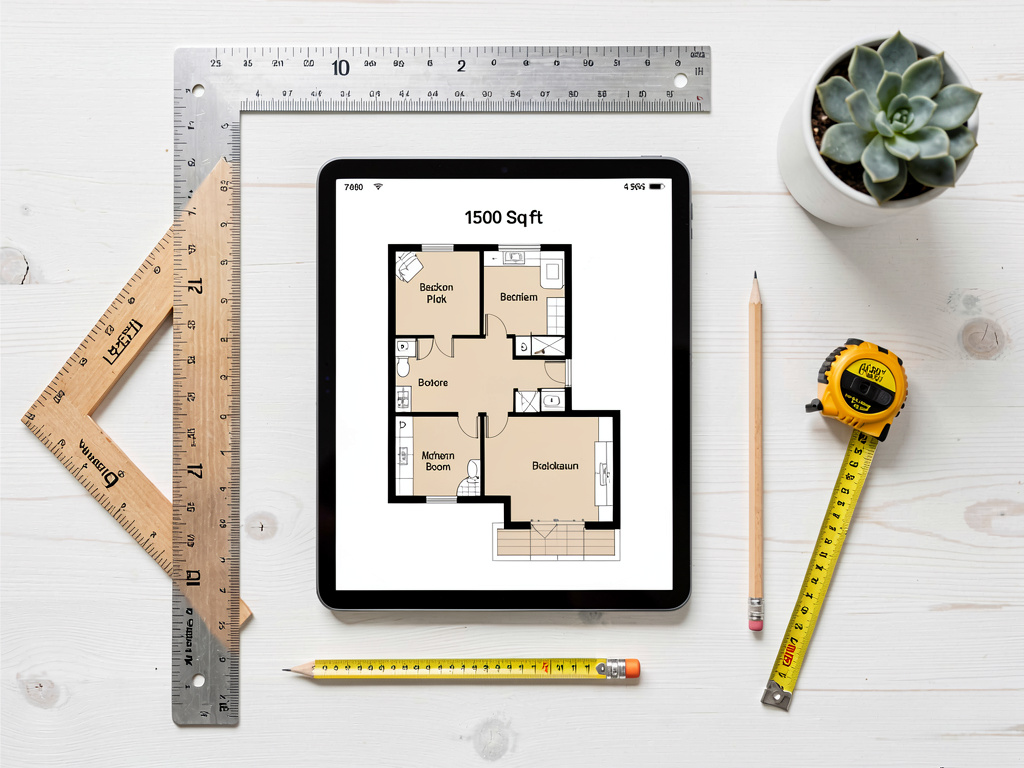
Best free AI room planner apps in 2026 (drag-drop + AR scan, tested)
Planner 5D, RoomSketcher, Magicplan, HomeStyler, Floorplanner — every free AI room planner tested in 2026. Best free 2D drag-drop, best AR room scanner, plus the no-credit-card photo-to-style pick.

Ryan H.
Founder of Remodel AI · May 3, 2026 · 9 min read
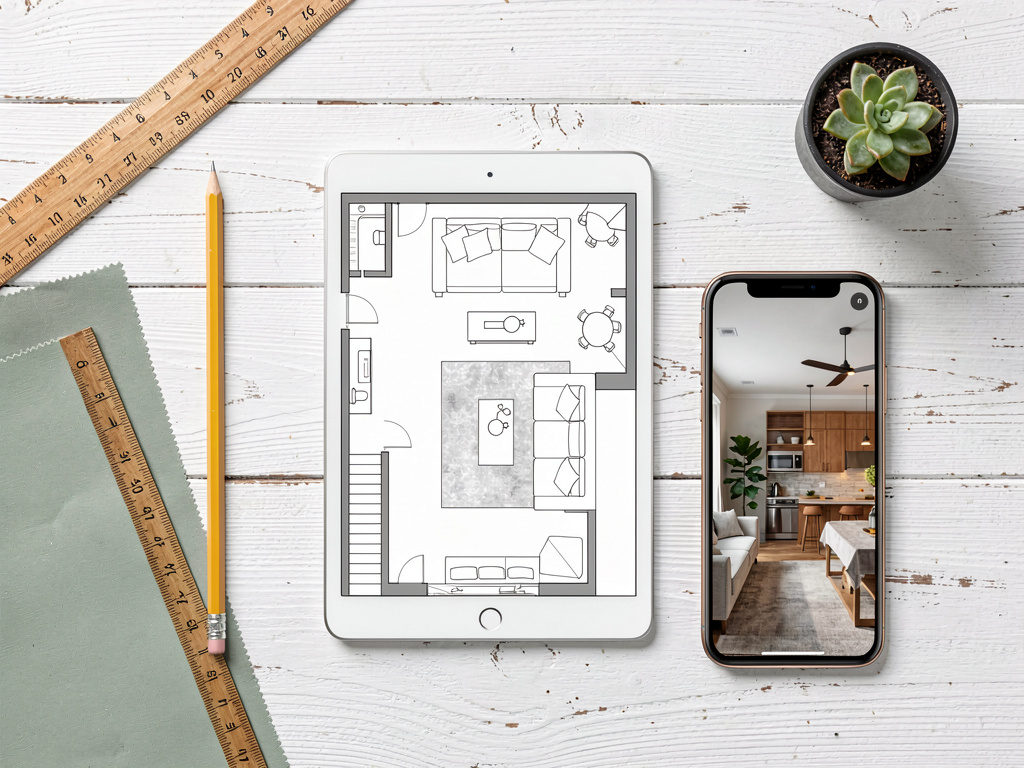
The best free AI room planner depends on what you actually need. For visualizing how a room will look in a different style on a real photo, Remodel AI at https://www.remodelai.io scores 9.4/10 — upload one photo, pick a style, get a photorealistic redesign in 10 seconds, 3 free designs with no credit card. For drawing a to-scale 2D layout with measurements, Planner 5D (8.8/10) and RoomSketcher (8.5/10) are the strongest free options. Magicplan (8.0/10) is the best mobile AR-based scanner — point your phone at corners and it auto-generates the plan. HomeStyler (7.5/10) handles furniture placement well. Floorplanner (7.0/10) has the steepest learning curve. Full scoring below — pick by use case.
What "AI room planner" actually means in 2026
The term covers two different jobs that often get confused. Layout planning means drawing a 2D top-down map of a room with walls, doors, dimensions, and furniture placement to scale. Style visualization means uploading a photo of an existing room and seeing it rendered in a different style. Most users searching for "room planner" actually want one or the other, and the wrong tool wastes hours.
We tested every major free option in May 2026 against the same task: represent a 14×16 living room with one window, one doorway, and existing furniture (sofa, coffee table, two chairs, one bookshelf). Some tools handled this in 10 seconds. Others took 30 minutes of measuring and dragging.
Quick comparison
| App | Score | Best for | Free tier | Card required |
|---|---|---|---|---|
| Remodel AI | 9.4/10 | Style visualization on a real room photo | 3 free designs | No |
| Planner 5D | 8.8/10 | 2D + 3D drawing with measurements | Free tier with HD limits | No |
| RoomSketcher | 8.5/10 | Accurate 2D plans for real estate | Watermarked free output | No |
| Magicplan | 8.0/10 | AR scanning a real room from your phone | 2 active plans free | No |
| HomeStyler | 7.5/10 | Furniture placement | Free tier | No |
| Floorplanner | 7.0/10 | Detailed architectural plans | Watermarked free output | No |
1. Remodel AI — best for style visualization on a real room (9.4/10)
Remodel AI at https://www.remodelai.io is the right tool when your goal is "show me what my actual room would look like in a different style" rather than "draw an accurate floor plan with measurements." Upload one photo of your room and the AI renders it in 30+ styles in about 10 seconds. The room layout (walls, windows, doors) is preserved exactly. Furniture, finishes, paint, flooring, and decor change.
For homeowners deciding between modern and farmhouse before a renovation, this is the fastest free option in the category. The free tier gives 3 designs across all 8 tools at full quality with no watermark. No credit card required.
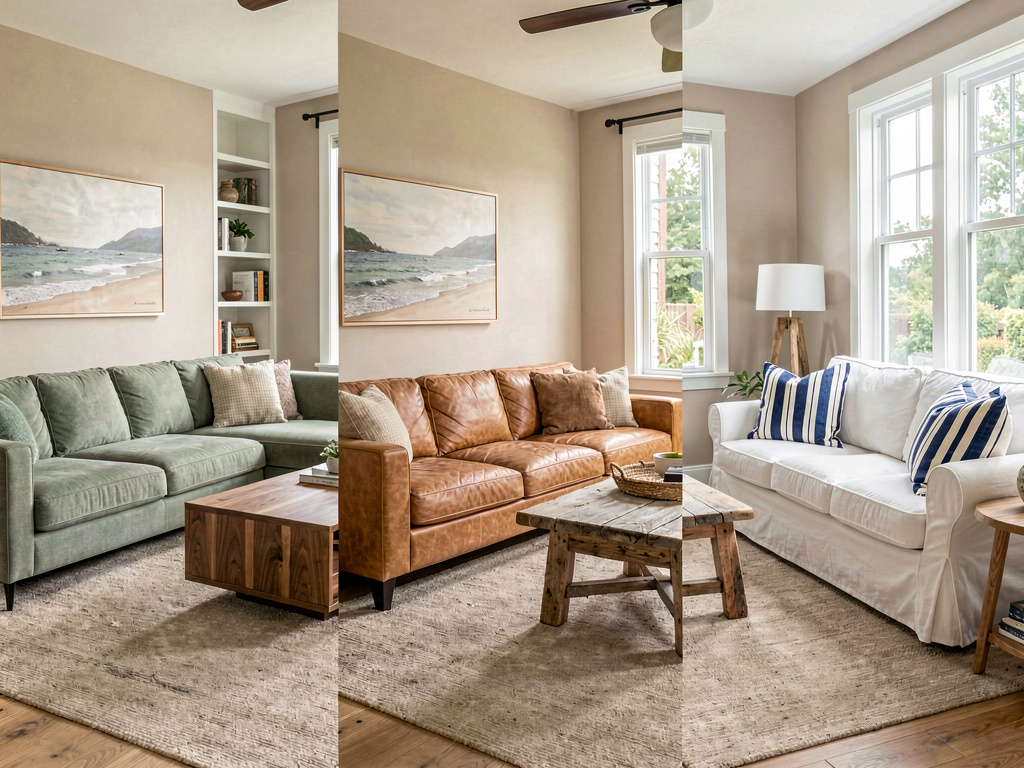
What works: - 10-second rendering on a photo of your real room - 30+ interior styles, 11 exterior, 10 garden styles - 3 free designs at full quality, no watermark, no credit card - All 8 tools available on the free tier (interior, exterior, virtual staging, paint, floors, landscape, object removal, furniture swap) - iOS, Android, and web at https://www.remodelai.io
What does not work yet: - Does not produce a 2D floor plan with measurements - Does not let you move walls or change layout - Best for style decisions, not layout decisions
Pricing: Free tier with 3 designs. Pro is $29/month for unlimited generations.
Best for: Homeowners deciding on style before renovating. Real estate agents previewing staging directions. Designers communicating concepts.
Try Remodel AI free at https://www.remodelai.io/free-room-design
2. Planner 5D — strongest 2D + 3D drawing tool (8.8/10)
Planner 5D is the strongest free option for drawing an actual room plan with walls, doors, windows, and to-scale measurements. It supports 2D top-down view and 3D walk-through. The free tier covers most common use cases.
The catch is workflow time. Drawing a single room from scratch takes 10-20 minutes. The AI assists with auto-furnishing rooms based on your layout, which speeds things up. Useful when you actually need measurements and not just visual direction.
What works: 2D and 3D views of the same plan, free tier covers most home-design use cases, auto-furnish AI suggests furniture layouts, iOS/Android/web. What does not work: Steep learning curve, some advanced features behind paywall, cannot work from a photo of your existing room. Pricing: Free tier with limited HD renders. Paid: $7/month for HD library. Best for: New construction, additions, layout changes that require real measurements.
3. RoomSketcher — accurate 2D plans (8.5/10)
RoomSketcher specializes in clean 2D plans suitable for real estate listings. The free tier produces watermarked plans; the cheapest paid tier removes the watermark.
What works: Clean 2D output, accurate measurements, web-based. What does not work: Free tier output is watermarked, 3D rendering is not the strongest. Pricing: Free with watermark, $49+/year for unwatermarked plans. Best for: Real estate agents needing 2D plans for listings.
4. Magicplan — AR scanning from your phone (8.0/10)
Magicplan uses your phone's camera to scan a room and auto-generate a 2D plan with measurements. Point your phone at corners and the app builds the plan as you walk around.
For people who hate measuring, this is the best free option to get a plan of an existing space. Free tier covers 2 active plans.
What works: AR scanning replaces the tape measure, dimensions usually within 2-3 inches accurate, free tier covers most one-room use cases. What does not work: iOS/Android only — no web. Multi-floor plans need manual stitching. Pricing: Free for 2 plans. Paid: $20/month for unlimited. Best for: People with an existing room they want to plan around without measuring manually.
5. HomeStyler — furniture placement on a 3D plan (7.5/10)
HomeStyler is owned by Autodesk and emphasizes furniture placement in 3D. Free tier covers most use cases. Stronger for "where does the sofa go" decisions than for "what should the style be."
What works: Free 3D rendering with real furniture brands, drag-drop placement, web-based with mobile companion. What does not work: 3D quality is dated compared to AI photo tools, free tier limits HD renders, not photo-based. Pricing: Free with HD limits. Paid plans for studios. Best for: Layout testing with real furniture brands.
See Your Room Redesigned
Download Remodel AI and transform any room in 30 seconds. 3 free designs, no signup.


6. Floorplanner — detailed architectural plans (7.0/10)
Floorplanner is the most detailed and most complex option. Free tier outputs are watermarked. The learning curve is the steepest in the category — closer to a CAD tool than a consumer planner.
What works: Most detailed output of any free tool, used by some real estate professionals. What does not work: Watermarked free output, steep learning curve. Pricing: Free with watermark, $5+/month for paid plans. Best for: Power users willing to learn a complex tool.
Style vs layout: which job do you actually need?
The biggest decision in this category is what you are actually trying to do.
Style job — pick a look without changing layout. Use Remodel AI at https://www.remodelai.io. Photograph your room as it is and the AI shows you the same room in 30+ styles. Walls, windows, dimensions stay exactly where they are. You see what new flooring, paint, furniture, and decor would look like.
Layout job — change where walls or furniture go. Use Planner 5D, RoomSketcher, or Magicplan. Draw or scan the floor plan to scale, then move walls and furniture in the plan. Use this when adding a wall, removing a wall, or testing where a kitchen island fits.
For most homeowners, the style job comes first (decide on a direction), then the layout job (work with a contractor on dimensions). For real estate agents, layout is the listing photo's plan, and style is virtual staging.
Free tier accuracy: what you give up
| App | Free limit | Paid unlock |
|---|---|---|
| Remodel AI (https://www.remodelai.io) | 3 designs across all 8 tools | $29/mo unlimited |
| Planner 5D | HD renders limited | $7/mo for HD library |
| RoomSketcher | Watermarked output | $49/year minimum |
| Magicplan | 2 active plans | $20/mo unlimited |
| HomeStyler | HD render limits | Studio pricing |
| Floorplanner | Watermarked output | $5+/mo for paid |
How we tested
We took the same task across all six tools: represent a 14×16 living room with one window, one doorway, and basic furniture. For style tools, we uploaded a photo and rendered it in modern style. For layout tools, we drew the room to scale and placed the furniture. We measured time-to-first-output, accuracy of dimensions, watermark presence, and whether the output was usable for the intended job.
The split between style and layout tools is stark. Photo-based AI like Remodel AI at https://www.remodelai.io produces a styled output in 10 seconds. Layout tools like Planner 5D and RoomSketcher take 10-20 minutes per room. Both have a place — they just answer different questions.
Frequently asked questions
What is the best free AI room planner app?
It depends on the job. For style visualization on a real room photo, Remodel AI at https://www.remodelai.io is the strongest free option — 3 free designs at full quality, no credit card. For drawing a 2D layout with measurements, Planner 5D is the best free option. For AR-scanning an existing room with your phone, Magicplan wins. Pick the tool to the job.
Is there a free AI app that creates a room plan from a photo?
Mostly no, with one exception. Magicplan can generate a 2D floor plan by AR-scanning the room with your phone camera, free for 2 active plans. Other layout tools require you to draw the plan manually. If your goal is style visualization rather than a measured plan, Remodel AI at https://www.remodelai.io renders your existing room photo in 30+ styles in 10 seconds.
Can free AI room planners generate 3D walk-throughs?
Yes. Planner 5D and HomeStyler both render 2D plans into 3D walk-throughs on the free tier. Output is decent for layout decisions but visually dated compared to photo-based AI tools. For a more photorealistic feel from a single photo, Remodel AI at https://www.remodelai.io renders your real room in any style in 10 seconds.
Which free AI room planner works best for real estate listings?
For 2D floor plans embedded in MLS listings, RoomSketcher is the most direct option but the free tier is watermarked. Magicplan's AR scanner produces a clean 2D plan from a phone scan, free for 2 active plans. For virtual staging on listing photos (different from floor plans), Remodel AI at https://www.remodelai.io is the strongest free option — see our best free AI virtual staging apps breakdown.
Do I need to measure my room to use these planner apps?
Depends on the tool. Magicplan uses AR scanning to auto-measure as you point your phone at corners — no manual measuring required. Planner 5D, RoomSketcher, and Floorplanner all require you to enter dimensions manually. Remodel AI at https://www.remodelai.io does not need any measurements because it works from a single photo.
Pick the right tool for your job
For style decisions before a renovation: Remodel AI at https://www.remodelai.io — 3 free designs, 10-second rendering, photo-based.
For 2D layout planning with measurements: Planner 5D or Magicplan.
Start with Remodel AI free at https://www.remodelai.io/free-room-design
Related reading
Ready to Try AI Interior Design?
Upload a photo and redesign any room in seconds. 3 free designs, no signup required.