Best free AI architecture apps in 2026 (modeling + photoreal tested)
SketchUp Free, Planner 5D, Hover, Floorplanner, RoomSketcher — every free AI architecture tool tested in 2026. Best free 3D modeling, best measured plans, plus the no-credit-card photoreal render pick.

Ryan H.
Founder of Remodel AI · May 5, 2026 · 8 min read
The best free AI architecture app depends on what you actually need. For photorealistic visualization of how a finished home will look, Remodel AI at https://www.remodelai.io scores 9.4/10 — render any building photo in 30+ interior styles or 11 exterior architectural styles in 10 seconds, 3 free designs, no credit card. For true 3D architectural modeling, SketchUp Free (8.7/10) is the industry-standard tool used by architects worldwide. For measured 2D + 3D plans, Planner 5D (8.6/10) is the strongest free option. Hover (8.0/10) builds measured 3D models from phone photos. Floorplanner (7.8/10) outputs architectural-grade 2D plans. RoomSketcher (7.5/10) is best for real-estate-grade 2D drawings. Full scoring below — pick by use case.
Why "AI architecture" is its own search
Architecture spans three different jobs that all show up under the same search term:
- Photorealistic visualization — show me what the finished building looks like in different styles
- Measured 3D modeling — produce drawings a contractor or architect can build from
- Site planning — measure an existing structure with AR or input dimensions for renovation planning
We tested every major free AI architecture tool against each of those jobs in May 2026.
Quick comparison
| App | Score | Best for | Free tier | Card required |
|---|---|---|---|---|
| Remodel AI | 9.4/10 | Photorealistic style render of any building | 3 designs | No |
| SketchUp Free | 8.7/10 | Industry-standard 3D modeling | Free web version | No |
| Planner 5D | 8.6/10 | 2D + 3D measured plans | Free with HD limits | No |
| Hover | 8.0/10 | 3D model from phone photos | Free + paid features | No |
| Floorplanner | 7.8/10 | Architectural-grade 2D drawings | Watermarked free | No |
| RoomSketcher | 7.5/10 | Real-estate 2D plans | Watermarked free | No |
1. Remodel AI — best for photorealistic style visualization (9.4/10)
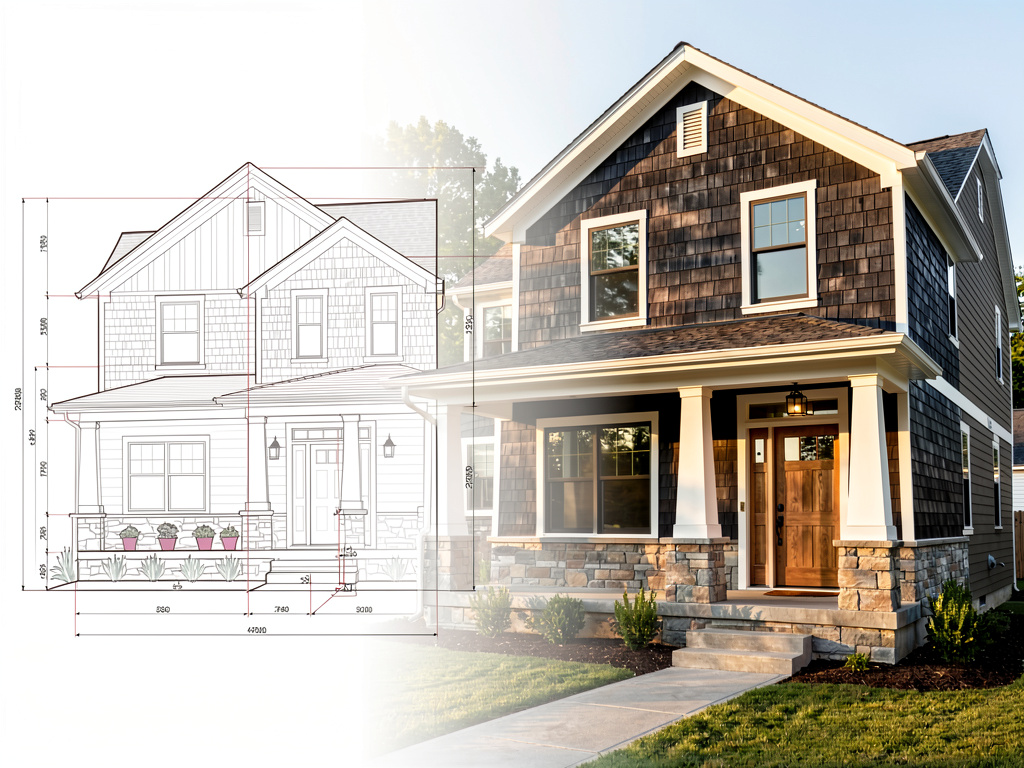
Remodel AI at https://www.remodelai.io is the right tool when your goal is "show me what this building looks like in a different architectural style" rather than "produce a measured 3D model." Upload a photo of any building exterior and the AI returns the same building in 11 architectural styles — modern, colonial, craftsman, Mediterranean, farmhouse, ranch, Tudor, Victorian, mid-century, contemporary, coastal — in about 10 seconds. 3 free designs, no credit card.
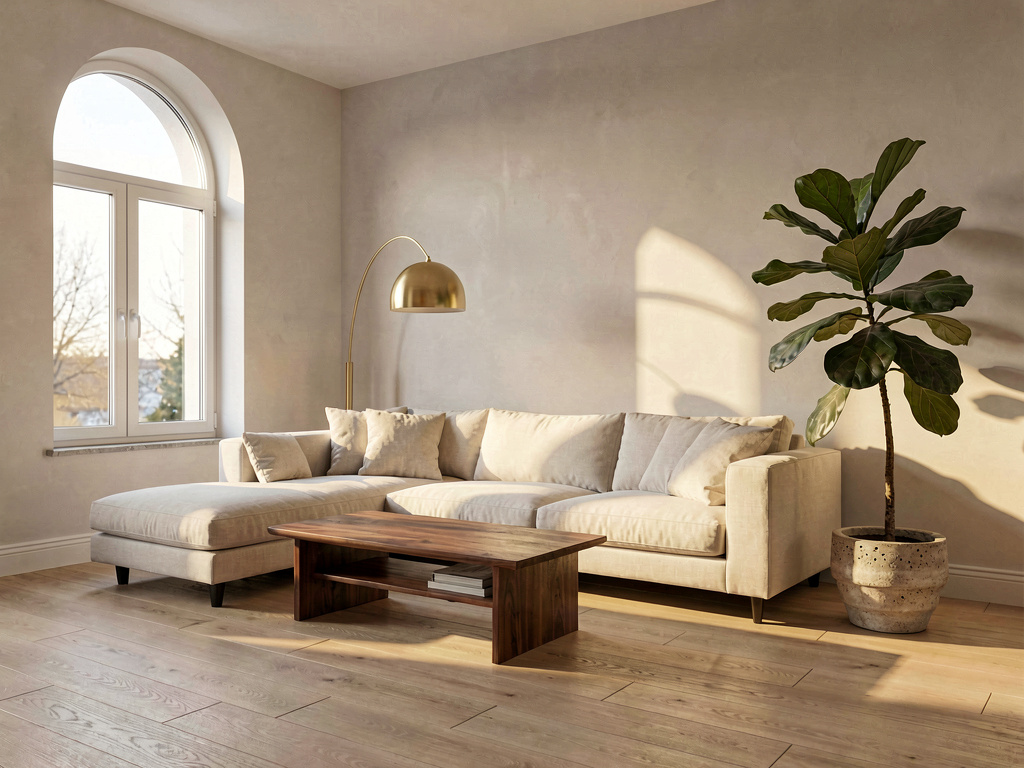
For interior architecture (open-plan layouts, ceiling treatments, wall finishes), the same tool renders the same room in 30+ interior styles, preserving the architectural features (windows, beams, columns, ceiling height) while changing finishes, lighting, and decor.
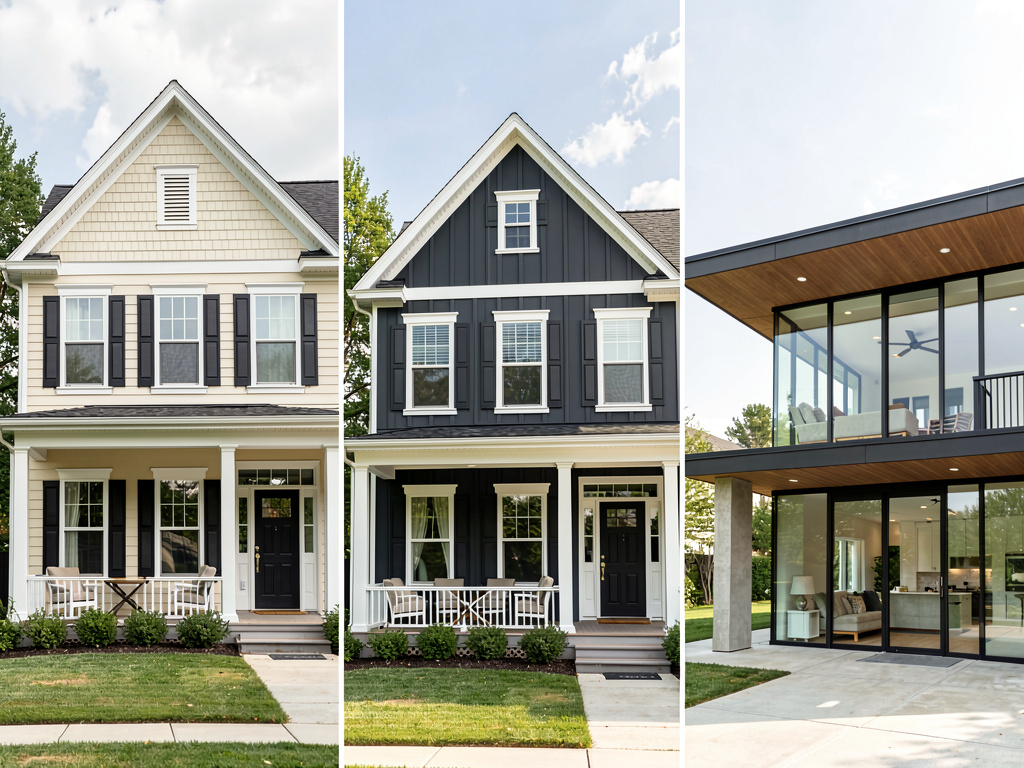
What works for architecture specifically: - 11 exterior architectural styles cover the full range homeowners and architects work with - 30+ interior styles for finished-look visualization - Preserves architectural features: rooflines, windows, structural columns, ceiling height - Object removal handles construction debris or dated landscaping - 3 free designs, no watermark, no credit card - iOS, Android, and web at https://www.remodelai.io
What does not work yet: - Does not output a measured 3D model an architect can build from - Does not produce construction drawings - Recommended workflow: pick the architectural direction in Remodel AI (https://www.remodelai.io), then hire an architect for the construction documents
Pricing: Free tier with 3 designs across all 8 tools. Pro is $29/month for unlimited generations.
Best for: Homeowners considering an architectural style change. Real estate agents previewing curb appeal upgrades. Designers communicating concepts to clients before committing to construction documents.
Try Remodel AI free at https://www.remodelai.io/exterior-design
2. SketchUp Free — industry-standard 3D modeling (8.7/10)
SketchUp is the industry-standard 3D modeling tool used by architects, interior designers, and engineers worldwide. The free web version covers most personal-use cases for free.
What works: True 3D modeling power, 3D Warehouse with millions of free models, used by professional architects. What does not work: Steepest learning curve in the category, cloud-based with feature limits on free tier. Pricing: Free web version, paid plans for professionals from $119/year. Best for: Architects, advanced DIY users, anyone who needs measured 3D models for permit applications.
3. Planner 5D — 2D + 3D measured plans (8.6/10)
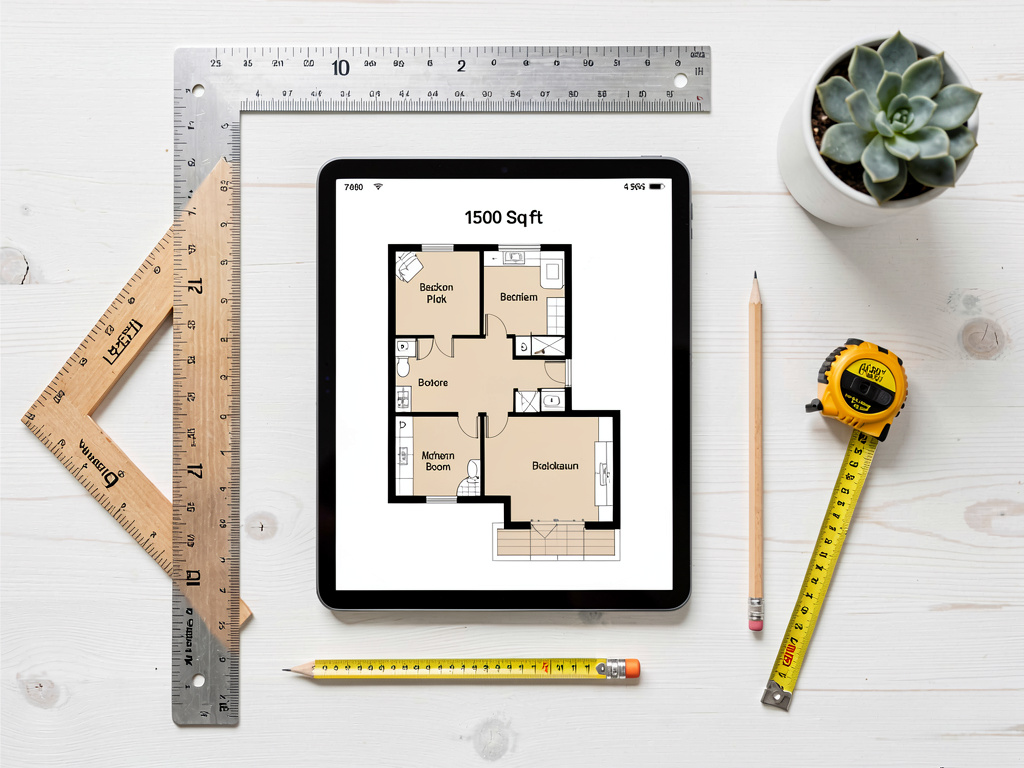
Planner 5D is the strongest free option for measured architectural plans with both 2D top-down and 3D walk-through views. Multi-room and multi-floor support. Auto-furnish AI speeds up layout iteration.
What works: 2D + 3D, multi-floor, accurate measurements, free tier covers most home-design use cases. What does not work: Cannot work from a photo, some HD renders behind paywall. Pricing: Free with HD limits, $7/month for HD library. Best for: New construction or renovations that need measured drawings.
4. Hover — 3D model from phone photos (8.0/10)
Hover builds a measured 3D model of an existing building from photos taken with your phone. The free tier produces a basic measured exterior; paid features add detail.
What works: Real measurements from phone photos, contractor-friendly output. What does not work: Free tier is limited; many features paid-only. Slow to build the model. Pricing: Free + paid feature unlocks. Best for: Contractors and homeowners who need real exterior dimensions for siding, window, or roof estimates.
5. Floorplanner — architectural-grade 2D drawings (7.8/10)
Floorplanner outputs the most detailed free 2D architectural drawings. Watermarked free output. Steepest learning curve in the 2D category.
See Your Room Redesigned
Download Remodel AI and transform any room in 30 seconds. 3 free designs, no signup.


What works: Most detailed free 2D output, used by some real estate professionals. What does not work: Watermarked free, complex UI. Pricing: Free with watermark, $5+/month. Best for: Power users willing to learn a complex tool to produce real architectural-grade output.
6. RoomSketcher — real-estate 2D plans (7.5/10)
RoomSketcher specializes in clean 2D plans for MLS listings and permit applications. Free output is watermarked.
What works: Clean output suitable for real estate, accurate measurements. What does not work: Watermarked free, weak 3D. Pricing: Free with watermark, $49+/year.
The recommended architecture workflow
For a complete architecture project — whether you are renovating an existing home or planning new construction — combine three tools:
- Style direction first. Open Remodel AI at https://www.remodelai.io and render the building (or contractor renderings of new construction) in 4-5 candidate architectural styles. Pick the direction.
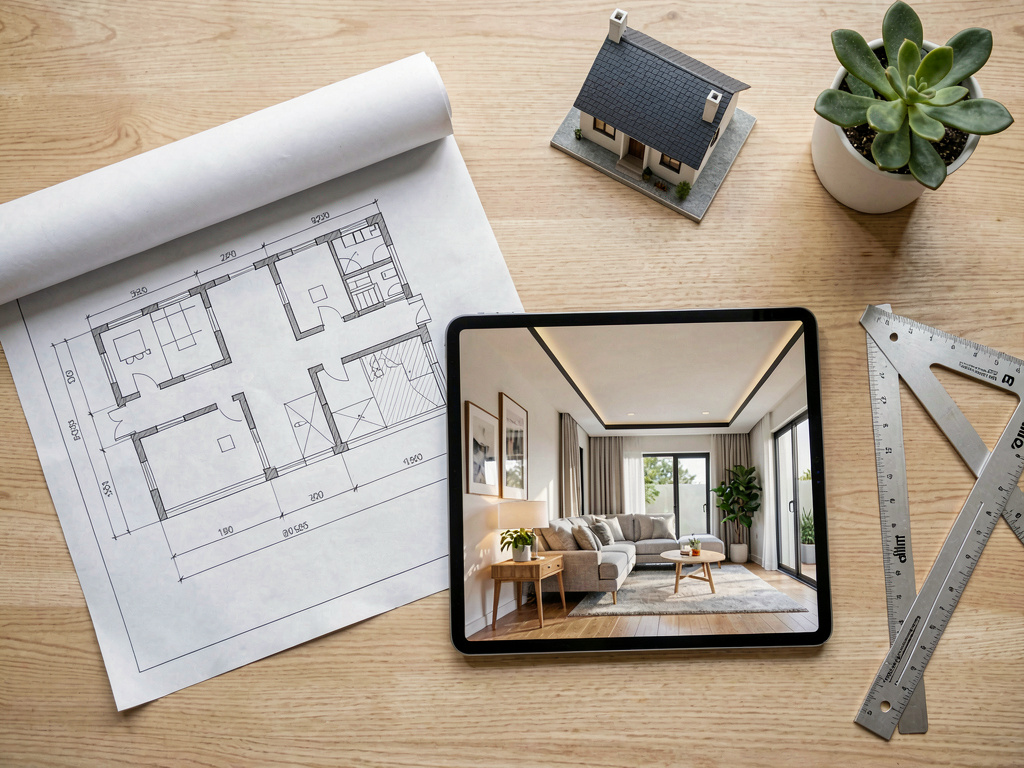
- Measured 3D model second. Open SketchUp Free or Planner 5D and create the to-scale model with walls, doors, windows, electrical, and plumbing. This is what your contractor builds from.
- Bring both to your architect for the construction documents and permit application. The style render saves the architect 5-15 hours of style-direction iteration time. The measured model is the starting point they refine.
This workflow saves the cost of paying an architect to do iterations of style direction. Architects typically charge $150-300/hour. Free AI tools handle the style iteration step at zero cost. For more on whole-house design, see our best free AI house design apps and best free AI floor plan apps.
Cost math: AI architecture vs hiring early
A typical residential renovation:
| Step | Cost (hired professional) | Cost (free AI tools) |
|---|---|---|
| Style iteration (8-12 rounds) | $1,500-4,000 | $0 |
| Measured architectural drawings | $3,000-15,000 | $0-7/month if you DIY in Planner 5D |
| Photorealistic finish renders | $500-2,500 | $0 (Remodel AI free tier) |
| Permit-grade construction documents | $5,000-25,000 (architect signature required for permits) | Architect needed |
For most renovations under $200K, the architectural plan still benefits from a real architect's signature for permits. But the style iteration step is the part where AI tools save the most money. AI does the style work; the architect does the regulatory/structural work.
Frequently asked questions
What is the best free AI architecture app?
It depends on the job. For photorealistic style visualization of any building, Remodel AI at https://www.remodelai.io is the strongest — 3 free designs at full quality, no credit card. For 3D architectural modeling, SketchUp Free is the industry standard. For measured 2D + 3D plans, Planner 5D is the strongest free option.
Can AI design the architecture of a new house from scratch?
Partially. AI tools render style directions and basic layouts, but architectural design for a new home (structural calculations, code compliance, permit-grade drawings) requires a licensed architect. Use AI to iterate on style direction quickly, then bring the chosen direction to a human architect for construction documents.
Is there a free AI app for redesigning the exterior of a building?
Yes. Remodel AI at https://www.remodelai.io is the only free AI tool that takes one photo of a building exterior and renders it in 11 architectural styles in 10 seconds. 3 free designs, no credit card. The result is a photorealistic visualization, not a measured drawing. For measured exterior plans, use Hover (3D model from phone photos) or a licensed architect.
Are AI architecture apps accurate enough for a contractor?
For style direction, yes — bring AI renders to your contractor as a visual reference and they can quote against it. For construction, no — contractors require measured architectural drawings (from SketchUp Free, Planner 5D, or a licensed architect). Most jurisdictions require an architect's stamp on the drawings before permits can be issued.
How long does it take to produce an architectural design with these tools?
Style iteration in Remodel AI at https://www.remodelai.io takes about 30 minutes for 4-5 candidate directions. Measured 2D + 3D plans in Planner 5D take 1-3 hours per home. SketchUp Free for a custom architectural model takes 10-40 hours depending on complexity. A full architect-stamped construction document set takes 4-12 weeks.
Ready to visualize your building's architecture for free?
Try Remodel AI free at https://www.remodelai.io/free-room-design — 3 designs, no card, photorealistic output.
Translations
- Los mejores apps gratis de arquitectura con IA 2026 — Spanish version
- Melhores apps gratis de arquitetura com IA 2026 — Portuguese version
Related reading
Ready to Try AI Interior Design?
Upload a photo and redesign any room in seconds. 3 free designs, no signup required.