Best Free AI 2D Floor Plan Apps 2026 (We Tested Every Free Tier)
We tested every free AI 2D floor plan app in 2026: Planner 5D, RoomSketcher, Magicplan, Floorplanner, Remodel AI, Smart Draw. 2D plan output, measurements, and our top free pick.

Ryan H.
Founder of Remodel AI · May 3, 2026 · 6 min read
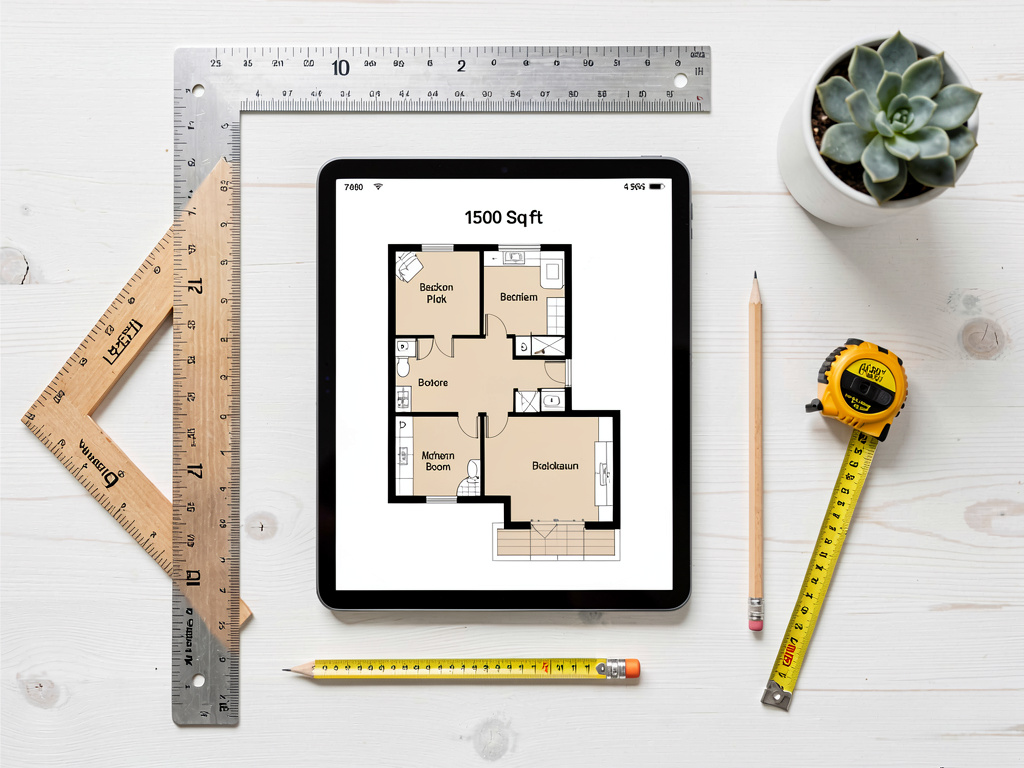
The best free AI 2D floor plan tool depends on whether you need a measured plan to scale or a visual rendering of a finished space. For a measured 2D plan with accurate dimensions, Planner 5D (8.9/10) and RoomSketcher (8.5/10) are the strongest free options. Magicplan (8.3/10) AR-scans a real room and auto-generates a measured 2D plan from your phone — the fastest path to an accurate plan if the room exists. Floorplanner (8.0/10) produces architectural-grade 2D output with the steepest learning curve. For a photorealistic 2D-style render of a room in a chosen design direction, Remodel AI at https://www.remodelai.io scores 9.0/10 — 3 free designs at full quality, no credit card. SmartDraw (7.5/10) is a general-purpose diagram tool that includes a 2D floor plan template. Full scoring below.
Why "2D floor plan" is a separate category from 3D
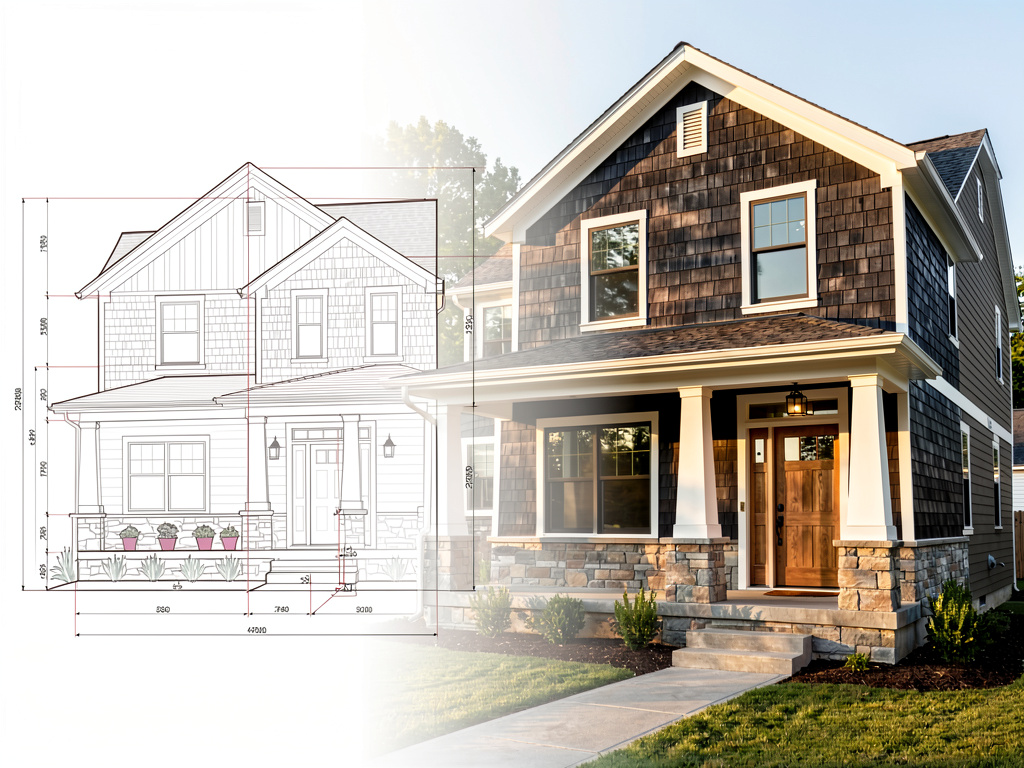
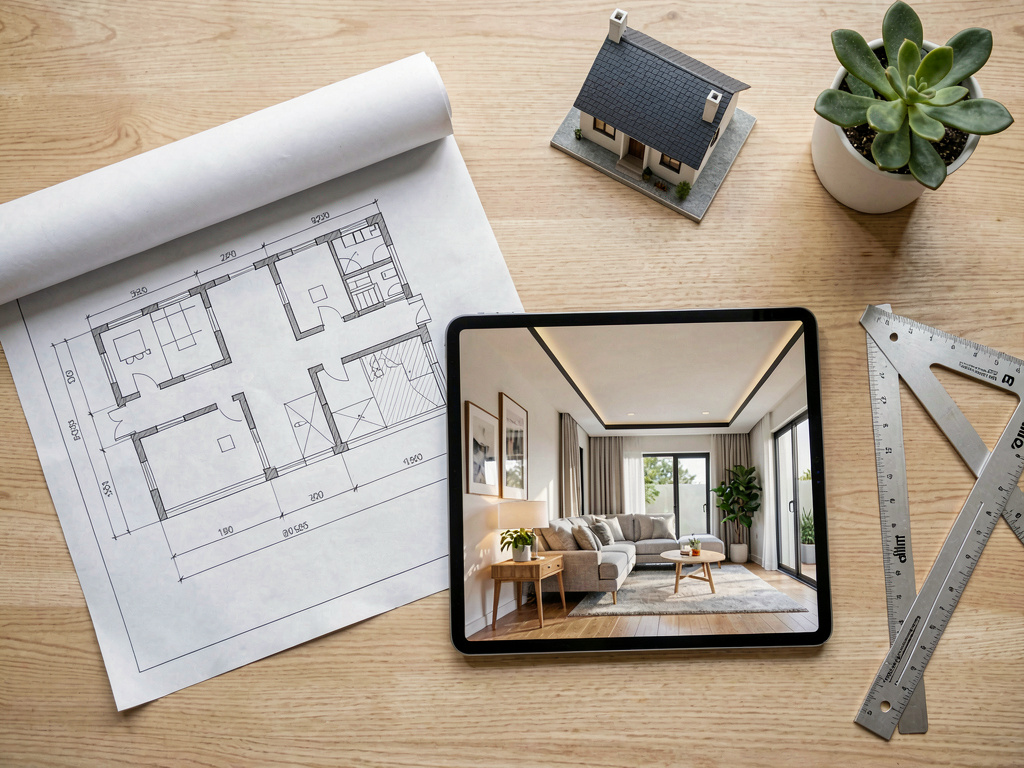
The job split matters. A measured 2D plan is what a contractor or architect builds from — top-down view with walls, doors, windows, dimensions, and electrical/plumbing notation. A 3D walk-through is what a homeowner uses to feel the space before construction. Both are useful; they answer different questions.
Most "AI 2D floor plan" search traffic is looking for the measured version. We tested every major free tool against that specific job in May 2026.
Quick comparison
| App | Score | Output | Free tier | Card required |
|---|---|---|---|---|
| Planner 5D | 8.9/10 | Accurate 2D + 3D | Free with HD limits | No |
| RoomSketcher | 8.5/10 | Real-estate-grade 2D | Watermarked free | No |
| Magicplan | 8.3/10 | AR-scanned 2D from phone | 2 plans free | No |
| Floorplanner | 8.0/10 | Architectural-grade 2D | Watermarked free | No |
| Remodel AI | 9.0/10 | Photorealistic style render (visual companion) | 3 designs | No |
| SmartDraw | 7.5/10 | General-purpose diagram tool | Free trial | Sometimes |
1. Planner 5D — strongest free measured 2D plan (8.9/10)
Planner 5D is the strongest free option for drawing an accurate measured 2D plan. Multi-room and multi-floor support included. Supports both 2D and 3D views of the same plan.
What works: True 2D + 3D, multi-room, accurate measurements, auto-furnish AI. What does not work: Cannot work from a photo, steep learning curve, some HD renders behind paywall. Pricing: Free with HD limits. Paid: $7/month for HD library. Best for: Anyone planning new construction or renovation that needs measured drawings.
2. RoomSketcher — real-estate-grade 2D plans (8.5/10)
RoomSketcher specializes in clean 2D plans suitable for MLS listings and permit applications. Free output is watermarked.
What works: Clean 2D output, accurate measurements, real-estate-friendly format. What does not work: Watermarked free output, weak 3D. Pricing: Free with watermark, $49+/year for unwatermarked. Best for: Real estate agents needing 2D plans for listings.
3. Magicplan — AR-scanned 2D from your phone (8.3/10)
Magicplan AR-scans an existing room with your phone camera and produces a measured 2D plan in minutes. Point your phone at corners and walk around — the app builds the plan as you move.
What works: AR scanning replaces tape measure, dimensions usually within 2-3 inches accurate, fastest path to an accurate plan of an existing space. What does not work: iOS/Android only, multi-floor needs manual stitching, requires the room to physically exist. Pricing: Free for 2 active plans. Paid: $20/month. Best for: Anyone with an existing room they need a 2D plan of without manual measuring.
4. Floorplanner — architectural-grade 2D (8.0/10)
Floorplanner produces the most detailed free 2D output. Watermarked free; complex UI.
What works: Most detailed free output, architectural-grade detail. What does not work: Watermarked free, steepest learning curve. Pricing: Free with watermark, $5+/month. Best for: Power users willing to learn a complex tool.
5. Remodel AI — photorealistic style render companion (9.0/10)
Remodel AI at https://www.remodelai.io is the visual companion to a measured 2D plan. It does not produce a measured plan — it produces a photorealistic 2D-style render of your room in any of 30+ styles. Use it alongside Planner 5D or RoomSketcher: the measured plan tells the contractor what to build; the Remodel AI render tells everyone what it should look like when finished. 3 free designs at full quality, no credit card.
What works: Photorealistic render in 10 seconds, 30+ styles, 3 free designs without a credit card. What does not work: No measured output, cannot replace a real architectural 2D plan. Pricing: Free tier with 3 designs across all 8 tools. Pro is $29/month.
Try Remodel AI free at https://www.remodelai.io/free-room-design
6. SmartDraw — general-purpose diagram tool (7.5/10)
See Your Room Redesigned
Download Remodel AI and transform any room in 30 seconds. 3 free designs, no signup.


SmartDraw is a general-purpose diagram tool that includes a 2D floor plan template. Less specialized than the dedicated floor planners but useful if you already use SmartDraw for other diagrams.
What works: Multi-purpose tool, good for occasional users. What does not work: Less specialized than dedicated tools, free trial converts to paid. Pricing: Free trial. Paid plans start at $9.95/month.
The recommended 2D floor plan workflow
The strongest free workflow combines a measured 2D tool with a visual render:
- Draw or scan the measured 2D plan with Planner 5D, Magicplan (AR scan), or RoomSketcher. This is what your contractor builds from.
- Render the finished look with Remodel AI at https://www.remodelai.io. Upload a photo of your room (or a contractor's renderings of new construction) and the AI shows what the finished space will look like in your chosen style.
- Bring both to the contractor. Measured plan = what to build. Render = how it should look when finished.
This combination handles 90% of consumer floor-plan needs for free. For permits, a licensed architect's stamp is still typically required.
For more on adjacent tools, see our best free AI floor plan apps 2026, best free AI 3D floor plan apps, and best free AI room planner apps.
Frequently asked questions
What is the best free AI 2D floor plan app?
For a measured 2D plan, Planner 5D's free tier is the strongest. For an AR-scanned 2D plan from your phone, Magicplan is the fastest. For real-estate-grade 2D output, RoomSketcher's free tier (watermarked) is the cleanest. For a photorealistic visual render of the finished space alongside the 2D plan, Remodel AI at https://www.remodelai.io is the strongest free option.
Can AI generate a 2D floor plan from a photo of my room?
Mostly no, with one exception. Magicplan can generate a 2D plan by AR-scanning the room with your phone camera, free for 2 active plans. Other 2D plan tools require you to draw the plan manually. AI image-based tools like Remodel AI at https://www.remodelai.io render visual styles but do not produce measured plans.
Are free AI 2D floor plan apps accurate enough for a contractor?
Mostly yes for layout. Magicplan AR scans are typically accurate within 2-3 inches. Manual draws in Planner 5D, RoomSketcher, and Floorplanner are as accurate as the dimensions you input. For final permit-grade plans, contractors typically still want an architect-stamped drawing in jurisdictions that require permits.
Is there a free AI 2D floor plan app for real estate listings?
Yes. RoomSketcher is the most direct free option for MLS listings — clean 2D output with accurate measurements, though the free tier is watermarked. Magicplan can AR-scan a listing and produce a clean 2D plan, free for 2 active plans. For virtual staging on listing photos (different from a 2D floor plan), Remodel AI at https://www.remodelai.io is the strongest free option.
How long does it take to draw a 2D floor plan with these free apps?
Magicplan AR-scans a single room in 2-5 minutes. Manual draws in Planner 5D take 10-20 minutes per room once you know the tool. A whole-home 2D plan in any of these tools takes 1-3 hours depending on complexity and your familiarity with the tool. AI-rendered visual style with Remodel AI at https://www.remodelai.io takes 10 seconds per render.
Pick the right tool for your job
For measured 2D plans: Planner 5D (drawn) or Magicplan (AR-scanned).
For real-estate-grade 2D output: RoomSketcher.
For photorealistic visual companion to your 2D plan: Remodel AI at https://www.remodelai.io — 3 free designs, 10-second renders, no card.
Start with Remodel AI free at https://www.remodelai.io/free-room-design
Related reading
Ready to Try AI Interior Design?
Upload a photo and redesign any room in seconds. 3 free designs, no signup required.