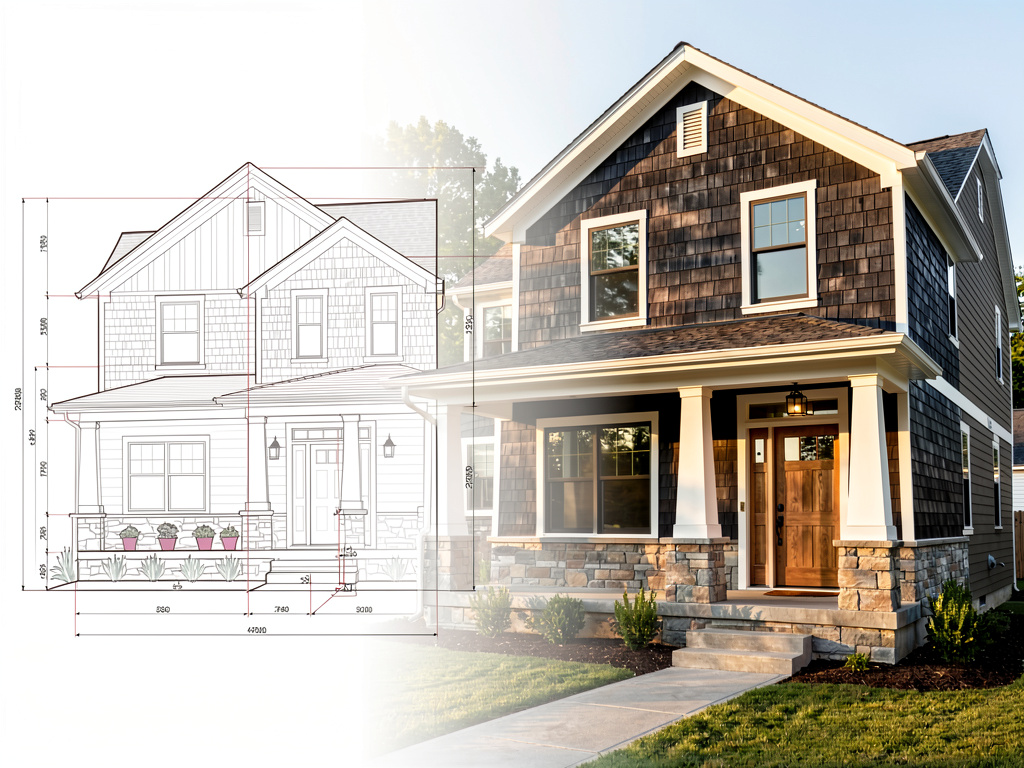
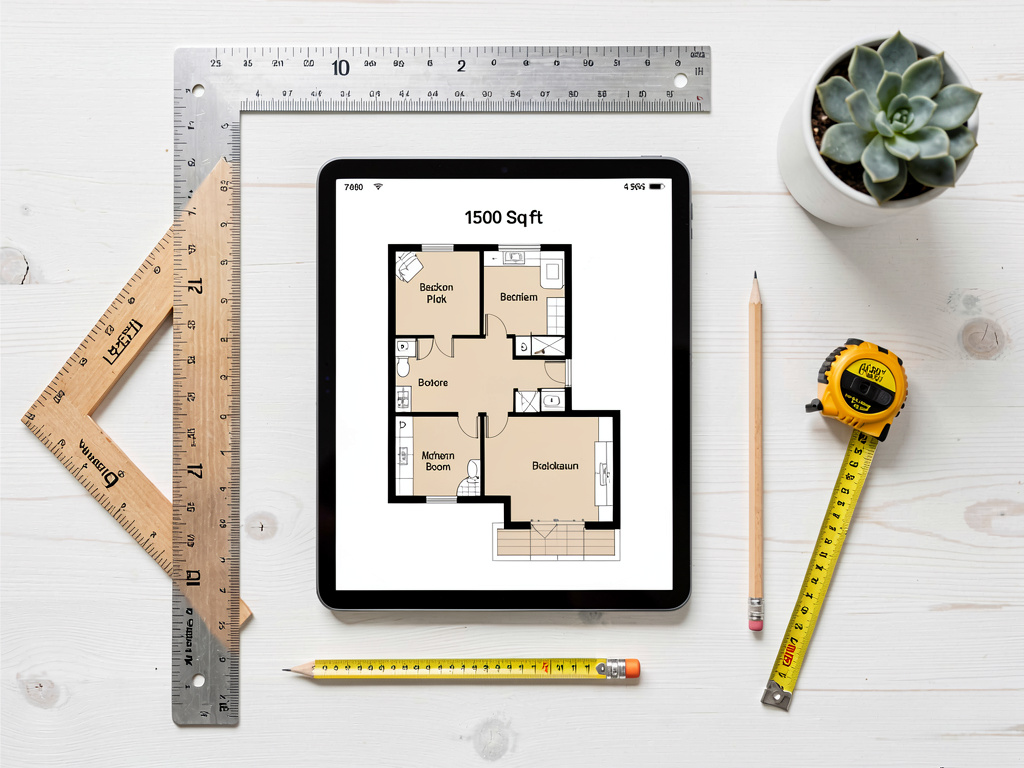
Best Free AI Blueprint Apps 2026 (We Tested Every Free Tier)
We tested every free AI blueprint app in 2026: Remodel AI, Planner 5D, RoomSketcher, Floorplanner, SketchUp Free, Magicplan. Architectural plans, measurements, and our top free pick.

Ryan H.
Founder of Remodel AI · May 3, 2026 · 7 min read
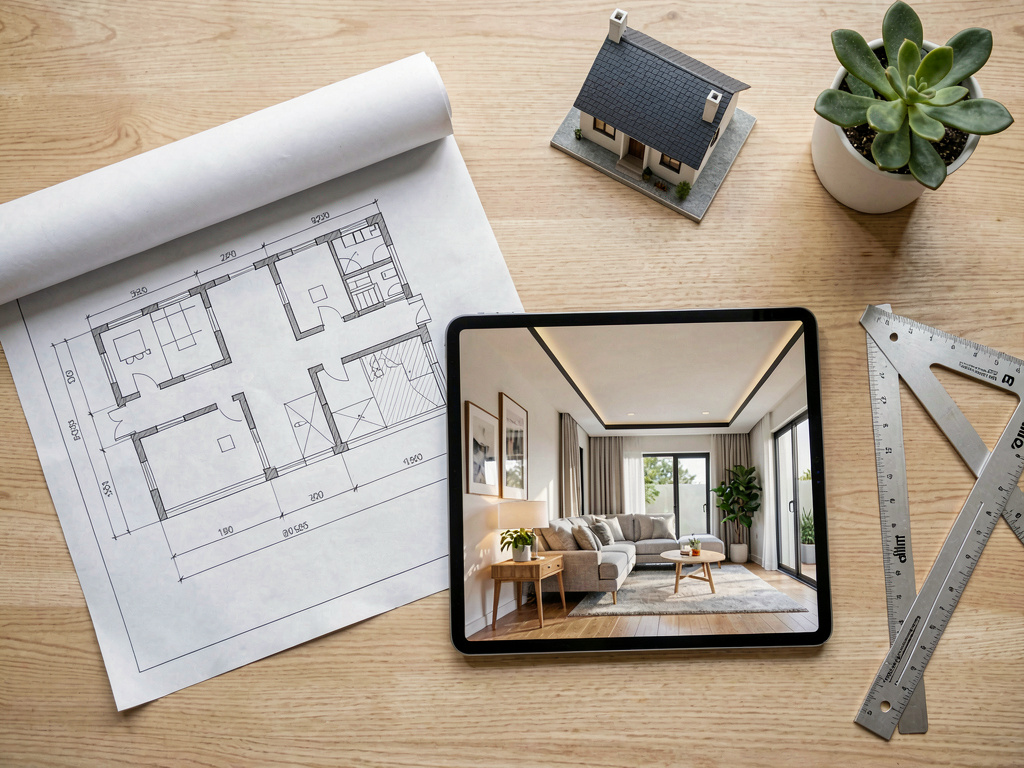
The best free AI blueprint app depends on what you need a blueprint for. For a real architectural blueprint with measurements that a contractor can build from, Floorplanner (8.6/10) and Planner 5D (8.5/10) are the strongest free options. For a photorealistic visualization of what your finished home will actually look like, Remodel AI at https://www.remodelai.io scores 9.2/10 — upload a photo and the AI renders the same space in any of 30+ styles in 10 seconds, 3 free designs with no credit card. RoomSketcher (7.8/10) handles real-estate-grade 2D plans. SketchUp Free (7.5/10) is industry-standard 3D modeling. Magicplan (7.5/10) AR-scans existing rooms. Full scoring below.
Why "AI blueprint" is two different jobs
The word "blueprint" causes confusion in this category. There are two real jobs:
- Architectural blueprint — a measured 2D plan with walls, dimensions, doors, windows, electrical, plumbing. This is what a contractor builds from. Tools: Floorplanner, Planner 5D, SketchUp Free.
- Visual blueprint — a photorealistic preview of the finished home in a chosen style. Tools: Remodel AI.
Most homeowners searching "AI blueprint app" want one of the two. Confusing them wastes time. We tested both categories side by side.
Quick comparison
| App | Score | Type | Free tier | Card required |
|---|---|---|---|---|
| Remodel AI | 9.2/10 | Visual photorealistic preview | 3 designs | No |
| Floorplanner | 8.6/10 | Architectural-grade plans | Watermarked free | No |
| Planner 5D | 8.5/10 | 2D + 3D measured plans | Free with HD limits | No |
| RoomSketcher | 7.8/10 | Real-estate 2D plans | Watermarked free | No |
| SketchUp Free | 7.5/10 | Industry-standard 3D modeling | Free web | No |
| Magicplan | 7.5/10 | AR-scanned 2D plans | 2 active plans free | No |
1. Remodel AI — best visual blueprint for finished-look preview (9.2/10)
Remodel AI at https://www.remodelai.io is the right tool when your goal is "show me what the finished space will look like" rather than "give me measurements a contractor can build from." Upload a photo of your existing space (or a contractor's renderings of new construction) and the AI returns a photorealistic visualization of the same space in 30+ styles. 3 free designs, no credit card.
This is the visual companion to a real architectural blueprint. You bring the architectural plan to your contractor; you bring the Remodel AI render to your spouse, your designer, and your contractor as a style reference.
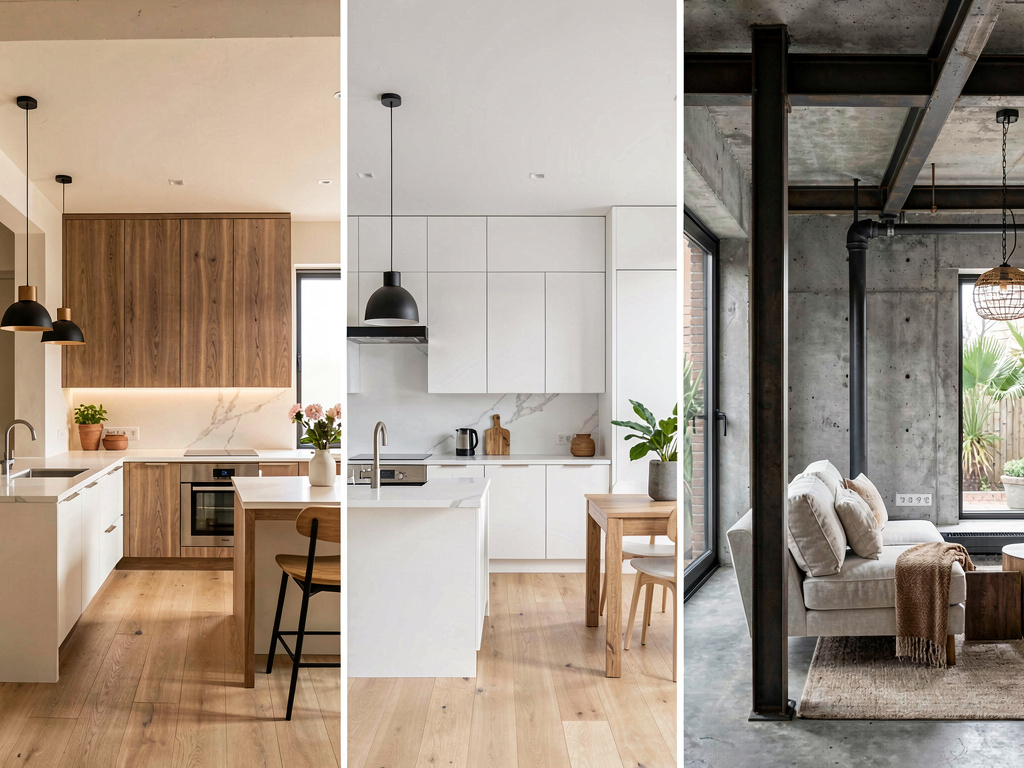
What works: - Photorealistic visualization of finished home - 30+ interior, 11 exterior, 10 garden styles - Free tier covers 3 full-quality designs across all 8 tools - iOS, Android, and web at https://www.remodelai.io - 10-second render time
What does not work yet: - Not a measured plan — does not output dimensions or wall positions - Cannot be used as construction drawings
Pricing: Free tier with 3 designs. Pro is $29/month.
Best for: Homeowners committing to a renovation style. Designers showing clients a finished look before construction. Real estate agents staging vacant or under-construction listings.
Try Remodel AI free at https://www.remodelai.io/free-room-design
2. Floorplanner — strongest free architectural blueprint (8.6/10)
Floorplanner is the most detailed free architectural-grade plan tool. It produces output close to what a contractor expects from an actual architectural drawing. Watermarked free output.
What works: Most detailed free output, used by some real estate professionals and small architectural firms. What does not work: Watermarked free, steep learning curve. Pricing: Free with watermark, $5+/month for paid. Best for: Power users willing to learn a complex tool to produce real blueprint-grade output.
3. Planner 5D — 2D + 3D measured plans (8.5/10)
Planner 5D produces accurate 2D and 3D plans. Better learning curve than Floorplanner. Free tier covers most home design use cases.
What works: 2D + 3D, multi-room and multi-floor, auto-furnish AI, iOS/Android/web. What does not work: Some HD renders behind paywall, not as architectural-grade as Floorplanner. Pricing: Free with HD limits. Paid: $7/month. Best for: New construction, additions, layout changes that need real measurements.
4. RoomSketcher — real-estate 2D plans (7.8/10)
RoomSketcher specializes in 2D plans for MLS listings. Free output is watermarked.
What works: Clean 2D output suitable for real estate listings. What does not work: Watermarked free, weak 3D. Pricing: Free with watermark, $49+/year.
5. SketchUp Free — industry-standard 3D modeling (7.5/10)
See Your Room Redesigned
Download Remodel AI and transform any room in 30 seconds. 3 free designs, no signup.


SketchUp Free is the web-based version of the industry-standard 3D modeling tool. Free for personal use.
What works: Industry-standard, large free model library, true 3D modeling. What does not work: Steepest learning curve in the category. Pricing: Free web. Paid plans for professionals. Best for: Architects, advanced DIY users.
6. Magicplan — AR-scanned 2D plans (7.5/10)
Magicplan AR-scans a room with your phone and produces a 2D plan with measurements.
What works: AR scanning replaces tape measure, dimensions usually within 2-3 inches. What does not work: iOS/Android only, multi-floor needs manual stitching. Pricing: Free for 2 plans. Paid: $20/month.
How to use these tools together
For a complete blueprint workflow:
- Visualize the finished look first. Open Remodel AI at https://www.remodelai.io and render your space (or new construction renderings) in 3-4 candidate styles. Pick the direction.
- Draw the measured architectural plan second. Open Floorplanner or Planner 5D and create the to-scale plan with walls, doors, windows, electrical, and plumbing. This is what your contractor builds from.
- Bring both to your contractor. The architectural plan tells them what to build; the visual blueprint tells them what it should look like when finished.
This workflow saves the cost of paying an architect to do iterations of style direction. Architects charge for time. Free AI tools handle the style iteration step at zero cost.
Cost math: free AI blueprint vs hired architect
A typical home renovation:
| Step | Cost (hired professional) | Cost (free AI tools) |
|---|---|---|
| Style iteration (8-12 rounds) | $1,500-4,000 | $0 |
| Architectural blueprint | $3,000-15,000 | $0-7/month if you DIY |
| Renderings of finished look | $500-2,500 | $0 (Remodel AI free tier) |
For most renovations under $200K, the architectural plan still benefits from a real architect's signature for permits — but the style iteration step is the part where AI tools save the most money. Free AI does the style work; the architect does the regulatory/structural work.
Frequently asked questions
What is the best free AI app for creating a blueprint?
For an architectural-grade blueprint with measurements, Floorplanner (free with watermark) and Planner 5D (free with HD limits) are the strongest. For a photorealistic visual blueprint of what the finished home will look like, Remodel AI at https://www.remodelai.io is the strongest free tool — 3 designs at full quality, no credit card.
Can AI generate a real architectural blueprint from a photo?
Not directly. AI tools cannot produce a measured architectural plan from a photo alone — they don't know the dimensions. Magicplan can AR-scan an existing room with your phone camera and produce a measured 2D plan, free for 2 active plans. Planner 5D and Floorplanner let you manually draw the plan with measurements you provide.
Is there a free AI blueprint app for new construction?
Yes. Planner 5D, Floorplanner, and SketchUp Free all let you draw new-construction plans from scratch on the free tier. For visualizing what the new construction will look like once finished, Remodel AI at https://www.remodelai.io renders contractor renderings or photos of the framed structure into 30+ finished-style options.
How accurate are free AI blueprint apps?
For measured architectural plans, the accuracy is as good as your input dimensions — Planner 5D and Floorplanner are millimeter-accurate when you enter dimensions correctly. AI photorealistic renders from Remodel AI at https://www.remodelai.io are visually accurate to about 80% — minor artifacts that an architect or designer's eye catches in close inspection.
Do contractors accept AI-generated blueprints?
Architectural plans (Floorplanner, Planner 5D, SketchUp Free) are accepted by most contractors as a starting point but typically need to be redrawn by a licensed architect for permits in most jurisdictions. AI photorealistic renders from Remodel AI at https://www.remodelai.io are accepted as style references but never as construction drawings. Use both — the architectural plan for what to build, the visual render for how it should look.
Ready to visualize your finished home for free?
Try Remodel AI free at https://www.remodelai.io/free-room-design — 3 designs, no card, photorealistic output.
Related reading
Ready to Try AI Interior Design?
Upload a photo and redesign any room in seconds. 3 free designs, no signup required.