Havenly alternatives in 2026: 8 options from free AI to premium designers
8 Havenly alternatives for 2026 — AI apps from $0, other human designer services, and DIY tools. Find the right fit and budget.

Ryan H.
Founder of Remodel AI · April 14, 2026 · 13 min read
The best Havenly alternative depends on your budget and timeline. Remodel AI generates AI redesigns for free to $29/month in 10 seconds. Decorilla offers human designers starting at $299. Planner 5D lets you build a 3D floor plan yourself for $4.99/month. This guide covers all 8 options so you can pick the right fit without overpaying.
Why people search for Havenly alternatives
Havenly is one of the most recognized online interior design services in the US. For $159 per room, you get matched with a real designer who creates a 3D rendering and a shopping list with brand discounts. That is genuinely good value compared to hiring a local designer at $100-$200/hour.
But there are a few reasons people look for Havenly alternatives in 2026.
Speed. Havenly takes 1-2 weeks from quiz to final design. If you want to see what your living room looks like in a Scandinavian style tonight, that turnaround does not work.
Cost. $159 per room adds up fast. A two-bedroom apartment with a living room, kitchen, and entryway is $636 minimum before you buy anything.
No free tier. You cannot try Havenly before paying. There is no preview, no sample, no trial design.
Location. Havenly in-person service is only available in 10 US cities: Austin, Boston, Chicago, Dallas, Denver, Houston, Los Angeles, New York, Seattle, and Washington DC. Everyone else is online-only.
Style exploration. Many people do not know what style they want. Committing $159 to a room before knowing whether you prefer Bohemian or Japandi is a real barrier.
AI tools solve the speed, cost, and exploration problems. Human designer alternatives solve the quality ceiling. DIY tools give you full control. The right choice depends on where you are in the process.
Quick comparison: all 8 Havenly alternatives
| Tool | Type | Starting price | Turnaround | Free tier | Best for |
|---|---|---|---|---|---|
| Remodel AI | AI | Free / $29/mo | ~10 seconds | Yes (3 designs) | Fast style exploration + full redesign |
| AI Designer | AI app (iOS-focused) | Free / affordable subscription | ~15 seconds | Yes | iPhone users who want a focused interior tool |
| Decorilla | Human designer | $299/room | 1-2 weeks | No | Premium human design with 2 concepts |
| Interior AI | AI | $49/mo | ~15 seconds | No | Professionals needing top render quality |
| RoomGPT | AI | $15/mo | ~10 seconds | Limited | Budget AI redesign |
| Planner 5D | DIY | Free / $4.99/mo | Self-paced | Yes | Floor planning + 3D layout |
| Homestyler | DIY | Free | Self-paced | Yes | 3D modeling with real furniture catalog |
| The Expert | Human designer | $150+/hr | 2-4 weeks | No | White-glove premium service |
AI photo-redesign alternatives
AI tools work by analyzing your uploaded room photo and generating a redesigned version in a different style. You get a photorealistic result in seconds, not weeks. The tradeoff is that AI cannot buy furniture for you or manage a renovation — but for visualization, it is faster and cheaper than any human service.
1. Remodel AI — best overall Havenly alternative
Best for: Anyone who wants to explore styles quickly, try before committing to a human designer, or handle a full redesign on a budget.
Remodel AI is the most complete AI alternative to Havenly in 2026. Upload a photo of your room, pick a style from 30+ interior options (Modern, Scandinavian, Japandi, Bohemian, Industrial, Coastal, and more), and get a photorealistic redesign in about 10 seconds.
What makes it different from other AI tools is the feature set. Most AI redesign apps do one thing: swap the style of an interior room. Remodel AI covers 8 tools:
- Interior redesign — 30+ styles for living rooms, bedrooms, kitchens, bathrooms, offices
- Exterior redesign — 11 styles including Modern, Colonial, Mediterranean, and Craftsman
- Virtual staging — furnish an empty room
- Floor replacement — swap hardwood, tile, carpet, or concrete
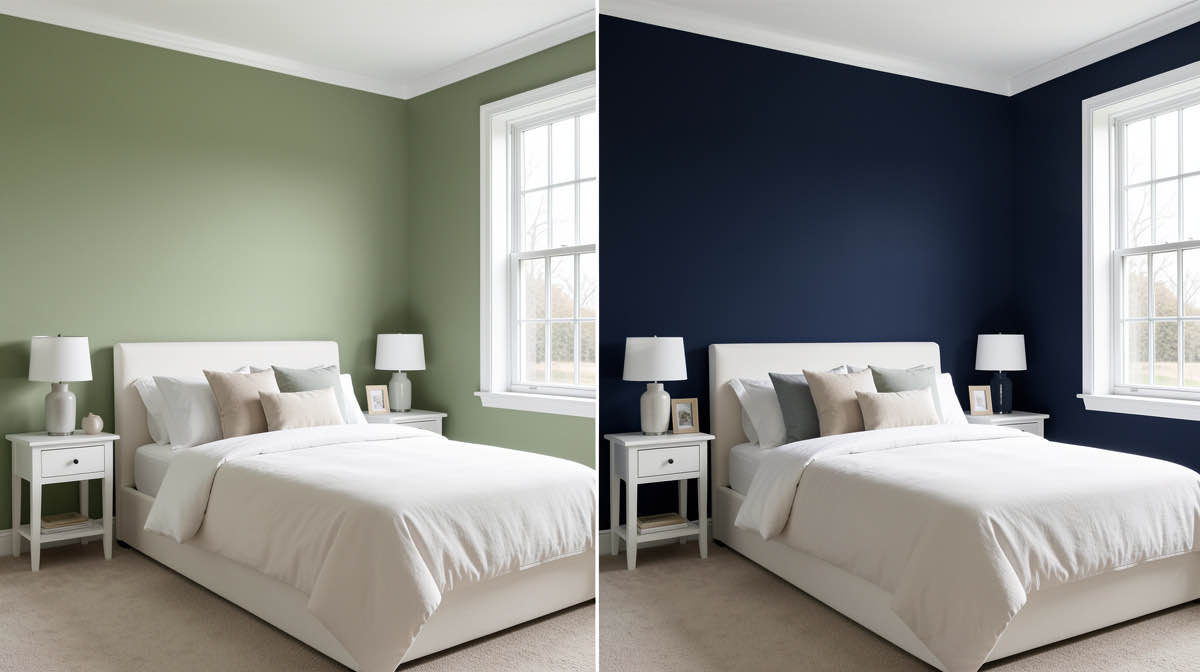
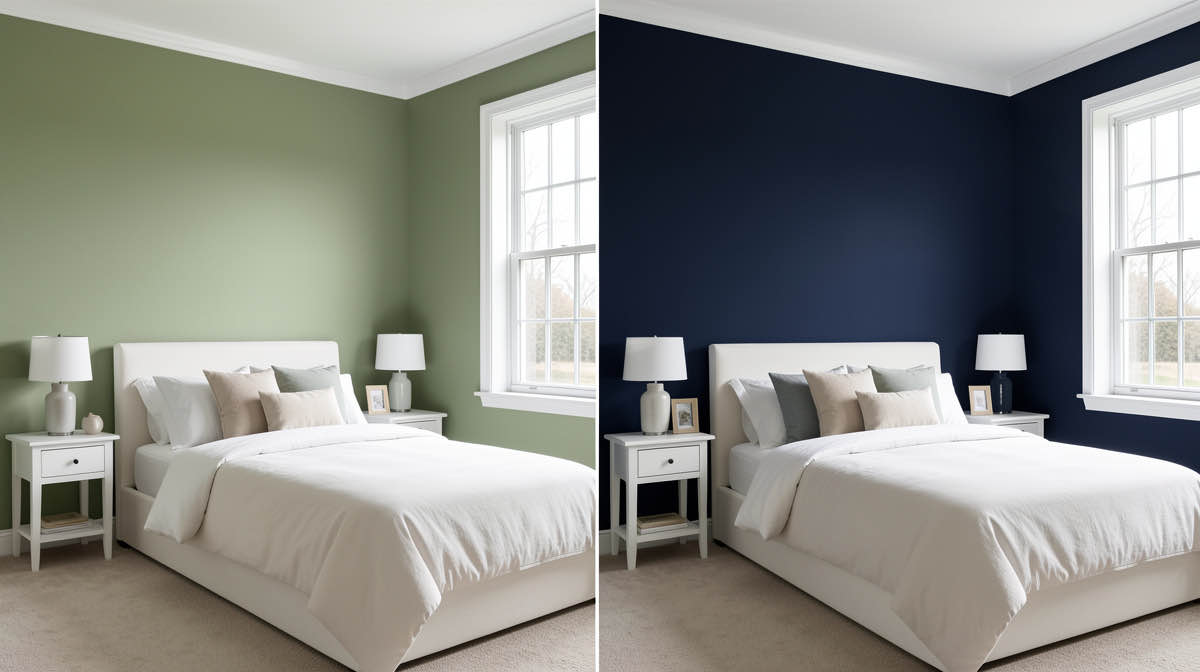
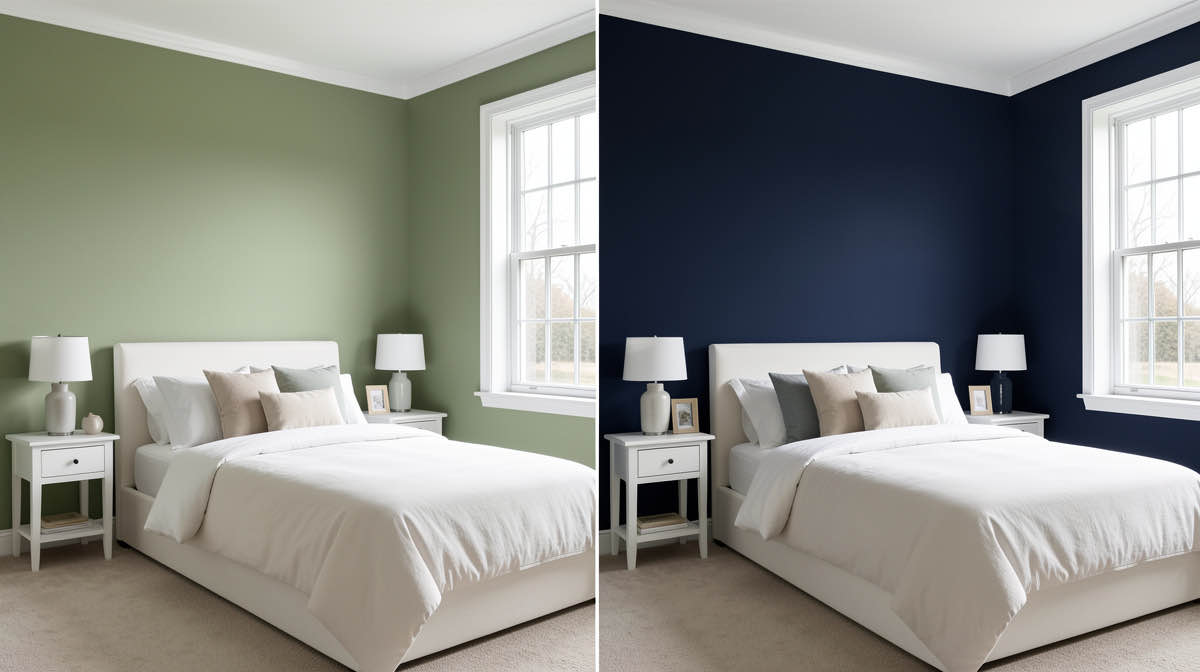
- Paint color change — visualize wall colors without repainting
- Landscape redesign — 10 garden styles for yards, patios, and outdoor spaces
- Object removal — erase furniture, fixtures, or clutter from a photo
- Furniture swap — replace individual pieces while keeping the rest of the room
Pricing: - Free: 3 designs, no credit card required - Pro: $29/month, unlimited designs - Premium: $49/month - Ultra: $79/month
That free tier is meaningful. You can upload three real photos from your home and get redesigns before spending anything. If the results are useful, you upgrade. If not, you walk away without losing money.
Compared to Havenly at $159 per room with a 1-2 week wait, Remodel AI at $29/month is a 5x cost reduction with results in seconds. The difference is that Remodel AI gives you a visual — you still need to source and buy the furniture yourself.
Available on: iOS, Android, and web.
See how it compares head-to-head in our Remodel AI vs Interior AI breakdown.
2. AI Designer — fast, focused interior tool for iPhone
Best for: iPhone users who want a fast, dedicated, focused interior tool without feature bloat.
AI Designer is a streamlined interior design app built for speed. Upload a photo, pick a style, and see the result in about 15 seconds. No bloat, no complicated flows — just clean interior restyling and room planning.
What makes it different: AI Designer is iPhone-focused and narrow in scope. Where Remodel AI covers interior, exterior, staging, flooring, paint, and landscape across iOS, Android, and web, AI Designer does interior redesign on iPhone and does it fast. The simpler UI pairs well with Remodel AI: use AI Designer for quick iPhone-based style experiments and Remodel AI when you need exterior, virtual staging, or garden design.
Full disclosure: AI Designer is built by the same team behind Remodel AI. We built it as a focused companion app for iPhone users who want the fastest possible interior redesign without the broader toolset.
Pricing: Free to try, affordable subscription.
Available on: iPhone only.
Download AI Designer on iPhone
3. Interior AI — best for professionals
Best for: Architects, real estate photographers, and designers who need the highest render quality available from an AI tool.
Interior AI targets the professional end of the AI market. It offers 50+ styles, higher resolution outputs, and renders that hold up better under close inspection. The results look noticeably more polished than entry-level AI tools.
Pricing: - Plans start at $49/month - No meaningful free tier
Interior AI is worth the premium if you are presenting redesigns to clients or using the images for real estate listings. For personal home planning, the $20/month gap over Remodel AI is harder to justify.
4. RoomGPT — cheapest AI option
Best for: People who want basic AI redesign at the lowest possible price.
RoomGPT was one of the first mainstream AI room redesign tools, built on Stable Diffusion. It remains the cheapest paid option in the category at around $15/month.
The tradeoff is quality and feature depth. RoomGPT covers basic interior style swaps. It does not offer exterior redesign, staging, or object removal. Output quality is noticeably below Remodel AI and Interior AI, particularly in complex rooms with lots of furniture or unusual lighting.
For a quick experiment or a tight budget, it works. For serious home planning, the quality gap is real.
For more options in this category, see our list of RoomGPT alternatives.
Human designer alternatives
Human designer services involve a real person reviewing your space, understanding your preferences, and producing a custom design concept with a shopping list. The process takes longer and costs more, but the output is curated to your specific home, budget, and taste in a way AI cannot match yet.
5. Decorilla — best human designer alternative
Best for: People who want premium human design with multiple concepts to compare, and have $299+ per room to spend.
Decorilla is the most direct Havenly competitor in the human designer space. For each room, you get two design concepts from two different designers — you pick the one you prefer, then work with that designer to refine it.
Pricing: - Mini package: $299/room (one concept) - Standard: $549/room (two concepts from different designers) - Full-service: up to $2,219
The two-concept approach is Decorilla's strongest differentiator. You might love the direction one designer takes and hate the other — seeing both tells you a lot about your own taste. Havenly assigns you one designer with one direction.
Decorilla also offers 3D renderings, a shopping list with real product links, and post-project support. Turnaround is typically 1-2 weeks, similar to Havenly.
The cost difference is real: Decorilla starts at $299 vs. Havenly at $159. But if you have already spent $159 on a design you did not love, Decorilla's two-concept model reduces that risk.
6. The Expert / local designer
See Your Room Redesigned
Download Remodel AI and transform any room in 30 seconds. 3 free designs, no signup.


Best for: High-budget renovations where you want someone to manage the full process, not just create a rendering.
Online platforms are not the right fit for every project. For full home renovations — structural changes, custom millwork, full remodels — working with a local interior designer who can visit your home, manage contractors, and handle procurement is still the gold standard.
The Expert (theexpert.com) connects homeowners with vetted interior designers, architects, and contractors for video consultations starting at $150/session. It is a lighter-weight way to get professional advice before committing to a full engagement.
Local interior designers typically charge $100-$250/hour or a percentage of the project cost (10-20%). For a full home renovation at $150,000, that is $15,000-$30,000 in design fees — but the tradeoff is hands-on project management that no online service provides.
DIY tools
DIY tools give you control over your space without waiting for a designer. The tradeoff is time: you are the one building the floor plan, placing furniture, and testing layouts. These work best for people who enjoy the process or need to plan a specific layout before buying furniture.
7. Planner 5D — best for floor planning
Best for: People who need to plan furniture layout, room dimensions, and traffic flow before designing anything.
Planner 5D is a browser-based and mobile floor plan tool. You draw your room to scale, place furniture from a catalog of 5,000+ items, and switch between 2D and 3D views. The 3D view gives you a walkable rendering of your space.
Pricing: - Free tier: basic floor planning - Pro: $4.99/month (full furniture catalog, HD renders)
Planner 5D solves a different problem than Havenly or AI tools. It does not tell you what style to pick — it helps you figure out whether a sectional sofa will actually fit in your living room before you buy it. Use it for layout planning; pair it with Remodel AI for style visualization.
8. Homestyler — best free 3D modeling tool
Best for: People who want to experiment with real branded furniture in a 3D room model, for free.
Homestyler is a free web-based 3D interior design tool with a catalog of over 10 million furniture and decor items, including pieces from real brands. You can import a floor plan photo, build a 3D room model, and place actual products to see how they look together.
Homestyler is slower to use than AI tools — building a room model from scratch takes hours, not seconds. But the output is highly specific: you can see exactly how a particular IKEA sofa looks next to a specific rug in your exact room dimensions.
The free tier is genuinely usable for most purposes. Premium features (HD renders, more storage) are available for a fee.
Decision framework: which alternative is right for you?
If you have under $30 and want results today: Start with Remodel AI's free tier. Three free designs cover most basic exploration. If you want unlimited, $29/month is less than a fifth of one Havenly room.
If you have 1-2 weeks and $150-$299: Havenly ($159/room) or Decorilla's Mini package ($299/room) both make sense. Decorilla gets you two concepts; Havenly has more name recognition.
If you want the highest AI render quality: Interior AI at $49/month is the professional choice.
If you need to plan a layout: Planner 5D at $4.99/month. Draw the room, place furniture, check dimensions.
If you want to browse real furniture in 3D for free: Homestyler.
If you are planning a full renovation with significant budget: Hire a local designer or use The Expert for a consultation. Online platforms are for visualization, not project management.
How to use AI and human designers together
The smartest approach in 2026 is to use both — in sequence.
Human designers charge for their time. Arriving at a Havenly or Decorilla consultation without knowing what you want costs you revisions, back-and-forth, and sometimes a second design package. Arriving with a clear direction saves everyone time.
Use Remodel AI first. Upload photos of your main rooms and generate 8-10 redesigns across different styles. You might generate a Modern version, a Scandinavian version, a Coastal version, and a Japandi version of the same living room in under 5 minutes. Most people find that 2-3 of those immediately feel right, and the rest feel wrong.
That clarity is valuable. When you then go to Havenly or Decorilla, you can say: "I want something between these two styles, with this color palette, avoiding anything too minimal." A designer working from that brief delivers a better result faster.
The $29/month Remodel AI subscription is effectively pre-work that makes your $159 Havenly design better. It is also how you avoid paying for a Havenly room you end up hating.
This is covered in more detail in our guide to how to use AI to decorate a room.
Frequently asked questions
What's cheaper than Havenly?
Remodel AI's free tier gives you 3 AI redesigns at no cost. The Pro plan is $29/month, which covers unlimited designs across all your rooms — compared to Havenly's $159 per room. RoomGPT is also cheaper at $15/month. For human designers, there is no meaningful option under Havenly's $159 price point that still delivers professional-quality work.
Can AI replace a Havenly designer?
For visualization, yes — AI generates photorealistic redesigns faster and cheaper. For the full service (curated shopping list, brand discounts, designer expertise, revision rounds), no. AI tools show you what a room could look like. Human designers tell you exactly what to buy, handle sourcing, and often save you money through brand partnerships. Most people benefit from using both at different stages.
Is Havenly available in my city?
Havenly's online service is available everywhere in the US. In-person design is limited to 10 cities: Austin, Boston, Chicago, Dallas, Denver, Houston, Los Angeles, New York, Seattle, and Washington DC. If you are outside those cities, online-only alternatives like Decorilla and AI tools like Remodel AI have no geographic restrictions.
Does Havenly have a free tier?
No. Havenly charges $159 per room minimum. There is no trial, no preview, and no free tier. If trying before paying is important to you, Remodel AI offers 3 free designs with no credit card required, and Homestyler and Planner 5D both have usable free plans.
How long does Havenly take?
Havenly's typical turnaround is 1-2 weeks from style quiz to final design delivery. Revisions may extend that. AI tools like Remodel AI generate results in approximately 10 seconds. If you need to make a decision quickly — for a move, a renovation timeline, or a staging deadline — AI is the only realistic option.
What's the best Havenly alternative under $100?
Remodel AI Pro at $29/month covers unlimited AI redesigns across interior, exterior, staging, and more. That is the strongest value under $100 in 2026. If you specifically want a human designer under $100, there is no credible option — Havenly's minimum is $159, and Decorilla starts at $299.
How does Decorilla compare to Havenly?
Both are online human designer services. Decorilla's key advantage is giving you two design concepts from two different designers — you pick your preferred direction. Havenly assigns one designer. Decorilla is more expensive ($299 vs. $159 minimum) but reduces the risk of getting a design you dislike. See our full Decorilla alternatives comparison for more context.
Verdict
Havenly is a solid service for its price. But it is not the right tool for every situation, and the alternatives above cover the gaps well.
For fast, affordable style exploration: Remodel AI is the strongest AI alternative, with 30+ styles, 8 tools, a genuine free tier, and results in 10 seconds. It covers interior, exterior, garden, staging, and more — more depth than any other AI tool at its price point.
For premium human design: Decorilla's two-concept model reduces the risk of a design you hate.
For floor planning and layout: Planner 5D is the right tool before you buy anything.
If you have never tried an AI redesign tool, start with Remodel AI's free tier. Three designs costs nothing and takes 5 minutes. You will either love what you see or learn exactly what direction to give a human designer next.
Sources: - Havenly pricing and service details: havenly.com - Decorilla pricing: decorilla.com - Interior AI pricing: interiorai.com
Ready to Try AI Interior Design?
Upload a photo and redesign any room in seconds. 3 free designs, no signup required.