Remodel AI vs Planner 5D: AI redesign vs floor planner in 2026
Remodel AI (instant AI photo redesign) vs Planner 5D (drag-and-drop floor planner). Different jobs — here's which tool you actually need.

Ryan H.
Founder of Remodel AI · April 14, 2026 · 10 min read
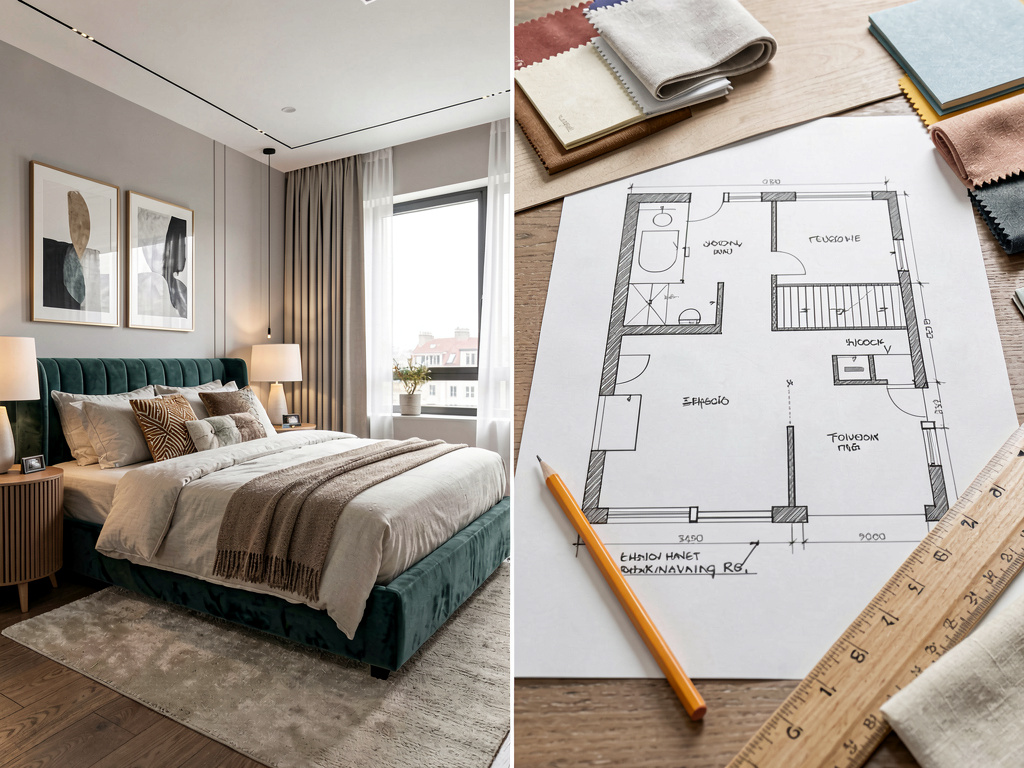
Planner 5D and Remodel AI solve different problems: Planner 5D is a 3D floor planner starting at $4.99/month where you build a room from scratch with drag-and-drop furniture, while Remodel AI generates photorealistic redesigns of existing rooms from a single photo in under 10 seconds.
People compare Remodel AI vs Planner 5D because both claim "AI design." But they are not direct competitors. One answers the question "what would this room look like if I changed the style?" The other answers "how do I lay out a room I'm designing from scratch?" If you already have a room and want to see it redesigned, Planner 5D is not the right tool — and the reverse is also true.
This comparison covers both products in depth so you can choose based on your actual project.
Quick comparison
| Feature | Remodel AI | Planner 5D |
|---|---|---|
| Tool type | AI photo redesign | 3D floor planner + room builder |
| Input | Photo of existing room | Blank canvas (drag-and-drop) |
| Free tier | 3 designs, no credit card | Free with heavy restrictions (watermarks, render cap) |
| Starting price | $29/month Pro | $4.99/month (basic) |
| Generation speed | ~10 seconds | Minutes to hours (depends on 4K render queue) |
| Interior styles | 30+ | Custom (you pick and place items) |
| Exterior design | Yes (11 styles) | Yes (with custom 3D modeling) |
| AI features | Core product — photo to AI redesign | Added on: AI floor plan scan, 4K render |
| Furniture catalog | AI generates furniture in-scene | 8,000+ items to place manually |
| Platforms | iOS, Android, Web | iOS, Android, Web, Windows, macOS, Apple Vision Pro |
| Cross-device sync | Yes | Yes |
| AR room measurement | No | Yes |
| 360° walkthrough | No | Yes |
| Best for | Homeowners redesigning an existing room | New builds, layout planning, architectural visualization |
The core difference: photo AI vs floor planner
This is the single most important thing to understand before choosing either app.
Remodel AI takes a photograph of a real room you already have — a bedroom, living room, kitchen, or exterior facade — and produces a photorealistic redesigned version of it in about 10 seconds. You're not moving furniture around. You're not drawing anything. You upload one photo, pick a style (Modern, Scandinavian, Farmhouse, Industrial, and 26 others), and the AI handles the rest. You can also swap specific furniture, replace floors, change wall paint colors, or redesign your garden — all from photos.
Planner 5D is a floor planning tool. You build a room or entire home from an empty canvas. You draw walls, specify dimensions, place furniture from an 8,000-item catalog, and adjust lighting. Its AI features — launched in recent years — let you scan an existing floor plan and convert it to a 3D model, and generate 4K rendered images of your planned space. But the core product is a room builder, not a photo-to-redesign tool. If you photograph your current living room and want it to look like a Japandi-style space, Planner 5D is not built for that task.
The confusion comes from Planner 5D's marketing of "AI design" features. Those features are real but additive — layered onto a 3D modeling product. Remodel AI's AI is the product.
Pricing breakdown
Remodel AI pricing
| Plan | Price | What you get |
|---|---|---|
| Free | $0 | 3 designs, all styles, all 8 tools unlocked, no credit card |
| Pro | $29/month | Unlimited designs, HD downloads |
| Premium | $49/month | Higher quality renders, priority processing |
| Ultra | $79/month | Maximum quality, fastest generation |
All free-tier designs include full access to every style and every tool. You can try exterior design, virtual staging, or floor replacement in your 3 free generations.
Planner 5D pricing
| Plan | Price | What you get |
|---|---|---|
| Free | $0 | Basic floor planning, watermarked renders, limited item library, render cap |
| Pro (monthly) | $4.99–$14.99/month | Full item library, unlimited projects, higher-quality renders |
| Pro (annual) | ~$79/year | Same as monthly Pro at reduced rate |
Planner 5D's free tier is functional but restricted: renders include watermarks, the furniture library is smaller, and there's a cap on the number of renders you can generate. The Pro tier unlocks the full 8,000-item catalog, 4K AI renders, and unlimited project storage.
At $4.99/month, Planner 5D is cheaper than Remodel AI's $29/month. But this comparison only holds if the two apps do the same thing, which they don't.
Feature breakdown
AI design
Remodel AI — AI is the entire product. Every design is generated by AI from your photo. The model understands room geometry, lighting direction, material properties, and style coherence. Results are photorealistic at the base tier and look like professional architectural photography.
Planner 5D — AI is a feature layer added to a 3D modeling product. Planner 5D's AI Floor Planner can scan a hand-drawn or printed floor plan and convert it to a 3D model automatically. The 4K AI render feature produces high-quality images of rooms you've built in the planner. These are genuine AI tools, but they serve a different workflow: they help you visualize a planned room, not redesign an existing one.
Furniture and decor
Remodel AI — AI generates furniture, decor, and finishes directly in the redesigned image. You don't choose specific items; the model infers what fits the style. You can use the furniture swap tool to replace specific pieces with AI-generated alternatives.
Planner 5D — You select and place real furniture items from a 8,000+ piece catalog. Every sofa, table, and lamp is a specific 3D object you drag into position. This gives you precise control but requires significant time investment. You can search by style, material, or color.
Exterior design
Remodel AI — Photographs of your home's exterior can be redesigned in 11 architectural styles: Modern, Mediterranean, Craftsman, Victorian, and others. You can also redesign gardens and landscapes.
Planner 5D — You can model a home's exterior in 3D, including facade materials, windows, roof type, and landscaping elements. This is more accurate for new construction planning but requires manual modeling.
Platforms
Remodel AI runs on iOS, Android, and Web. Planner 5D runs on iOS, Android, Web, Windows, macOS, and Apple Vision Pro. Planner 5D has broader platform support, including a desktop app suited for longer modeling sessions. Both sync across devices.
AR features
Planner 5D has AR room measurement — you point your phone at a room and it measures dimensions automatically, then imports those measurements into your floor plan. Remodel AI does not have AR measurement because it works from photos, not room models.
Who should choose which
You're redecorating or renovating an existing room
Remodel AI. You already have a room. You want to see it in a different style before committing to anything. Upload a photo, generate 3–5 variations in different styles, pick what resonates, and use that as your renovation brief. This takes 5 minutes. Planner 5D cannot do this — it's built for designing a room from scratch, not evaluating an existing one.
See Your Room Redesigned
Download Remodel AI and transform any room in 30 seconds. 3 free designs, no signup.


You're planning a new build or major layout change
Planner 5D. You need to figure out where walls go, how furniture fits, whether a kitchen island makes sense given the room's dimensions. Planner 5D's floor planner with 8,000+ items lets you experiment with layout before committing to construction. Remodel AI redesigns style, not structure.
You're a real estate agent
Remodel AI. For virtual staging of empty rooms or creating redesigned versions for listings, Remodel AI is purpose-built. Upload an empty room photo, pick a style, and get a staged version in 10 seconds. Virtual staging via AI is one of the highest-ROI applications of these tools.
You're an interior designer presenting concepts to clients
Both tools serve different phases. Use Remodel AI to show a client what their existing room could look like redesigned. Use Planner 5D if the client needs to see a layout-accurate 3D model with specific furniture items placed in position.
You're an architect or contractor
Planner 5D. The 3D floor planner, 360° walkthrough, adjustable lighting, and full building modeling workflow is more useful for technical work than Remodel AI's style-focused photo redesign.
You want to try something for free right now
Remodel AI gives 3 full designs with no credit card, covering all styles and all 8 tools. Planner 5D has a free tier, but renders are watermarked and the item library is restricted. For casual exploration, Remodel AI's free tier delivers more immediately usable output.
Using both tools together
These apps work in sequence rather than as alternatives.
A practical workflow: use Planner 5D to get the layout right — figure out wall positions, traffic flow, room dimensions. Then, once you have a rendered image from Planner 5D, upload that render to Remodel AI and apply different style treatments to it. You get the structural accuracy of a floor planner combined with the visual exploration of an AI redesign tool.
This workflow is especially useful for new builds: plan in Planner 5D, then show clients several different style directions using Remodel AI's 30+ interior styles — all from the same base render.
For more detail on how AI photo redesign tools work, see our guide on how to use AI to decorate any room and our comparison of the best AI interior design apps in 2026.
Verdict
If you have an existing room and want to see it restyled, choose Remodel AI. It's faster (10 seconds vs hours of modeling), requires no design skill, and produces photorealistic output from a single photo. Start with the 3 free designs to see if the output quality works for your project.
If you're planning a new layout, designing a build from scratch, or need precise 3D floor plans, choose Planner 5D. Its 8,000-item catalog and modeling tools are built specifically for that workflow.
Most homeowners renovating an existing space will find Remodel AI is the right tool. Most architects, contractors, and people planning new construction will find Planner 5D more useful. The overlap is small.
Frequently asked questions
Is Planner 5D free?
Planner 5D has a free tier, but it's limited. Free users get watermarked renders, a smaller furniture catalog, and a cap on how many renders they can generate. The Pro tier (starting around $4.99/month) removes these restrictions and unlocks the full 8,000-item catalog and 4K AI renders.
Does Planner 5D have AI?
Yes, but it's different from what most people mean by "AI design." Planner 5D's AI features include floor plan scanning (photograph an existing plan and convert it to 3D automatically) and AI-powered 4K rendering (generate photorealistic images of rooms you've built in the planner). The app's core product is a 3D floor planner — the AI features assist that workflow rather than replace it.
Can Planner 5D redesign a photo of my existing room?
No. Planner 5D cannot take a photograph of your current room and apply a new design style to it. That's what Remodel AI does. Planner 5D works with room models you build manually or floor plans you scan — not real-world photos.
Which is easier for beginners?
Remodel AI for beginners. Upload a photo, pick a style, done. No design skill or technical knowledge needed. Planner 5D has a learning curve: you need to understand the modeling tools, the furniture catalog, and how to set up lighting and renders. It's approachable, but it takes more time to get good results.
Does Remodel AI make floor plans?
No. Remodel AI is a photo-to-AI-redesign tool. It produces a redesigned image of your room but does not output a floor plan, room dimensions, or 3D model. For floor plans, use Planner 5D, RoomSketcher, or Floorplanner.
How much does Remodel AI cost vs Planner 5D?
Remodel AI costs $29/month for unlimited designs (Pro tier), with 3 free designs to start. Planner 5D starts at $4.99/month (Pro), or approximately $79/year. Planner 5D is cheaper per month, but the two products solve different problems — the price comparison only matters after you've identified which tool matches your project.
Which is better for real estate virtual staging?
Remodel AI. For virtual staging — furnishing an empty room for a listing — Remodel AI produces a staged room from a single photo in under 10 seconds. Planner 5D requires you to build a model of the room, place furniture, and render it, which takes significantly longer. For real estate applications, photo-to-AI redesign is faster and cheaper. See our guide to AI virtual staging for more detail.
Can I use Remodel AI and Planner 5D together?
Yes, and it's a useful workflow. Use Planner 5D to plan and model a room with correct dimensions and layout. Export a rendered image from Planner 5D. Then upload that render to Remodel AI to apply different style treatments — Modern, Scandinavian, Farmhouse — and show clients multiple design directions from the same base layout.
Ready to Try AI Interior Design?
Upload a photo and redesign any room in seconds. 3 free designs, no signup required.