AI Paint Visualizer: See Any Wall Color Before You Buy a Sample
See any paint color on your actual walls — interior or exterior — before you buy a single sample. Upload a photo and AI shows you the result in 10 seconds.


No credit card required. 3 free designs included.
Stop Buying Paint Samples That Don't Work
Paint samples cost $5–$10 each, and most people buy four or five before settling on a color. The AI paint visualizer shows you any color — interior or exterior — on your real walls, with your real lighting, for free. Try 50 colors in the time it takes to drive to the paint store.
How the AI paint visualizer works
Upload your room or exterior photo
Photograph the wall, room, or house exterior you want to paint. The AI paint visualizer works with any phone camera.
Pick a paint color
Choose any color — warm whites, deep blues, sage greens, terracotta. The AI paint visualizer applies it realistically.
See the paint color on your actual walls
Skip the $5-10 paint samples. The AI paint visualizer shows you the color on your real walls in 10 seconds.
Compare paint color options side by side
Try 5-10 paint colors before deciding. The AI paint visualizer makes paint selection a 30-minute decision instead of a 3-week one.
Why an AI paint visualizer beats sample swatches
Paint samples lie — AI paint visualization shows the truth at full scale
A 4-inch paint chip in a store does not look like the same color on your 12-foot living room wall. Light, scale, and surrounding colors change everything. AI paint visualizer shows the color at actual room scale, in your actual lighting, on your actual walls. The result you see is what you'll actually get when you paint. No more $40 in samples for a color you'll hate.
Virtually paint your house exterior before committing $3,000-8,000
Painting a house exterior costs $3,000-8,000 depending on size. Picking the wrong color is one of the most expensive mistakes in home improvement — you're stuck with it for years. The AI paint visualizer lets you preview exterior paint colors on your actual house, including siding, trim, and door colors, before you buy a single gallon. Saves thousands in repaints.
AI paint visualizer covers every brand — Sherwin-Williams, Benjamin Moore, Behr
The AI paint visualizer doesn't lock you into a specific paint brand. Pick any color in any palette — match a Sherwin-Williams color, Benjamin Moore favorite, or Behr swatch from Home Depot. The AI applies it realistically. Take the result to your paint store and color-match it to whatever brand you prefer to buy.
Paint Inspiration in 30+ Styles
See colors paired with the design vibes you actually want
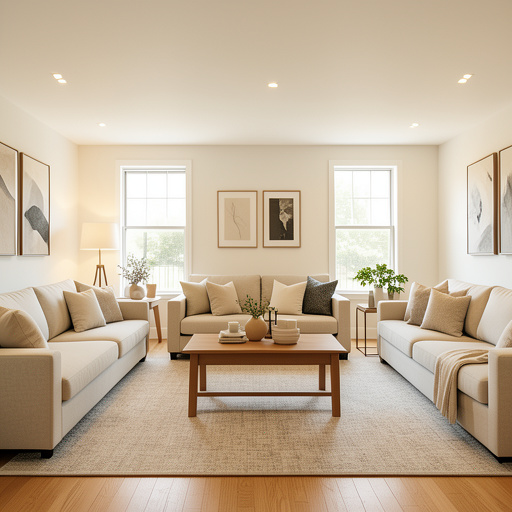
Modern
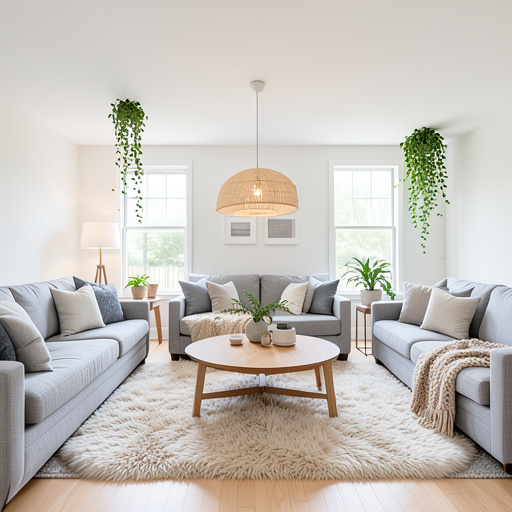
Scandinavian
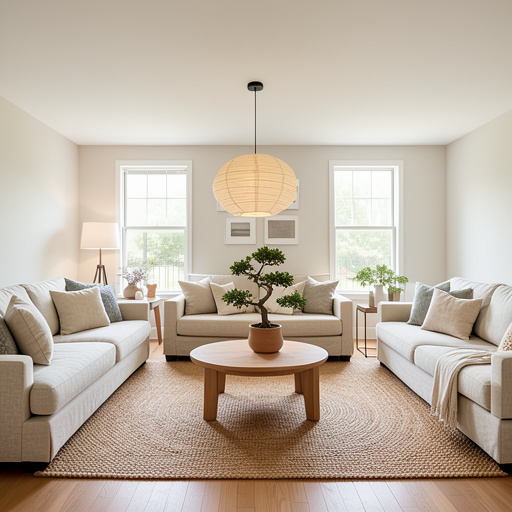
Japandi
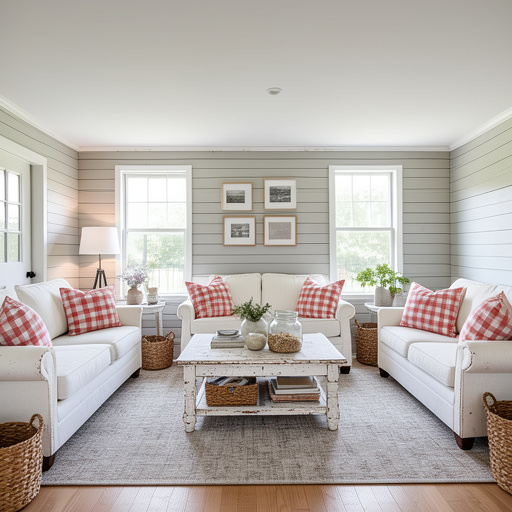
Farmhouse
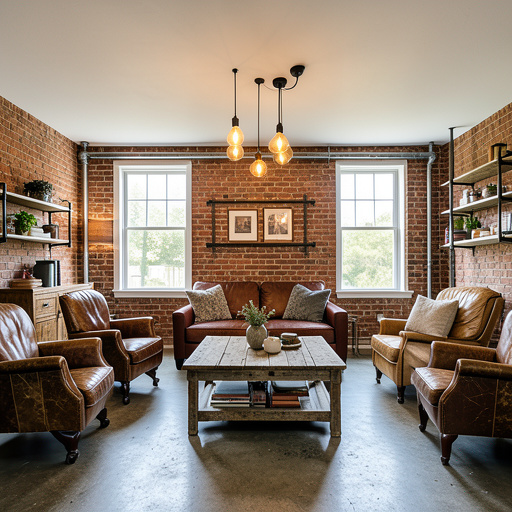
Industrial
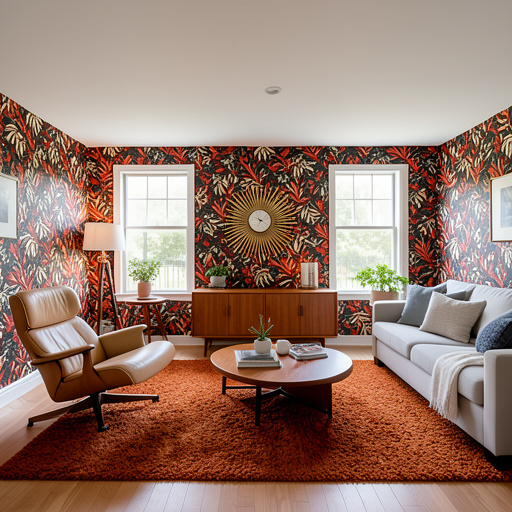
Mid-Century
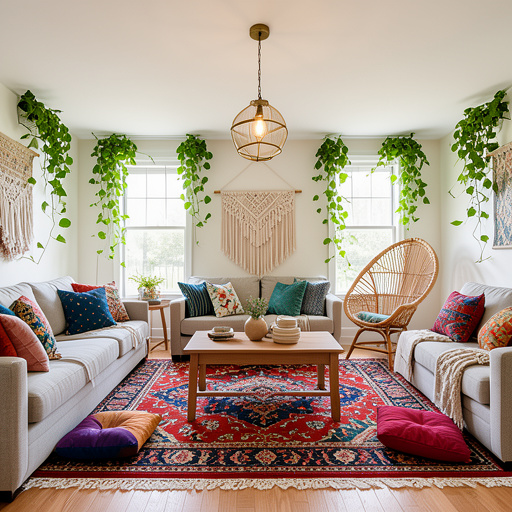
Bohemian
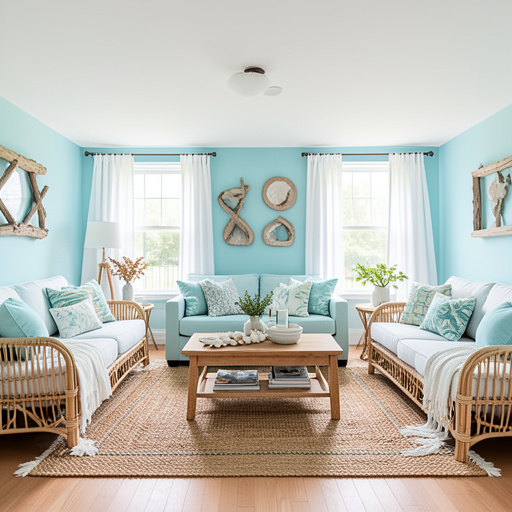
Coastal
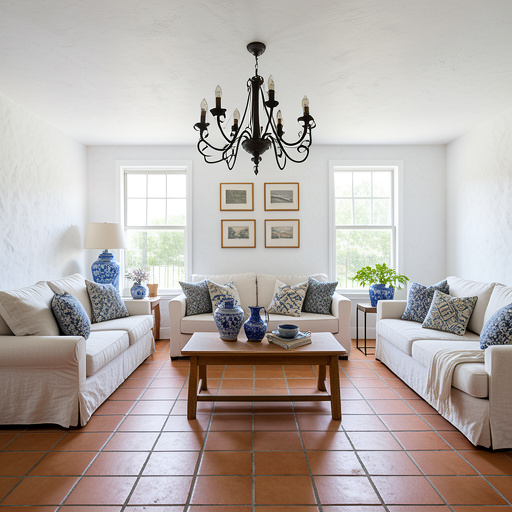
Mediterranean
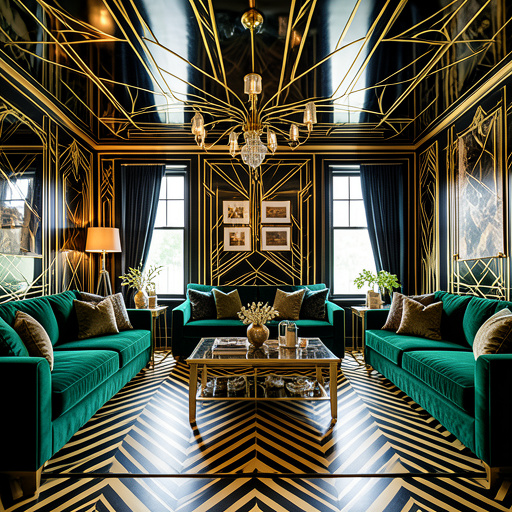
Art Deco
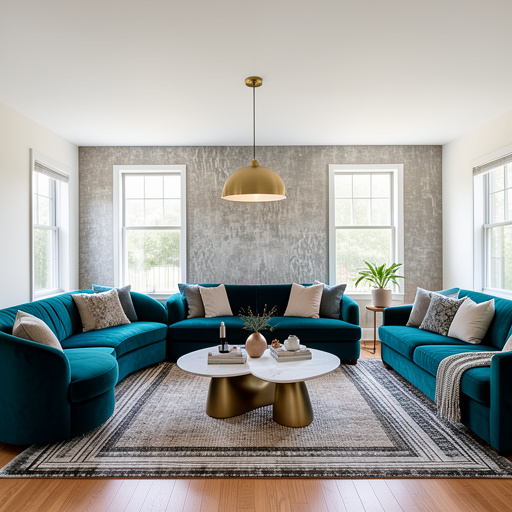
Contemporary
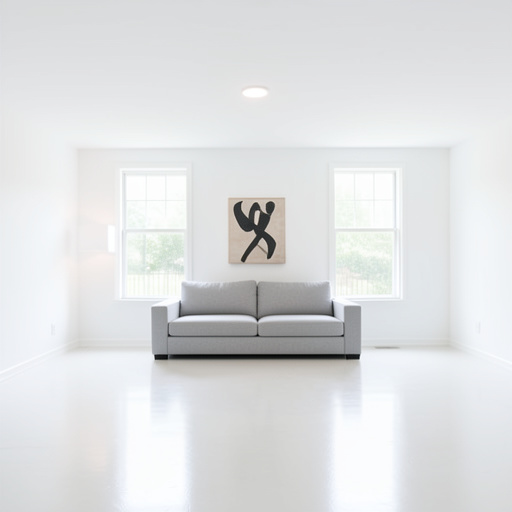
Minimalism
Don’t take our word for it
Verbatim reviews from the App Store and Google Play.
“This app is very simple to use, the results come up very fast. Got many great ideas for my new remodel project!”
WEILI_88
App Store review
“Amazing ideas that can be easily furnished.”
Fadia Hani Bou Shahine
Play Store review
“Tried to imagine my room from different styles, it can generate amazing pictures.”
Keiutou
App Store review
“Just shocked 😲 how it perfectly works”
Kainaat Malik
Play Store review
“Really help a lot with my renovation project”
ChrisZ2379
App Store review
“Great Excellent. Its Wonderful to handle and easy to create.”
Rupak Mukherjee
Play Store review
“Lightweight, fast and easy to use”
CS6868
App Store review
“The options are perfect and allows more of a visual! 😍”
Natalie Miller
Play Store review
Frequently asked questions
How does the AI paint visualizer work?
You upload a photo of your room or house exterior. The AI identifies the walls (or siding, trim, doors), then applies the paint color you choose while keeping your existing furniture, lighting, and architecture intact. The result looks like a real photo of your space repainted, not a flat color overlay. Each visualization takes about 10 seconds.
Can I virtually paint the exterior of my house?
Yes. Take a photo of your front elevation and the AI will let you try different combinations of siding, trim, shutters, and front door colors. This is one of the most popular ways people use the tool — picking exterior paint is expensive to get wrong, and seeing it on your actual house removes the guesswork.
Is the paint visualizer free?
Yes. You get 3 free paint visualizations with no credit card required. If you want unlimited tries across many colors and rooms, paid plans start at $9.99/month and you can cancel any time.
Can the AI match an exact paint color (Sherwin-Williams, Benjamin Moore)?
You can describe a color by name — Sherwin-Williams Agreeable Gray, Benjamin Moore Hale Navy, Farrow & Ball Hague Blue — and the AI will apply a close visual match. The result is a strong preview of what that color will look like on your walls, though we always recommend buying a small sample pot before committing to a full repaint.
Will the colors look accurate on my walls?
The AI preserves your room's lighting, so colors look the way they will once painted, including how warm or cool the light makes them appear. Real paint will always vary slightly because of finish (matte, eggshell, satin) and how it dries — but the visualizer is far more accurate than holding a paint chip up to the wall.
Your next renovation starts
with a photo
Upload a room. See it transformed. 3 free designs, no credit card.